

Best UniFi WiFi 7 AP for Small Business (By Office Size & Uplink)
Compare UniFi WiFi 7 access points for business: U7 Pro vs U7 Pro XG vs U7 Pro XGS. Model selector, infrastructure requirements, and office-size recommendations.

Bottom Line
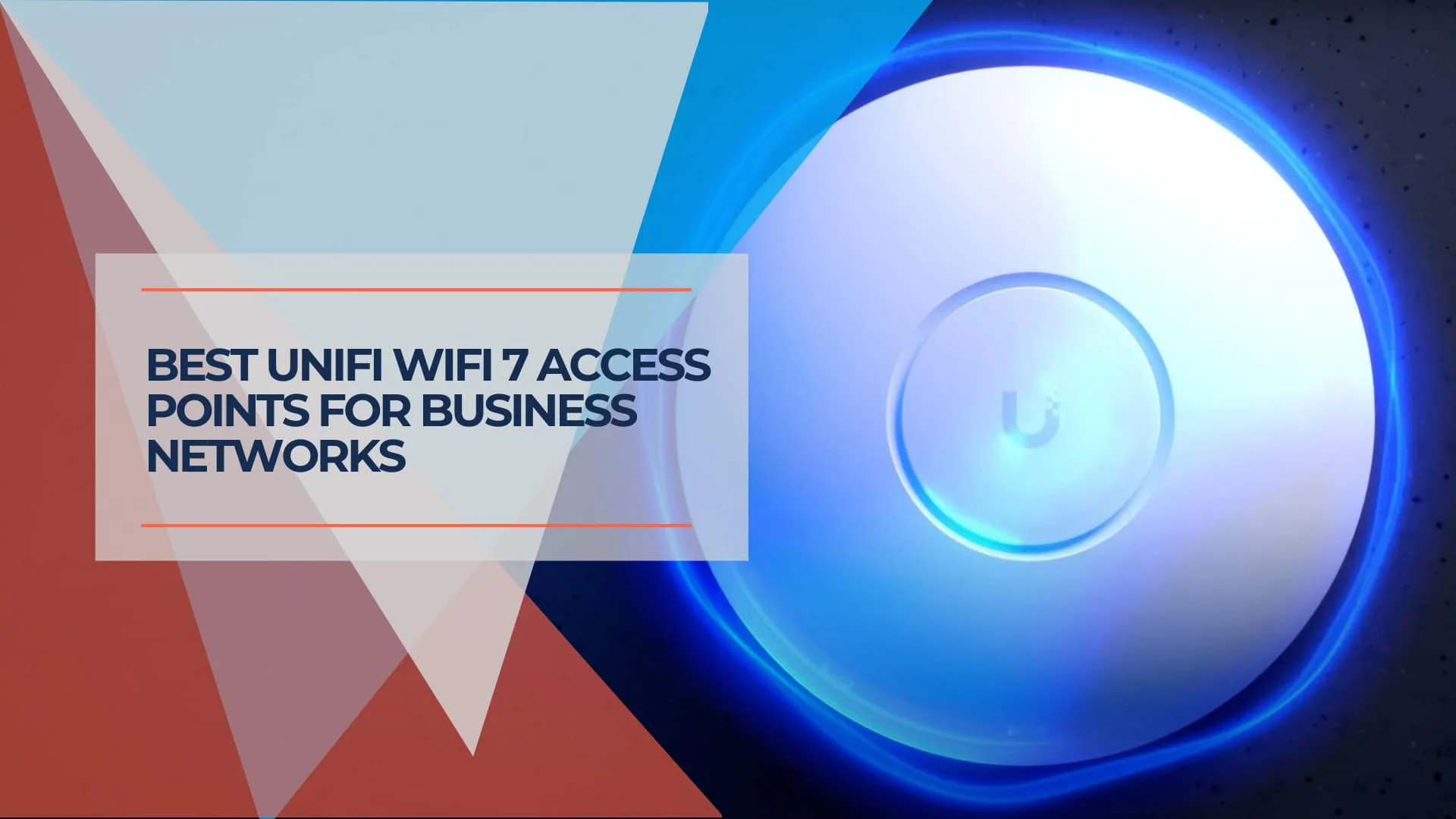
The U7 Pro ($189) is the best-value UniFi WiFi 7 AP for most small and mid-size offices. It provides tri-band 802.11be with 6 GHz support and a 2.5 GbE uplink. If your switches already support 10 GbE, the U7 Pro XG ($199) adds a multi-gigabit uplink for only $10 more. For high-density or high-interference environments, the U7 Pro XGS ($299) adds 4×4 MIMO on 5 GHz and a dedicated spectral scanning radio. This guide matches each UniFi WiFi 7 model to office size, client density, and uplink infrastructure. If you're comparing WiFi 7 APs across brands (TP-Link, Ruckus, Aruba, Cisco), our cross-brand WiFi 7 roundup covers that comparison; this page focuses on choosing the right model within the UniFi lineup.
US store prices checked July 2026. Prices exclude switches, PoE adapters, cabling, installation, and optional UI Care.
Already running working Wi-Fi 6? Our Wi-Fi 6 vs Wi-Fi 7 for business guide explains when to keep, tune or upgrade before you pick a model.
Quick Model Selector: Find Your Ideal WiFi 7 AP
Match your office size, client count, and uplink speed to a model in the table below.
Need complete system recommendations? Our UniFi Buyer's Guide pairs these access points with appropriate gateways and switches for turnkey office setups.
| Your Scenario | Recommended AP | Why This Model | Price |
|---|---|---|---|
| Small office (<15 users) with basic needs | U7 Lite | Budget-friendly WiFi 7 on 2.4/5 GHz (no 6 GHz) | $99 |
| Small office (<15 users) with 6 GHz | U7 Pro — Best overall value | Full tri-band WiFi 7 with 6 GHz, 2.5 GbE uplink | $189 |
| Medium business (15–50 users) standard setup | U7 Pro — Recommended for most offices | Tri-band WiFi 7, PoE+, typically deployed as multiple APs | $189 |
| Medium business (15–50 users) with 10GbE switches | U7 Pro XG | Same 6-stream tri-band radio config as U7 Pro, adds 10 GbE uplink | $199 |
| Large office (50–100 users) high-density | U7 Pro Max | 4×4 MIMO on 5 GHz, spectral scanning | $279 |
| Large office (50–100 users) with 10GbE infrastructure | U7 Pro XGS | 10 GbE + 4×4 MIMO + spectral scanning | $299 |
| Enterprise (100+ users) | E7 | 10 spatial streams, 10 GbE, metal enclosure | $499 |
| High RF interference (dense urban, multi-tenant) | U7 Pro XGS | Dedicated spectral scanning radio for interference detection | $299 |
| Conference rooms with frequent video calls | U7 Pro or U7 Pro Wall | Tri-band coverage; ceiling- and wall-mount options | $189–$199 |
| Warehouses/large open spaces coverage priority | U7 LR | Dual-band (2.4/5 GHz), 5 streams, wider coverage pattern | $159 |
| Outdoor patios, construction sites | U7 Pro Outdoor | Tri-band with 6 GHz, IPX6/IP67 weather protection, AFC support | $279 |
Key Decision Factors:
- Uplink Infrastructure: If you have 10 GbE switches, the XG or XGS can take advantage of multi-gigabit backhaul
- Client Density and Application Load: Vendor-listed maximum client counts are upper limits, not recommended design targets — size by floor plan, simultaneous active devices, and application demand
- RF Environment: High interference areas benefit from the XGS's dedicated spectral scanning radio
- Budget vs. Capacity: U7 Pro covers most offices; upgrade to XG/XGS only if infrastructure or environment demands it
WiFi 7 Technology Foundation: What Actually Matters for Business
WiFi 7's (IEEE 802.11be) main technical changes include 320 MHz channels in the 6 GHz band, Multi-Link Operation, 4096-QAM, Multi-RU operation, and improved channel puncturing. The practical benefit of each depends on client support, signal quality, channel availability, and the surrounding RF environment. For broader context on business networking decisions, our comprehensive UniFi business network guide covers implementation strategies beyond wireless.
Key WiFi 7 Capabilities
The 320 MHz channel width available on 6 GHz doubles the maximum channel width of WiFi 6E. It can increase both single-client link rates and aggregate AP capacity, but only when compatible clients, clean spectrum, and suitable signal conditions are available. Our Wi-Fi band and channel width guide explains how channel width affects channel reuse in an office.
Multi-Link Operation (MLO) lets compatible devices connect across multiple frequency bands at once, improving interference resistance and latency consistency. UniFi added client-side MLO (eMLSR) in Network 8.2.93, and extended MLO to AP-to-AP mesh backhaul with AP firmware 8.5.21 — our full MLO breakdown covers what's live today and which client devices support it. Clients must also support MLO, and security and configuration requirements apply (WPA3, compatible firmware). MLO availability does not mean every client will use multiple links simultaneously; wired AP backhaul remains the preferred approach for most small-business deployments.
6 GHz Band Advantages
In the United States, the 6 GHz band adds up to 1,200 MHz of spectrum (5.925–7.125 GHz), effectively tripling available wireless bandwidth compared to traditional 2.4 GHz and 5 GHz bands combined. Available channels, power levels, AFC support, and outdoor operation vary by country — Ubiquiti notes that 6 GHz availability is region-dependent. More importantly for business deployments, the reduced device population on 6 GHz creates a cleaner RF environment with minimal interference from legacy equipment.
Coverage characteristics on 6 GHz require planning consideration. Ubiquiti's own guidance notes that 6 GHz APs generally need to be placed closer together than for 5 GHz. Range limitations compared to lower frequencies mean strategic access point placement becomes more critical for optimal coverage.
6 GHz requires WiFi 6E or WiFi 7 clients. Before choosing a 6 GHz-focused deployment, inventory the wireless adapters in the company's laptops, phones, tablets, scanners, and IoT devices. Note that 6 GHz configuration normally involves WPA3 and protected management-frame requirements, and older IoT devices may need a separate non-6 GHz SSID. Legacy devices will continue operating on 2.4 GHz and 5 GHz bands during typical business refresh cycles.
UniFi 7 Innovations: U7 Pro Max | U7 Pro Wall | U7 Outdoor
UniFi WiFi 7 Models Most Relevant to Small Business
Flagship Series: U7 Access Points
UniFi U7 Pro – The Business Standard
Price: $189 | Streams: 6 spatial streams (2×2:2 tri-band) | Best overall value
Key Features:
- Full WiFi 7 support (6 GHz operation)
- 140 m² (1,500 ft²) coverage area
- 300+ connected devices
- 2.5 GbE uplink port
Performance Analysis: The U7 Pro is the baseline recommendation for standard office deployments. It balances price and performance for typical density environments. The 2×2 MIMO configuration on all bands is sufficient for most business client devices, which rarely exceed 2×2 capabilities.
Best For: General office upgrades, retail environments, and deployments requiring cost-effective 6 GHz coverage.
UniFi U7 Pro XG – The 10GbE Upgrade
Price: $199 | Streams: 6 spatial streams (2×2:2 tri-band) | Special Feature: 10 GbE uplink
Key Features:
- Full WiFi 7 support (6 GHz operation)
- 10 GbE RJ45 uplink port (supports 1/2.5/5/10 Gbps)
- 140 m² (1,500 ft²) coverage area
- 300+ connected devices
- PoE+ (802.3at) power @ 22W max
- 30% thinner profile with enhanced thermal design
- Available in white or black
Performance Analysis: The U7 Pro XG shares the same six-stream, 2×2 tri-band radio configuration and advertised PHY rates as the standard U7 Pro, but the two APs differ in antenna gain and physical design. The XG adds a 10 GbE uplink (supporting 1/2.5/5/10 Gbps negotiated speeds) and an upgraded thermal architecture with metal base heatsink for fanless, silent operation in a slimmer form factor.
The $10 premium over the standard U7 Pro makes this a competitive option for businesses that have already invested in multi-gigabit switching infrastructure or plan to deploy 10 GbE backbone connectivity. While the 2.5 GbE uplink on the standard U7 Pro suffices for many deployments, environments with consistent multi-gigabit wireless demand benefit from the XG's higher backhaul capacity.
Best For: Medium businesses with multi-gig switching infrastructure, video production environments, offices with multiple simultaneous high-bandwidth users, and deployments planning multi-gig network upgrades.
Introducing: U7 Pro XG and XGS
UniFi U7 Pro Max – High-Density Performer
Price: $279 | Streams: 8 spatial streams | Special Feature: Spectral scanning
Key Features:
- Enhanced 4×4 MIMO on 5 GHz band
- Dedicated spectral scanning radio
- 160 m² (1,750 ft²) coverage area
- 500+ connected devices
Performance Analysis: The "Max" designation delivers tangible benefits in high-density scenarios. The additional spatial streams on the 5 GHz band improve aggregate throughput when multiple clients connect simultaneously. The dedicated scanning radio provides continuous interference monitoring without interrupting client traffic — useful in challenging RF environments. For deployment-specific benchmarks, see our hands-on U7 Pro Max review.
Best For: Conference centers, high-density open offices, auditoriums, and environments with significant interference challenges.
UniFi U7 Pro XGS – High-Density with Spectral Scanning
Price: $299 | Streams: 8 spatial streams (2×2 on 2.4/6GHz, 4×4 on 5GHz) | Special Features: 10 GbE + dedicated spectral scanning radio
Key Features:
- Full WiFi 7 support across all three bands
- 10 GbE RJ45 uplink port (supports 1/2.5/5/10 Gbps)
- Dedicated spectral scanning radio for real-time interference detection
- Enhanced 4×4 MIMO on 5 GHz band for superior throughput
- 160 m² (1,750 ft²) coverage area
- 500+ connected devices
- PoE++ (802.3bt) power @ 29W max
- 30% thinner profile with metal base heatsink
- Available in white or black
Performance Analysis: The U7 Pro XGS is the most capable model in the Pro series, one step below the E7. The 4×4 MIMO configuration on the 5 GHz band reaches a maximum PHY rate of 8.6 Gbps — double the 4.3 Gbps maximum PHY rate of the standard U7 Pro and XG models. Real-world application throughput will be substantially lower than these advertised radio data rates, but the additional spatial streams improve aggregate capacity when multiple clients connect simultaneously.
The defining characteristic of the XGS is its dedicated spectral scanning radio. Unlike standard access points that must interrupt client traffic to scan for interference and optimize channel selection, the XGS continuously monitors the RF environment in real-time. This can be useful in challenging deployments: dense urban offices with competing networks, multi-tenant buildings, environments near microwave ovens or other 2.4 GHz interference sources, and locations where optimal channel selection directly impacts user experience.
A 10 GbE connection is recommended when you want the full wired-backhaul potential of the XGS. The AP can still operate at lower negotiated speeds (1/2.5/5 Gbps), but the uplink may limit aggregate performance. The PoE++ requirement (802.3bt) reflects the higher power demands of the additional radio and enhanced MIMO capabilities, necessitating compatible switching infrastructure.
Best For: High-density environments (conference centers, open offices with 50+ concurrent users), interference-heavy RF environments (urban areas, multi-tenant buildings), and deployments requiring higher aggregate capacity and continuous RF analysis. For the full XG-vs-XGS breakdown, see our U7 Pro XG review.
Enterprise-Tier Performance
UniFi E7 – Maximum Performance
Price: $499 | Streams: 10 spatial streams | Rating: Highest Performance in This Lineup
Key Features:
- 10 spatial streams distributed across 2.4/5/6 GHz
- 10 GbE uplink port plus a redundant GbE port for high availability
- Metal enclosure for thermal management and shielding
- Advanced antenna array for precise beamforming
Performance Analysis: The E7 provides a 10 GbE primary uplink plus a redundant 1 GbE port for high availability. Ubiquiti lists 1,000+ maximum clients across its 10 spatial streams. The 10 GbE connection is recommended but not the only option — the redundant port can provide basic connectivity if needed. Ubiquiti also sells the E7 Campus ($799, outdoor-rated with PRISM RF filtering) and E7 Audience ($1,999) for large campus and stadium-scale deployments — both outside the scope of most small businesses, which is why we focus on the standard E7 here.
Best For: Media production studios, technology campuses, high-demand enterprise environments, and deployments that justify 10 GbE backbone connectivity.
Introducing: Enterprise 7 WiFi
UniFi U7 Long-Range (LR) – Extended Dual-Band Coverage
Price: $159 | Streams: 5 spatial streams (3×3 on 5 GHz, 2×2 on 2.4 GHz) | Bands: 2.4 GHz + 5 GHz only
Key Features:
- Dual-band WiFi 7 (no 6 GHz radio)
- 3×3 MIMO on 5 GHz for extended coverage
- 2.5 GbE uplink
- Standard PoE (802.3af) @ 14W max draw
- 160 m² (1,720 ft²) vendor-rated coverage
- 300+ vendor-listed maximum clients
Performance Analysis: The U7 LR is a dual-band WiFi 7 AP designed for broader 2.4 GHz and 5 GHz coverage. It does not include 6 GHz, making it better suited to open warehouses, retail floors, and environments where coverage area matters more than 6 GHz capacity. Based on its antenna design and official specifications, the U7 LR is intended for wider dual-band coverage in open spaces. Its stronger antenna system does not increase the transmit power of laptops and phones, so actual coverage still needs validation with a site survey.
Best For: Warehouses, manufacturing facilities, large retail stores, and environments where dual-band coverage over a larger area is more important than 6 GHz capacity or high-density performance.
UniFi U7 Lite – Budget-Conscious Entry
Price: $99 | Streams: 4 spatial streams (2×2:2 dual-band) | Bands: 2.4 GHz + 5 GHz only
Key Features:
- WiFi 7 benefits on traditional frequency bands
- No 6 GHz support keeps costs accessible
- 116 m² (1,250 ft²) coverage area, 200+ connected devices
- Compatible with existing PoE infrastructure
- Full UniFi ecosystem integration and management
Performance Analysis: The U7 Lite provides an accessible entry point into WiFi 7 technology for budget-conscious deployments. While lacking 6 GHz capability, the access point still benefits from 802.11be improvements in channel efficiency and QoS management on traditional bands.
For businesses where current device inventory lacks 6 GHz support, the U7 Lite offers a practical upgrade path that provides immediate benefits while maintaining cost control.
Best For: Small offices, budget-conscious deployments, and environments where 6 GHz capability is not immediately required. For a complete build pairing the U7 Lite with budget 2.5G infrastructure, see our budget 2.5 Gbps UniFi network guide. If you're deciding between the Lite and Pro, our U7 Lite vs U7 Pro comparison breaks down the specs, deployment scenarios, and when the $90 difference is worth it.
Specialized Installation Models
UniFi U7 Pro Wall – Wall-Mount Solution
Price: $199 | Installation: Wall-mounted | Features: Tri-band with optimized antenna pattern
The U7 Pro Wall adapts flagship performance for wall-mount installations, providing solid signal coverage for environments where ceiling mounting is impractical. The compact form factor provides the same six-stream tri-band radio configuration and advertised PHY rates as the U7 Pro, with an antenna pattern designed for wall mounting.
Best For: Hotel guest rooms, classroom environments, conference rooms requiring discrete installation, and retrofit projects with limited ceiling access. See our full U7 Pro Wall review for installation notes and coverage testing.
UniFi U7 In-Wall (IW) – Integrated Solution
Price: $149 | Installation: Standard wall gang box | Bands: 2.4 GHz + 5 GHz only (no 6 GHz)
The U7 IW is a dual-band WiFi 7 AP (no 6 GHz radio) that combines access point functionality with integrated Ethernet switching in a standard wall gang box form factor. It includes two 2.5 GbE LAN ports (one with PoE output) for wired device support in individual rooms or workspaces.
Best For: Hotel installations, student housing, and individual offices requiring both wireless and wired connectivity in a single-wall installation.
Outdoor and Weather-Resistant Models
UniFi U7 Pro Outdoor – All-Weather Performance
Price: $279 | Rating: IPX6 (IP67 when installed with included cable-gland door kit) | Features: Tri-band with AFC support
Key Features:
- IPX6 weather protection; IP67 when installed with the cable-gland door kit (included)
- Tri-band WiFi 7 with 6 GHz and Automated Frequency Coordination (AFC)
- Integrated directional antennas with mounting flexibility
- Extended operating temperature range for challenging environments
Performance Analysis: The U7 Pro Outdoor extends WiFi 7 capabilities to challenging environmental conditions while maintaining full feature compatibility. AFC support enables enhanced 6 GHz performance in regions where this feature is regulatory-approved.
Best For: Restaurant patios, outdoor retail areas, campus environments, industrial facilities, and construction sites requiring professional outdoor connectivity. For a detailed comparison of all current UniFi outdoor APs — including the U7 Outdoor, U7 Mesh, and U6 Mesh — see our outdoor access point guide.
UniFi U7 Outdoor – Standard Outdoor Model
Price: $199 | Bands: 2.4 GHz + 5 GHz only (no 6 GHz) | Features: Weather-resistant, integrated directional antenna
The U7 Outdoor is a dual-band WiFi 7 AP (no 6 GHz radio) that provides cost-effective connectivity for outdoor environments where weather protection and modern wireless standards are needed but 6 GHz is not required.
Best For: Budget-conscious outdoor coverage, guest WiFi for outdoor spaces, temporary installations requiring weather protection.
Infrastructure Requirements for UniFi WiFi 7 APs
WiFi 7 access points perform best when the underlying network infrastructure can support their capabilities. The most common performance limitation comes not from the access points themselves, but from inadequate uplink connectivity, insufficient PoE power budgets, or suboptimal cabling. Understanding these requirements prevents deployments from operating at reduced capacity.
Uplink Requirements: Matching Wired Backhaul to AP Capability
WiFi 7's enhanced PHY rates can exceed traditional gigabit uplinks by significant margins. The U7 Pro's 2.5 GbE port provides adequate headroom for most deployments, but environments with multiple simultaneous high-bandwidth clients benefit from faster uplink connectivity.
Uplink Guidance by Model:
- U7 Lite, U7 LR, U7 Pro: 2.5 GbE uplink sufficient for typical office environments with moderate concurrent usage
- U7 Pro XG, U7 Pro XGS: Multi-gig uplink supporting 1/2.5/5/10 GbE. A 10 GbE connection is recommended when you want the full wired-backhaul potential, but these APs can still operate at lower negotiated speeds
- E7: 10 GbE primary uplink recommended plus a redundant 1 GbE port. The AP can operate at lower speeds, but the uplink may limit aggregate performance
For businesses planning WiFi 7 deployments, evaluate current switching infrastructure capacity. If existing switches lack multi-gigabit PoE ports, budget for infrastructure upgrades alongside access point purchases. Our 2.5 Gigabit Ethernet upgrade guide provides detailed planning strategies for transitioning to multi-gig networking.
Switch Requirements: PoE+ and PoE++ Considerations
UniFi WiFi 7 access points require Power over Ethernet for both power delivery and data connectivity. Understanding power budget requirements prevents deployment failures and ensures reliable operation.
PoE Requirements by Model:
| Model | PoE Standard | Max Draw |
|---|---|---|
| U7 Lite | PoE (802.3af) | 13W |
| U7 LR | PoE (802.3af) | 14W |
| U7 Pro | PoE+ (802.3at) | 21W |
| U7 Pro XG | PoE+ (802.3at) | 22W |
| U7 Pro Max | PoE+ (802.3at) | 25W |
| U7 Pro XGS | PoE++ (802.3bt) | 29W |
| E7 | PoE++ (802.3bt) | 43W |
The U7 Lite and U7 LR run on standard PoE (802.3af), making them compatible with virtually any PoE switch. The Pro, XG, and Pro Max require PoE+ (802.3at). Only the XGS and E7 require PoE++ (802.3bt), necessitating either newer switch models or strategic port allocation on switches with limited PoE++ ports.
Recommended UniFi Switches for WiFi 7:
- For 2.5GbE deployments: UniFi Pro Max switches with multi-gig PoE+ ports
- For 10GbE deployments: Use switches with 10GBASE-T RJ45 access ports providing PoE+ for the U7 Pro XG and PoE++ for the U7 Pro XGS and E7. A 10GbE PoE injector is another option when the switch cannot supply power directly
Calculate total PoE budget requirements before deployment. A 24-port switch supporting 8-12 PoE++ devices alongside standard PoE+ ports provides flexibility for mixed deployments.
Cable Infrastructure: Cat6 Minimum, Cat6a for 10GbE
Ethernet cabling determines maximum achievable speeds and distance limitations. WiFi 7's multi-gigabit requirements demand proper cable specifications.
Cable Requirements:
- For 2.5 GbE (U7 Lite, U7 LR, U7 Pro): Cat5e minimum, Cat6 recommended for additional capacity headroom
- For 10 GbE (U7 Pro XG, U7 Pro XGS, E7): Cat6A is recommended for the full 100-meter channel distance. Certified Cat6 may support 10GbE on shorter runs, typically up to 55 meters, depending on cable bundling, termination quality, and alien crosstalk conditions. For unusually high electromagnetic interference, specify shielded Cat6A or fiber based on the specific site
Installation Considerations:
- Verify existing cable plant specifications before planning 10 GbE access point deployments
- Budget for cable replacement in older buildings where Cat5e predominates
- Consider plenum-rated cable for air-handling spaces per building codes
- Test installed cable with certification equipment to verify performance capabilities
For comprehensive cabling guidance — including specific bulk cable picks, jacket ratings (CMR vs. CMP), and pure copper vs. CCA considerations — see our ethernet cable selection guide for picks by install type.
Power Over Ethernet Planning
Beyond per-port power requirements, total switch power budget capacity determines how many access points a single switch can support.
PoE Budget Planning Example:
- 24-port switch with 400W PoE budget
- 8× U7 Pro @ 21W each = 168W
- 4× U7 Pro XGS @ 29W each = 116W
- Total: 284W (leaves 116W headroom)
This configuration allows for additional devices or future expansion. Switches with insufficient power budgets may require PoE injectors for specific ports or deployment of fewer access points per switch with network topology adjusted accordingly.
Frequently Asked Questions
What's the best UniFi WiFi 7 AP for a small office (under 15 people)?
The U7 Pro ($189) is the best-value choice for most small offices. It provides full WiFi 7 support including 6 GHz operation and a 2.5 GbE uplink. The U7 Lite ($99) serves budget-conscious deployments but lacks 6 GHz support, limiting its usefulness for WiFi 6E and WiFi 7 client devices. Unless your infrastructure already includes 10 GbE switching, the standard U7 Pro's 2.5 GbE uplink provides adequate performance for small office bandwidth requirements.
Which WiFi 7 AP should I choose for a 50-person office?
The U7 Pro ($189) is the default model for many 50-person offices, but the office will commonly need multiple APs. The final quantity depends on the floor plan, wall materials, conference-room density, simultaneously active devices, and application load — not simply employee count. If your office has 10 GbE switching infrastructure or experiences high simultaneous bandwidth usage (video production, large file transfers, extensive cloud applications), consider the U7 Pro XG ($199). For high-density open offices where many users occupy a single large space with significant interference, consider the U7 Pro XGS ($299) with its 4×4 MIMO on 5 GHz and dedicated spectral scanning radio. Use UniFi's Design Center or a professional site survey to determine exact placement and quantity.
Do I need 10GbE uplinks for WiFi 7 access points?
Not necessarily. Most small to medium offices function well with 2.5 GbE uplinks (U7 Pro). The U7 Pro XG, XGS, and E7 support multi-gig ports that negotiate at 1/2.5/5/10 Gbps — they do not require a 10 GbE switch to operate. A 10 GbE connection is recommended when you want the full wired-backhaul potential of these APs and becomes more valuable when:
- Your office regularly transfers large files wirelessly (video production, CAD environments)
- You have high concurrent bandwidth demand on a single AP
- You've already invested in 10 GbE switching infrastructure
For typical office applications (email, web browsing, standard video conferencing), the U7 Pro's 2.5 GbE uplink rarely becomes a bottleneck.
What's the difference between U7 Pro, U7 Pro XG, and U7 Pro XGS?
U7 Pro ($189): 6 streams (2×2:2 tri-band), 2.5 GbE uplink, 300+ clients. Best value for most offices.
U7 Pro XG ($199): Same six-stream, 2×2 tri-band radio configuration and advertised PHY rates as the U7 Pro, but with a 10 GbE uplink (supporting 1/2.5/5/10 Gbps) and a different physical design. Choose this if you have multi-gig switches and want higher wired backhaul. Only $10 more than U7 Pro.
U7 Pro XGS ($299): 8 streams (4×4 on 5 GHz), 10 GbE uplink, dedicated spectral scanning radio, 500+ clients. Premium model for high-density environments and interference-heavy locations. Requires PoE++ power (not just PoE+).
The key differentiators: uplink speed (2.5 vs 10 GbE), 5 GHz MIMO configuration (2×2 vs 4×4), and presence/absence of dedicated spectral scanning radio.
Can I mix WiFi 7 and WiFi 6 access points in the same network?
Yes, UniFi's unified management platform supports mixed WiFi generations within the same network. This enables phased deployment strategies where you upgrade high-traffic areas to WiFi 7 while maintaining WiFi 6 access points in lower-priority zones. Client devices make their own roaming decisions. UniFi's 802.11k/v/r features can assist transitions between compatible access points, but behavior varies by device and wireless driver. The UniFi Network application manages all access points through a single interface. Just ensure SSID names and security settings remain consistent across all access points to support roaming.
How many WiFi 7 access points do I need for my office?
Access point quantity depends on floor plan, wall materials, simultaneously active devices, application demand, required signal strength, roaming requirements, and whether you need 6 GHz coverage — not simply employee count or vendor-listed maximum clients. Ubiquiti rates the U7 Pro at approximately 140 m² (1,500 ft²) in typical environments with standard drywall construction, but concrete, metal studs, and equipment rooms reduce coverage significantly. 6 GHz coverage areas are generally smaller than 5 GHz, so APs may need to be placed closer together if 6 GHz is important to your deployment.
High-density environments may require additional access points even within coverage range to handle airtime and channel reuse demands. Use UniFi's Design Center tool or a professional site survey for detailed planning based on your specific floor plan. For the full methodology — coverage bands by business type, plus the switch and camera math that follows from your AP count — see our UniFi network sizing guide.
Can existing devices connect to WiFi 7 networks?
Yes, WiFi 7 access points maintain full backward compatibility with WiFi 5 (802.11ac) and WiFi 6 (802.11ax) devices on 2.4 GHz and 5 GHz bands. Clients automatically negotiate the highest mutually supported protocol. The 6 GHz band requires WiFi 6E or WiFi 7 capable devices — older devices simply won't see or attempt to connect to 6 GHz SSIDs. Before choosing a 6 GHz-focused deployment, inventory the wireless adapters in your company's laptops, phones, tablets, scanners, and IoT devices; 6 GHz support varies by chipset, region, OS, and purchasing tier. Legacy device populations will continue operating on traditional bands during typical 3–5 year business refresh cycles. Note that 6 GHz operation normally requires WPA3 and protected management frames, and older IoT devices may need a separate non-6 GHz SSID.
Should I upgrade all access points to WiFi 7 at once or implement gradually?
Phased deployment offers the most practical approach for most businesses. Start with high-traffic zones, conference rooms, and areas experiencing current performance challenges. This strategy allows budget management while delivering immediate benefits in upgraded areas. UniFi's unified management accommodates mixed WiFi generations during transition periods — your network doesn't require uniform access point models to function optimally. The pace of your rollout depends on budget cycles, existing AP age, and whether your client devices already support WiFi 6E or WiFi 7. Prioritize areas where performance or density problems are most acute.
How We Evaluated These Access Points
Recommendations combine current Ubiquiti specifications with iFeeltech's experience designing and supporting UniFi networks for small-business offices. Where a model has not been directly benchmarked, we identify the recommendation as specification- and deployment-based rather than a laboratory test. Prices were verified against the US Ubiquiti Store on July 17, 2026 and exclude switches, PoE adapters, cabling, installation, and optional UI Care.
Sources and verification: Ubiquiti Tech Specs, US Store pricing, UniFi Network 8.2.93 MLO release notes, Getting Started with 6 GHz, CyberSecure documentation.
Conclusion: Making the WiFi 7 Decision
Most small and mid-size offices land on the U7 Pro ($189) or, if 10 GbE switching is already in place, the U7 Pro XG ($199). This guide covers the models most relevant to small businesses — from the $99 U7 Lite through the $499 E7 — but the full UniFi WiFi 7 catalog also includes the U7 Pro XG Wall ($279), U7 Mesh ($199), E7 Campus ($799), and E7 Audience ($1,999), which fall outside the scope of most small-business deployments.
The three factors that actually change the recommendation: whether your client devices support 6 GHz, whether your switching infrastructure already supports 10 GbE or PoE++, and client density and application demand per access point. A phased deployment — upgrading high-traffic zones first — lets most businesses spread the cost without disrupting existing coverage.
CyberSecure Is a Gateway Subscription
CyberSecure ($99/year) layers Proofpoint threat intelligence and Cloudflare content filtering through your UniFi gateway — it is not an AP feature. Availability and signature capacity depend on the gateway model, software version, and region. It does not influence which AP model you should purchase.
If you're weighing UniFi against other WiFi 7 brands rather than choosing within the UniFi lineup, our cross-brand WiFi 7 access point comparison covers TP-Link, Ruckus, Aruba, and Cisco alongside UniFi, including the PoE++ switch and licensing costs that factor into total cost of ownership. If you're currently running UniFi WiFi 6 hardware and deciding whether to upgrade or extend, see our UniFi U6 in 2026 guide for which U6 models remain available and how they compare to the U7 line.
For guidance on WiFi 7 planning and implementation specific to your business requirements, schedule a network assessment to discuss optimal deployment strategies and product selection.
Affiliate Disclosure: This article contains affiliate links. If you make a purchase through these links, we may earn a small commission at no extra cost to you. As an Amazon Associate, iFeelTech earns from qualifying purchases.
Related Articles
More from UniFi Networks
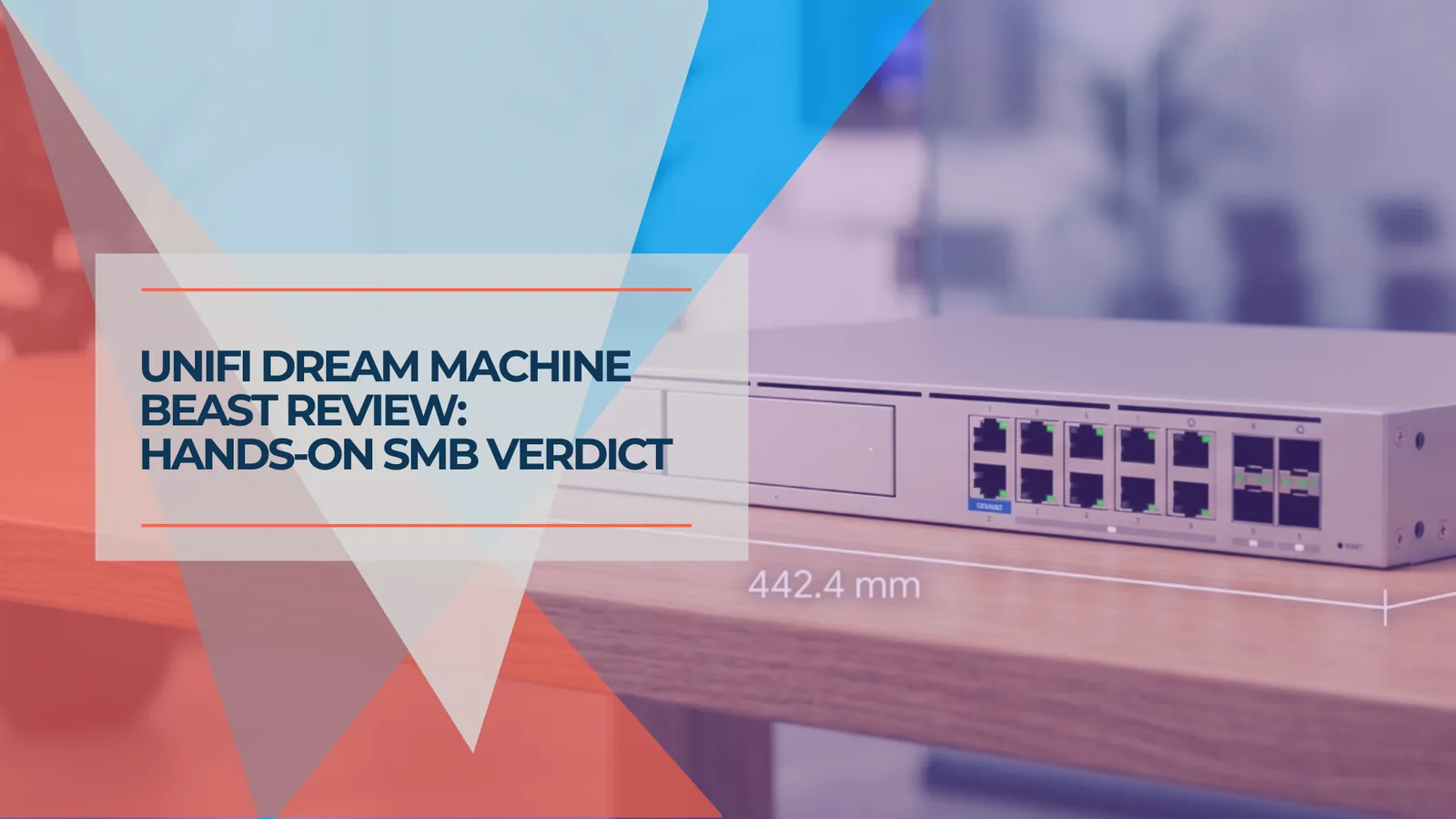
UniFi Dream Machine Beast Review 2026: Hands-On SMB Verdict
A hands-on UniFi Dream Machine Beast review from an SMB integrator: official specs, real deployment notes, 100W power draw, the no-PoE catch, and who the $1,499 gateway is actually for.
13 min read
UniFi Office Network Design Guide (2026): WiFi 7 & Cabling
Step-by-step UniFi network design for a 2,500 sq ft office: WiFi 7 AP placement, Cat6A cabling, equipment selection, VLAN security, and design outputs from a Brickell case study.
17 min read
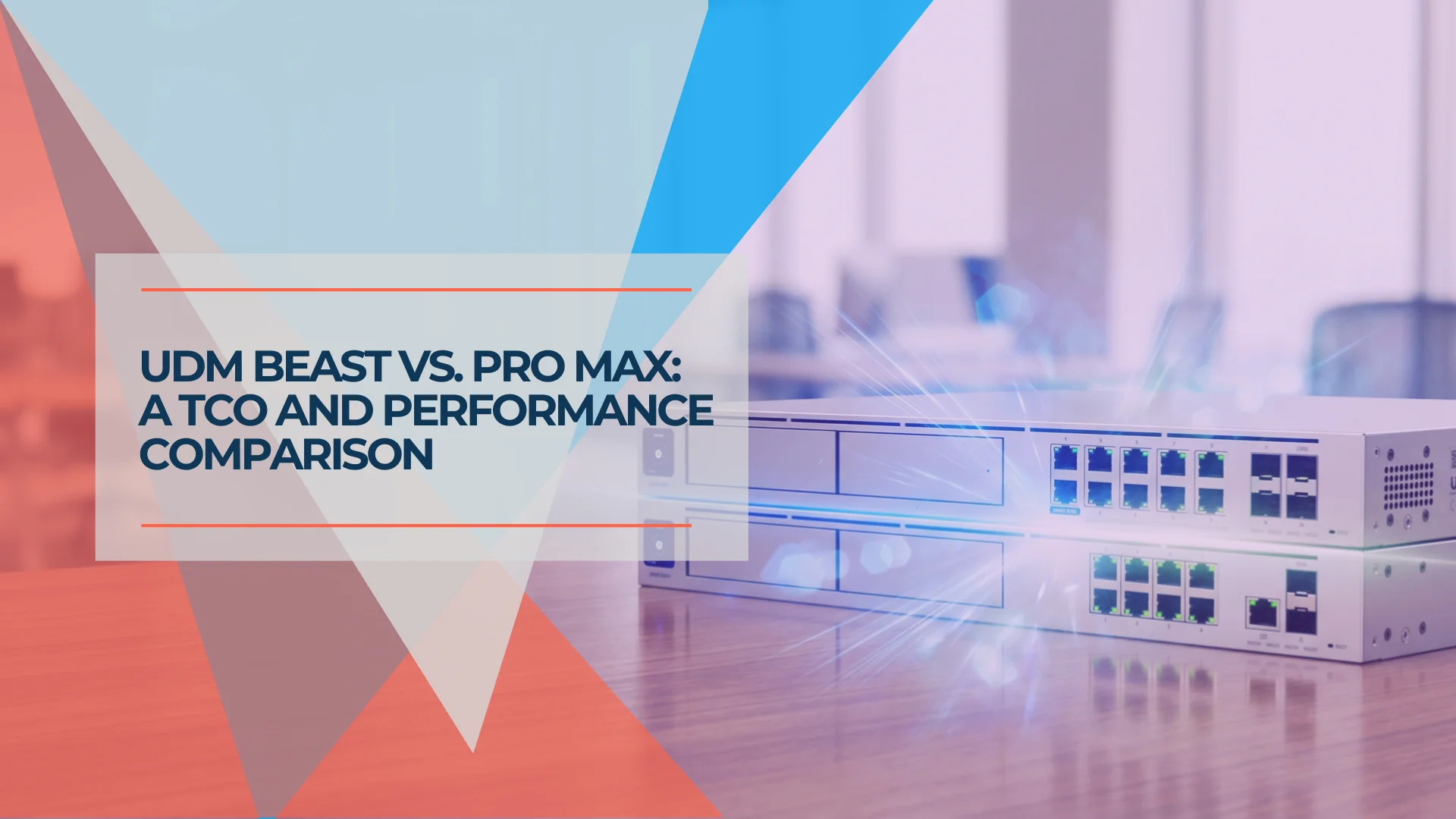
UniFi Dream Machine Beast vs UDM Pro Max: Which Gateway Is Right for Your Business?
UniFi Dream Machine Beast vs UDM Pro Max: specs comparison, real deployment scenarios, TCO analysis, and the four network profiles where the $1,499 Beast outperforms the $599 Pro Max.
14 min read