

Design a network, check it, and price it in any brand
Draw the network without choosing a brand, and the tool checks power, speed and free ports as you go. Then match it to UniFi, TP-Link Omada or HPE Instant On for a priced equipment list.
Drawing needs a larger screen. A phone shows an example and its checks.
- No signup
- Stays in your browser
- PDF, picture or design file
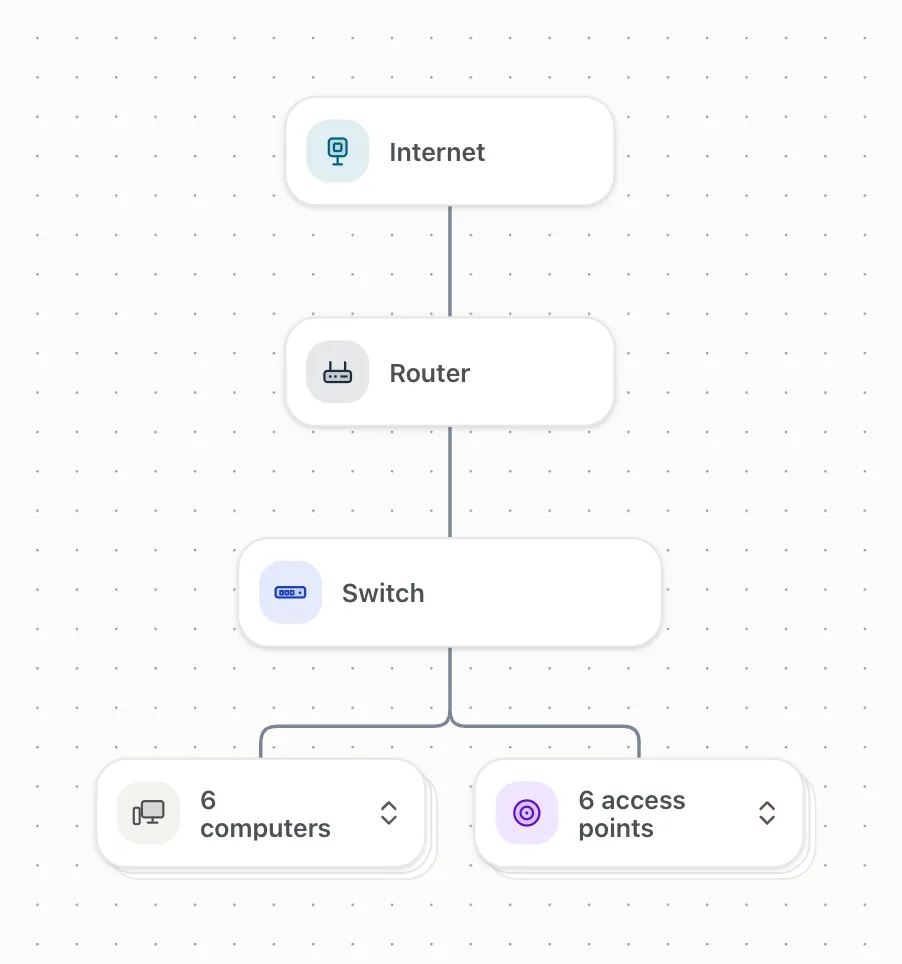
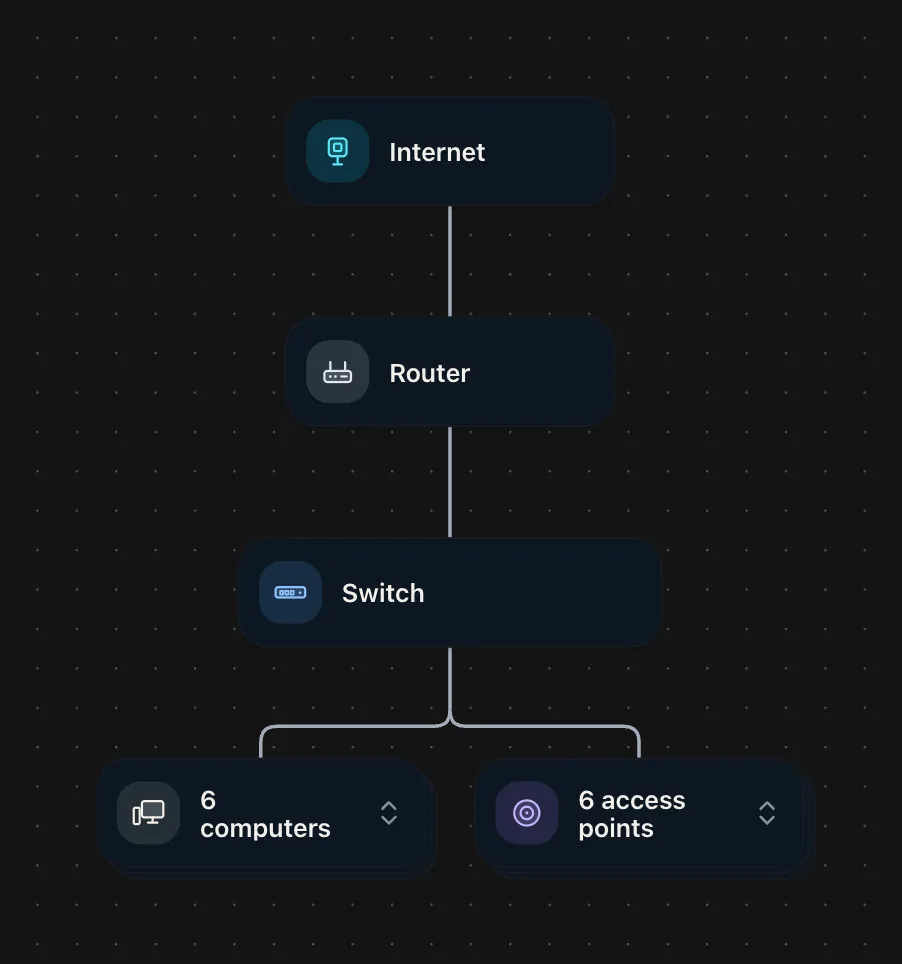
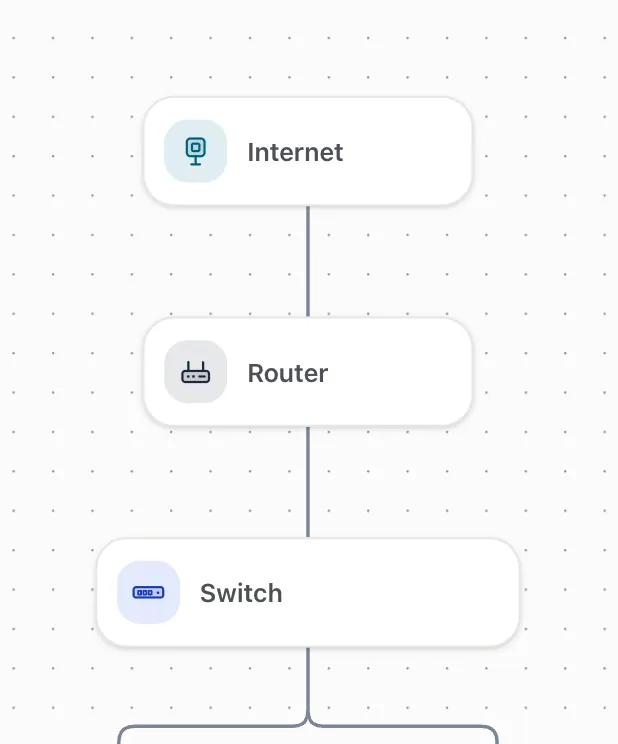
Draw it, check it, price it
This is the real tool, drawing a small office. It plays when it is on screen.
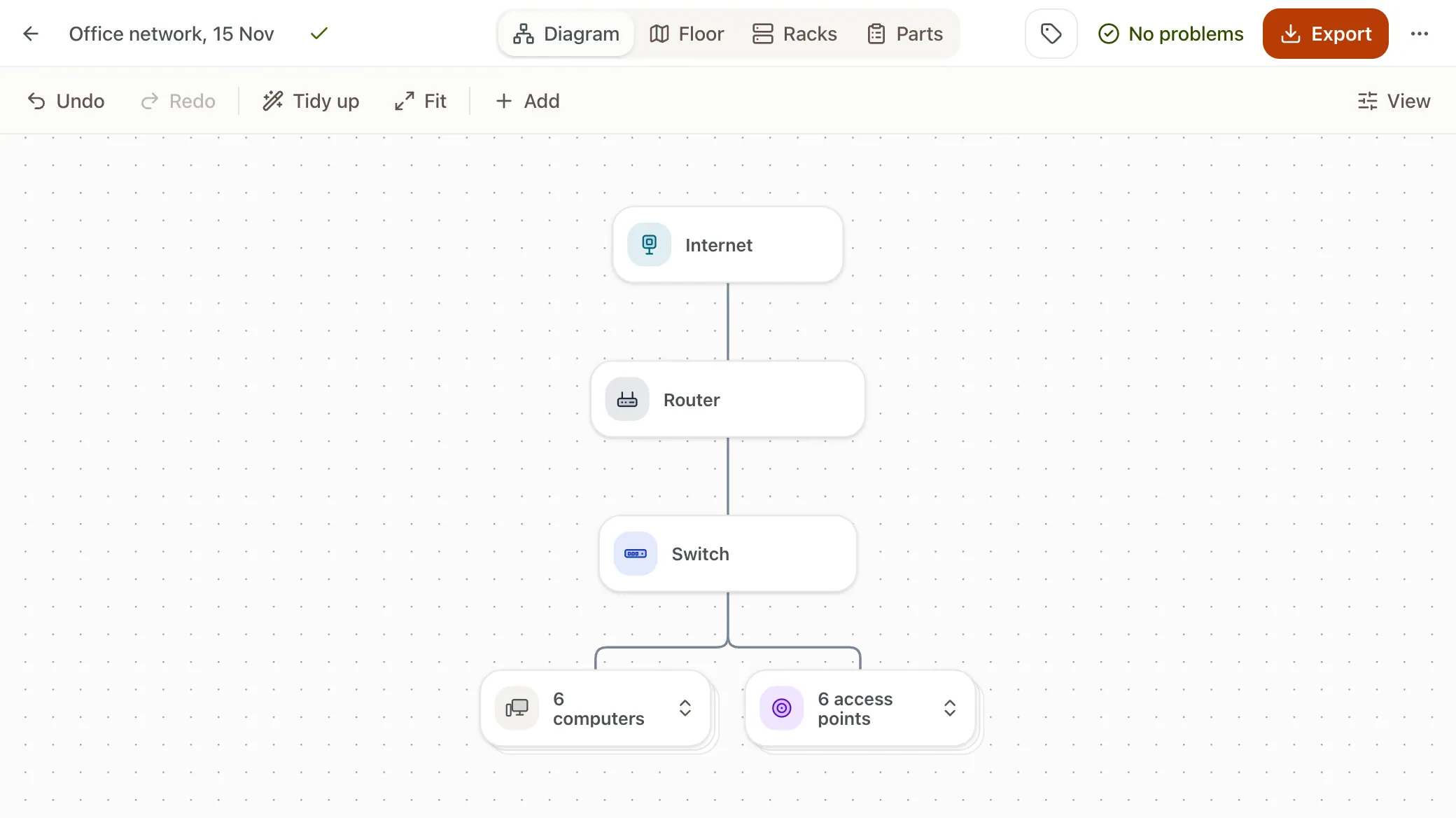
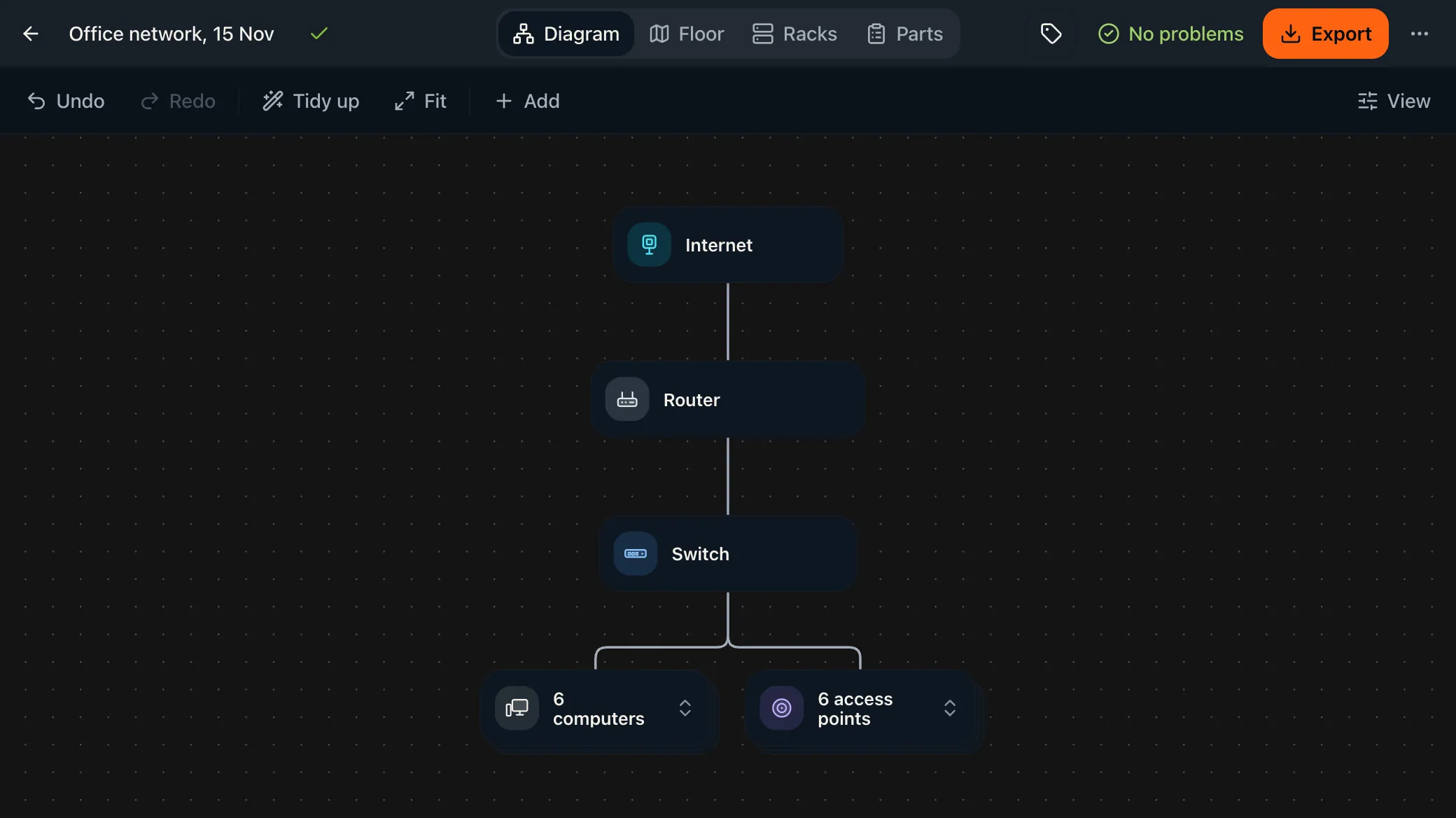
Start from an example
Open one and change it. Designs are saved only in this browser.
Problems before you buy
Each check says the problem in plain words and how to fix it. These are real messages.
- Power
- Whether each switch can supply the PoE devices on it, in watts.
- Example: This switch (Desk switch A) supplies 120 W. The devices on it need 147 W.
- Speed and ports
- The speed each cable really runs at, shared uplinks and ports that run out.
- Example: 12 devices share a 1G uplink from Core switch.
- Cameras and storage
- How many cameras a recorder can take and about how many days of video the disks hold.
- Example: "Recorder" records up to 8 cameras. 12 cameras are connected to it.
Next to the vendor tools
UniFi and TP-Link each make a free design tool for their own equipment. This one plans before a brand is chosen, then matches it. Checked against their public pages in November 2026.
| Feature | Network Designer | UniFi Design Center | Omada Design Hub |
|---|---|---|---|
| Brands it plans | UniFi, TP-Link Omada and HPE Instant On, or none | UniFi | Omada |
| Account to use it | None | None to explore; a UI account to save | A free TP-Link ID |
| Equipment list with prices | Catalog prices, with buy links where they exist | Bill of materials with store prices | You enter the unit prices |
| WiFi coverage | A planning estimate from walls you draw | Simulated from the floor plan | Simulated from the floor plan |
General diagram tools such as draw.io are free and need no sign-up, but you draw and label every shape yourself. This tool starts from network parts, so it can check them. The vendor tools are the better choice when you want deep WiFi planning in one brand.
Network Designer FAQ
Is the Network Designer free?
Yes. There is no signup, and you can export a PDF, a picture or a design file without giving an email address.
What does it check?
Power: Whether each switch can supply the PoE devices on it, in watts, and whether the PoE standard matches. Speed: The speed each cable really runs at, shared uplinks that become a bottleneck, and an internet plan faster than the router can handle. Ports and cables: Ports that run out, copper runs over 328 feet, and cables that do not suit the ports at either end. Connections: Devices that are not connected, have no way to the internet, or sit in a loop. Cameras and storage: How many cameras a recorder can take and about how many days of video the disks hold. Racks: Equipment that does not fit the rack, or overlaps something else in it.
What the designer is, and is not
The WiFi map is an estimate. It uses each access point's planned coverage area and a typical loss for each wall. It does not know about furniture, channels, interference or the device in your hand. Camera cones show the stated field of view and rated range. Real views depend on mounting height, lighting and the lens. Prices are catalog prices on the date shown. They leave out tax, shipping, cabling and installation, and they change. A design drawn here is a plan, not a site survey. Check it on site before you buy.
Privacy and prices
Designs and floor plan pictures are kept in your browser's own storage and are not uploaded. A share link holds the design inside the link itself, in the part of the address that is not sent to our servers, and it leaves out floor plan pictures. Usage tracking records which buttons were used, never what you typed or drew. Prices on the equipment list are catalog prices checked in October 2026. Parts that are left generic have no price. Tax, shipping, cabling and installation are not included.
Why does it start without a brand?
The needs of a network come first: how many devices, how much power, how fast. A design that is right for those needs can then be matched to any brand. Starting with a brand tends to design around the products you already know instead of what the site needs.
Which brands can it match?
UniFi, TP-Link Omada and HPE Instant On for the whole network, with Reolink cameras and recorders where Omada and Instant On have none of their own. You can stay generic and still get a complete equipment list.
Where do prices and specs come from?
Product specifications come from each manufacturer's own pages, and prices are catalog prices checked in October 2026. A value that could not be confirmed is left empty rather than guessed, and the checks treat it as unknown. Prices change, so confirm before you buy.
How accurate is the WiFi map?
It is a planning estimate. Each access point has a planned coverage area, the same figures the UniFi Network Configurator uses, and the map reduces it for every wall between the access point and the spot. It shows where to look closely. It does not replace a site survey, especially in buildings with concrete, metal or glass walls.
Open the UniFi Network ConfiguratorCan I move a design elsewhere?
Yes. Download the design file and open it on the other computer, or copy a share link. The design file carries your floor plan pictures. The share link does not.
Can I add my own equipment?
Yes. Any generic device can be edited, and a custom device lets you set ports, power and rack size yourself. A branded device that you edit is marked as edited, so the checks and the list say so.
Does it work on a phone?
A phone shows a design read-only: the devices, the equipment list and the checks. Drawing, placing devices on a floor plan and exporting need a larger screen, so open the design on a tablet or computer for that.
How do I price the cabling?
The floor plan view adds up the length of each run once the scale is set. Take that total to the cabling calculator for a cost.
Open the cabling cost calculatorTake the design to our team
Bring the PDF, and we can review it against your building. The design is yours to keep either way.