

The Business Owner’s IT Handbook
Set it up right. Lock it down. Keep the keys.
The handbook an IT professional would hand a friend who just started a business. Nineteen chapters and a bonus, in plain language, each ending in something you’ve done.
- For
- Businesses of 1 to 50 people with nobody whose job is IT
- Format
- Desk edition for print, Reader edition for phone, and a template pack
- Choices
- A mainstream path and a privacy path, side by side
Secure checkout by Stripe. Refund within 30 days if it isn’t useful. Terms
Not ready to buy? Read Chapter 18 free
What you’ll have when you’re done
You own the keys
Your domain, email, phone number and accounts are in the business’s name, with a second person who can reach them.
What moves money is locked down
Two-step sign-in on every account that matters, email that lands and is harder to fake, and a written callback rule for any change to payment details.
The business keeps going without you
A sealed page for your second person, a keys inventory, and one-page plans for an outage, a hacked account and a lost laptop.
Nineteen chapters in three parts
Work through them in order. One example business, a six-person design studio, runs through every chapter, so each step is shown in a real setting.
Bonus: The privacy-first office
Moving from Microsoft 365 or Google to Proton Workspace. A glossary and a source index close the book.
Privacy pathmarks a chapter with a second route, using a provider that can’t read what it stores.
Part 1: Set it up right
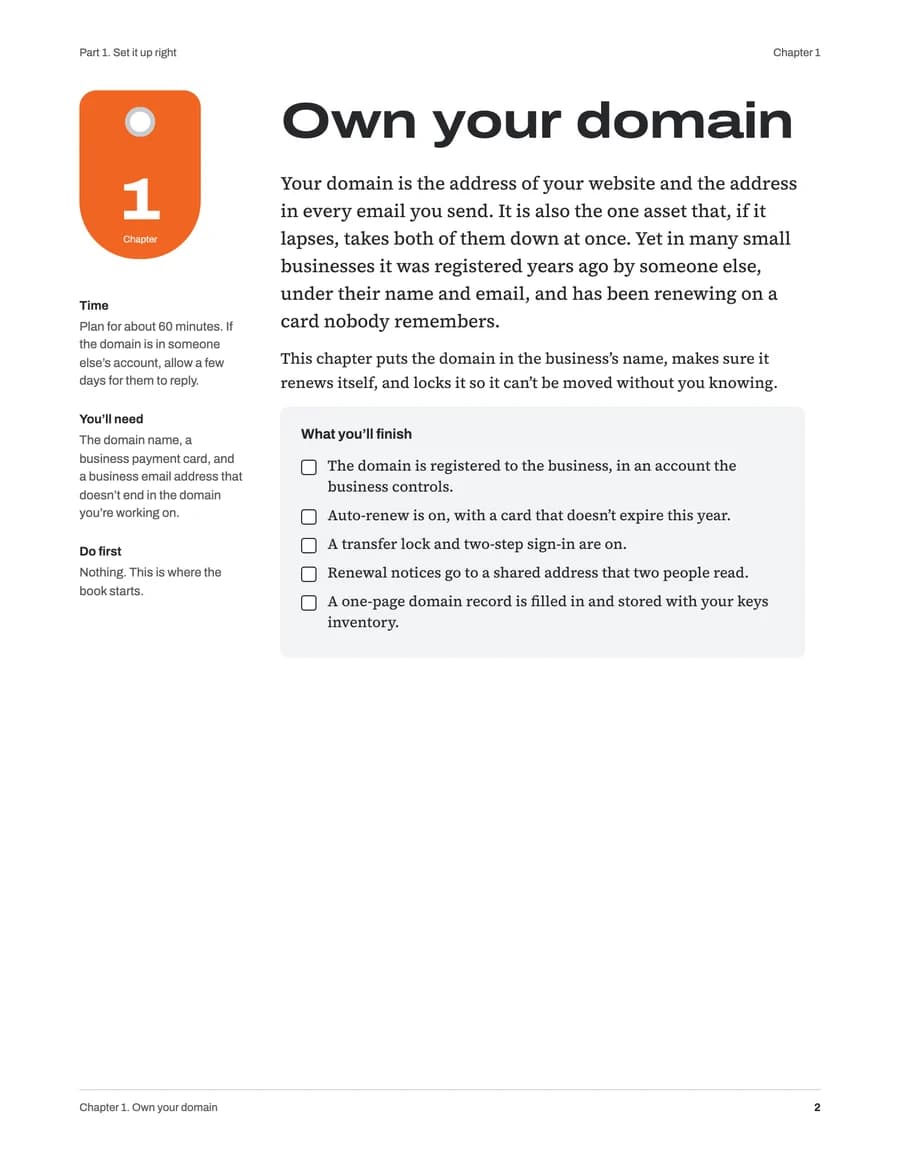
Chapters 1 to 8. Domain, email, phone number, passwords, devices, internet, files and backups, website.
- 1Own your domain
- 2Business email and office suite
- 3A business phone number
- 4Passwords and shared logins
- 5Laptops and phones
- 6Office internet and Wi-Fi
- 7Files and backups
- 8Website and Google Business Profile
Part 2: Lock it down
Chapters 9 to 16. Two-step sign-in, email security, payment fraud, remote work, privacy, people joining and leaving, policies.
- 9Two-step sign-in everywhere
- 10Email that lands and is harder to fake
- 11Phishing and payment fraud
- 12Protecting the computers
- 13Working away from the officePrivacy path
- 14Keeping business data privatePrivacy path
- 15People joining and leaving
- 16Policies that fit a small team
Part 3: Keys to the business
Chapters 17 to 19. The keys inventory, the owner's emergency plan, and what to do when things break.
- 17The keys inventory
- 18If the owner is out
- 19When things break
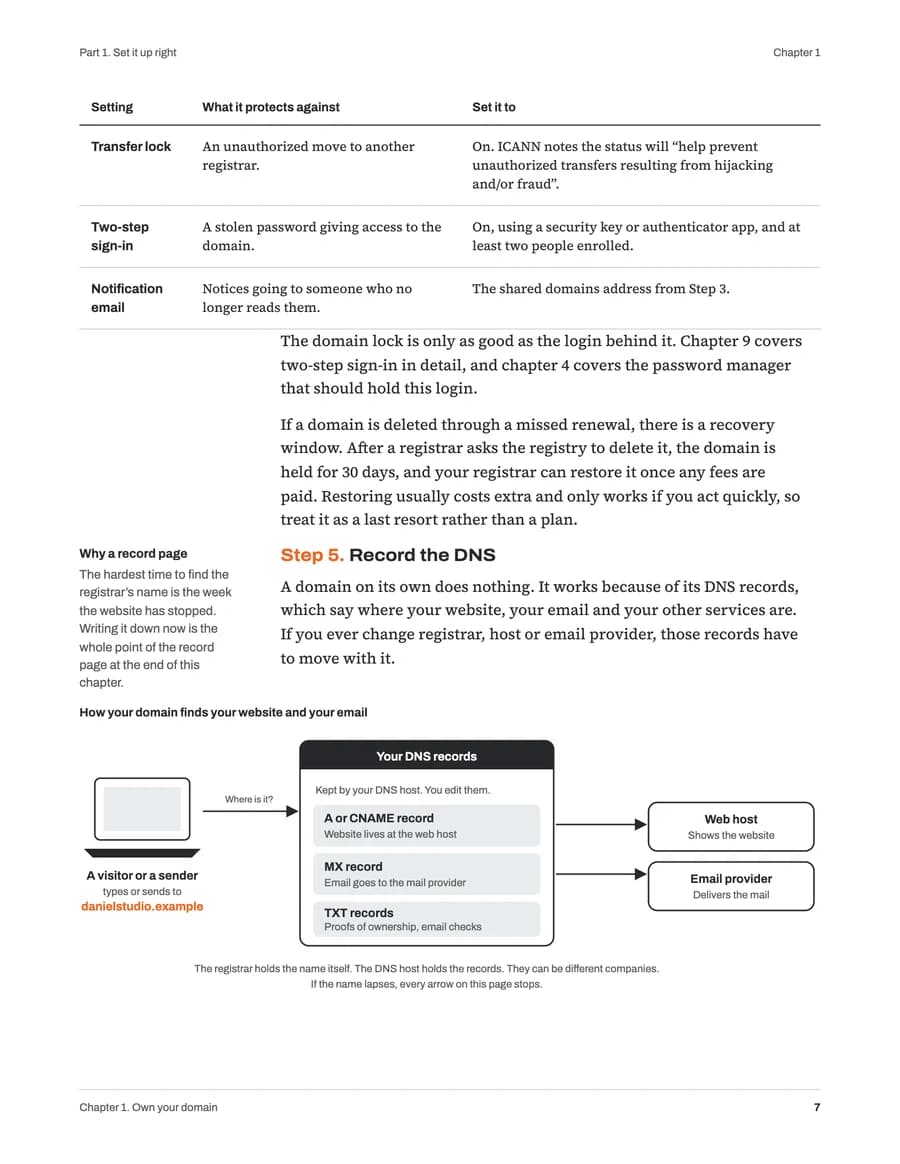
A look inside
Everything in the download
- Desk edition
- 187 pages, US letter, with a margin-note column. For printing or a large screen.
- Reader edition
- 321 pages in a single column with larger type. For a phone or tablet.
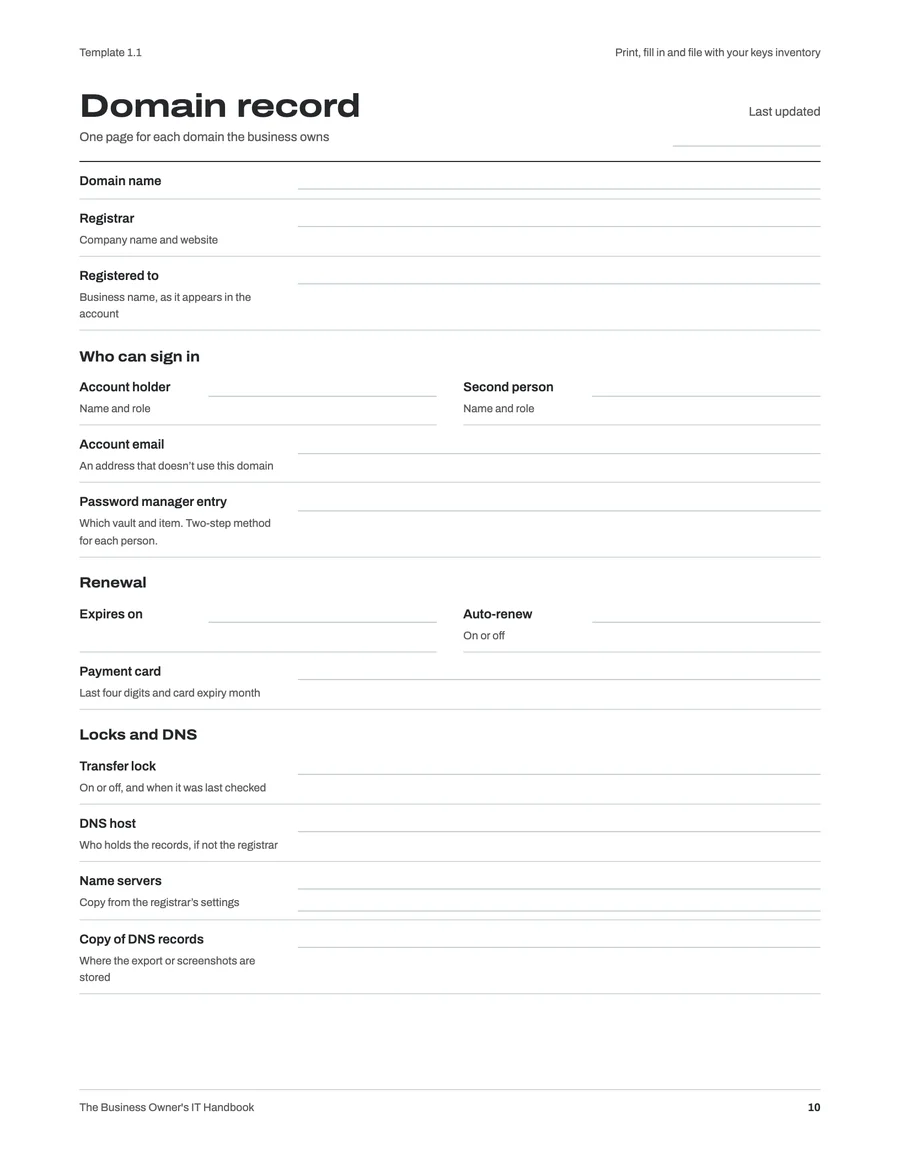
- Template pack
- 29 blank forms, checklists and one-page plans, ready to print and fill in.
- Revisions
- When the 2027 edition is revised, your download links give you the new files at no charge.
- For your whole team
- One purchase covers one business. Print as many copies as your people need.
The Business Owner's IT Handbook
Desk and Reader editions, with the template pack
$29.99one-time, USD
Secure checkout by Stripe. Your download links appear right after payment and arrive by email. If the handbook isn’t useful, write within 30 days for a full refund. Terms
Read Chapter 18 free
“If the owner is out” is the chapter most owners put off: the one-page instructions that let someone else keep the business running while you can’t. It takes about an hour, and it shows you how every chapter works.
- Chapter 18
- In both editions, Desk and Reader.
- Template pack
- The blank forms, checklists and one-page plans from the book.
Who wrote it
Nandor Katai founded iFeelTech in New York in 2003 and has served Miami businesses since 2010. He designs and supports networks, email and security for small offices, and wrote this handbook as the checklist he hands to a friend who has just started a business.
Questions
Who is this for?
Owners and office managers of businesses with roughly 1 to 50 people and nobody whose job is IT. If you can sign in to your email and change a setting, you can do most chapters yourself. Each one says when to bring in a professional, and the front of the book lists the jobs that usually need one.
What is in the free sample?
Chapter 18, "If the owner is out", with its sealed-instructions template, in both editions. You also get the template pack: the blank forms, checklists and one-page plans from the book, ready to print. Both arrive by email.
What is the difference between the Desk and Reader editions?
The Desk edition is US letter with a margin-note column, made for printing or a large screen. The Reader edition is a narrow single-column page with larger type, made for a phone or tablet. The text is the same, and you get both.
How do I get the files after I pay?
Right after payment you land on a page with your three download links, and the same links arrive by email. Keep that email: when the 2027 edition is revised, the same links give you the new files at no charge.
Does it depend on one vendor?
No. The standard path covers the tools most small businesses already use: Google Workspace, Microsoft 365 and mainstream password managers. A privacy path shows the same job done with Proton, where the provider cannot read your email, files or passwords. Each choice says what you give up as well as what you gain.
How were the facts checked?
Every vendor fact in the book was checked against the vendor’s own documentation in October 2026, and each chapter lists its sources with the date. Product details change, so the book tells you to check the page before you act on a price or a menu name.
Is this legal or compliance advice?
No. The policies and incident plans are starting points written for small teams. Have an attorney read them before you rely on them, especially anything about personal devices and monitoring.
How does iFeelTech make money from this?
From the sale of the handbook, and from a commission some vendors named in the book pay when a reader buys through a link on ifeeltech.com. Those vendors include Proton, 1Password, Google Workspace, Namecheap, Nextiva, Ubiquiti (UniFi), TP-Link, UGREEN, iDrive, EasyDMARC, Bitdefender, NordLayer and Tresorit. Any link that earns a commission is marked "Tracked link" beside it. Picks are made on merit first, and Microsoft 365, which has no program, is covered on the same footing.
Nineteen chapters, two editions and the template pack, as an instant download.