

UniFi vs eero (2026): Costs, Wi-Fi 7, Setup & Best Use Cases
Compare UniFi and eero in 2026: Wi-Fi 7 performance, hardware and subscription costs, setup, support, and the best choice for wired or mesh homes.

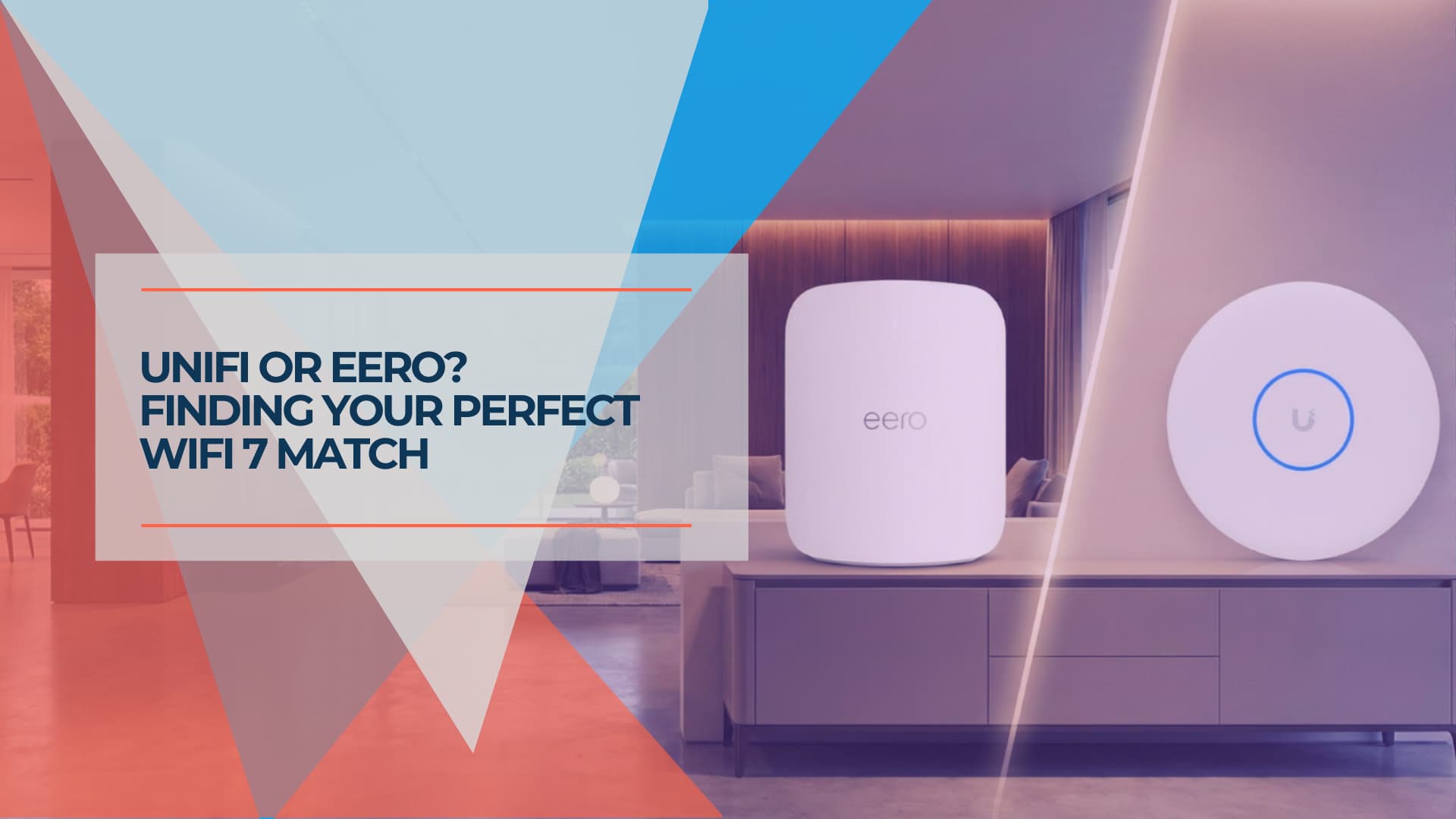
The Short Answer (July 2026)
Choose eero if you cannot run Ethernet, want setup finished in 15 minutes, and accept $99.99/year for ad blocking, content filtering and threat detection. As of July 2026, eero also provides free botnet detection for all networks.
Choose UniFi if you have or can add cabling, want VLANs and multiple SSIDs without a subscription, and are comfortable administering your own network. Our managed fleet shows a 0.74% cumulative replacement rate over 4 years (0.19% annualized), with only one potential hardware defect out of 538 devices.
The closest like-for-like comparison is eero Pro 7 at $299.99 versus Dream Router 7 at $279. Adding eero Plus ($99.99/year) widens the five-year gap, but the Pro 7 does not require a subscription to function.
Affiliate Disclosure: This article contains affiliate links. If you make a purchase through these links, we may earn a small commission at no extra cost to you. As an Amazon Associate, iFeelTech earns from qualifying purchases.
FCC Router Ban Update (July 2026)
Both eero and UniFi are affected by the FCC's March 2026 foreign router ban. Existing authorized models from both brands remain legal to buy and use. However, their current positions differ: eero received Conditional Approval from April 22, 2026 through October 31, 2027, allowing continued sales and new certifications during that period. At the time of writing, we could not verify a corresponding published approval for Ubiquiti. Read our full FCC ban explainer for what this means for your next purchase.
Both platforms deliver competent Wi-Fi 7 in 2026. The difference that matters most for the buying decision is how each one charges you and how much control it hands over.
eero sells a subscription-enhanced model: automated, app-only, with security and parental-control features tied to an annual fee. It works well for people who never want to open a settings page.
UniFi sells a hardware-integrated model: modular, license-free at its core, with VLANs, firewall rules and multiple SSIDs included in the purchase price.
This guide compares current pricing, subscription terms, and the practical question that decides most installs — whether you can run Ethernet.
Already own eero and just have one weak room? This guide assumes you're choosing between the two platforms. If your eero already works everywhere except one spot, see our mesh Wi-Fi vs access points guide — wiring the existing satellite often solves it without buying anything new.
Which System Fits Your Situation?
Match your circumstances to the hardware first; the spec sheets matter less than your cabling and your tolerance for configuration.
| Your Situation | Best eero Option | Best UniFi Option | Better Fit |
|---|---|---|---|
| Wireless / renting | eero Pro 7 (or Max 7 for 10GbE) | Dream Router 7 | eero (wireless mesh) |
| Wired / custom home | eero PoE Gateway | UCG-Max + U7 Pro Wall | UniFi (hidden hardware) |
| Set-and-forget | eero Pro 7 | Dream Router 7 | eero (setup time) |
| Power user / 10GbE | eero Max 7 (3-pk) | UCG-Fiber + U7 Pro XGS | UniFi (cost and control) |
| Wants someone to call | eero Pro 7 | Dream Router 7 | eero (daily phone support included) |
eero Max 7 vs Dream Router 7: Which All-in-One Should You Buy?
The eero Max 7 costs $599.99 and finishes setup in minutes; the Dream Router 7 costs $279 and gives you a full gateway OS. Both cover a typical home.
eero Max 7 — $599.99
Amazon's flagship mesh node is built for people who want the network to disappear into the background.
- Ports: two 10GbE and two 2.5GbE, so wired backhaul or a NAS link is straightforward
- Built-in Zigbee radio, Thread border router and Matter controller — no separate smart-home hub
- Coverage: up to 2,500 sq. ft. and 250+ devices per node, per eero's published figures
- Setup: scan the QR code in the app and you are online
The trade-off is cost on both axes. At $599.99 per unit it is more than double the Dream Router 7, and ad blocking, content filtering and advanced threat detection sit behind eero Plus at $99.99/year. Scheduled internet pauses and basic device pausing remain free; content filters, app blocking and site controls require Plus. As of July 2026, eero also rolls out free botnet detection to all networks regardless of subscription.
Note on eero 7 and eero Pro 7: eero also sells the eero 7 at $169.99 and the eero Pro 7 at $299.99. The Pro 7 has two auto-sensing 5GbE ports and is the closest match to the Dream Router 7 on price. The Max 7 appears throughout this guide because of its 10GbE ports, but the Pro 7 vs. Dream Router 7 is the more natural like-for-like comparison for most households.
eero Max 7 Introduction
Dream Router 7 — $279
The Dream Router 7 is Ubiquiti's desktop all-in-one: a 10G gateway with integrated Wi-Fi 7 and the full UniFi application suite. Our full Dream Router 7 review covers the hardware in detail.
- WAN: one 10G SFP+ port and one 2.5 GbE RJ45 port
- LAN: three 2.5 GbE ports, one of which supplies PoE for a camera or access point
- Storage: includes a preinstalled 64 GB microSD card for local UniFi Protect recording, with an expansion slot for higher-capacity cards
- Software: full UniFi OS — VLANs, firewall rules, VPN server and Identity Endpoint, with no license fee
UniFi Dream Router 7 Introduction
Verdict: Time vs. Money
Choose the Dream Router 7 if you are cost-conscious and willing to spend an hour or two learning the interface. You save $320 up front and avoid the annual fee.
Choose the eero Max 7 if your time is worth more than the difference and you want Matter, Thread and Zigbee support without adding a hub.
How Visible Is the Hardware in Each System?
eero puts desktop nodes on shelves around the home. UniFi separates the gateway from the access points, so the equipment is typically less visually intrusive — though wall-mounted APs like the U7 Pro Wall remain visible (true flush mounting may require a separate accessory).
The eero approach: desktop mesh
eero's nodes sit on flat surfaces throughout the home. They are visible, but they can be moved in seconds to chase a better signal — a real advantage when you cannot predict where coverage will fall short.
The UniFi approach: architectural Wi-Fi
Because the gateway and the APs are separate devices, most gateway and switching hardware can be hidden in a cabinet. The Cloud Gateway Max starts at $199 without storage ($279 with a 512 GB drive for UniFi Protect) and lives out of sight, while the U7 Pro Wall at $199 mounts to a wall or over a wall box; an optional accessory provides a more fully recessed appearance. Our Cloud Gateway Max review covers its Protect limits in detail.
| Approach | Visible Devices | Placement Flexibility |
|---|---|---|
| eero mesh (3-pack) | 3 desktop nodes | Move any node in seconds |
| UniFi wired | Minimal (wall APs visible, gateway in cabinet) | Fixed once installed |
Verdict: It Depends on Your Walls
Choose UniFi if you are remodeling or have hollow walls. Flush wall mounting and in-cabinet gateways are hard to match, but they require installation work.
Choose eero if you are renting or dealing with solid masonry. The nodes are visible, but you can reposition them until coverage is right.
Can You Run Ethernet? That Decides Most Installs
If you cannot pull cable, eero is typically the better outcome. If you can, UniFi generally delivers more performance per dollar. This is one of the most important factors in the decision, though not the only one — subscription tolerance, desired control and support preferences also matter.
Scenario A: no Ethernet (renters, historic homes, masonry walls)
Better fit: eero Max 7
eero is designed wireless-first. Its automatic radio management and dynamic wireless-backhaul selection are more forgiving than UniFi's wireless meshing, which exists mainly as a fallback.
- eero's advantage: optimizes the mesh automatically with almost no configuration
- UniFi's limitation: wireless uplinks work, but the platform assumes wired APs
Where cabling is genuinely impossible, eero tends to be both faster to deploy and steadier day to day.
Scenario B: Ethernet available (new construction, remodels)
Better fit: UniFi
With wired backhaul, UniFi access points deliver more coverage and throughput per dollar than mesh nodes.
Cloud Gateway Fiber — $279: two 10G SFP+ ports, a 10GBASE-T port and a four-port 2.5 GbE switch, rated at 5 Gbps IDS/IPS throughput. See our Cloud Gateway Fiber review for test results.
Access point options:
- U7 Pro XGS — $299: 10GbE uplink, eight spatial streams and a dedicated spectral scanning radio. Covered in our U7 Pro XGS review. Requires PoE++ power and a 10G-capable switch port for full speed.
- U7 Pro Max — $279: 2.5GbE uplink, which is ahead of what most wireless clients can use but is not a 10GbE endpoint.
| Configuration | Cost | Notes |
|---|---|---|
| eero Max 7 (3-pack) | ~$1,700 | Wireless mesh, no additional infrastructure |
| UCG-Fiber + 2× U7 Pro XGS | ~$877+ | Requires PoE switch or injectors (UCG-Fiber has only 1 PoE+ port); add ~$100–800 for PoE switching |
If you are choosing access points for a small office rather than a home, our Wi-Fi 7 access point guide compares the full UniFi range.
Verdict: Follow the Cabling
Choose eero if you cannot run Ethernet. Its wireless mesh behavior is typically better than UniFi's wireless mode.
Choose UniFi if you have or can add Ethernet drops. A wired UniFi setup may cost less for comparable coverage, though the complete bill of materials (gateway, PoE switch or injectors, APs, cabling) should be totaled before comparing.
What Does Each Platform Look Like at Scale?
For large homes and small offices, UniFi adds cameras, door access and VoIP to the same controller. eero stays a Wi-Fi platform and charges $299.99/year for business features.
eero PoE Gateway + eero PoE 7 access points
eero's professional line is its answer to structured cabling. The eero PoE Gateway powers up to six eero PoE 7 units, and eero prices the PoE 7 at $499.99 each, $1,399.97 for a gateway plus two, and $1,899.96 for a gateway plus three.
The hardware is capable. The software provides fewer segmentation and infrastructure-management options: no arbitrary LAN VLAN design and no integrated camera or access-control management. Creating isolated IoT or guest SSIDs requires the eero Business subscription at $299.99/year, which supports up to four SSIDs total.
UDM Pro Max + Pro Max Switch + U7 Pro XGS
The professional UniFi stack for serious home and office networks:
Dream Machine Pro Max — $599:
- 5 Gbps IDS/IPS routing, with support for 200+ UniFi devices and 2,000+ clients
- Dual 3.5" drive bays with RAID 1 for camera footage
- Runs Network, Protect, Talk, Access and Identity from one controller
- Shadow Mode (VRRP) failover (requires a second identical unit, which doubles the gateway cost)
Our Dream Machine Pro Max review has benchmarks and deployment notes.
Switch Pro Max 24 PoE — $799:
- Eight 2.5 GbE PoE++ ports plus 16 GbE PoE ports, 400 W total power budget
- Layer 3 routing and Etherlighting for visual port status
- Powers a full set of access points and cameras from one chassis
If you are sizing a switch, our UniFi switch buying guide compares the current range.
U7 Pro XGS — $299 each:
- 10GbE uplink removes the wired bottleneck
- Dedicated spectral scanning radio for real-time interference detection
- Eight spatial streams with 6 GHz support
| Capability | eero PoE Gateway | UDM Pro Max Stack |
|---|---|---|
| Published IDS/IPS throughput | Not published | 5 Gbps |
| Network segmentation | Up to 4 SSIDs with eero Business ($299.99/yr) | Arbitrary VLANs, included |
| Camera NVR | No | Yes, with RAID storage |
| Door access and VoIP | No | Yes, same controller |
| Spectral scanning | No | Yes, on XGS access points |
Verdict: UniFi at This Scale
For homes and offices with 100+ devices, structured cabling and camera requirements, the UDM Pro Max stack covers networking, surveillance, door access and phones from one interface. eero's PoE line handles Wi-Fi well at this scale, but does not offer integrated camera NVR, door access or VoIP management.
What Do You Actually Pay For Each Year?
eero charges $99.99/year for eero Plus and $299.99/year for eero Business. UniFi includes VLANs, multiple SSIDs and basic IDS/IPS with the hardware and sells CyberSecure as an optional $99/year add-on for enhanced threat signatures and content filtering.
eero: subscription-enhanced
An eero network runs without a subscription. The features most people associate with a "smart" router do not:
| Feature | Free | eero Plus ($99.99/yr) |
|---|---|---|
| Wi-Fi and setup | ✓ | ✓ |
| Pause internet / scheduled pauses | ✓ | ✓ |
| Botnet detection (July 2026) | ✓ | ✓ |
| Ad blocking | ✗ | ✓ |
| Content filtering | ✗ | ✓ |
| App blocking and site controls | ✗ | ✓ |
| Daily/monthly history and detailed analytics | ✗ | ✓ |
| Advanced threat detection | ✗ | ✓ |
| Cellular backup data (with eero Signal) | ✗ | ✓ (10 GB/yr) |
eero Business is $299.99/year and adds up to four SSIDs, captive portal, bandwidth limits and advanced security features. Note that WAN/uplink VLAN tagging is already available on compatible eero hardware without Business; what eero Business does not provide is UniFi-style arbitrary LAN VLAN segmentation. Caveat: eero Business bandwidth limiting is unavailable on networks containing a Max 7 or using PPPoE. A higher eero Plus 100 tier at $199.99/year raises the cellular backup allowance to 100 GB per month.
UniFi: hardware-integrated
UniFi's network software is included with the hardware:
- VLANs and traffic rules — segment IoT, guest and work networks
- VPN and Identity Endpoint — remote access without a per-seat fee
- IDS/IPS — signature-based threat detection using the free rule set
- Full diagnostics — no paywall on your own network data
- Multiple SSIDs without a subscription — no per-network fee, though hardware imposes per-radio BSSID limits (typically 4 on the Dream Router 7, up to 8 on U7 APs)
CyberSecure ($99/year) is optional. It swaps the free signature set for Proofpoint's and adds Cloudflare-based content filtering. The signature capacity varies by gateway: approximately 25,000+ on the Dream Router 7, 70,000+ on mid-range gateways (UCG-Ultra, UCG-Max, UCG-Fiber, UDM Pro Max), and 110,000+ on enterprise gateways (EFG, UXG-Enterprise). The network works without it. We tested what that buys in UniFi network security in a box.
What happens when the internet goes down?
Both platforms now sell cellular failover with their own data options.
eero launched eero Signal in February 2026: a $99.99 4G LTE dongle, with a 5G RedCap version announced at $199.99 for later in the year. Connectivity requires an active eero Plus subscription, which includes 10 GB of backup data per year, or eero Plus 100 for 100 GB per month.
UniFi sells the 5G Backup at $99 — a compact PoE-powered 5G RedCap antenna that plugs into any UniFi PoE port for automatic failover. It supports both eSIM and a physical nano-SIM. Ubiquiti offers optional Data Packs starting at $60/year for 10 GB on T-Mobile, or you can supply your own SIM and pay your carrier directly. UniFi also continues to sell the LTE Backup Pro with BYO-SIM for AT&T.
Which one supports you when something breaks?
eero offers phone support 7 days a week, 6:00 a.m.–8:00 p.m. PT (North America). UniFi provides free 24/7 Tier 1 live chat, email tickets, and a large community forum. For mission-critical needs, Ubiquiti also offers paid Professional Site Support with phone, video and email access in the US, Canada and Europe.
For a household without a technical member, eero's included phone support may be preferable — you can call and speak to someone during daytime hours without paying extra. For readers who are comfortable with chat or self-service, UniFi's 24/7 chat availability and extensive documentation may be sufficient.
Five-Year Cost Comparison
| System | Hardware | Subscriptions (5 years) | Total |
|---|---|---|---|
| eero Pro 7 (no subscription) | $299.99 | $0 | $299.99 |
| eero Pro 7 + eero Plus | $299.99 | $499.95 | $799.94 |
| eero Max 7 + eero Plus | $599.99 | $499.95 | $1,099.94 |
| Dream Router 7 | $279 | $0 | $279 |
| Dream Router 7 + CyberSecure | $279 | $495 | $774 |
The closest like-for-like comparison is the eero Pro 7 ($299.99) versus the Dream Router 7 ($279) — a $21 difference without subscriptions. Adding eero Plus widens the gap to ~$521 over five years; adding CyberSecure to UniFi narrows it. The Max 7 comparison is relevant only for readers who specifically need 10GbE ports and higher radio capacity — Zigbee, Thread and Matter are also included on the eero 7 and Pro 7.
How Long Does Setup Actually Take?
Plan on about 15 minutes for an eero and 30 to 45 minutes for a standalone Dream Router 7. Multi-AP UniFi deployments run one to three hours.
eero setup
Download the app, plug in the router, scan the QR code. For a non-technical household this is the strongest thing eero does.
UniFi setup
The extra time goes into four steps:
- Console initialization — connect the gateway and complete the UniFi Network setup wizard
- Basic configuration — SSIDs, and VLANs if you want segmentation
- Access point mounting — ceiling or wall installation, plus PoE
- Optimization — channel selection and transmit power tuning
A single Dream Router 7 is closer to 30–45 minutes. Time scales with the number of access points, not with the difficulty of any one step.
The old-house factor
Plaster and lath, stone, and metal lath all attenuate 5 and 6 GHz badly. In those homes:
- eero mesh loses capacity with distance, obstacles and additional hops — like any wireless mesh — but TrueMesh's dynamic path selection handles difficult environments better than most
- UniFi wired APs perform well because each one has its own Ethernet run
If cabling is off the table and the construction is difficult, eero's dynamically managed wireless mesh is typically easier to deploy and optimize than a wireless-only UniFi installation. Both platforms improve substantially with Ethernet.
Which Setup Should You Buy in 2026?
Pick the row that matches your situation. Cabling and subscription tolerance decide most of these.
| Your Profile | Recommended Setup | Why |
|---|---|---|
| Lowest upfront cost | eero 7 | $169.99, fast setup, Zigbee/Thread/Matter included |
| Set-and-forget | eero Pro 7 | $299.99, 5GbE ports, automatic management, smart-home hub |
| Advanced controls without subscriptions | Dream Router 7 | $279, VLANs, IDS/IPS, VPN — no annual fee |
| Renting / no cabling | eero Pro 7 or eero Max 7 | Better wireless mesh; Max 7 if you need 10GbE or wider coverage |
| Homeowner with cabling | UCG-Max + U7 Pro Wall | Gateway in cabinet, AP on the wall (add a PoE+ injector or switch — UCG-Max has no PoE output) |
| Gaming / heavy streaming | UCG-Fiber + U7 Pro XGS | 10GbE backbone with traffic controls |
| Large smart-home install | Any UniFi gateway | VLANs to isolate IoT, included |
| Small business | Cloud Gateway Max + U7 Pro | Business features without per-year licensing (add PoE switch to power APs) |
| Cameras and door access too | UDM Pro Max + U7 Pro XGS | RAID NVR, Access and Talk on one controller |
Comparing UniFi against something other than eero? Our UniFi vs Omada comparison covers the closest business-grade alternative, and the UniFi buyer's guide walks through the full lineup.
Frequently Asked Questions
Can I mix eero and UniFi on the same network?
Technically yes, but it adds complexity. Running eero in bridge mode behind a UniFi gateway retains eero's TrueMesh speed and stability, but disables routing, Profiles, most advanced network settings and most eero Plus features (including content filtering and ad blocking). Running both as routers creates double NAT. In most cases, committing to one ecosystem is simpler.
Is eero Plus worth $99.99 per year?
It is worth it if you want ad blocking, content filtering and advanced threat detection handled for you, and you would not otherwise set up something like Pi-hole. UniFi includes VLANs, multiple SSIDs and basic IDS/IPS with the hardware, though its CyberSecure subscription ($99/year) adds Proofpoint signatures for deeper threat coverage.
Do I need a Cloud Key for UniFi?
Not for the Cloud Gateways discussed here. The Dream Router 7, Cloud Gateway Max and Dream Machine Pro Max include UniFi Network built in. Independent UXG-series gateways require a separate control plane such as a Cloud Key or UniFi OS Server.
How much does eero Business cost?
eero Business is $299.99 per year. It adds up to four SSIDs, captive portal, bandwidth limits and advanced security to an eero network. UniFi includes multiple SSIDs and LAN VLAN segmentation with the gateway hardware (subject to per-radio BSSID limits).
Is UniFi overkill for a home network?
For a one-bedroom apartment with a dozen devices, yes — a single eero or a UniFi Express is enough. UniFi earns its complexity in homes with structured cabling, 50+ devices, cameras, or a genuine need for network segmentation.
What are the disadvantages of UniFi?
Longer setup, no included phone support (free 24/7 chat is available, with paid professional phone support as an upgrade), and a learning curve around VLANs and firewall rules. Wireless-only meshing is also weaker than eero's, so for readers who cannot run cables, eero may be preferable.
Which has better Wi-Fi coverage, eero or UniFi?
For wireless mesh without cables, the eero Max 7 is excellent — eero claims 2,500 sq. ft. per node. For wired access points, UniFi typically delivers more coverage per dollar (the UDR7 claims 1,750 sq. ft.). The deciding question is whether Ethernet can reach your AP locations.
Related Reading
- UniFi Dream Router 7 review — full test of the $279 all-in-one
- Cloud Gateway Max review — Protect limits and who it suits
- UniFi vs Omada for business Wi-Fi 7 — the other license-free platform
- UniFi Express 7 as a travel router — the portable end of the lineup
- UniFi four-year fleet reliability report — failure rates from our managed deployments
Where to Buy
Prices verified against manufacturer and retailer listings in July 2026 and subject to change. The choice between eero and UniFi depends on your cabling situation, subscription tolerance, desired level of control, and whether you value included phone support or prefer self-service.
Affiliate Disclosure: This article contains affiliate links. If you make a purchase through these links, we may earn a small commission at no extra cost to you. As an Amazon Associate, iFeelTech earns from qualifying purchases.
Related Articles
More from UniFi Networks
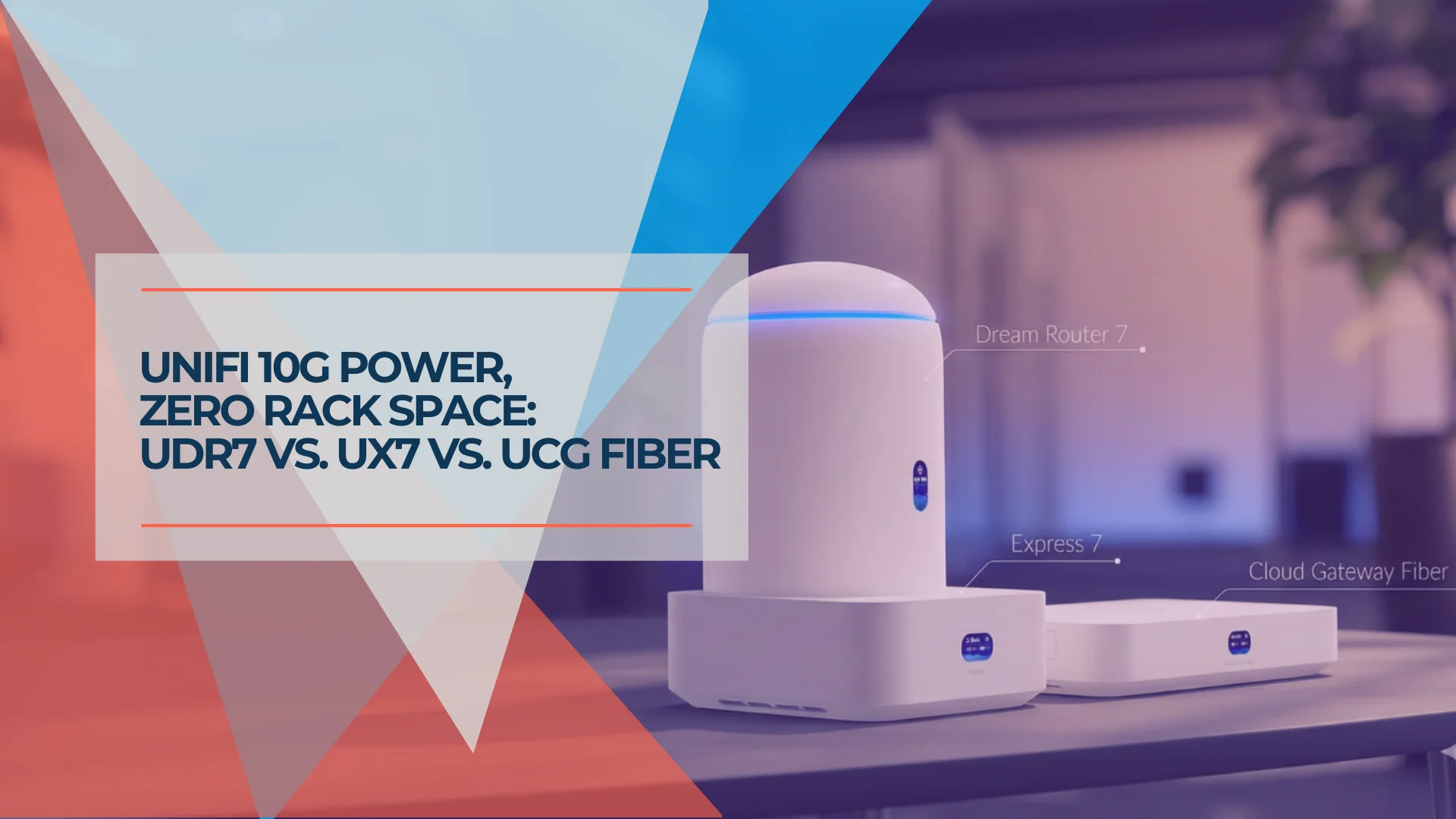
Which UniFi Gateway is Right for You? UDR7, UX7, or UCG Fiber
Compare the UniFi Dream Router 7 ($279), Express 7 ($199), and Cloud Gateway Fiber ($279+). Specs, use cases, and which compact gateway fits your network.
10 min read
We Ran 538 Ubiquiti Devices for 4 Years. Here's What Actually Failed.
Real fleet data: 538 UniFi devices tracked over 4 years. 0.74% replacement rate, 99.99% core uptime, and five incident post-mortems from commercial sites.
15 min read
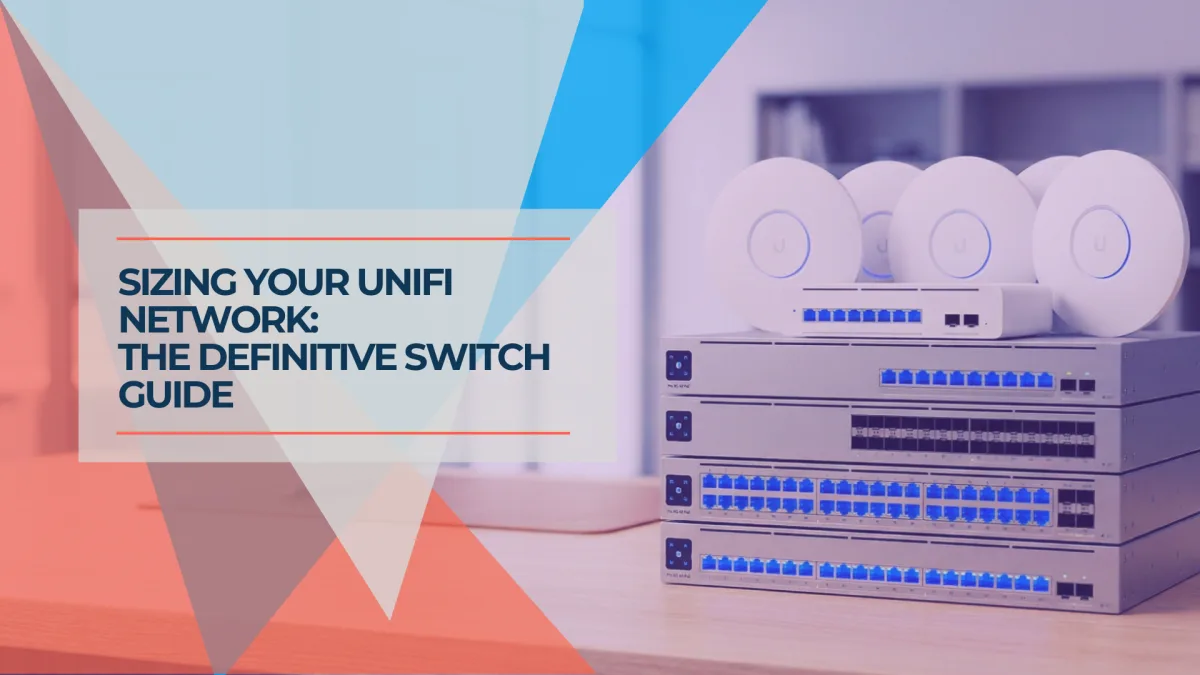
Best UniFi Switches 2026: Which Switch Is Right for Your Setup?
Field-informed guide to UniFi PoE switches — Lite, Pro Max, Pro HD, Pro XG, and Enterprise Campus lines compared with real deployment data. Find the right switch for your home lab, small office, or enterprise edge.
23 min read