

UniFi vs TP-Link Omada WiFi 7: Multi-Gig Business Comparison (2026)
UniFi vs Omada WiFi 7 for small offices: verified hardware budgets, controller compatibility, PoE requirements, traffic bottlenecks and practical support choices.


Key Takeaway
We usually recommend UniFi for the small and medium business networks we install and support. That preference reflects our team's experience and the way we manage those installations. It is not evidence that Omada is less reliable.
Omada is a capable alternative, particularly when its complete configuration meets your budget, its management options suit your team, or you already have supported equipment worth keeping.
For either platform, match the access points, switch ports, PoE power, gateway and management service to the office. A 2.5GbE switch removes a gigabit wired bottleneck for traffic using those ports; it does not guarantee a particular Wi-Fi speed. The example hardware budgets below were checked on October 3, 2026.
Both UniFi and TP-Link Omada offer centrally managed business networking. A useful comparison starts with the office's needs: dependable calls, shared files, visitors, security requirements, and somebody responsible for support. Buying the newest access point is only part of that decision.
This guide compares equipment and management options using manufacturer specifications and our installation experience. It is not a new head-to-head lab test.
Quick Comparison: UniFi vs Omada for WiFi 7
| Category | UniFi example | Omada example |
|---|---|---|
| Tri-band Wi-Fi 7 access point | U7 Pro: 2.4/5/6 GHz, 2.5GbE, PoE+ | EAP772: 2.4/5/6 GHz, 2.5GbE, PoE+ |
| Small-office multi-gig switch | Flex 2.5G PoE: eight 2.5GbE PoE-output ports; plan the power source | SG3210XHP-M2: eight 2.5GbE PoE+ ports, two 10G SFP+ slots |
| Gateway in this build | Cloud Gateway Max: five 2.5GbE ports | ER707-M2: one 2.5G WAN and one 2.5G WAN/LAN port |
| Management choices | Gateway or other UniFi console, self-hosting, or paid Official UniFi Hosting | Hardware or software controller, free Essentials cloud for supported devices, or licensed Standard cloud |
| Expansion | Networking, Protect cameras, Access and other compatible UniFi applications | Networking and supported VIGI surveillance through Omada Central |
| Main decision | Does the complete build fit your requirements and support plan? | Does the complete build fit your requirements and support plan? |
See the U7 Pro specifications and EAP772 specifications for the exact hardware. Availability of 6 GHz depends on local rules, and client devices must support the relevant band and features.
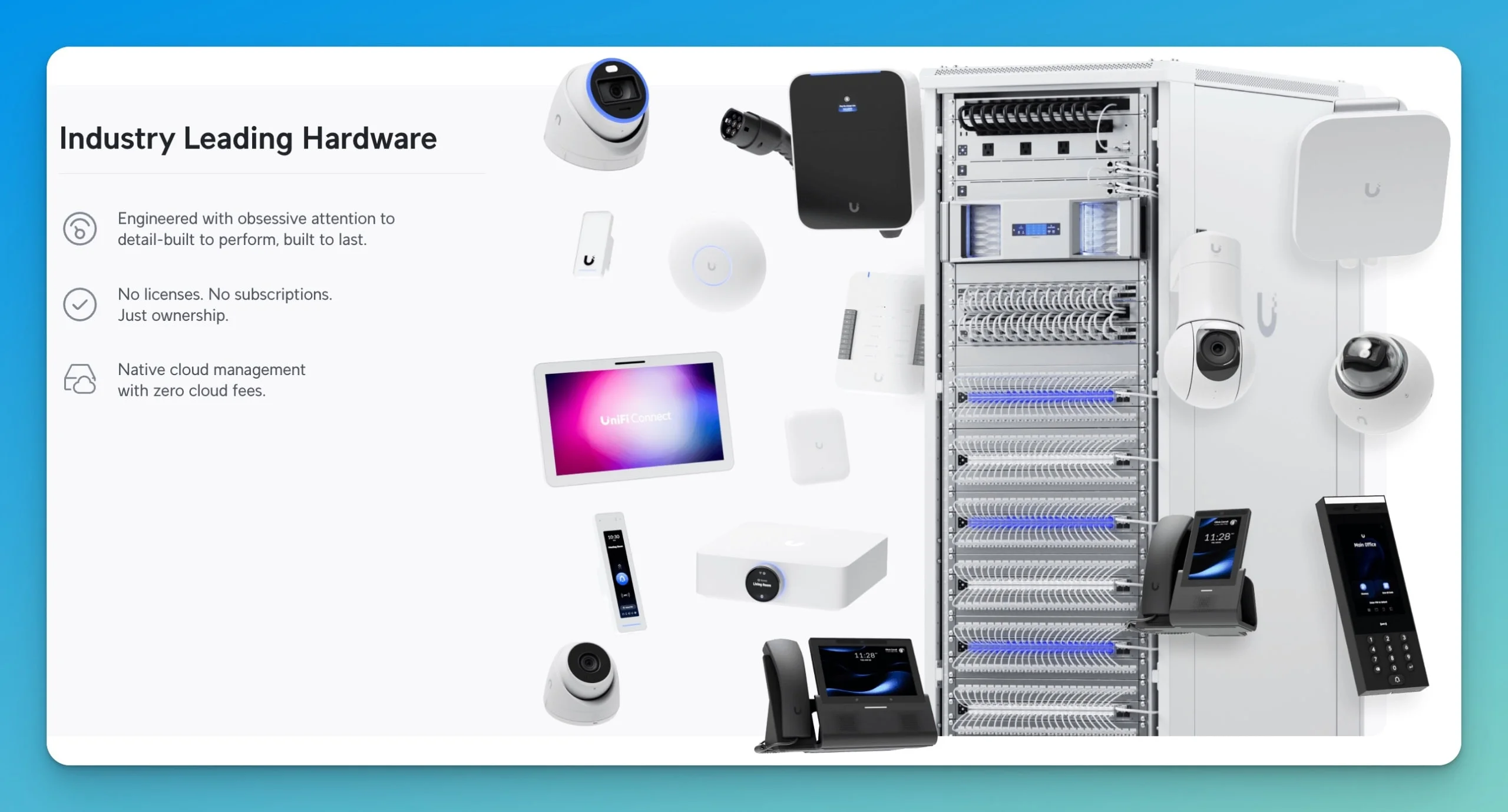
Our Primary Recommendation: UniFi Networks
UniFi accounts for most of our business network installations. Our preference for UniFi networking equipment comes from deployment and support experience. For a model-by-model comparison, see our guide to the best WiFi 7 access points for small business.
Device Selection and Ecosystem Flexibility
UniFi offers gateways, switches, ceiling and wall access points, outdoor equipment, cameras, access control and accessories. That gives us several ways to match an installation to an office's physical layout and future plans. Our UniFi gateway comparison explains the differences between gateway models.
Omada also has a substantial ceiling, wall and outdoor access-point lineup, along with gateways and switches. We would not assume it cannot handle a mixed office, meeting-room and outdoor deployment. Compare the actual models, wired ports, power needs and mounting arrangements required for the job.
Reliability Through Real-World Deployment
Our oldest UniFi installations date back to 2018. Supporting those networks informs our configuration choices, maintenance practices and replacement planning.
Our experience, not a reliability ranking
Hardware failures have been uncommon across our managed UniFi deployments. This is our qualitative service experience, not a published failure-rate study or a controlled comparison with Omada. It does not establish a guaranteed equipment lifetime, a future update commitment or a warranty term.
Firmware maintenance, configuration backups, a practical rollback plan and access to replacement equipment belong in the proposal for either platform.
Vendor Governance and Procurement
Ubiquiti's investor disclosures are one resource for vendor due diligence. Procurement decisions also need the exact product's authorization, contractual requirements and applicable rules; a vendor's US headquarters does not by itself establish eligibility for a particular project.
US router authorization context
The FCC's March 23, 2026 fact sheet describes restrictions on new authorizations for foreign-produced consumer-grade routers. It says the action does not stop continued use of previously acquired routers or the sale, import and marketing of previously authorized models. The definition and model-specific exceptions matter: this is not a blanket ban on existing UniFi or Omada networks.
Check the current FCC Covered List and conditional approvals for procurement decisions. Our business impact guide provides additional context.
Integrated Ecosystem Benefits
UniFi's ecosystem includes security cameras, access control and other compatible applications. A suitable console can simplify expansion, but check application support, storage, PoE capacity and recording requirements first. The Cloud Gateway Max specifications list Protect support; a no-storage configuration needs suitable storage for recordings. The Cloud Gateway Ultra runs Network only.
Surveillance integration is not exclusive to UniFi. Omada Central combines supported Omada networking and VIGI surveillance devices. Unified cloud management and local video recording are different functions, so compare the required NVR, storage and service tier for each proposal. Our camera-system comparison covers the wider choice.
Local Support We Can Provide
Our team's UniFi experience and replacement inventory help us support the networks we install. That is an advantage of our service model, rather than a claim that every UniFi provider offers better support than every Omada provider.
Ask the proposed installer who handles monitoring, firmware changes, failed equipment and after-hours incidents. Manufacturer warranties and paid support options should be checked separately from the installer's service agreement.
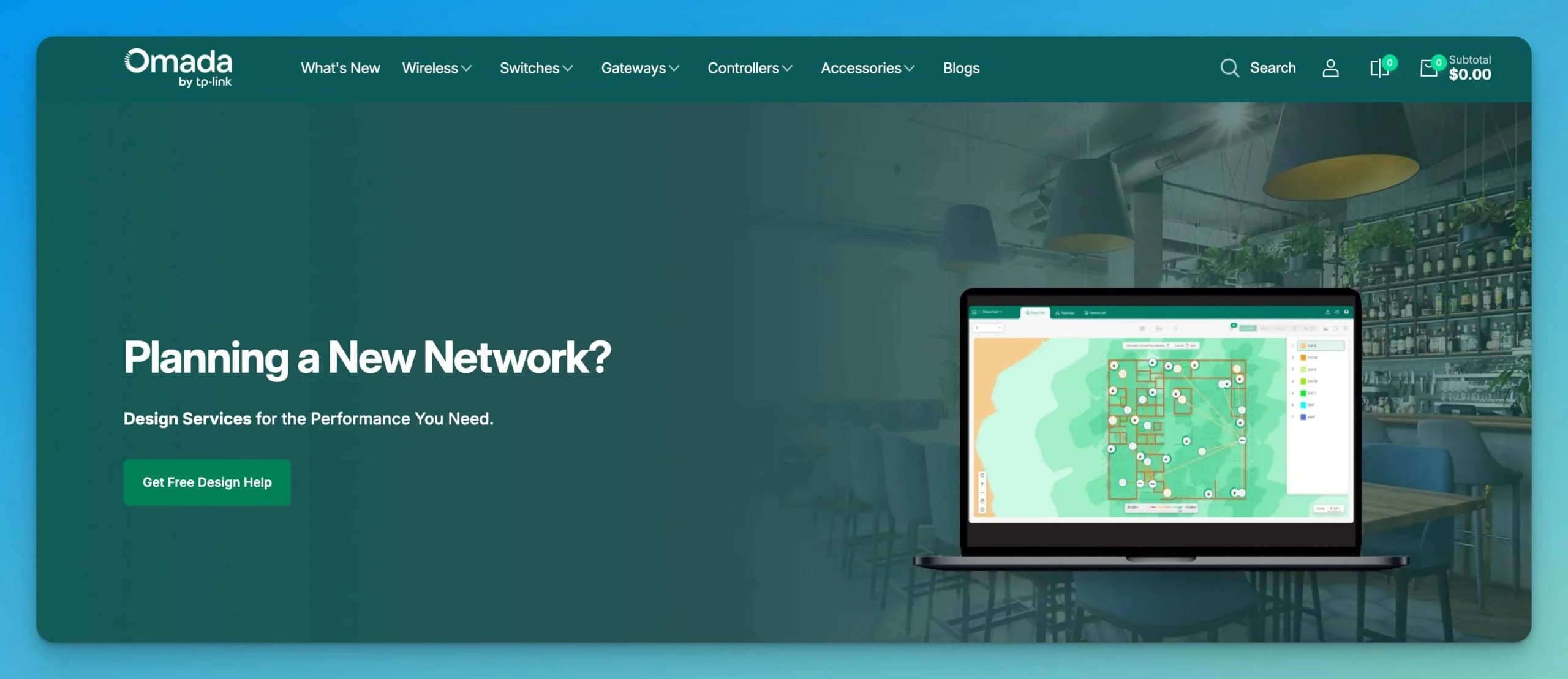
Understanding TP-Link Omada
Omada offers centrally managed gateways, switches and access points with several controller arrangements. Its value depends on the whole configuration, rather than an assumption that every Omada build costs less.
What TP-Link Omada Does Well
The free Essentials cloud option can avoid buying a separate controller or running a server, when the exact devices and required features are supported. Omada also offers on-premises hardware and software controllers.
UniFi is not limited to a purchased controller box or a customer-maintained server: Official UniFi Hosting is another option. In our example, UniFi Network runs locally on the Cloud Gateway Max, with no separate Network-controller subscription. Optional hosting, enhanced security and support services can have additional charges.
The ER707-M2 specifications include WireGuard, IPsec, OpenVPN and other VPN options. Availability and configuration depend on firmware, management mode and controller tier; GRE is listed for standalone mode only. A broad protocol list is not a VPN-speed benchmark. Check the required protocol and workload before choosing the gateway.
Have the administrator compare both interfaces and carry out representative tasks: adding a guest network, finding an affected client, restoring a backup and changing a port setting. Familiarity is a more useful guide than declaring one interface universally easier.
2026 WiFi 7 Pricing Comparison
These are illustrative three-access-point hardware budgets, not complete installation quotes or a coverage prescription. A 3,000 sq ft office may need a different AP count depending on walls, layout, interference, mounting positions and client density. Confirm placement through a site assessment.
Prices below are US manufacturer-store amounts observed on October 3, 2026, before tax, shipping, installation and other checkout charges. Promotional prices, stock, hardware revisions and storage options can change. Ubiquiti currently displays both a base price and a higher surcharge-inclusive amount for several items; both are shown so the comparison does not hide that difference.
UniFi Multi-Gig Example
| Component | Listed base price | Displayed surcharge-inclusive amount / notes |
|---|---|---|
| Cloud Gateway Max | $279 | $307; price depends on selected storage variant |
| Flex 2.5G PoE switch | $199 | $219; eight 2.5GbE PoE-output ports |
| AC Adapter 210W | $79 | Listed accessory price; sold separately |
| Three U7 Pro access points | $567 | $609: three at $203 including the displayed surcharge |
| UniFi Network management | No separate controller subscription | Runs on the gateway in this example |
| Hardware subtotal | $1,124 | $1,214 using the displayed surcharge-inclusive gateway, switch and AP amounts, plus the listed $79 adapter |
Price sources: Cloud Gateway Max store listing, Flex 2.5G PoE listing and its adapter accessory, and U7 Pro store listing. Confirm the selected variant, availability and complete checkout amount before ordering.
The Flex specifications list a 196W PoE budget with the 210W AC adapter; the adapter's input rating is not the power available to connected devices. PoE-input operation has a lower budget. Include an adequate power source and account for every powered device.
TP-Link Omada Multi-Gig Example
| Component | Observed manufacturer-store price | Notes |
|---|---|---|
| ER707-M2 | $99.99 | Use its 2.5G WAN/LAN port for the switch connection |
| SG3210XHP-M2 | $419.99 | Eight 2.5GbE PoE+ ports, two 10G SFP+ slots; 240W PoE budget |
| Three EAP772 access points | $509.97 | Three at $169.99 |
| Essentials cloud management | No device-license fee for supported equipment | Confirm exact hardware revisions, firmware and required features |
| Hardware subtotal | $1,029.95 | Before tax, shipping, installation and any optional controller or service charges |
Price sources: the manufacturer's starter-kit page lists the gateway and EAP772 prices, and the SG3210XHP-M2 store page lists the switch price. This subtotal uses three APs and free Essentials management; it is not the promotional one-AP starter-kit bundle price.
Check the SG3210XHP-M2 specifications against the supplied model and revision. An older TL-prefixed listing and a newer listing are not interchangeable evidence of cloud compatibility.
Lower-Cost Dual-Band Option
The EAP723 is dual-band Wi-Fi 7 with a 2.5GbE port; it lacks 6 GHz. The manufacturer store currently lists V2 at $99.99 and a V1 listing at $89.99. Check the actual revision and local specifications rather than treating those offers as identical.
Using three V2 units instead of three EAP772s brings the same gateway/switch example to $819.95 before the excluded costs. This keeps 2.5GbE AP connections; choosing a lower-cost gigabit switch is a separate trade-off.
TP-Link's EAP723 page qualifies features such as MLO, 4K-QAM and wider channels by client support and regional rules. They do not automatically improve every device's latency or remove interference.
Check the Whole Traffic Path
Follow the traffic you actually need to carry
For an internet transfer, check AP → switch → gateway → internet connection. For a same-VLAN local file transfer, the traffic may stay on the switch and avoid the gateway entirely. Inter-VLAN traffic follows the network's routing configuration.
A 1GbE link limits traffic passing through that link to its physical line rate, with useful application throughput lower after overhead. A 2.5GbE link does not prove that the router, VPN, security inspection, Wi-Fi client or internet service can sustain 2.5 Gbps.
You do not need multi-gig internet to use Wi-Fi 7. You can use a gigabit switch too, if that capacity meets the workload; its wired AP connection then becomes a limit for traffic crossing it.
The Cloud Gateway Max has five 2.5GbE ports, but Ubiquiti specifies 2.3 Gbps IDS/IPS throughput, not an unconditional 2.5 Gbps security-inspected result. TP-Link publishes separate ER707-M2 routing and VPN performance figures. Neither is a measured result from this comparison.
An uplink label does not describe every port
The TL-SG2210MP has gigabit access ports and gigabit SFP slots. The UniFi Pro 8 PoE has gigabit access ports despite its 10G SFP+ uplinks. Connecting a 2.5GbE AP to a gigabit access port gives it a gigabit wired connection.
The Cloud Gateway Ultra has a 2.5GbE WAN port but gigabit LAN ports. That LAN link limits traffic routed through it, while same-switch local traffic can take a different path. Pick the exact port speeds and power capabilities required; do not assume every switch in a product family has identical ports.
Omada Cloud Controller Tiers and Compatibility
The current US Essentials compatibility list names EAP772 (US) V2 and SG3210XHP-M2 V3, and lists ER707-M2. It supports the listed and higher hardware versions with appropriate current firmware. A matching model name alone is not enough to assume an older revision qualifies.
Omada's controller comparison distinguishes free Essentials, licensed Standard, and on-premises hardware/software controllers. Essentials provides basic management; some security, VPN, logging, permissions and integration functions differ by tier. In particular, the current comparison does not list DPI or IPS/IDS for Essentials. Check the feature needed for the actual project instead of assuming free and paid management are equivalent.
A local hardware or software controller is an alternative when its capabilities better match the installation. Budget for the hardware or server, maintenance and backups. See our Omada controller guide.
Making the Best Decision for Your Business
Choose the complete design you can afford, manage and support. The more useful comparison is between two itemized proposals, including the service plan, rather than two brand names.
Consider UniFi When You Value:
- A team already experienced in installing and supporting UniFi
- Gateway-hosted management in a compact build
- Compatible Protect, Access and other UniFi applications
- An existing UniFi installation that remains suitable for expansion
- The specific models and mounting options that fit the office
Consider TP-Link Omada When You Have:
- Supported Omada equipment worth retaining
- A complete hardware and controller proposal that offers good value
- A team comfortable with Omada's management tools
- Requirements met by a particular Omada gateway, switch or AP
- A supported VIGI surveillance plan that fits Omada Central
Our UniFi buyer's guide and Omada Wi-Fi 7 business setup guide explore the equipment choices further.
Questions to Ask Your IT Provider
- What layout, traffic and client requirements justify the AP count?
- Are all required switch ports multi-gig, and is the PoE budget adequate?
- Which controller, hardware revisions and firmware are included?
- What features or services need recurring fees?
- Who owns the configuration, credentials and backups?
- Who monitors the system and handles firmware changes?
- What response arrangements and spare equipment are included?
- Can you provide references from similar installations?
Our Recommendation
Match the platform to the support plan
We deploy UniFi for most clients because it fits our team's experience, replacement inventory and the way we support those networks. Its compatible applications can also suit future plans.
Omada remains a valid choice. Keep functioning supported equipment when it meets the requirements, compare current complete costs, and choose the controller arrangement that provides the features you need. Our installer preference is not an independent ranking of hardware reliability.
Good design, cabling, installation, security configuration and ongoing maintenance matter with either platform.
Frequently Asked Questions
Do I need a 2.5G switch for WiFi 7?
No. Wi-Fi 7 can operate with a gigabit switch. A 2.5GbE switch port is needed to use the U7 Pro or EAP772's wired connection above gigabit line rate. The rest of the traffic path and client capabilities still matter; local traffic may bypass the gateway, while internet and gateway-routed traffic use it. A port rating is not a guaranteed application speed.
Is TP-Link Omada as reliable as UniFi for business use?
Both can serve business networks when properly selected, configured and maintained. Our UniFi recommendation reflects our own support experience. We have not conducted a controlled reliability comparison proving that one platform fails less often than the other. Evaluate the installer's support plan, backups and replacement arrangements.
Should I choose dual-band or tri-band WiFi 7 access points?
Choose based on clients, local spectrum rules, layout and budget. The U7 Pro and EAP772 include 6 GHz; the EAP723 uses 2.4 and 5 GHz. Compatible clients may benefit from additional spectrum, but 6 GHz does not guarantee faster service everywhere. Compare the exact regional model and firmware.
Can I mix UniFi and TP-Link Omada equipment in the same network?
Yes. Ethernet, VLANs and IP networking allow mixed builds when configured correctly. Each management platform controls its supported devices, so you lose parts of the single-platform configuration and visibility. Cross-platform switch ports, VLANs, routing and PoE need to be configured deliberately; mixing does not make every device incompatible.
Can you migrate from TP-Link Omada to UniFi later if needed?
Yes, but plan for configuration work and service interruptions. UniFi cannot adopt Omada access points or switches into its controller. Replacing those managed devices may be necessary for a fully UniFi-managed installation; compatible cabling and some standards-based equipment can remain. Do not assume configuration exports transfer directly between platforms.
Is the free Omada cloud controller as good as UniFi's controller?
It depends on the required tasks. Essentials is free for supported device revisions, but its feature set differs from Standard and on-premises Omada controllers. UniFi also offers local, self-hosted and paid hosted arrangements. Compare exact features and outage requirements: a local controller can be reached locally during an internet outage, whereas cloud-management access needs connectivity.
What happens to my TP-Link Omada network if regulations change?
Do not assume a blanket exemption for every device or future rule. The FCC's March 2026 fact sheet says its router action does not stop use of previously acquired routers or sales of previously authorized models. Check the exact product, applicable procurement rules and current FCC notices for a new purchase; vendor headquarters alone do not establish compliance.
How much does professional WiFi 7 installation cost compared to WiFi 6?
Request an itemized quote for the office. Cabling, mounting, site work, switch and gateway requirements, commissioning and support can matter as much as the AP generation. There is no universal labor premium or savings we can assign simply because an AP supports Wi-Fi 7.
Does UniFi's ecosystem integration really matter for small businesses?
It can matter when compatible cameras, access control or other applications are part of the plan. Confirm console support, storage, power and recurring charges before buying. Omada Central also supports compatible VIGI surveillance, so camera expansion is not unique to UniFi.
Why do you carry UniFi replacement parts but not Omada parts?
Our inventory reflects our deployment volume and support obligations. We maintain UniFi parts because we support numerous UniFi installations and want to minimize client downtime. Ask any installer which spares and replacement arrangements are included for the system being proposed.
Next Steps
Start with the office's requirements and an itemized design. If you are considering an Omada gateway with UniFi switches or APs, our hybrid-stack guide explains the management trade-offs.
We can discuss your requirements, installation constraints and support needs, then recommend a complete network that fits them.
Affiliate Disclosure: This article contains affiliate links. If you make a purchase through these links, we may earn a small commission at no extra cost to you. As an Amazon Associate, iFeelTech earns from qualifying purchases.
Related Articles
More from UniFi Networks
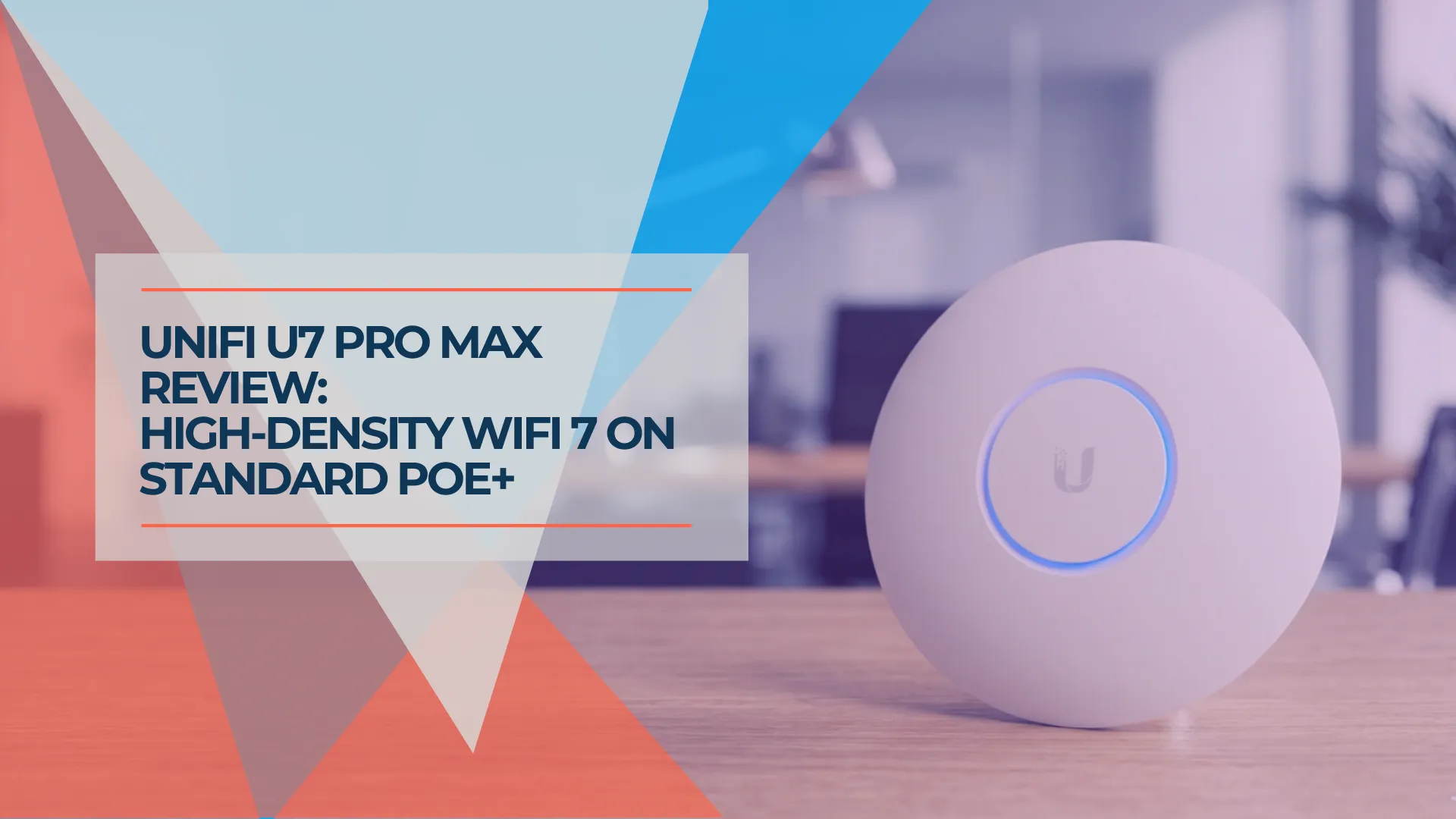
UniFi U7 Pro Max Field Review (2026): PoE+, Range & XGS Comparison
Field review of 12 UniFi U7 Pro Max APs across four SMB sites. PoE+, range, spectral scanning, heat, and U7 Pro XGS comparison.
18 min read
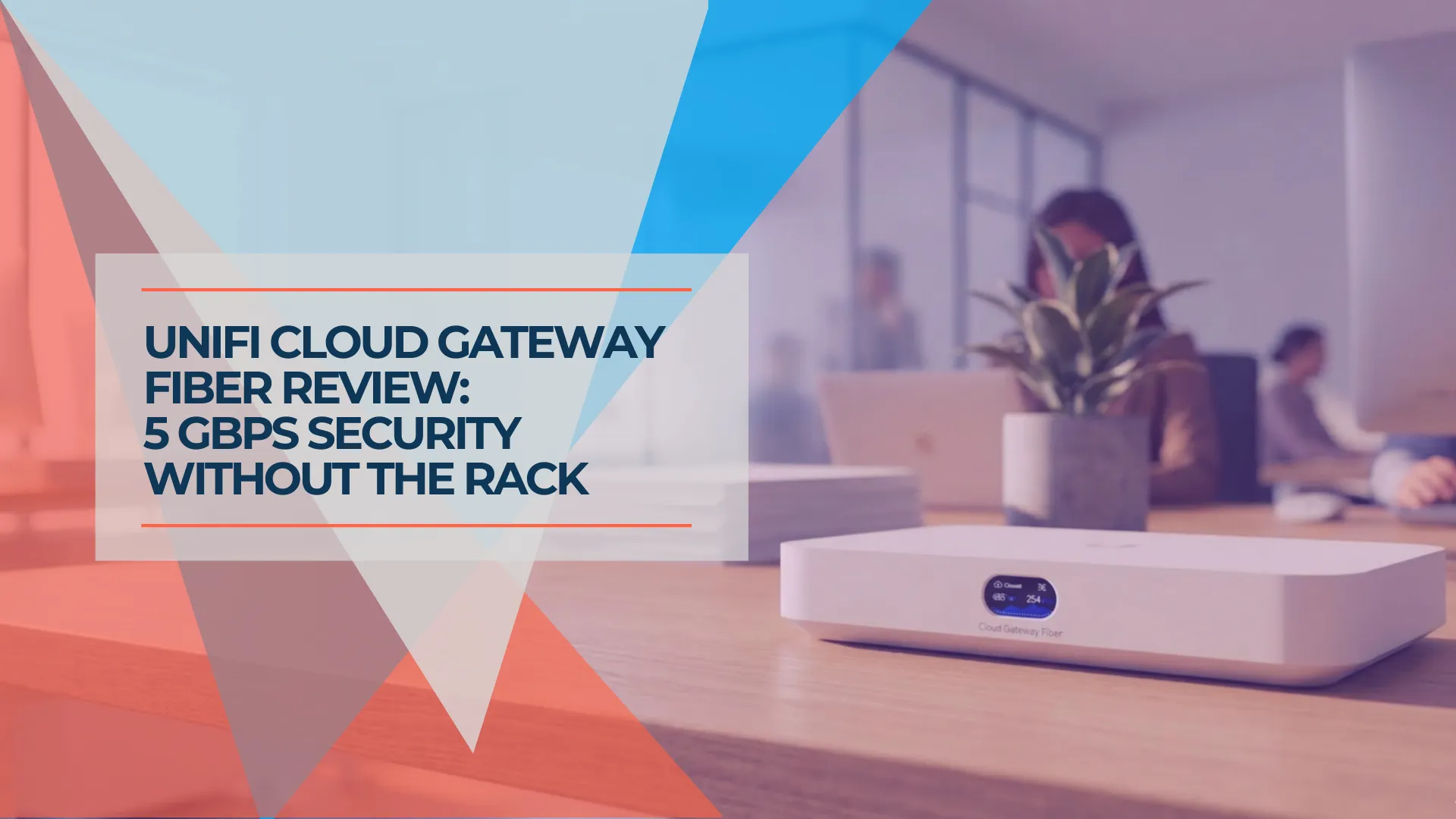
UniFi Cloud Gateway Fiber Review: 10G Gateway for Multi-Gig Fiber Networks
The UniFi Cloud Gateway Fiber packs 5 Gbps IDS/IPS, three 10G ports, and NVMe storage into a $279 desktop form factor — reviewed with deployment context and compared to UDR7, UCG Max, and UDM-Pro.
20 min read

UniFi UCG Industrial Review: When the Ruggedized Chassis Justifies the Price
Full UCG Industrial review with verified specs, real-world deployment, and comparison to the UCG Fiber. $579 buys a fanless, ruggedized WiFi 7 gateway with 270W PoE — here's when it makes sense.
16 min read