

We Ran 538 Ubiquiti Devices for 4 Years. Here's What Actually Failed.
Real fleet data: 538 UniFi devices tracked over 4 years. 0.74% replacement rate, 99.99% core uptime, and five incident post-mortems from commercial sites.


Over four years of operating a 538-device Ubiquiti fleet across a dozen commercial sites, we lost a total of four devices. Only one was RMA'd as a potential hardware defect. The other three were lost to environmental conditions that had nothing to do with the hardware itself.
Four devices. 538 managed edge devices. 48 months of continuous operation across mixed indoor and outdoor environments. That's a 0.74% cumulative device replacement rate — or roughly 0.19% annualized. And most of that was our fault.
What follows is the full fleet data: composition, failure metrics, and the complete incident post-mortems for every anomaly we encountered — five incidents total, including two that consumed more engineering hours than the actual device losses.
Key findings at a glance:
- 0.74% cumulative device replacement rate (4 devices out of 538 over 48 months)
- 0.19% annualized replacement rate — at or below published benchmarks for Cisco Meraki and Aruba, even counting environmental losses
- 99.99% core infrastructure uptime (gateways and switches)
- 5 total incidents — only 1 RMA (ambiguous root cause); 3 environmental losses; 2 non-hardware incidents (firmware, EMI)
- Environmental conditions: continuous operation in 84–97°F ambient temperatures with 73–78% average relative humidity (South Florida commercial sites)
Affiliate Disclosure: This article contains affiliate links. If you make a purchase through these links, we may earn a small commission at no extra cost to you. As an Amazon Associate, iFeelTech earns from qualifying purchases.
The Fleet: What We're Actually Managing
The composition of this fleet matters because it provides context for interpreting the failure data.
| Device Category | Count | Role |
|---|---|---|
| Cloud Gateways (UDM Pro, UCG Ultra, UDM SE) | 28 | Routing, IDS/IPS, site management |
| PoE Switches (Pro, Pro Max, Lite series) | 48 | Distribution, PoE delivery |
| Access Points (U6 Pro, U6 LR, U7 Pro, U7 Pro XGS) | 79 | Wireless coverage |
| Cameras & Physical Security (G5, G6, Access readers) | 383 | Surveillance, door access |
| Total | 538 |
The baseline fleet — gateways, switches, and most APs — has been in service for 3–4 years. The U7-series access points and G6 cameras are newer deployments under 24 months. Sites range from indoor offices with climate-controlled server closets to outdoor pool-facing camera installations operating in continuous 84–97°F ambient temperatures with 73–78% average relative humidity, direct sun exposure, and salt-air conditions typical of coastal South Florida. For a full overview of the UniFi product stack, our business network guide covers the hardware lineup. Our residential deployments run the same U7 hardware in different physical environments.
The camera-heavy mix (383 of 538 devices, or 71%) is intentional — UniFi Protect is the primary reason many of our clients adopted the platform. This means the fleet skews toward devices that live outdoors, on unconditioned power, and in physically exposed environments.
What Is the Hardware Failure Rate for UniFi Devices?
The cumulative device replacement rate for our 538-device UniFi fleet is 0.74% over 48 months, with core network uptime maintaining 99.99%. The interactive summary below breaks down the key metrics and each incident.
Fleet Data — 48 Months
538-Device UniFi Fleet: Reliability Summary
Key metrics and incident log from 4 years of commercial operation. Select an incident to see the full diagnosis.
0.74%
Cumulative replacement rate
4 of 538 devices over 48 months
99.99%
Core infrastructure uptime
Gateways and switches
1 of 4
Losses from hardware defects
3 of 4 were environmental
0
Firmware rollbacks required
~16 major updates over 48 months
Incident Log — All 5 Events
Select an incident above to see the full diagnosis, root cause, and resolution.
The Bottom Line
These numbers put the fleet well below the 0.5–2% annual failure rate typical of enterprise networking hardware — and three of the four device losses were environmental, not hardware defects. The data suggests that installation discipline matters more than the hardware itself.
Out of 538 managed commercial devices, we lost 4 total: 1 AP was RMA'd (though the root cause was ambiguous — possibly firmware), 1 WiFi camera was damaged by a power spike on an unconditioned outdoor circuit, and 2 PoE cameras were lost to condensation in a poorly insulated cooler environment. No failure cascaded to other devices.
Core infrastructure uptime — gateways and switches specifically — held at 99.99%. The downtime that did occur was planned (firmware updates, rack maintenance) rather than unplanned failures. We attribute this in part to treating gateway configuration as a strict baseline — our network security baseline guide covers the configuration discipline that supports this.
How Does This Compare to Other Enterprise Hardware?
Direct comparison across vendors is difficult because manufacturers calculate and report reliability metrics differently. That said, publicly available data provides useful reference points:
| Vendor / Platform | Published MTBF | Approximate Annual Failure Rate |
|---|---|---|
| Our UniFi Fleet (all losses) | — | 0.19% (actual, measured — includes environmental) |
| Our UniFi Fleet (RMA only) | — | ~0.05% (1 device over 48 months) |
| Aruba IAPs (AP-93 series) | 365,000 hours | 0.2% (actual warranty returns) |
| Cisco Meraki MX Series | 175,000–350,000+ hours | 0.25–0.5% (theoretical) |
| Enterprise switches (industry avg, years 1–5) | 250,000–500,000+ hours | 0.2–0.8% |
Aruba has publicly reported actual warranty return rates of approximately 0.2% annually for its access points — noting that MTBF-derived estimates (2.4%) are far more pessimistic than real-world failure data. Cisco Meraki publishes MTBF figures that translate to 0.25–0.5% theoretical annual failure rates, though actual field data is not publicly disclosed.
Our 0.19% observed rate includes every device loss — even the ones caused by our own installation mistakes. If you count only the single RMA, the rate drops to roughly 0.05%. Either way, the numbers fall at or below published benchmarks from competing enterprise platforms.
Incident Post-Mortems
These five incidents represent every significant operational event across the fleet in 48 months. Three resulted in device losses — one RMA with an ambiguous root cause, one WiFi camera damaged by a power spike, and two PoE cameras shorted by condensation. The other two incidents (firmware adoption loop, EMI interference) caused no hardware loss but consumed significant engineering hours.
Diagnosing Intermittent AP Connectivity Loss
Symptom: A U7 Pro XGS at a commercial office began showing as offline in the controller while the blue LED on the unit remained lit. Connected clients lost internet access despite the AP appearing physically operational. The issue was intermittent and affected multiple APs at this one location — a first for us across the fleet.
Diagnosis: We worked through the standard isolation sequence: new cabling, swapping the unit for a replacement, testing multiple APs in the same location. The behavior persisted across different hardware, which pointed away from a single defective unit. After exhausting environmental and infrastructure variables, we factory-reset the original AP. Post-reset, the unit would not negotiate a full gigabit connection — it was degraded at the physical layer. That unit was RMA'd.
Resolution: The RMA resolved the degraded unit, but the intermittent offline behavior at the site was ultimately fixed by a firmware update that Ubiquiti released during the troubleshooting window. The update addressed controller-to-AP communication handling that matched our symptoms. Whether the original unit was genuinely defective or was a casualty of the same firmware issue is unclear — the degraded post-reset negotiation suggests hardware damage, but the timing of the firmware fix leaves room for doubt.
Takeaway: Not every incident resolves into a clean root cause. We RMA'd a unit that wouldn't negotiate gigabit after a reset, which is a reasonable hardware call. But the site-wide issue was firmware. When multiple devices at one site exhibit the same symptom, suspect firmware or environment before hardware — even if one unit ends up needing replacement along the way. The U6 series and remaining U7 line in our fleet have not reproduced this behavior since the firmware update.
Preventing Outdoor Camera Failures from Power Surges
Symptom: A G5 Instant camera — a WiFi camera powered via its USB-C adapter — mounted under a pool cabana overhang went offline repeatedly over a 2-week period. Each time, it would recover after unplugging and reconnecting the adapter. Eventually, it stopped powering on entirely.
Diagnosis: The G5 Instant is not a PoE device. It connects over WiFi and draws power from a USB-C adapter plugged into a standard outlet. In this case, that outlet was on an outdoor circuit shared with pool equipment — pump, heater, and landscape lighting. Transient voltage spikes from the pool pump's compressor motor were reaching the camera through its power adapter, degrading the camera's internal power regulation over time until it failed permanently. The USB-C adapter itself survived; the camera did not.
Resolution: Replaced the camera and moved the power source to an indoor outlet on a conditioned circuit, running a longer USB-C extension to reach the mounting location. The replacement has been online without interruption for 26 months.
Unconditioned Power Is a Silent Risk
Any device plugged into an unconditioned circuit — PoE or not — is vulnerable to transient voltage spikes. Outdoor outlets shared with motors, compressors, or HVAC equipment carry the highest risk. For rack-mounted infrastructure, a ~$240 CyberPower pure-sine UPS is standard. For edge devices like WiFi cameras, the fix is simpler: power them from an indoor outlet on a clean circuit rather than the nearest outdoor receptacle.
Takeaway: The hardware itself was sound — the power environment caused the failure. This applies to any device on an unconditioned circuit, not just PoE equipment.
Preventing PoE Camera Failures in Cold Storage Environments
Symptom: Two G5 Ultra cameras mounted inside a cooler warehouse began experiencing intermittent connectivity drops and eventually went fully offline within days of each other.
Diagnosis: The cooler wall where the cameras were mounted had insufficient insulation. The temperature differential between the cooled interior and the warmer wall cavity was creating persistent condensation on the interior mounting surface. Over time, moisture accumulated at the camera's PoE port, creating an electrical short that permanently damaged the PoE circuitry on both units.
Resolution: Purchased two replacement G5 Ultra cameras (this was not a warranty claim — the damage was caused by our installation environment, not a hardware defect). Before reinstalling, we properly insulated the cooler wall at both mounting locations to eliminate the condensation issue. The replacements have operated without problems since.
Moisture and PoE Don't Mix
In cooler or cold-storage environments, condensation from poor wall insulation can short PoE ports and permanently damage cameras. Before mounting any device on a wall that separates temperature zones, verify that the insulation prevents condensation at the mounting surface. This is an installation discipline issue — not a hardware limitation.
Takeaway: This was an installation error on our part. The cameras were rated for indoor use and the PoE ports were not designed to handle persistent moisture exposure. The lesson is straightforward: if you're mounting cameras in temperature-controlled environments, the insulation at the mounting point matters as much as the camera's IP rating. Two cameras and the labor to diagnose the problem cost more than the insulation work would have.
How to Fix UniFi AP Adoption Loops on New Firmware
Resolving indefinite "Pending Adoption" loops requires updating the core gateway and switches to the latest stable firmware before the AP.
Symptom: Three new U7 Pro access points at a recently expanded office site entered a repeating adoption loop. They would appear in the controller, begin the adoption handshake, reach "Adopting" status, then drop back to "Pending Adoption" — indefinitely. Factory resets, re-provisioning, and firmware manual uploads via SSH all failed.
Diagnosis: The core gateway at this site was running firmware from 6 months prior. The new APs shipped with a firmware version that expected a controller feature set the older gateway didn't support. The adoption handshake was failing silently — no error in the controller logs, just the loop.
Resolution: Updated the gateway and all switches to the latest stable firmware. After the gateway rebooted on the new firmware, all three APs adopted within 90 seconds without any additional intervention.
Takeaway: Always update core infrastructure before deploying new edge devices. The deployment sequence should always be: gateway first, switches second, edge devices last.
Diagnosing UniFi Access Point Offline Events and EMI
Electromagnetic interference from parallel high-voltage wiring induces PoE instability, causing UniFi access points to reboot randomly.
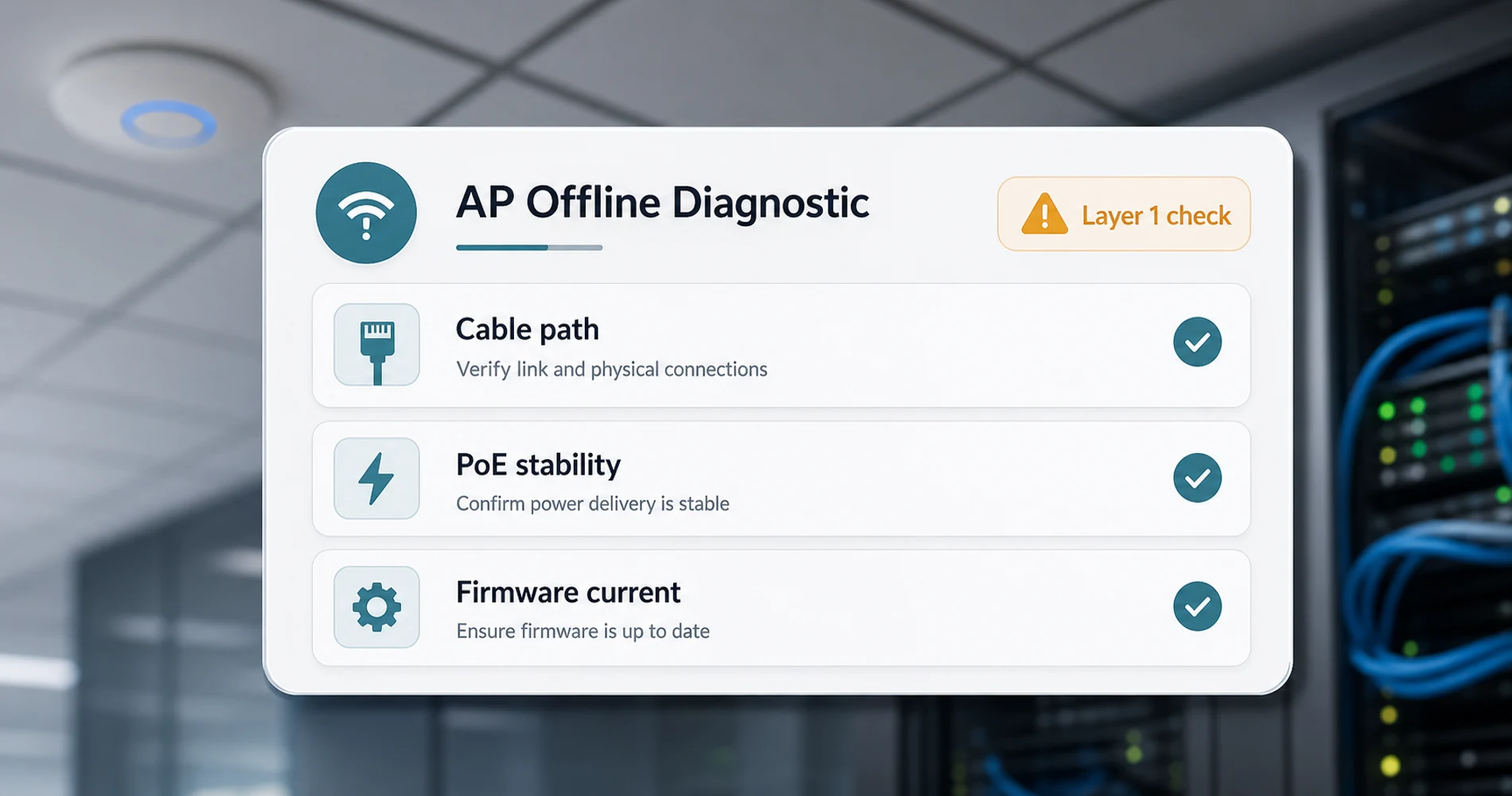
Symptom: Two brand-new U7 Pro access points in a commercial office experienced random reboots, intermittent client disconnections, and periodic offline events. Replaced both APs. The replacement units exhibited identical behavior within 48 hours.
Diagnosis: When replacement hardware shows the same symptoms as the hardware it replaced, the problem is not the hardware. We pulled the ceiling tiles and traced the ethernet runs. Both cables were routed tightly parallel — for approximately 15 feet — to high-voltage conduit serving fluorescent ballasts and a three-phase electrical panel. The induced electromagnetic interference was disrupting both PoE delivery and data integrity on the ethernet cables, causing the APs to brown-out and reboot.
Resolution: Re-routed both ethernet cables with minimum 12-inch separation from the high-voltage conduit. Installed the original (supposedly faulty) APs back on the re-routed cables. Both have been running without a single reboot or disconnect for 19 months.
Not Every Offline AP Is a Hardware Fault
If replacement hardware exhibits the same symptoms as the original, stop replacing hardware. Certify the physical cable run. In commercial environments with drop ceilings, ethernet cables routed parallel to high-voltage conduit, fluorescent ballasts, or motor-driven HVAC equipment can experience induced EMI severe enough to cause PoE instability and device reboots. A commercial cable certifier like the Fluke DSX2-5000 prevents this misdiagnosis.
Takeaway: This incident consumed more engineering hours than all other incidents combined — two full replacement cycles before we checked Layer 1. Certify the physical cable path before writing off hardware, especially in commercial spaces with shared ceiling infrastructure.
Standard Operating Procedures for UniFi Fleet Management
Professional UniFi deployment requires strict firmware sequencing, pure-sine UPS battery backups, and physical Layer 1 cable certification.
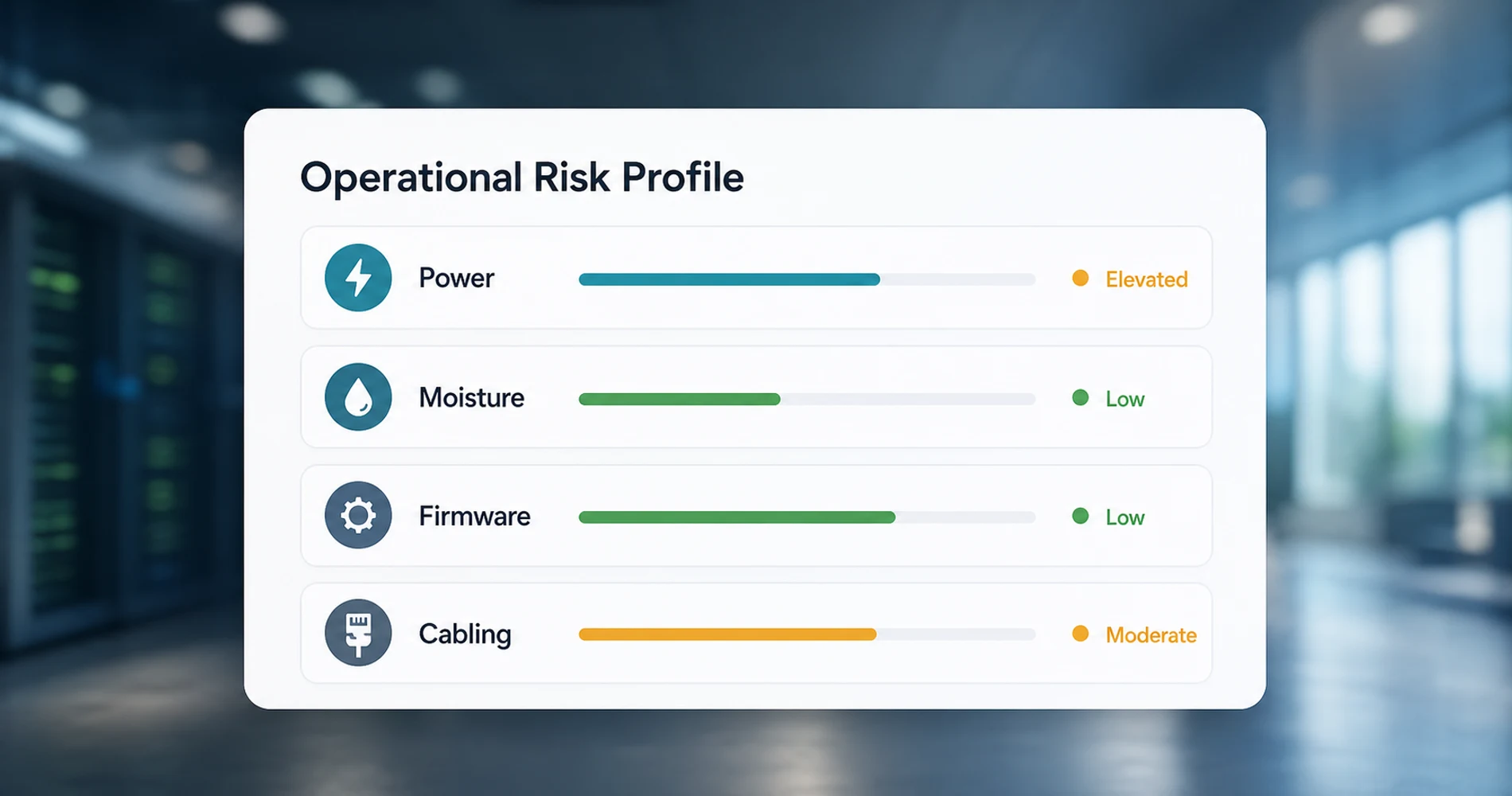
- Firmware sequencing: Always update the gateway first, followed by distribution switches, and finally edge devices to prevent feature-set mismatches and adoption failures. This adds 20–30 minutes to a deployment but has eliminated adoption failures across every subsequent project.
- Power conditioning: Edge devices on unconditioned circuits — PoE or otherwise — are susceptible to voltage spikes from shared HVAC or motor loads. We mandate a pure-sine UPS in every IT rack, typically an APC Smart-UPS 2200VA for larger racks or a CyberPower CP1500PFCLCD (~$240) for compact deployments. WiFi cameras and other adapter-powered devices should draw power from indoor conditioned circuits, not the nearest outdoor receptacle.
- Layer 1 certification: Test all cable runs for continuity, length, and crosstalk using a commercial certifier prior to device adoption. A Klein Scout Pro 3 handles basic testing; for commercial environments with complex ceiling infrastructure, we use a Fluke DSX2-5000.
- Environmental site prep: Before mounting any device on a surface that separates temperature zones — coolers, cold storage, exterior walls — verify that insulation prevents condensation at the mounting point. Moisture on PoE ports will short and permanently damage hardware. This type of failure is inexpensive to prevent with proper insulation but time-consuming to diagnose after the fact.
- Hardware swap protocol: At a 0.19% annualized replacement rate — most of which is environmental, not defective hardware — the odds of a true hardware defect are extremely low. If a basic power cycle fails, swap the device from local inventory first. If the replacement exhibits the same symptoms, the problem is environmental — not the device.
Firmware Stability Over 48 Months
Hardware reliability is only half the story. The most common complaint in UniFi forums and subreddits is not hardware failure — it's firmware instability. Our fleet data covers this too.
Over 48 months, we applied approximately 16 major firmware updates across the fleet (roughly quarterly). Of those:
- Zero required a rollback to a previous version due to broken functionality
- Two caused minor behavioral changes (one briefly altered VLAN tagging behavior on a specific switch model; one changed the default behavior of traffic rules) that required configuration adjustments but not a firmware revert
- No firmware update caused unplanned downtime at any site
We follow a strict update discipline: new firmware versions are deployed to a single non-critical site first and monitored for 2 weeks before rolling out fleet-wide. We never use auto-update and never deploy release-candidate firmware to production sites. This discipline likely explains why our firmware experience is smoother than what appears in community forums, where early-adopter and beta-channel issues dominate the conversation.
Outdoor Deployment: Environmental Conditions Survived
Since 71% of the fleet consists of cameras and physical security devices — many mounted outdoors — the environmental conditions are worth quantifying.
Our South Florida sites expose outdoor-mounted devices to:
- Ambient temperatures: 84–97°F (29–36°C) sustained during summer months, with device surface temperatures exceeding 105°F (40°C) under direct sun exposure
- Humidity: 73–78% average relative humidity year-round, with summer dewpoints consistently in the low-to-mid 70s°F
- Salt air: coastal sites within 5 miles of the Atlantic experience continuous salt-air corrosion exposure
- UV exposure: year-round direct sun on south- and west-facing camera mounts
- Electrical storms: South Florida averages 70–100 thunderstorm days per year; all outdoor devices are behind surge protection
The G5 and G6 camera lines have proven resilient in outdoor heat and humidity. The three camera losses in our fleet were all caused by environmental factors: one by an unconditioned outdoor power circuit and two by condensation from poor cooler wall insulation. None were caused by outdoor weather exposure or heat stress on the devices themselves.
What the Data Doesn't Prove
This report covers 538 devices across 12+ sites. That is a meaningful operational dataset, but it is not a statistically representative sample of all UniFi hardware across all deployment types.
Our fleet skews toward commercial SMB installations: office buildings, retail spaces, medical offices, and hospitality properties in South Florida. We do not operate data center environments, industrial facilities, or cold-climate deployments.
The camera-heavy mix (383 of 538 devices) means cameras account for all three environmental device losses — which makes sense, since cameras face harsher physical conditions than rack-mounted infrastructure. The AP and switch failure rate, when isolated, is effectively zero over 48 months (the one AP RMA was ambiguously caused).
What we can say: in the specific deployment profile we operate (SMB, commercial, professionally managed, South Florida climate), UniFi hardware has demonstrated strong reliability over a 4-year observation window. Whether that translates to a 200-device campus deployment in Minnesota or a 50-camera warehouse in Phoenix requires data we don't have.
Should You Build on UniFi? Our Honest Assessment
UniFi hardware is well-suited for SMB and multi-site commercial deployments when the deployment is professionally managed. Of four device losses in 48 months, three were caused by environmental factors we could have prevented. The hardware performed reliably; the installation environment was the primary risk factor.
UniFi is a strong fit for:
- SMB and multi-site commercial — the unified management plane across gateways, switches, APs, and cameras scales cleanly. If you're scoping a small office installation, our setup guide covers the specific hardware decisions we make for under-10-person environments.
- MSP-managed environments — the remote management capabilities and consistent hardware behavior across sites make fleet management predictable. For multi-site deployments specifically, our network blueprint guide covers the 3-tier architecture we use.
- Surveillance-heavy deployments — with 383 cameras in our fleet and zero camera hardware defects (the three camera losses were all environmental), UniFi Protect has proven operationally solid for commercial security.
The real risk factors are not the hardware:
- Power conditioning — devices on unconditioned circuits will fail. Budget a UPS for every rack.
- Environmental prep — condensation, moisture, and temperature differentials damage cameras. Insulate mounting surfaces in cooler environments.
- Cable quality — Layer 1 faults will be misdiagnosed as hardware failures. Certify runs before deployment.
- Firmware sequencing — new devices on old controllers will not adopt cleanly. Update core infrastructure first.
Where budget alternatives are reasonable: If you're deploying a single-site network with under 10 devices and no cameras, the cost premium of UniFi over consumer-grade mesh systems is harder to justify on pure reliability grounds. The hardware reliability advantage shows up at scale, across sites, and over time. For a single small office, a consumer mesh comparison may be more relevant.
Our Recommendation
For any SMB or commercial deployment where you need a unified platform across networking and physical security, UniFi is the platform we build on — and this fleet data is why. Start with a Cloud Gateway Ultra ($129) for the gateway and a U7 Pro ($189) for wireless. See our full UCG Ultra review for the gateway deep-dive.
Related Resources
- How Often Should You Replace Your Router? — The field checklist we run before recommending replacement — and what this fleet data means for real-world router lifespan.
- UniFi Business Network Guide — Full overview of the UniFi hardware lineup and how the product categories fit together.
- UniFi Small Office Setup Under 10 People — Step-by-step hardware decisions for small deployments.
- UniFi Network Blueprint Business Guide — The 3-tier architecture we use for multi-site commercial deployments.
- UniFi Cloud Gateway Ultra Review — Our $129 gateway recommendation for most SMB environments.
- UniFi Network Security in a Box — The gateway configuration discipline that supports 99.99% core uptime.
- UniFi Protect vs. Reolink vs. TP-Link: Camera System Comparison — How this fleet data stacks up in context: 2026 pricing, architecture, and warranty comparison across UniFi, Reolink, and TP-Link.
- IT Support Services — iFeelTech's managed IT services for South Florida businesses.
Frequently Asked Questions
Related Articles
More from UniFi Networks

UniFi Small Office Setup: Professional Office Case Study
How we designed and installed a complete UniFi network for a 7-person professional office — WiFi 7, cameras, and door access in one system. Includes floor plan, priced BOM, and VLAN config.
19 min read
UniFi Gateway Comparison Guide 2026: All 11 Models Ranked
Complete UniFi gateway comparison covering all 11 current models — from Cloud Gateway Ultra ($129) to Dream Machine Beast ($1,499) and Enterprise Fortress Gateway ($1,999). Exact device counts, throughput thresholds, and storage economics.
26 min read
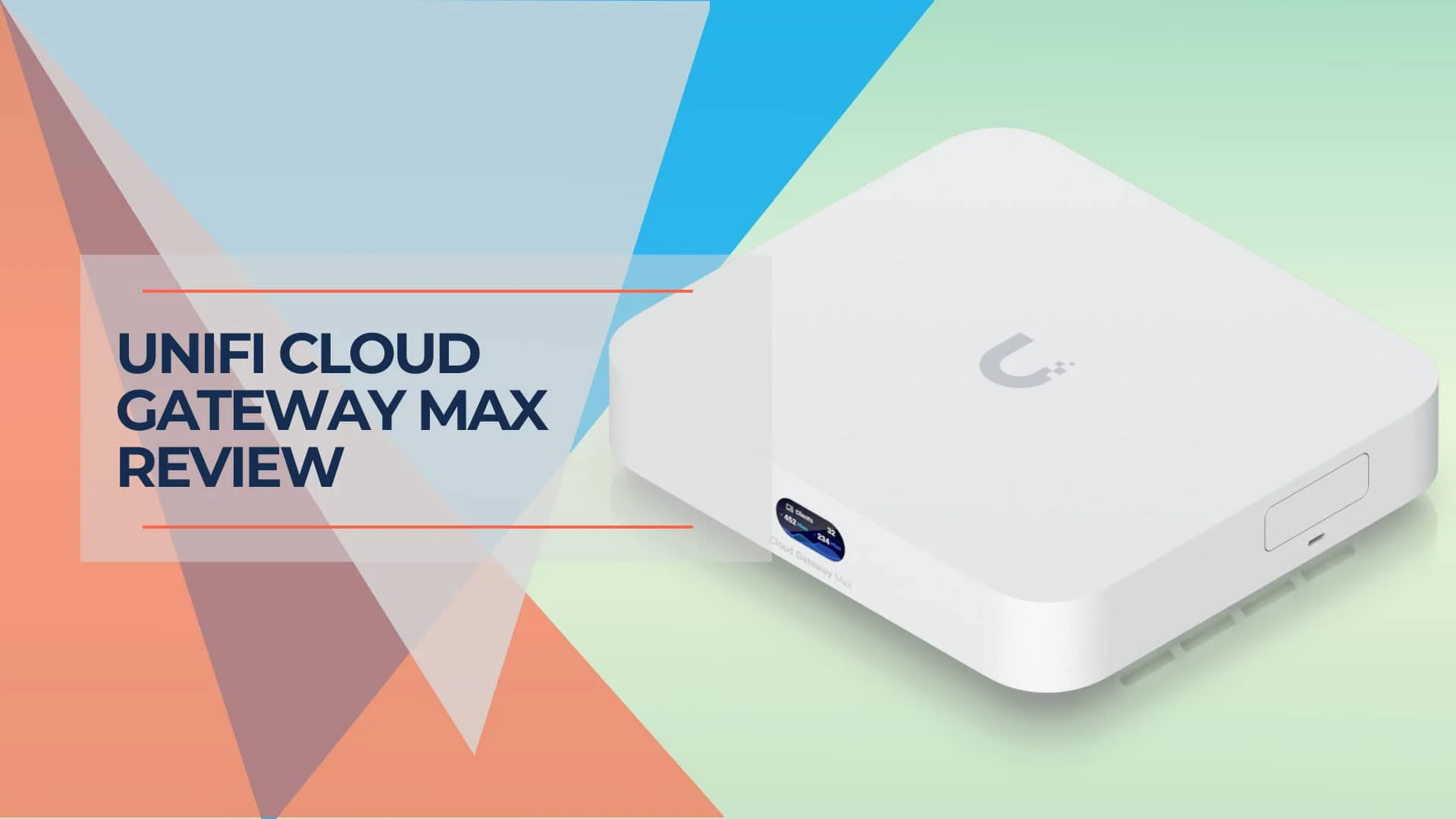
UniFi Cloud Gateway Max Review (2026): Performance, Protect Limits, and Who Should Buy It
Hands-on UCG-Max review with verified 2026 pricing, IDS/IPS and VPN testing, Protect camera limits, thermals, storage guidance, and comparisons with UCG Fiber, UDR7, and UCG Ultra.
24 min read