

UniFi Cloud Storage: Pricing, Drive Backups, and Protect Events
UniFi Cloud Storage backs up Drive files and archives Protect events at $5 per TB per month. Check site compatibility, the $5 minimum, and how restores work.

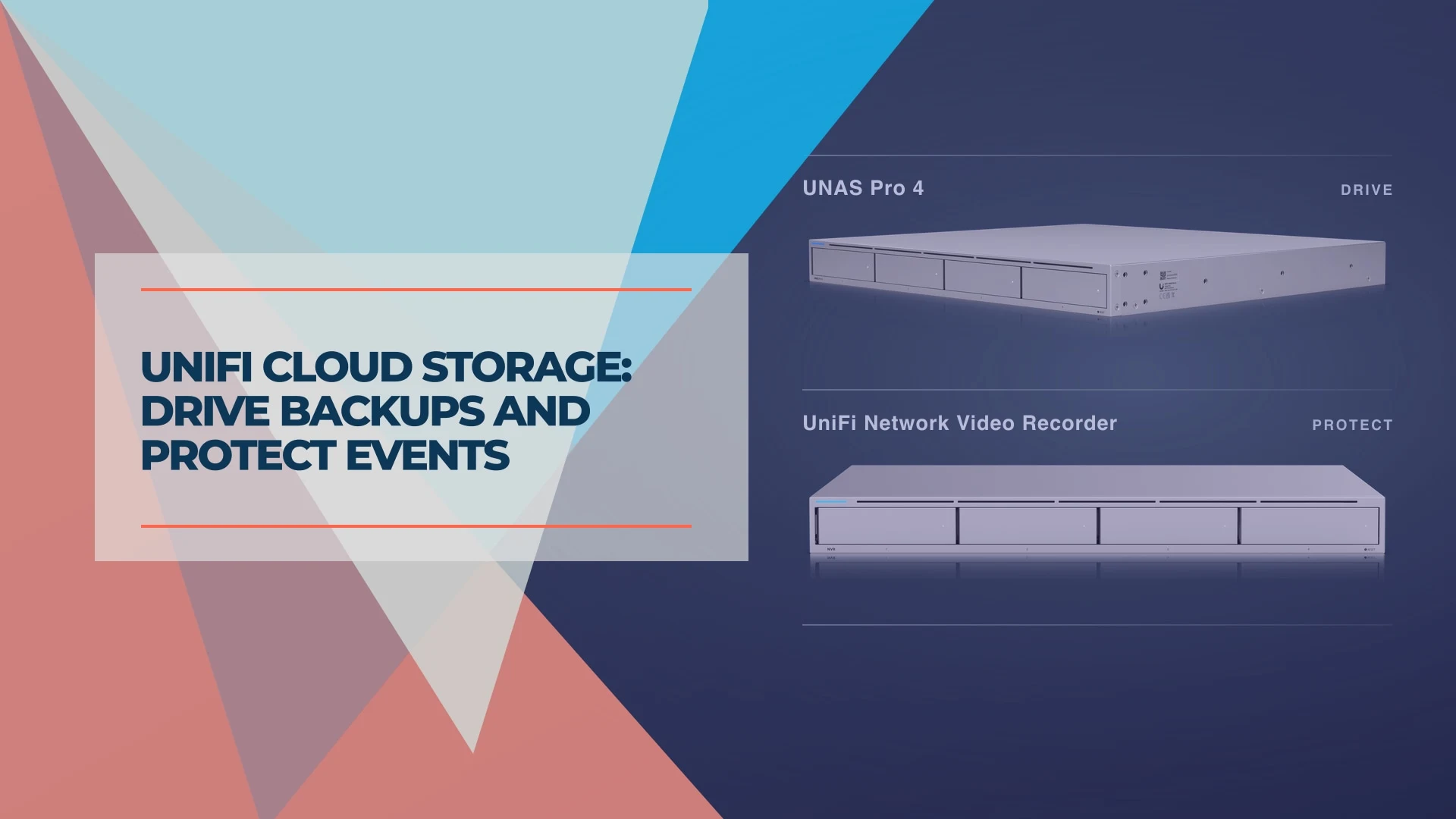
UniFi Cloud Storage gives UniFi Drive files and selected UniFi Protect events an off-site copy. It costs US$5 per TB per month, with a $5 monthly minimum plus tax and no egress fees for downloads. Drive cloud backups currently require an independent UniFi site. Protect event archiving works on independent sites and UniFi Fabrics. Ubiquiti launch announcement · Ubiquiti setup and recovery documentation
Ubiquiti announced the service on November 2, 2026. If your office already uses either app, start by checking which files or recordings you would need back if the local hardware were unavailable.
Ubiquiti's official launch video gives a short overview of the service:
Introducing: UniFi Cloud Storage (Ubiquiti)
Prices, site requirements and recovery steps checked against Ubiquiti's documentation on November 6, 2026.
Affiliate Disclosure: This article contains affiliate links. If you make a purchase through these links, we may earn a small commission at no extra cost to you. As an Amazon Associate, iFeelTech earns from qualifying purchases.
What does UniFi Cloud Storage back up?
| UniFi Drive | UniFi Protect | |
|---|---|---|
| What goes off-site | Selected files and folders from a UNAS | Smart-detection recordings from selected cameras and event types |
| Supported sites | Independent sites | Independent sites and UniFi Fabrics |
| How you get it back | Restore a backup version or selected files to a UniFi NAS | Find and download archived clips in Site Manager |
UniFi Drive files and Microsoft 365 backups
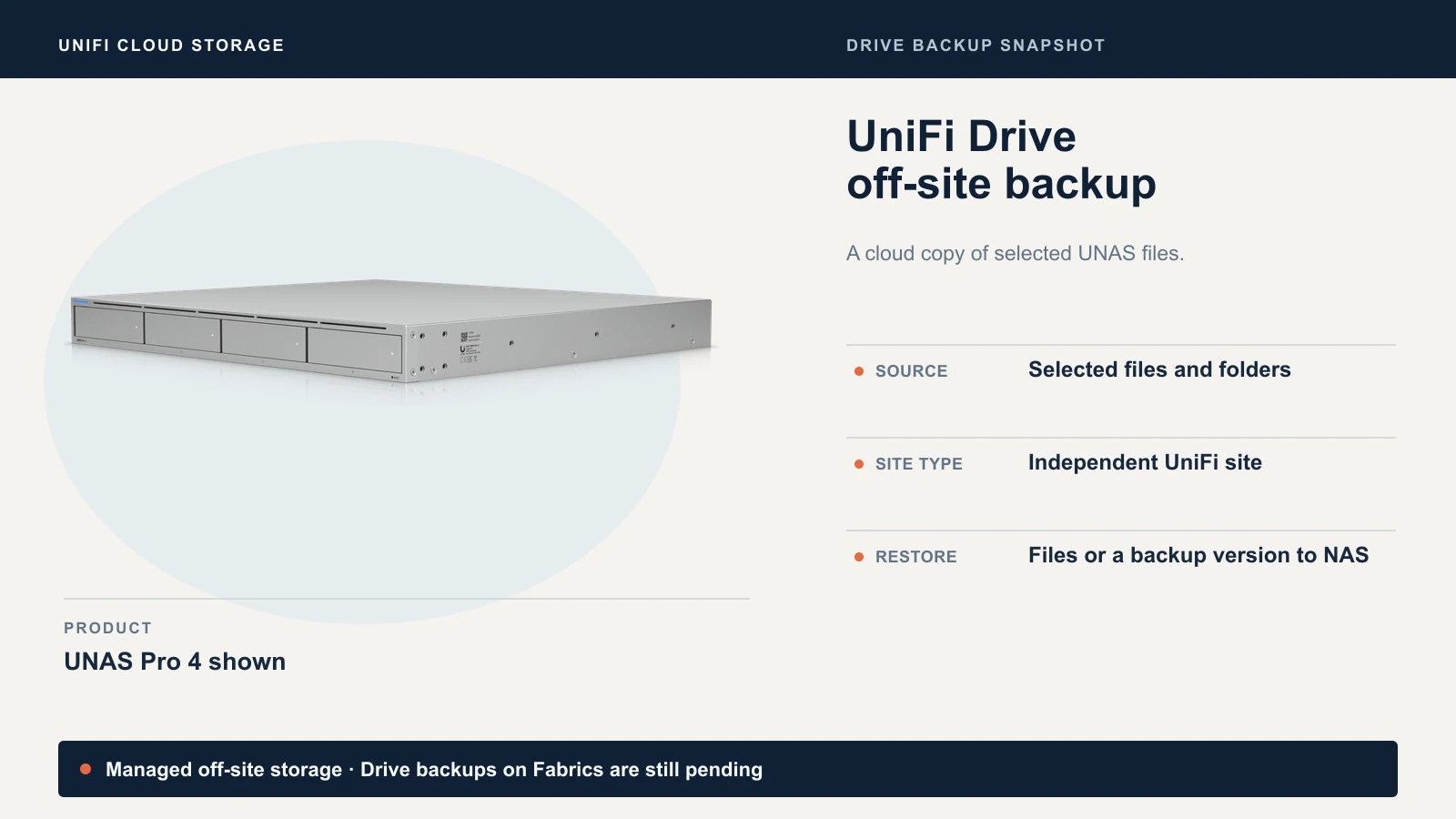
Use an Off-Site Backup task to select the UNAS folders you want to protect. Ubiquiti documents both full backup-version restores and recovery of individual files or folders to a NAS. The guide leaves open how many versions ordinary file backups keep, how long they stay available, and when a deleted source file ages out. Check these behaviors on a disposable folder before relying on the service for rollback.
Drive also offers Protected Cloud Backup, which makes a second copy of Microsoft 365 backup data you already protect through UniFi Drive. If you are still deciding whether Microsoft 365 needs its own backup, our guide to Microsoft 365 backup covers what Microsoft does and does not keep. For that workflow, Ubiquiti currently directs you to the local Drive app to browse individual items or restore a specific version. Ubiquiti Drive backup and restore instructions
UniFi Protect events
Choose cameras and detection types such as person or vehicle. Protect sends matching event clips off-site while your network video recorder (NVR) or console keeps the local timeline. If you need the minutes before and after an incident, plan around the local timeline or a separate continuous archive. Start with the cameras and detections you would actually want to retrieve, then review their cloud usage. Ubiquiti Protect archiving instructions
If you're comparing archive destinations, Ubiquiti also documents Google Drive, OneDrive, Dropbox and NAS archiving. Use our Protect storage planning guide to size the local timeline and our Protect NAS guide to understand where a NAS fits.
How much does UniFi Cloud Storage cost?
Ubiquiti bills actual cloud storage usage at US$5 per TB per month, subject to a $5 minimum. For example, 500 GB still costs $5 for the month before tax. At a steady 1.5 TB of billed usage, the rate works out to $7.50 before tax. Use the amount stored in the cloud to estimate the bill. The capacity printed on your NAS drives tells you how much the hardware can hold. Ubiquiti pricing and storage region
| Steady cloud usage | Monthly, before tax | 12-month estimate |
|---|---|---|
| 500 GB | $5.00 | $60 |
| 1.5 TB | $7.50 | $90 |
| 4 TB | $20.00 | $240 |
| 10 TB | $50.00 | $600 |
UniFi Cloud Storage vs. Backblaze B2
Backblaze provides the storage behind UniFi's subscription. You can also connect UniFi Drive directly to a separate B2 account and bucket using Ubiquiti's built-in integration. Backblaze lists $6.95 per TB per 30 days for pay-as-you-go B2 and includes free egress up to three times average monthly storage. Standard overage is $0.01 per GB, with exceptions through participating partners. For a Drive backup, the practical choice is whether you want UniFi to manage the destination or you want to manage the bucket and its credentials yourself. Backblaze B2 pricing · Ubiquiti B2 setup guide
Where the data lives and who can retrieve it
Ubiquiti identifies Backblaze in US East as the current storage provider and region. For independent sites, the Console Owner can access cloud content in Site Manager. For Protect archives on a Fabric, the Fabric Owner and Fabric Admins have access. Drive admins can manage tasks inside Drive. Document the recovery role and how the owner can regain access to their UI account. Our one-page plan for when the owner is out shows how to give a second person their own access without sharing a password. Ubiquiti's Cloud Storage terms say multifactor authentication may be required. After a Console Owner transfer, the new owner must activate the service on their account and resume the tasks to continue uploads. Ubiquiti access rules · Cloud Storage terms
Previously uploaded content remains accessible if the source console goes offline. New uploads require it to be online. If you cancel, Ubiquiti says existing data remains accessible for 30 days after the subscription ends. Plan to retrieve what you need within that window. Ubiquiti Cloud Storage FAQ
Before relying on it for a contractual or security requirement, get written answers on the controls that matter to you. The public service guide and terms reviewed here leave open encryption and key management details, cloud archive retention during an active subscription, and immutable retention. If you need a region outside US East, choose a destination that meets that requirement today.
How it fits a 3-2-1 backup plan
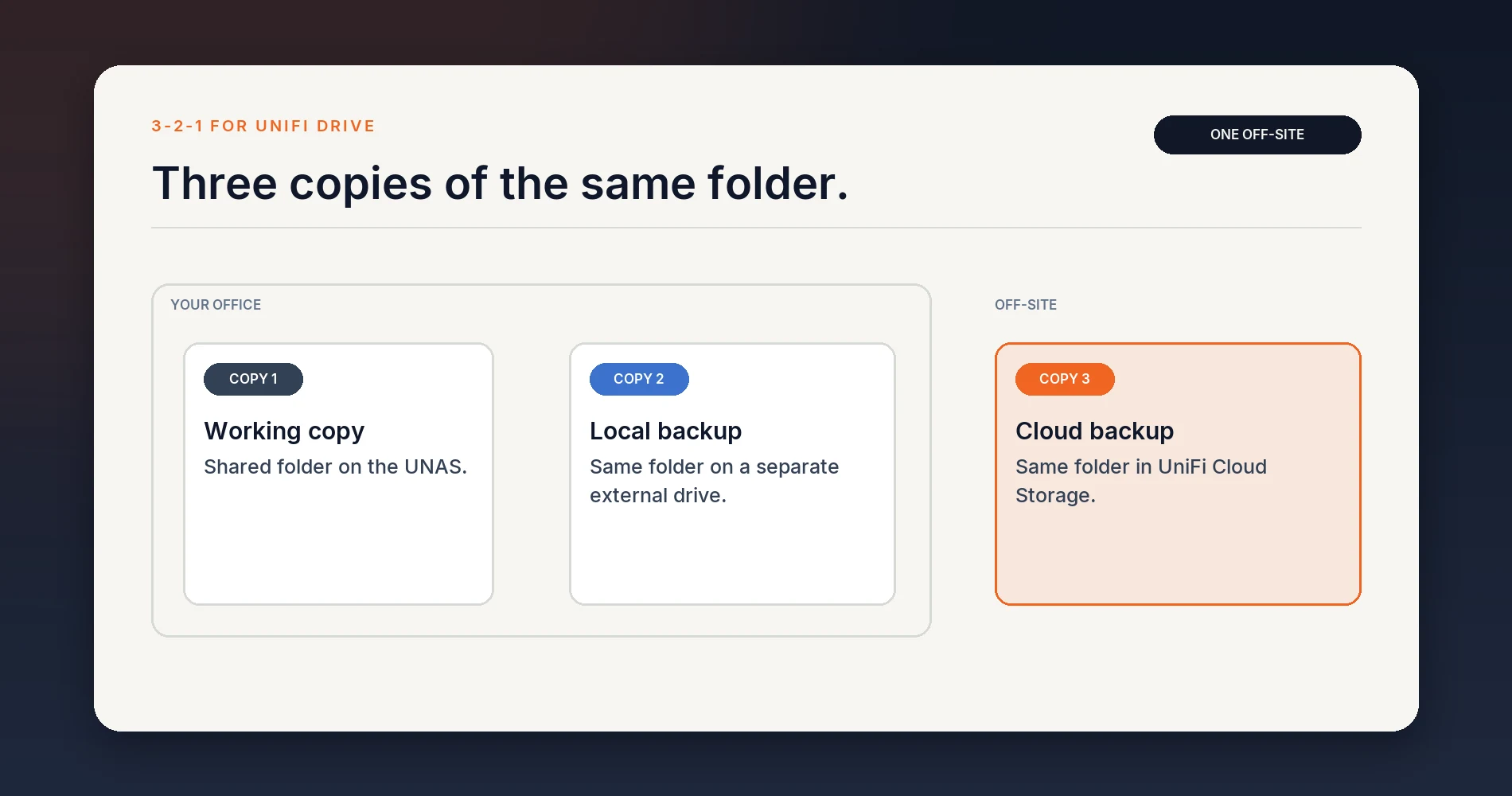
For 3-2-1 backup, keep three copies of the same data across two storage types, with one copy off-site. For a UniFi Drive folder, that could mean the working files on a UNAS, a local backup on a separate external drive, and an off-site backup in UniFi Cloud Storage. RAID can help a NAS tolerate a disk failure, but a second volume on that same NAS still shares the enclosure and site.
Apply the same reasoning to Protect footage. An archived event can be another copy of that event. For a full timeline, each backup you count must contain the full timeline.
How to set it up
- Select the eligible site or Fabric in Site Manager, then open Settings → Cloud Storage and activate the subscription. Set a usage warning and decide whether to allow Auto-Expand Storage.
- Drive: At an independent site, open Backup Tasks, create an Off-Site Backup, select the files and folders, and choose UniFi Cloud Storage as the destination. Start the task and check its status.
- Protect: Open Settings → Off-Site Archiving and select UniFi Cloud Storage. Enable Event Archiving, then choose the cameras and detection types. Open View Files to check that an expected clip has arrived.
Activation and uploads are separate. Configure the backup or archiving task at each site whose data you need. Moving an independent site into a Fabric stops its Drive cloud backup tasks. If a Drive task is missing, check the site type before troubleshooting the console. The service guide gives site requirements but does not list minimum app or UniFi OS versions. Ubiquiti setup instructions
Run a restore test before relying on it
- Drive: Back up a disposable file, edit it, run the task again, and check whether you can retrieve the earlier version. Repeat after deleting the test file. In the Off-Site Backup task, use Browse Backup Data and Restore to NAS. Use a test folder and confirm the destination before restoring to avoid overwriting live data.
- Protect: In the Protect tab of Cloud Storage in Site Manager, find a known detection by site, camera and time. Download the clip and play it. Check that it contains the part of the event you expected.
- Record the result: Note which account performed the recovery, the age of the recovered copy, and how long it took. A small-file restore proves you can retrieve that file. To estimate recovery time after a NAS failure, test a larger folder and confirm how you would recover to replacement hardware.
For a rough transfer estimate, 1 TB takes about 22 hours at a sustained 100 Mbps, before overhead. Use upload speed for the initial backup and download speed for recovery. The restore testing guide has a repeatable checklist.
Who should use UniFi Cloud Storage?
Start with it if you already run an independent UniFi Drive site or a supported Protect setup, US East works for your data, and you mainly want a managed off-site copy of selected files or events. Prove that you can recover the items that matter before making it part of your backup plan.
Keep a separate backup workflow if you need a different region, written guarantees about retention or key management, coverage for non-UniFi systems, or an off-site copy of continuous footage. Our cloud backup comparison covers independent services for servers, laptops and NAS backups. If you already have a working file backup with tested recovery, the strongest reason to add UniFi Cloud Storage may be Protect event archiving.
You do not need new hardware to start: Drive backups use the UNAS you already run, and Protect archiving uses your existing console. If you are also planning local file storage and comparing the UNAS Pro 4 and UNAS Pro 8, start with the UniFi NAS buyer's guide for hardware sizing, or our UNAS model comparison for the differences between them.
Related Resources
- The 3-2-1 Backup Rule — The framework behind keeping one copy off-site.
- How to Run a Backup Restore Test — A repeatable checklist for proving any backup works.
- Can UniFi Protect Use a NAS? — How recording, archiving and file storage split between UNVR and UNAS.
- UniFi Protect Storage Planning Guide — Sizing the local timeline that Cloud Storage does not replace.
- UniFi NAS Buyer's Guide — Choosing a UNAS for a small office.
- SaaS Backup vs Cloud Storage — Why synced files are not the same as a backup with versions.
Frequently Asked Questions
Related Articles
More from UniFi Networks
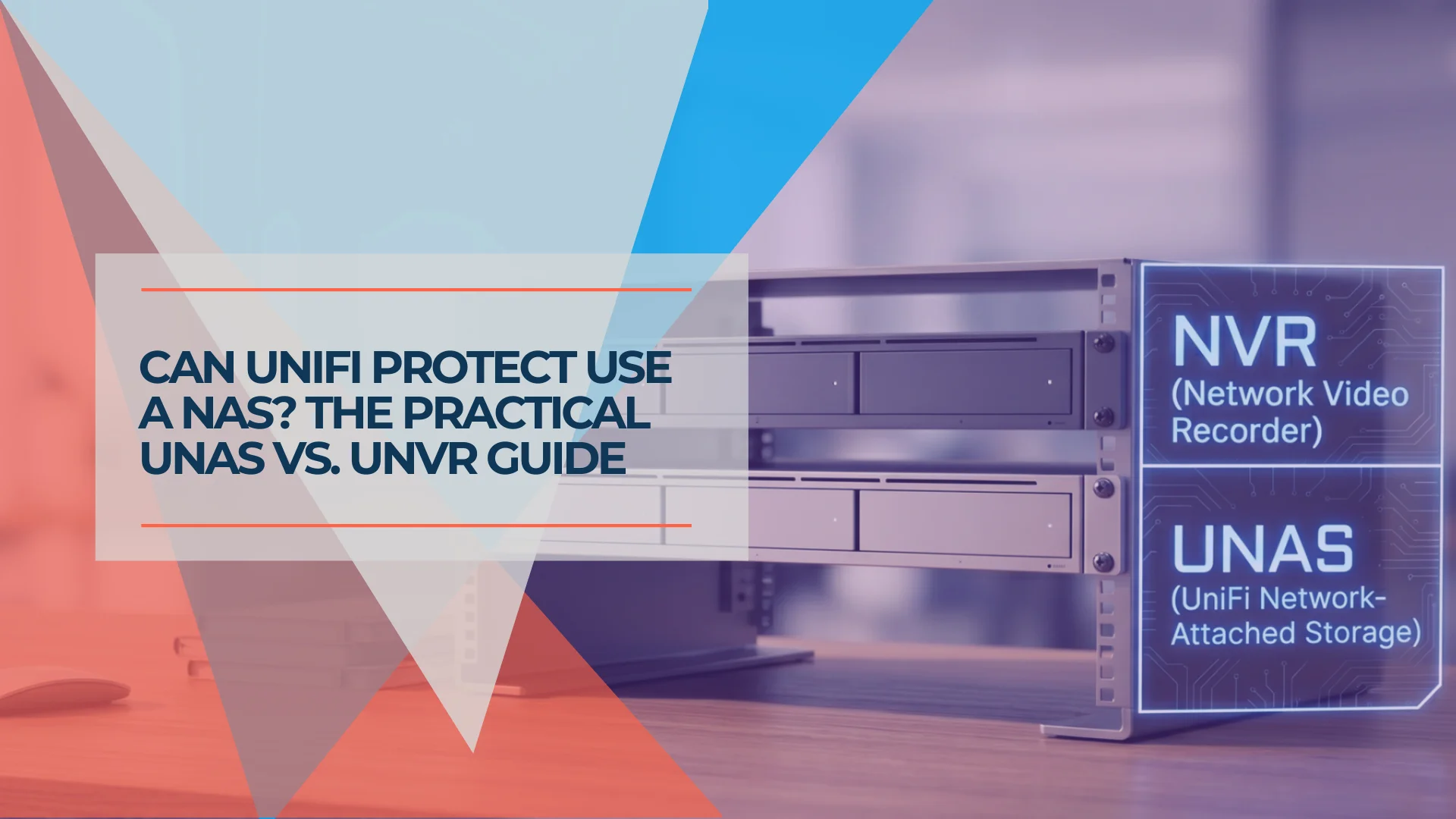
Can UniFi Protect Use a NAS? UNAS, UNVR, and Archiving Explained
Can UniFi Protect record to a NAS? Here's the practical answer, plus when to buy UNAS, UNVR, both, or neither for your business.
13 min read
UniFi Protect vs. Reolink vs. TP-Link: Which Camera System Is Best for Your Business?
UniFi Protect, Reolink, and TP-Link (Tapo vs. VIGI) compared for small business use — current 2026 lineups, real 8-camera pricing, and iFeelTech's multi-year UniFi fleet reliability data.
20 min read
We Ran 538 Ubiquiti Devices for 4 Years. Here's What Actually Failed.
Real fleet data: 538 UniFi devices tracked over 4 years. 0.74% replacement rate, 99.99% core uptime, and five incident post-mortems from commercial sites.
15 min read