

Black Friday 2026: Small Business IT Buying Checklist
Buying laptops or office IT on Black Friday? Compare the full cost, check 2026 U.S. holiday return deadlines, and plan setup before year-end.

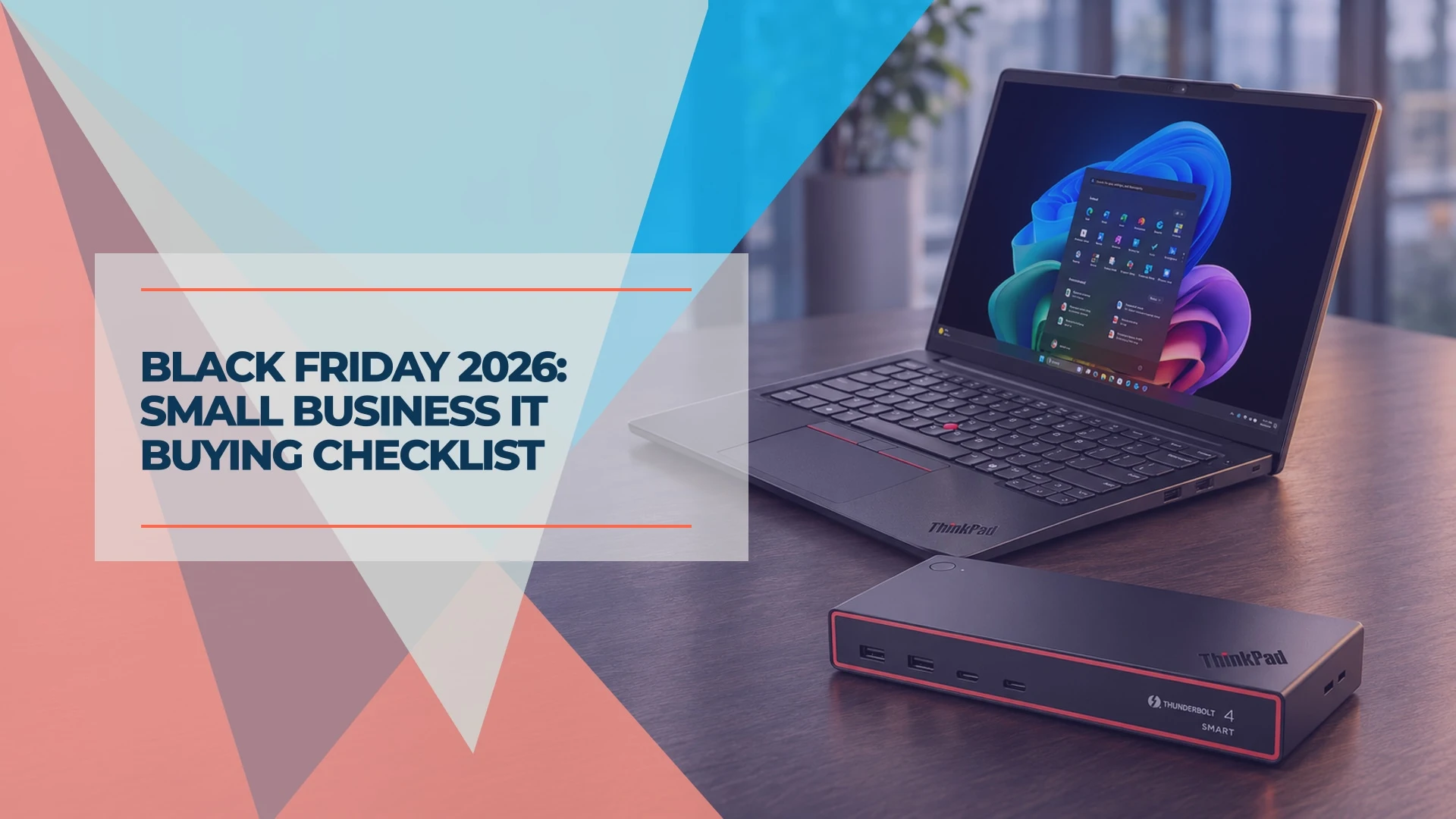
Black Friday falls on Friday, November 27, 2026. If you're buying laptops or other IT gear for a U.S. small business, check the exact configuration, the full cost to put it to work, and the return deadline for your order before you pay.
A discounted laptop can arrive with Windows 11 Home when the office needs it to join Microsoft Entra ID. If the box sits unopened until rollout day, the return window may already have closed. For an office rollout, put a name and a setup date on the order so somebody can test the machine while there's still time to act.
Go straight to the 2026 holiday return dates if you already have a listing, or use the checkout checklist to review an order.
Write the spec before checking the price
Record who will use the equipment, what it needs to do, how many units you need, and when they need to be ready. If you're replacing devices across the office, start with a hardware refresh plan. For a few purchases, these are the details worth writing down.
| Equipment | What to match on the listing |
|---|---|
| Laptop | Exact model or manufacturer part number, processor, Windows edition, memory, storage, and warranty |
| Monitor | Panel model, size, resolution, and connections. For a one-cable USB-C setup, verify video support and charging wattage (dual-monitor docks for business laptops). |
| UPS (battery backup) | Connected load in watts, estimated runtime at that load, and number of battery-backed outlets (how to choose a small-office UPS) |
| Network switch or access point | Controller compatibility, port count and speed, and power-over-Ethernet standard and budget where needed |
| NAS or backup drives | Exact drive model, capacity, and compatibility with the NAS or backup enclosure (NAS drive models and capacity) |
Compare the sale price with a recent selling price or dated quote for the exact configuration. Then calculate the total delivered and configured cost. Add any Windows Pro upgrade, required dock or adapter, equivalent warranty coverage, tax, shipping, and setup labor. Count only discounts you qualify for, and factor in any membership cost or trade-in. For several units, get a business quote with the same specification, support level, and delivery date before comparing it with separate retail orders.
For example, if a retail laptop ships with Windows Home and one year of mail-in service, and your office needs Pro and three years of on-site support, price both changes before comparing it with a business quote. If the seller can't confirm the support you need for that exact unit, the two offers are for different requirements. If you're still deciding when to replace a machine, see our laptop buying timing guide. If you haven't chosen a model yet, our business PC buying guide sets out a baseline by role, and our business laptop picks name current models.
Check Windows edition and warranty on the exact laptop
Windows edition. Choose Windows 11 Pro if the laptop needs to join Microsoft Entra ID or a Windows domain, host an incoming Microsoft Remote Desktop connection, or use the full BitLocker Drive Encryption controls. Compatible Windows Home devices can still offer Device Encryption. If the right hardware ships with Home, check the cost of the Microsoft Store upgrade before committing. The Windows Home vs. Pro guide explains how to choose for your office.
Memory and compatibility. Check that the configuration can run the apps the employee uses together. Verify whether RAM can be upgraded if you expect the workload to grow. Our article on why RAM prices are going up explains what to compare when two listings differ in memory. If you're changing processor architecture, confirm specialist software, VPN clients, and peripheral drivers with the vendors or on a pilot unit.
Warranty and service. Check the duration, who handles the claim, and whether service is on-site or requires shipping the laptop away. HP, for example, lists a one-year standard warranty for consumer PCs and one or three years for commercial PCs in its U.S. Care Pack FAQ. Read the terms on the order or quote for the exact configuration. If you're buying through a marketplace, confirm who sold the unit, who handles returns, and whether the manufacturer will honor the stated warranty. Save the invoice under the business name for your records.
For a new configuration or seller, test one unit before ordering the rest if stock and timing allow. For refurbished business laptops, check battery condition, included accessories, warranty coverage, and eligibility for return after opening.
2026 U.S. holiday return deadlines
Retailer policies checked November 16, 2026. These dates apply to qualifying orders. Confirm the seller, order channel, and whether the listed date is for starting the return or getting the item back.
| Retailer | Standard window for eligible items | 2026 holiday window | Business purchase detail |
|---|---|---|---|
| Amazon | Most items within 30 days of delivery. New Apple-branded items generally have 15 days. | Most items bought Nov 1–Dec 31, 2026, through Jan 31, 2027. Apple-branded products through Jan 15, 2027. | The published policy covers Amazon Business accounts. Special programs such as Spot Buys through Custom Quote have separate terms. |
| Best Buy | Most items 15 days from receipt. Plus and Total members generally get 60 days on qualifying items; member windows do not apply to Marketplace purchases. | Most purchases Oct 30–Dec 31, 2026, through Jan 15, 2027. Eligible Plus and Total purchases Oct 30–Dec 3 through Jan 31, 2027. The policy lists 60 days for eligible member purchases from Dec 4 onward. | Most Best Buy Business products can go back to a store. Mail returns can have limits. Third-party contracts and seasonal decorations have separate terms. Check fees for special orders. |
| Apple Store Online | 14 calendar days from receipt. | Eligible items received Nov 6–Dec 25, 2026, through Jan 8, 2027. | Contact your Business Team at Apple for orders shipped directly to your business. Apple products bought elsewhere follow that seller's policy. |
| Dell.com U.S. | 30 days from invoice under the U.S. return policy, subject to exceptions and separate agreements. | Eligible purchases Nov 1–Dec 29, 2026, through Jan 15, 2027, or 30 days from invoice, whichever is later, under the return policy. Dell's holiday notice describes the extension for consumer customers and counts from delivery. | Commercial purchase orders and payment terms are excluded under the standard policy. Confirm the terms on your quote. |
| B&H | 30 days from delivery. | Check B&H's holiday return terms at checkout; the dates could not be confirmed on its policy page for this update. | Computers B&H builds or modifies to your specifications are excluded. Opening a monitor 37 inches or larger makes it ineligible under the published policy. |
Confirm Dell return eligibility before you order
Dell's standard U.S. policy excludes commercial orders placed by purchase order, including online POs, or on payment terms. Dell may charge a 15% restocking fee on other approved returns, with exceptions for defects, Dell errors, and consumer personal-use purchases. A card payment alone leaves the other eligibility rules in place. The U.S. return policy uses the invoice date. Dell's consumer holiday notice uses the delivery date in its 30-day calculation. For a business order, ask Dell to confirm eligibility and the deadline in writing.
Set up and test while you can still return it
Assign someone to open the box within a few days of delivery. Keep the packaging and accessories, and check the seller's policy before breaking a seal on any item with an opening restriction. Leave time to request authorization and ship the item back if needed.
On a laptop, verify the configuration received, sign in or enroll it through your normal process (our new-employee IT setup checklist covers the steps), and test the apps, dock, displays, and peripherals the employee uses. For network or backup gear, confirm it works with the equipment you already have. Record the serial number and save the invoice. If you decide to return a computer, have IT back up any data, remove company accounts and management as appropriate, and erase the device according to the manufacturer's instructions.
For example, an eligible Best Buy laptop may be returnable through January 15, 2027. For a calendar-year business seeking a 2026 deduction, qualifying equipment still needs to be ready for work by December 31, 2026.
When equipment counts for Section 179
For qualifying property, the IRS ties the Section 179 deduction to the year the equipment is placed in service. IRS Publication 946 explains that you place property in service when it is ready and available for a specific use. If a switch arrives in December but is not installed and working until January, it is generally placed in service in January; Publication 946 gives a similar example of a machine delivered one year and installed the next.
For a calendar-year business seeking a 2026 deduction, plan to have qualifying gear ready by December 31, 2026. The federal limit for tax years beginning in 2026 is $2,560,000, reduced dollar for dollar once the cost of qualifying property placed in service exceeds $4,090,000. Business use and taxable income can also affect the deduction. Save the invoice and the date the equipment was ready, and confirm eligibility with your tax adviser. See IRS Revenue Procedure 2025-32, section 4.24 and our year-end IT equipment worksheet.
Black Friday checkout checklist
Copy these checks into the order notes before you pay.
- Match the exact model number and configuration to your requirements.
- Compare the total cost with a comparable quote, including upgrades, support, and setup.
- Confirm who sold the item, who handles warranty claims, and how service is delivered.
- Record the return deadline, condition requirements, and any fee. Get written terms for purchase orders or other business quotes.
- Confirm delivery timing and assign someone to receive and test the gear.
- Schedule setup with enough time to request and complete a return if needed.
- Schedule the in-service date by your tax year-end if you plan to claim a deduction.
- Save the invoice and order terms with your business records.
Related Resources
- The Best Time to Buy a Laptop in 2026 — Price trends and buying windows outside the holiday sales.
- Section 179 for IT Equipment: Year-End 2026 — How the placed-in-service test applies to laptops, switches and access points, with a worksheet.
- Windows 11 Home vs Pro for Business — Which edition your staff machines need and how to upgrade.
- Business PC Buying Guide — The procurement checklist for a fleet of laptops and desktops.
- Refurbished Business Laptops: Buying Checklist — How to qualify a used business machine and its seller.
Frequently Asked Questions
Related Articles
More from IT Guides
Section 179 for IT Equipment: What a Small Business Can Deduct in 2026
Can you deduct laptops, network gear or software in 2026? Check the Section 179 limits, the December 31 deadline and what to record for your accountant.
9 min read

CES 2026 for Small Business: What Actually Shipped—and What's Worth Buying
Updated August 2026: a fact-checked look at AI NAS, repairable business laptops, and Wi-Fi 7, including current specs, costs, limitations, and buying advice.
15 min read
How to Keep Your Business Phone Number When Switching Providers
Switch U.S. phone providers and keep your business number. Check eligibility, get the right transfer PIN, and test calls and texts before closing old service.
8 min read