

Best NAS Hard Drives for Small Business: Models and Capacity
Pick the right WD Red or Seagate IronWolf for your NAS. Exact models, power and noise figures, usable capacity and the compatibility checks to run first.


The right NAS drive depends on your enclosure, your RAID layout and how hard the array will work. A model name like "WD Red" or "IronWolf" isn't enough: the exact part number decides the speed, workload rating, warranty and whether your NAS vendor accepts the drive. All four drives here use CMR (conventional magnetic recording), the recording method NAS vendors generally expect for RAID, unlike SMR (shingled magnetic recording), which UGREEN advises against for RAID and Ubiquiti doesn't recommend.
This guide compares four exact models: two 8TB drives for lighter small arrays and two 20TB Pro-class drives for heavier or larger ones. It adds power and noise figures, usable-capacity math and the compatibility and buying checks that keep a drive purchase from becoming a support problem.
Affiliate Disclosure: This article contains affiliate links. If you make a purchase through these links, we may earn a small commission at no extra cost to you. As an Amazon Associate, iFeelTech earns from qualifying purchases.
Quick recommendations
| If you need | Model | Why | Trade-off |
|---|---|---|---|
| Light small array, lowest power draw, your NAS lists it | WD Red Plus 8TB WD80EFPX | CMR, 180TB/year, 3.4W idle and 5.2W read/write on WD's datasheet | Its 5640RPM spindle speed does not meet Ubiquiti's published 7200RPM specification for UniFi multi-bay RAID |
| Light small array, a NAS that wants 7200RPM | Seagate IronWolf 8TB ST8000VN004 | CMR, 7200RPM, 180TB/year, Rescue Data Recovery Services included where available | Roughly double the datasheet power of the WD80EFPX |
| Heavier multi-user use or a larger array | WD Red Pro 20TB WD202KFGX | CMR, 7200RPM, 550TB/year, 5-year warranty, 512MB cache | Higher cost per drive; 20TB is a rebuild-time and capacity commitment |
| Heavier use, Seagate-listed NAS | Seagate IronWolf Pro 20TB ST20000NT001 | CMR, 7200RPM, 550TB/year, 5-year warranty, 20 dBA typical idle noise | 20TB is a rebuild-time commitment; confirm the exact NT001 part number and five-year US warranty |
The 20TB size is a comparison example, not a target. Choose capacity from your retention and growth needs, and take the model from the list your NAS vendor publishes for your firmware.
Why these four drives, and what we compared
We chose them for what the manufacturers publish: exact part numbers, CMR recording, a clear workload tier, a warranty that matches the tier and a published NAS bay rating. Specs, power and noise come from the manufacturer datasheets linked in the sources, checked October 9, 2026.
Each exact model stands in for its family. The datasheets list many capacities with different part numbers, so when you pick a different size, repeat the part-number check in the look-alike table below.
Standard tier versus Pro tier
| Model | Capacity | Recording | Speed | Cache | Workload rating | Warranty | Bays (vendor) |
|---|---|---|---|---|---|---|---|
| WD Red Plus WD80EFPX | 8TB | CMR | 5640RPM | 256MB | 180TB/year | 3-year limited | Up to 8 |
| Seagate IronWolf ST8000VN004 | 8TB | CMR | 7200RPM | 256MB | 180TB/year | 3-year limited | 1 to 8 |
| WD Red Pro WD202KFGX | 20TB | CMR | 7200RPM | 512MB | 550TB/year | 5-year limited | Any number |
| Seagate IronWolf Pro ST20000NT001 | 20TB | CMR | 7200RPM | 256MB | 550TB/year | 5-year limited | Unlimited |
What a workload rating means. WD defines it as the amount of user data transferred to or from the drive in a year, annualized from power-on hours. It applies to each drive, not to your NAS as a whole and not to how much business data you store. A NAS holding 10TB can move far more than 10TB a year through its drives. As a rough conversion, 180TB per year averages about 0.5TB per day and 550TB per year about 1.5TB per day. A higher rating does not mean a faster or quieter drive, and it doesn't prove a lower failure rate. WD says its MTBF figures "do not predict an individual drive's reliability and do not constitute a warranty."
Power and noise
| Model | Idle power | Read/write power | Idle noise | Seek noise |
|---|---|---|---|---|
| WD Red Plus WD80EFPX | 3.4W | 5.2W | 24 dBA | 28 dBA |
| Seagate IronWolf ST8000VN004 | 7.8W | 10.1W | 28 dBA (typical) | 32 dBA (typical) |
| WD Red Pro WD202KFGX | 3.6W | 6.1W | 20 dBA | 32 dBA |
| Seagate IronWolf Pro ST20000NT001 | 5.5W | 7.7W | 20 dBA (typical) | 26 dBA (typical) |
These are each vendor's own figures from its datasheet. WD and Seagate describe and measure power and acoustics differently, so treat them as a guide, not a head-to-head comparison. Noise in your room depends on the NAS chassis, mounting and how many drives run.
The gap is still worth noticing. Four ST8000VN004 drives at the datasheet's operating figure draw about 40W against about 21W for four WD80EFPX drives, a difference of roughly 170kWh a year if every drive ran flat out all year. Real arrays idle much of the time, so the actual gap is smaller. If you run a NAS in a small office with no server room, test one drive in your enclosure before you buy a set.
Speed, beyond the RPM
The two 8TB drives are close on paper: WD lists the WD80EFPX at up to 215MB/s, and Seagate lists the ST8000VN004 at up to 210MB/s. Both 20TB drives are listed at 285MB/s. Those are best-case sequential figures defined differently by each vendor. In daily use, your network and workload usually matter more. A 1GbE link tops out around 125MB/s in theory, which a single drive's sequential rate already exceeds. Random access under many users is where spindle speed and cache help, and neither vendor publishes a comparable number for it.
Choosing between them
Choose the WD Red Plus 8TB WD80EFPX if your NAS vendor lists it and the array is light-duty: file shares, a backup target, a handful of users. Skip it if your NAS vendor specifies 7200RPM media or the workload will exceed 180TB per year.
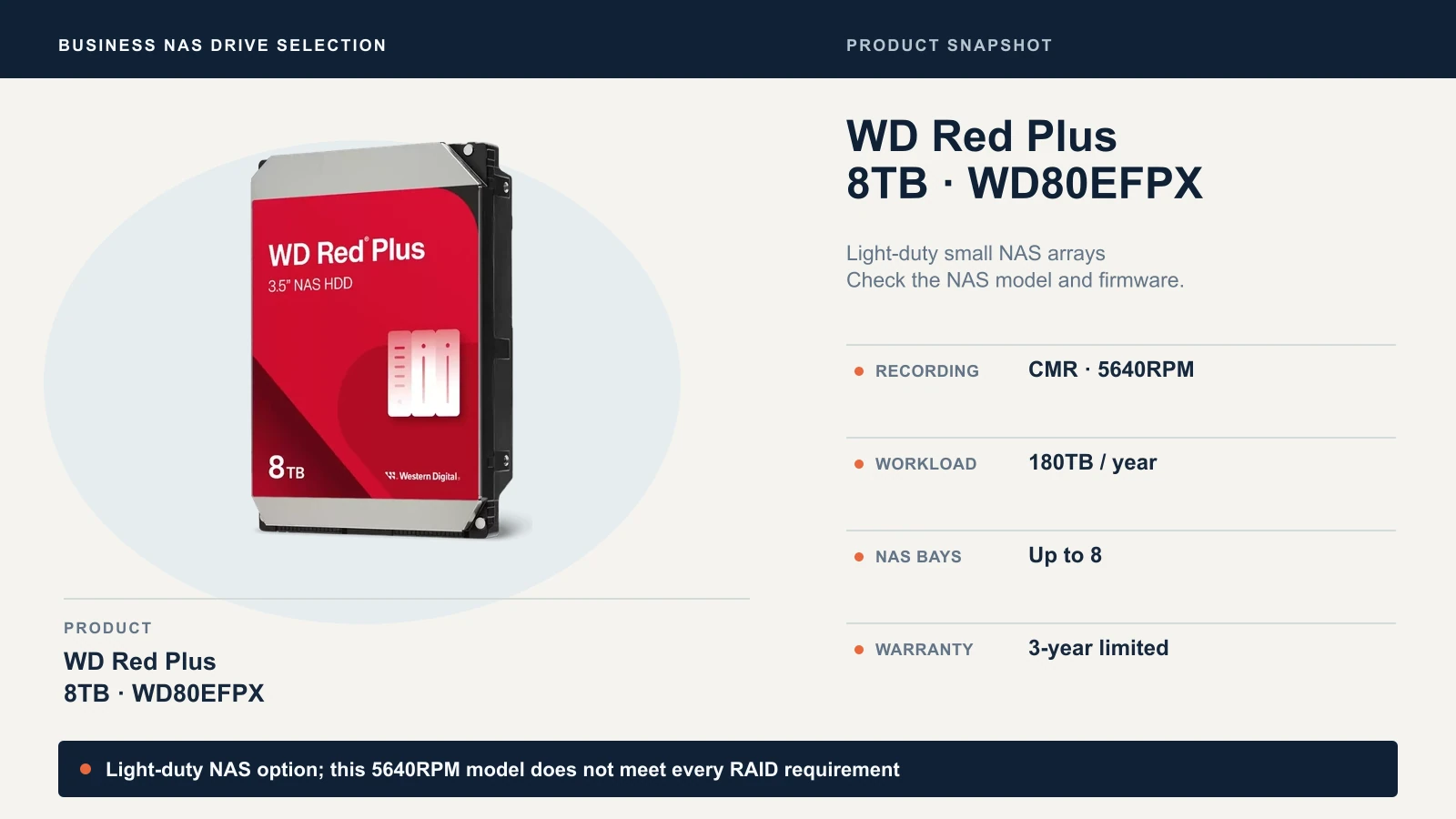
Check WD Red Plus 8TB availability on Amazon
Amazon’s product page identifies WD80EFPX, but we could not confirm a current new-stock offer from a verified seller. Confirm the model, condition and US manufacturer-warranty coverage before ordering.
Choose the Seagate IronWolf 8TB ST8000VN004 if your NAS requires or prefers 7200RPM, or lists it for your firmware. Seagate includes three years of Rescue Data Recovery Services, which are not available in all countries and don't guarantee that data can be recovered. Skip it if the NAS vendor doesn't list it and you can't accept unlisted-drive terms.
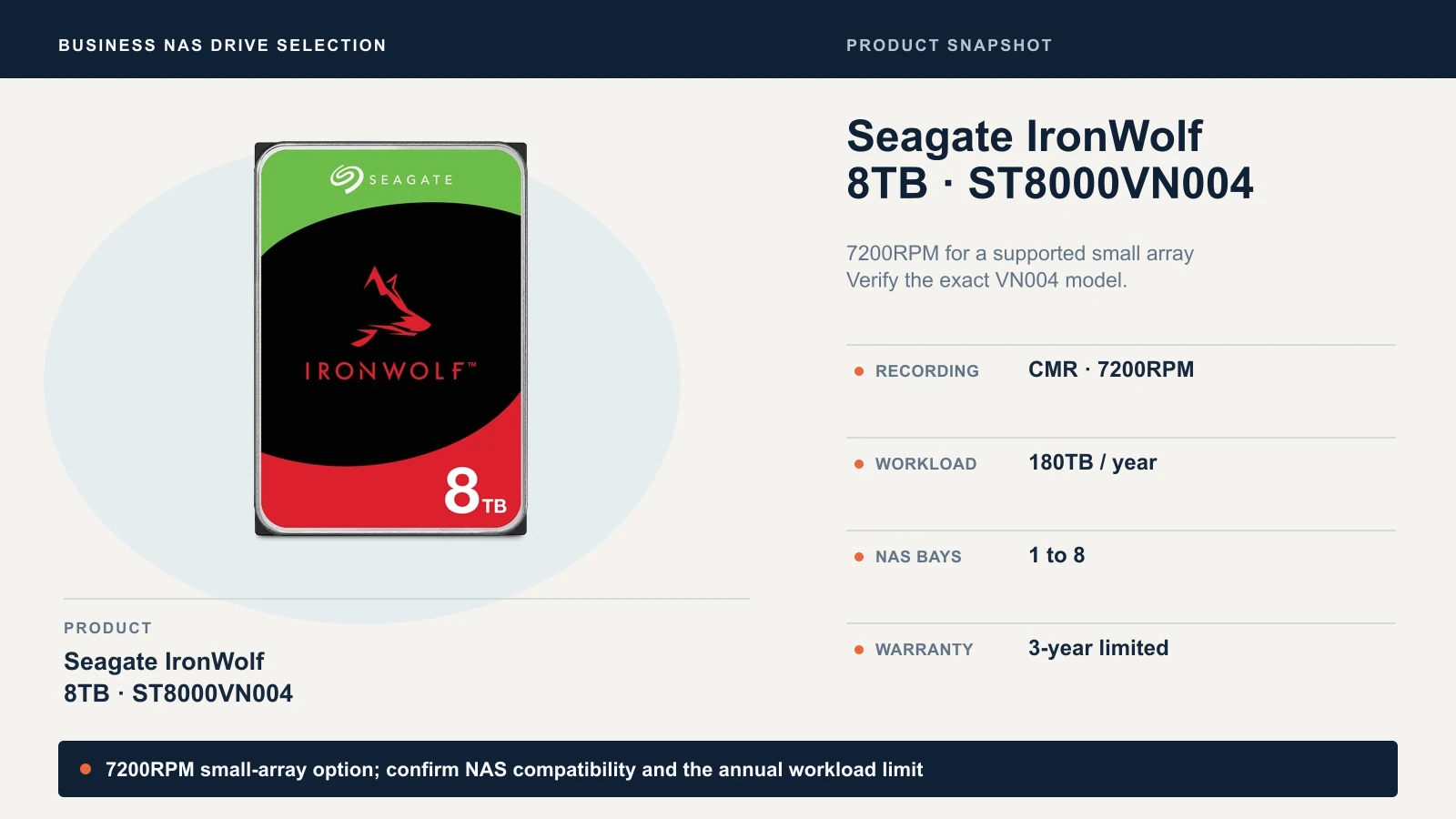
Check IronWolf ST8000VN004 availability on Amazon
The exact-model Amazon listing was unavailable when checked October 9, 2026. Avoid accepting ST8000VN002 as a replacement: it is a different, 5400RPM drive.
Choose a 20TB Pro drive when the workload or array size calls for the 550TB-per-year tier. We found nothing on either datasheet that makes one Pro model a general winner, so choose by the compatibility list and the seller, not the logo. Prefer the WD202KFGX if your NAS lists it and you want 512MB of cache and OptiNAND technology. Prefer the ST20000NT001 if your NAS lists it and you want Seagate's three years of Rescue Data Recovery Services and its lower published seek noise (26 dBA typical against WD's 32 dBA).
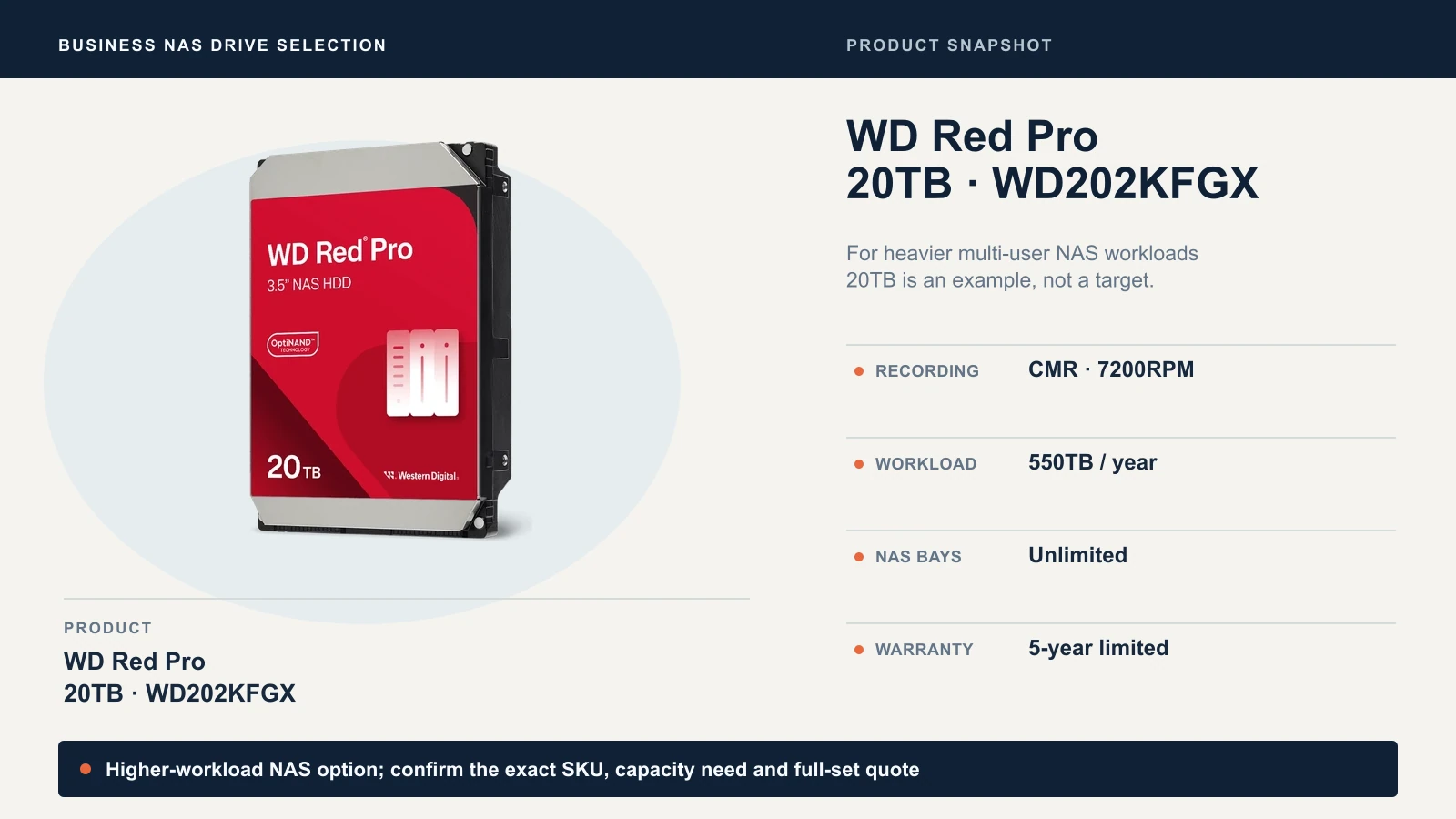
Check WD Red Pro 20TB on Amazon
We found a new WD202KFGX offer sold by Amazon.com when checked October 9, 2026. The link selects that seller; confirm the seller and delivery date again at checkout.
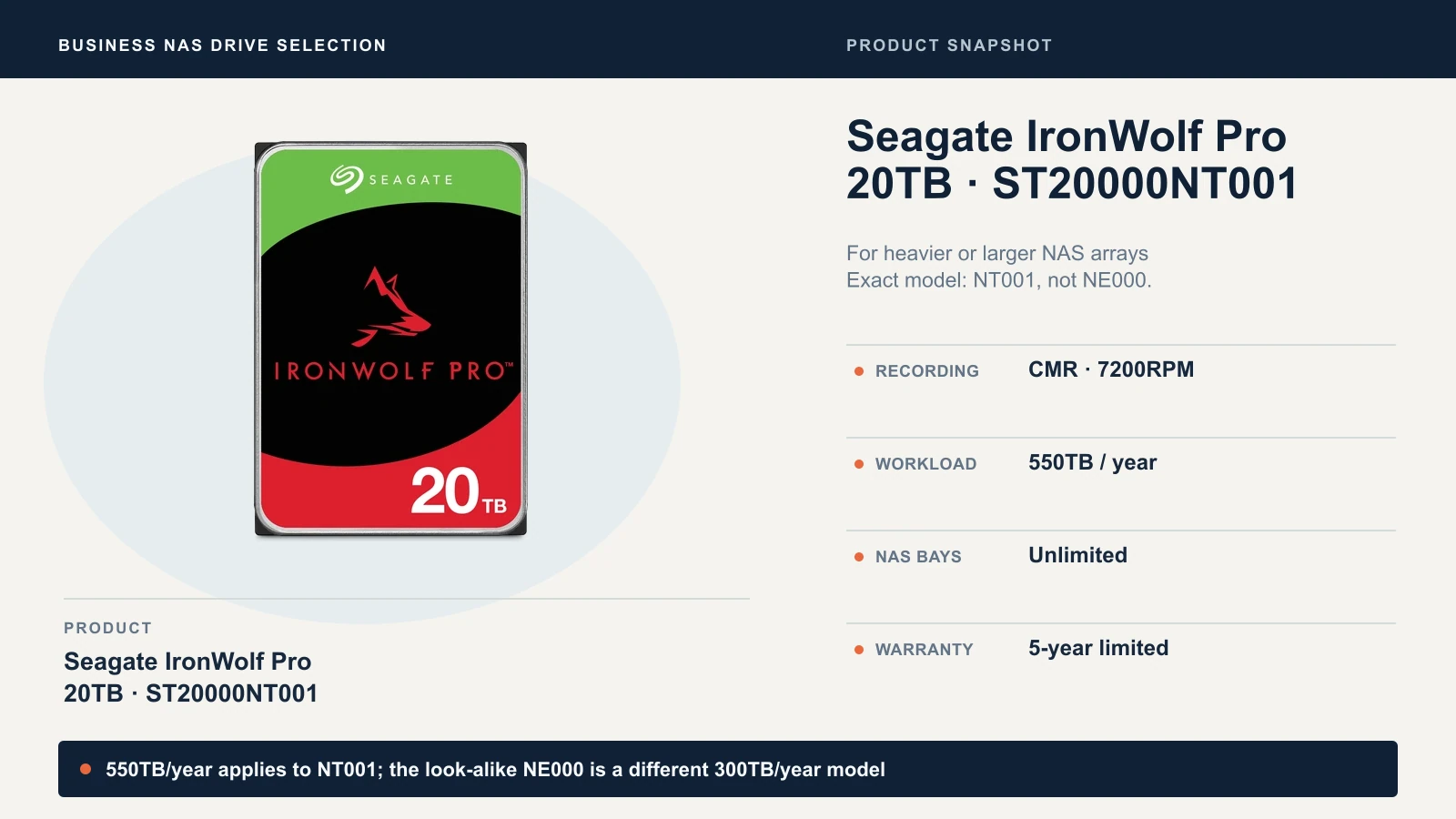
Review IronWolf Pro 20TB listing on Amazon
The listing identifies part number ST20000NT001, but Amazon’s model field uses ST20000NTZ01 and its warranty field says three years, conflicting with Seagate’s five-year specification. The marketplace offer we saw was also listed as available at a later date, not in stock. Get written confirmation of the exact drive and five-year US manufacturer warranty before ordering; otherwise buy through an authorized channel.
The look-alikes to avoid. Each pair below appears on the manufacturer's own datasheet:
| If you see | It is not the same as | What differs on the datasheet |
|---|---|---|
| WD80EFPX | WD80EFZZ | Both are 8TB Red Plus part numbers. WD lists 256MB of cache for the WD80EFPX and 128MB for the WD80EFZZ. |
| ST8000VN004 | ST8000VN002 | The VN004 is 7200RPM at up to 210MB/s. The VN002 is 5400RPM at up to 202MB/s. |
| WD202KFGX | WD201KFGX | Both are 20TB Red Pro drives. WD lists internal transfer rates of 285MB/s and 268MB/s. |
| ST20000NT001 | ST20000NE000 | Seagate rates the NT001 at 550TB/year and the NE000 at 300TB/year. MTBF is 2.5 million versus 1.2 million hours, and the bay limit is unlimited versus up to 24. |
Retail codes. The Amazon US listing for ASIN B084ZV4DXB is titled ST8000VNZ04, and retail listings may pair it with ST8000VN004. We read that as a retail-package identifier for the VN004, but the code isn't on Seagate's datasheet. Before ordering, ask the seller to confirm that the drive's label will show ST8000VN004, and check it when the drive arrives.
Capacity, headroom and what the array costs
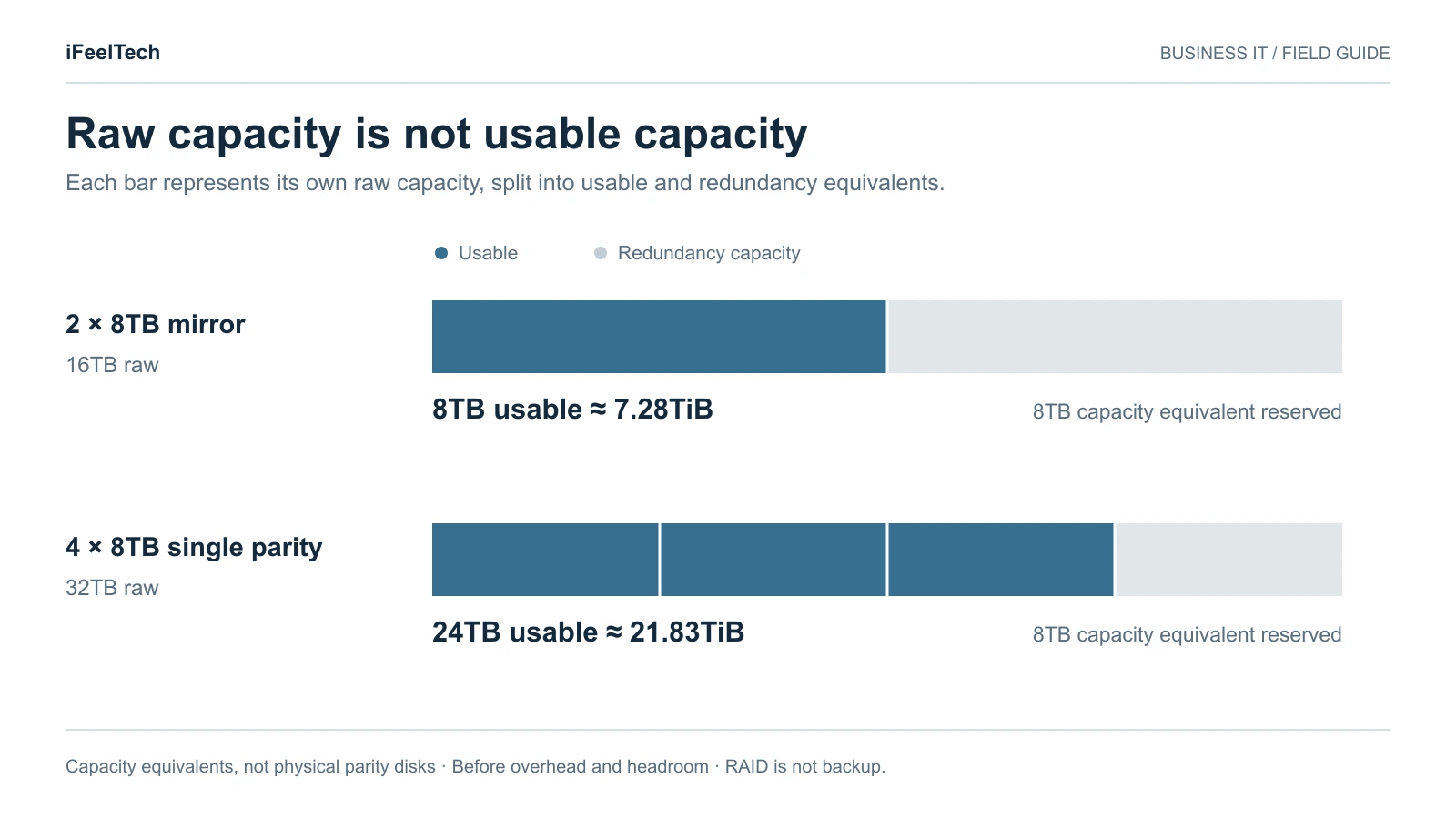
Manufacturers count a terabyte as one trillion bytes. Many NAS screens report capacity in TiB, a binary unit about 10% larger than a TB, so the same drive shows a smaller number: an 8TB drive is about 7.28TiB. Not every NAS labels units the same way, so check which one your screen uses. RAID also sets aside capacity for redundancy before anything is written. Synology publishes the formulas for its RAID types, and equal-size drives make them simple:
- RAID 1 (mirror): the size of the smallest drive.
- RAID 5 (single parity): (number of drives − 1) × the smallest drive.
- RAID 6 (dual parity): (number of drives − 2) × the smallest drive.
- RAID 10: half the drives × the smallest drive.
Synology's SHR (Synology Hybrid RAID) is a Synology-only option that handles mixed drive sizes more flexibly than classic RAID, with SHR-1 tolerating one drive failure and SHR-2 two. It follows its own capacity and replacement rules, so use Synology's tools for SHR numbers.
| Example | Raw capacity | Usable (decimal TB) | Usable (TiB) | Formula |
|---|---|---|---|---|
| Two 8TB drives, mirror | 16TB | 8TB | about 7.28TiB | 1 × 8TB |
| Four 8TB drives, single parity | 32TB | 24TB | about 21.83TiB | (4 − 1) × 8TB |
| Eight 20TB drives, dual parity | 160TB | 120TB | about 109.14TiB | (8 − 2) × 20TB |
These are capacity arithmetic before formatting, filesystem metadata, snapshots and hot spares. They show how redundancy works, not a configuration we recommend for every NAS.
Reserve headroom. Synology's Fast Repair, for example, needs unused space, and it falls back to a slower regular repair when a pool is more than 80% full. As a planning rule (not a vendor requirement), size the pool so your projected data fills about 80% of it. An example: 10TB of data growing 20% a year for three years reaches about 17.3TB (10 × 1.2³). Divide by 0.8 and the usable target is about 21.6TB, which four 8TB drives in single parity (24TB) just cover.
Cost per usable terabyte
Divide the full set price by usable capacity, not raw capacity. With the hypothetical $200-per-drive example below, four 8TB drives in single parity cost $800 for 24TB usable, about $33 per usable terabyte. The same four drives in RAID 6 give 16TB usable, about $50 per usable terabyte. More redundancy raises the cost per usable terabyte. Add a cold spare with the same part number, shipping and tax, and the independent backup as separate lines.
Compatibility: check the NAS vendor's list first
Seagate says it tests IronWolf drives with NAS vendors, then tells you to check your NAS vendor's compatibility list for the latest approved drive. That advice applies to every drive here. Write down your exact NAS model, firmware version, bay count and RAID choice before you shop, because compatibility is checked per model and per firmware. Each vendor handles it differently:
- Synology. Its policy varies by model, drive class and DSM version. With DSM 7.3, applicable 2025 DiskStation Plus models allow more flexibility to create storage pools with third-party HDDs, while Synology still recommends drives on its Products Compatibility List and warns that others may affect stability and risk data loss. Other series and earlier models follow different rules, including restrictions on unlisted HDDs for new installs. Write down the date and DSM version you checked. Our Synology NAS guide covers the models.
- UGREEN. Its compatibility list is based on UGREEN's own testing. UGREEN says an unlisted component is not automatically incompatible but that it hasn't verified it, and it advises against SMR drives for RAID and against mixing old and new drives in one array. It also says firmware and hardware revisions can affect recognition and stability, so re-check the list after an update.
- UniFi. Ubiquiti's storage requirements call for a 1TB or larger CMR drive at 7200RPM (its page words this as "7200RPM read/write speeds") and say 5400RPM is not recommended for multi-bay consoles in RAID 5, 6 or 10 or using ZFS. The WD80EFPX's 5640RPM spindle speed does not meet Ubiquiti's published 7200RPM specification. Ubiquiti's guidance does not say this drive was tested and rejected, so treat it as a mismatch with the published spec, not a known failure. The 7200RPM ST8000VN004 meets the speed line. UniFi also lists its own 8, 16 and 24TB drives as recommended. See the UniFi NAS guide.
Keep three statuses apart. A drive can be listed (the vendor tested it), unlisted (not tested, and not automatically banned) or explicitly incompatible (blocked or marked unsupported). An unlisted drive adds support work: you own the testing and may lose features such as health reporting or alerts. Creating a storage pool is not enough proof. Seagate's own health monitoring, IronWolf Health Management, depends on your NAS vendor supporting it.
Save a receipt for each drive. A screenshot or PDF should show the NAS model, firmware or DSM version, the exact drive part number, the list's status and the date.
Check the exact model on the manufacturer's page
Use the part number in your quote. Each link goes to the manufacturer.
- WD Red Plus 8TB (WD80EFPX)
- Seagate IronWolf family and datasheet (ST8000VN004 is on the datasheet)
- WD Red Pro 20TB (WD202KFGX)
- Seagate IronWolf Pro 20TB (ST20000NT001)
Alternatives we considered
- Other capacities in the same families. Middle capacities such as 12TB and 16TB exist in these families too. Check the part number carefully: WD's Red Plus datasheet lists two 12TB models, WD120EFGX (air-filled, 512MB cache, up to 260MB/s) and WD120EFBX (helium, 256MB cache, up to 196MB/s). WD lists Red Pro from 4TB to 26TB.
- Toshiba N300. Toshiba's N300 NAS drive is a 7200RPM option with a 512MB or 1024MB buffer, a stated maximum workload of 180TB per year, a three-year warranty and 1-to-8 or 1-to-12 bay support, in sizes up to 22TB. We didn't compare it in depth for this guide. If your NAS vendor lists the N300 for your model and the price is right, it's worth a quote.
- Synology-branded drives. Synology sells its own branded drives. Whatever you choose, pick a drive listed for your exact Synology model and DSM version. We didn't compare Synology-branded drives for this guide.
- Enterprise SATA drives. Data-center drives can carry higher workload ratings, but noise, power draw and warranty terms may differ, and your NAS vendor may not list them. Confirm compatibility and warranty before you buy.
- SMR and desktop drives. We exclude them for RAID. UGREEN states plainly that it doesn't recommend SMR drives for RAID.
Buying and receiving checklist
Buy new, from an authorized channel. WD's warranty policy states that it provides no limited warranty unless the drive was bought from an authorized distributor or reseller. It requires proof of purchase, and warranty service is limited to the region where WD first shipped the product. Among the cases it won't cover, WD lists a product that "was not sold to you as new." Seagate's pages direct you to the authorized seller you bought from, and its channel limited warranty says service is provided only when the drive is returned to an authorized return center in the region where Seagate first shipped it. A recertified or renewed listing is a different product to quote: ask who stands behind the warranty and for how long.
Then do these before any data goes on the new drives:
- Photograph each label. Record the model, capacity and serial number, and compare them with your order. WD says it won't accept warranty claims on drives with switched, tampered or counterfeit labels, or a top-cover serial that doesn't match the barcode.
- Check the warranty status by serial number at the manufacturer. Seagate's warranty page says the result is a convenience and other factors apply, and WD requires proof of purchase to establish the start date.
- Run the health tests. On Synology, go to Storage Manager, then HDD/SSD, select the drive, open Health Info and run the Quick or Extended S.M.A.R.T. test. If the S.M.A.R.T. tab is missing, the model doesn't expose that test, which is a feature limitation, not necessarily an incompatibility. For Seagate drives, SeaTools is the manufacturer's diagnostic, and a S.M.A.R.T. FAIL is a valid basis for warranty replacement if the drive is still covered. Passing a test is a receiving check, not proof the drive will stay reliable.
- Build the pool, then restore a file from your independent backup to prove the path works. Keep the original backup untouched until that passes.
- Keep a record of the NAS firmware, drive part numbers, test dates and outcomes.
Quote the whole set
A fully populated four-bay array needs four drives. Multiply the unit price by the populated bays, add the spare you decided on, add shipping and tax, then price the backup as its own line. Here is an example with a hypothetical $200 per drive. It is not a market price.
| Line | Quantity | Unit (example) | Total (example) |
|---|---|---|---|
| Drives for a four-bay array | 4 | $200 | $800 |
| Cold spare, same part number | 1 | $200 | $200 |
| Drive subtotal | 5 | $1,000 | |
| Shipping and tax | Your quote | Your quote | |
| Independent backup | Separate quote | Separate quote |
A spare shortens a replacement and a backup is what restores your data. A five-year warranty restores neither.
RAID is not backup
RAID protects availability within the array's drive-failure tolerance. Snapshots can recover earlier versions of files, and immutable snapshots can help protect recovery points from malicious deletion. Neither replaces an independent backup that remains available if the NAS or the site is lost. Seagate's Rescue Data Recovery Services are a recovery attempt, not a guarantee, and not a replacement for backup.
Our 3-2-1 backup guide and backup restore test guide cover how to build and test a backup, and Synology snapshots explained covers what snapshots do and don't do.
Replacing a failed drive
Confirm the backup is current and restorable first, then follow your NAS vendor's replacement procedure. Power off the NAS before removing or installing drives unless the model supports hot-swapping. On Synology, the size rule is a degraded-pool repair rule: for RAID 1, 5, 6, 10 and F1, a replacement must be at least as large as the smallest drive in the pool, while SHR-1 and SHR-2 have separate rules. Synology erases all existing data on the replacement drive. Use Repair on a degraded pool. Its Replace Drive function is for a planned swap and needs a supported NAS and an unused installed drive, so a fully populated enclosure uses a different procedure (deactivate the drive, swap it, then run Repair). Replace one drive at a time and wait for the pool to return to healthy before touching another.
Larger drives generally take longer to repair. The figures here are full-drive sequential-transfer calculations, not rebuild-time estimates: writing 20TB at 285MB/s takes at least about 19.5 hours, and 8TB at 210MB/s about 10.6 hours. Actual repair time varies with pool utilization, repair method, workload and hardware. Synology's Fast Repair, for example, can skip unused space.
Sources checked October 9, 2026
- WD: Red Plus datasheet (September 2025), Red Pro datasheet and warranty policy
- Seagate (the datasheets are older revisions, DS1904-20-2111 and DS1914-21-2206, so confirm against Seagate's current product pages): IronWolf datasheet, IronWolf Pro 20TB datasheet, warranty and replacements and channel limited warranty
- Toshiba: N300 NAS hard drive
- Synology: drive compatibility policies, Repair a storage pool and Replace a drive
- UGREEN: NAS compatibility list and FAQ
- UniFi: Storage requirements and compatibility
Related Resources
Frequently Asked Questions
Related Articles
More from Business Hardware
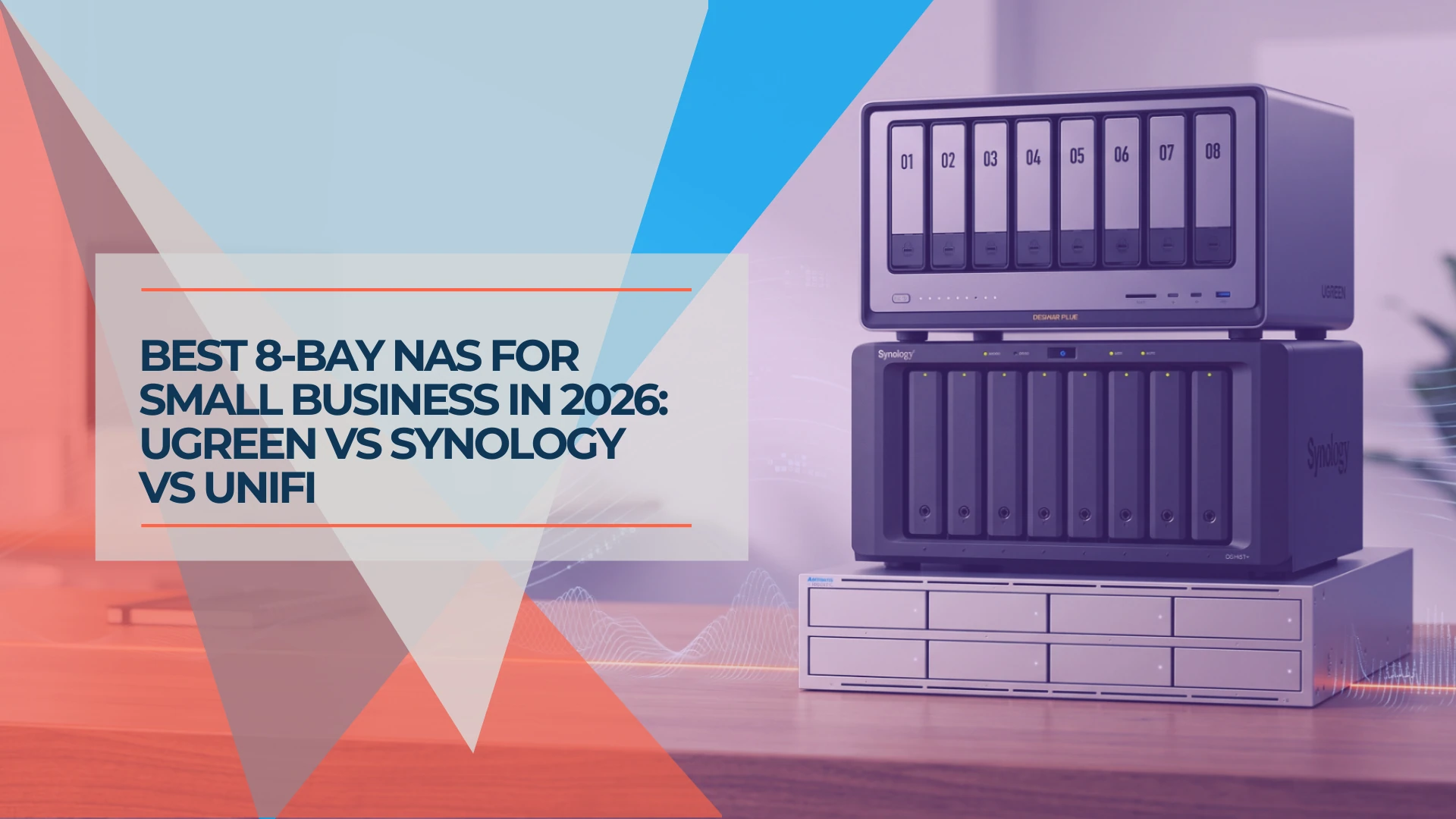
Best 8-Bay NAS for Small Business in 2026: UGREEN vs Synology vs UniFi
Compare UGREEN DXP8800 Plus, Synology DS1825+ and UniFi UNAS Pro 8 by usable capacity, 10GbE, backup software, expansion and complete cost.
19 min read
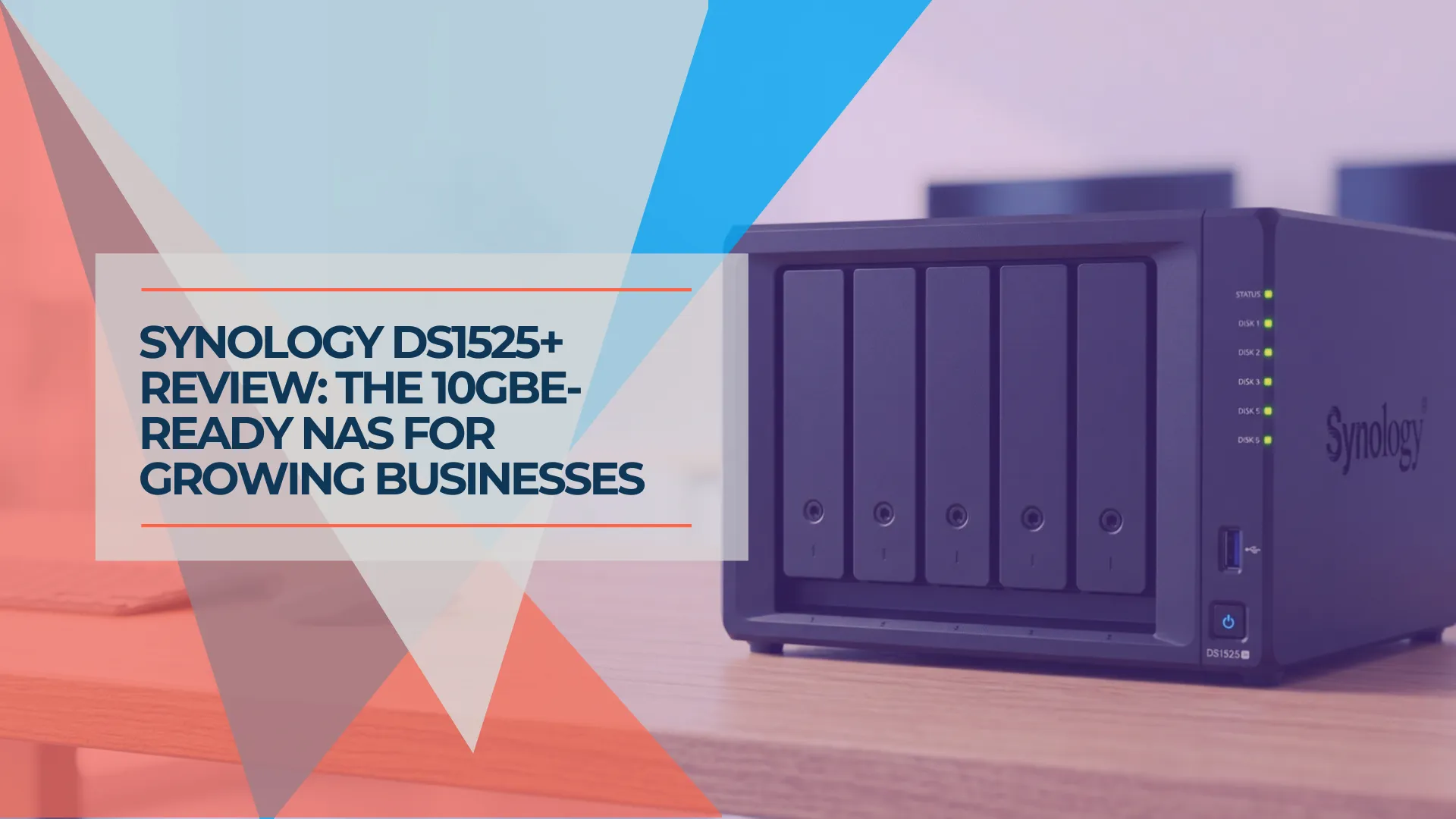
Synology DS1525+ Review: The 5-Bay NAS for Growing Small Businesses
Synology DS1525+ review for small business: 5-bay RAID 5/6, 10GbE upgrade path via E10G22-T1-Mini, and DSM 7.4. Compared to DS925+, DS1825+, and UGREEN DXP4800 Plus with current July 2026 pricing.
19 min read
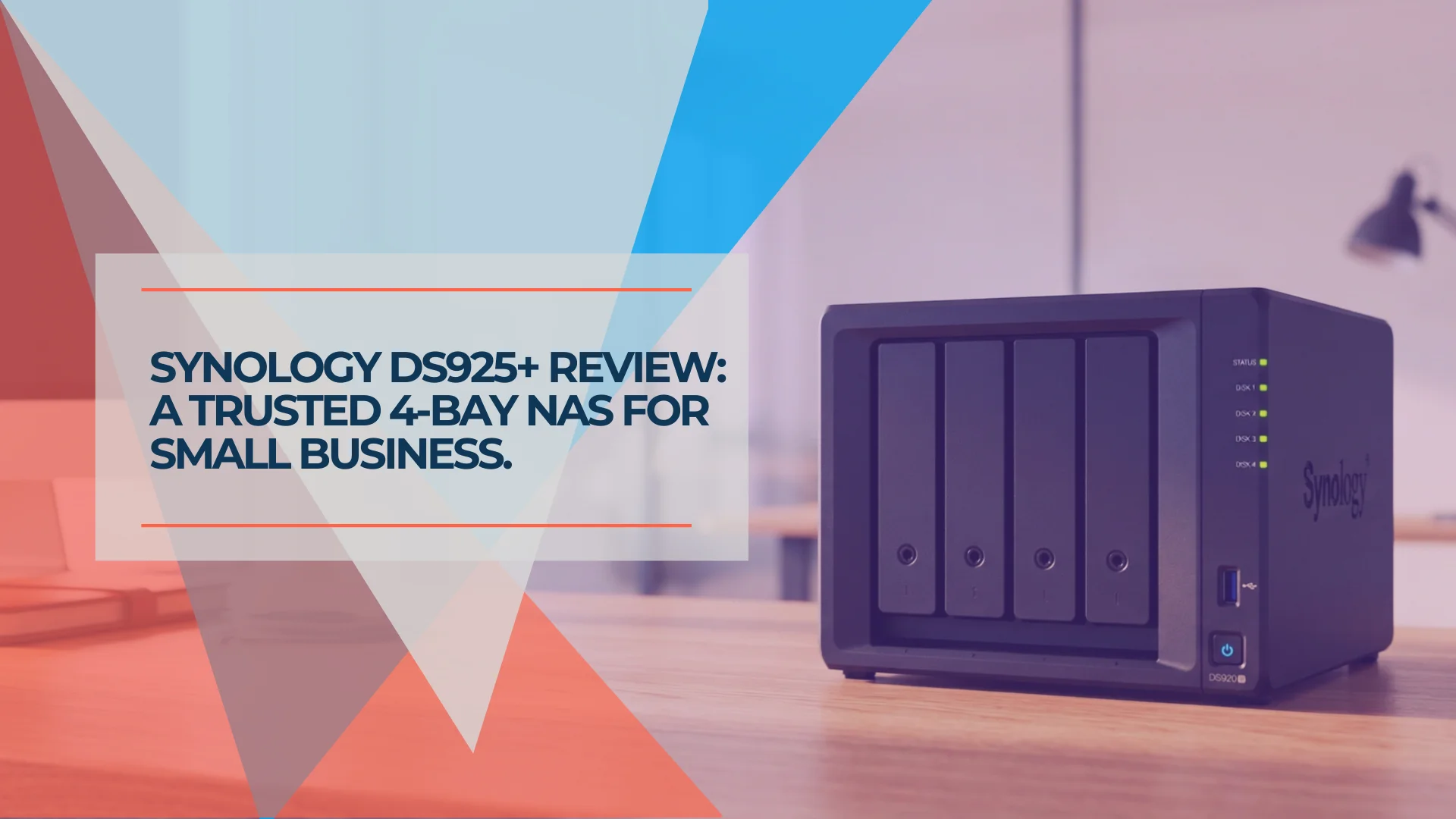
Synology DS925+ Review: Is This 4-Bay NAS Still Worth It in 2026?
Synology DS925+ review for small business. Full specs, real-world performance, RAID 5/6 analysis, honest UGREEN DXP4800 comparison, and whether the aging hardware is still worth $639.99 in 2026.
20 min read