

Complete UniFi Protect AI Security System Under $2000: Professional-Grade Surveillance for Small Business
Build a professional AI-powered security system with UniFi Protect for under $2,000. Complete guide to the UDM Pro SE, G6 Bullet cameras, and 8TB storage configuration.

What is the Best UniFi Protect System Under $2000?
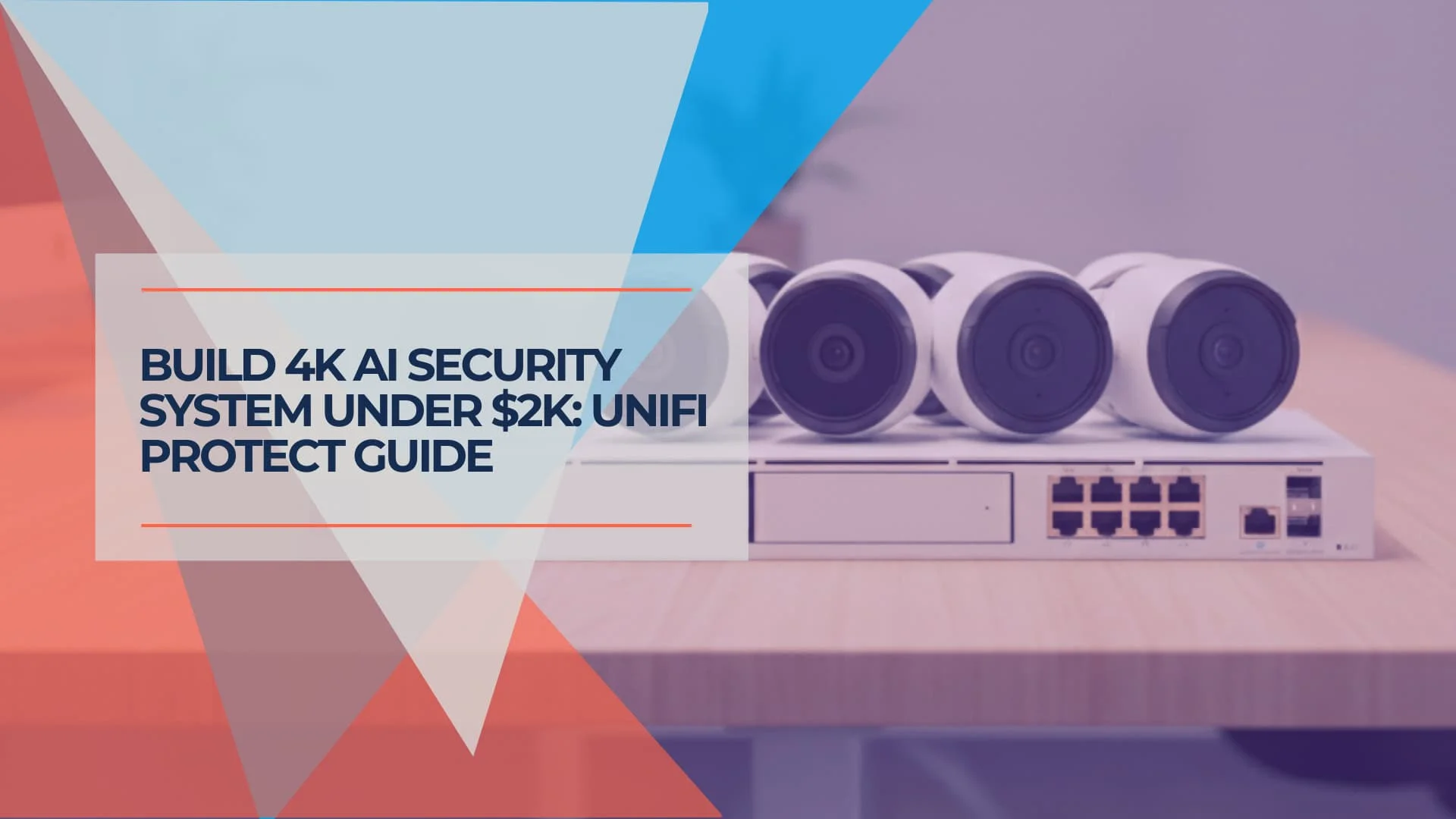
A practical UniFi Protect configuration for small businesses under a $2,000 budget combines the UDM Pro SE gateway with six G6 Bullet cameras and 8TB of storage.
This $1,942 configuration provides 4K surveillance without ongoing licensing fees. The UDM Pro SE's integrated PoE+ switch powers six AI-enabled G6 Bullet cameras, creating a complete security and networking foundation that can scale as your business grows.
- Gateway: UniFi Dream Machine Pro SE ($499)
- Cameras: 6× UniFi G6 Bullet Camera ($1,194)
- Storage: Enterprise 8TB HDD ($249)
- Total: $1,942
Affiliate Disclosure: This article contains affiliate links. If you make a purchase through these links, we may earn a small commission at no extra cost to you.
Complete System Overview
Total Equipment Cost: $1,942 for professional AI security system
- Gateway: UDM Pro SE with 8 PoE+ ports – $499
- Storage: Enterprise 8TB HDD – $249
- Cameras: 6× UniFi G6 Bullet with AI detection – $1,194
- AI Features: Real-time person/vehicle detection, smart notifications
- Recording: 15-20 days continuous or 45+ days smart detection
- Scalability: Ready for network and WiFi expansion
Quick Reference: System Components & Costs
| Component | Quantity | Unit Price | Total |
|---|---|---|---|
| UniFi Dream Machine Pro SE | 1 | $499 | $499 |
| Enterprise 8TB HDD | 1 | $249 | $249 |
| UniFi G6 Bullet Camera | 6 | $199 | $1,194 |
| Total Equipment Cost | $1,942 |
Key Implementation Advantages
- All cameras powered directly from UDM Pro SE (no additional switches needed)
- Single management interface for the entire security system
- Built-in network infrastructure ready for business expansion
- No ongoing licensing or subscription fees
- Local AI processing for privacy and reliability
Important: Cable Cost Not Included
This equipment cost does not include network cabling. A typical 6-camera installation requires approximately 600-1000 feet of Cat6 cable, plus connectors and installation labor. Budget an additional $150-$300 for cabling materials if installing yourself, or $800-$1,200 for professional installation including cable management.
Why Choose UniFi Protect Over Traditional Systems?
UniFi Protect consolidates multiple components into an integrated solution. Traditional enterprise security systems require separate NVRs, PoE switches, and often subscription-based AI analytics.
This configuration uses two device types:
- UDM Pro SE: Combines router, PoE switch, and NVR functionality
- G6 Bullet cameras: Include onboard AI processing (no cloud subscription required)
The integrated approach provides local AI processing for privacy and reliability, plus a unified management interface that simplifies troubleshooting and maintenance.
For businesses evaluating different security camera platforms, our UniFi Protect vs Synology Surveillance Station comparison provides detailed analysis of two leading local-storage solutions.
Why Use the UDM Pro SE for Camera Management?
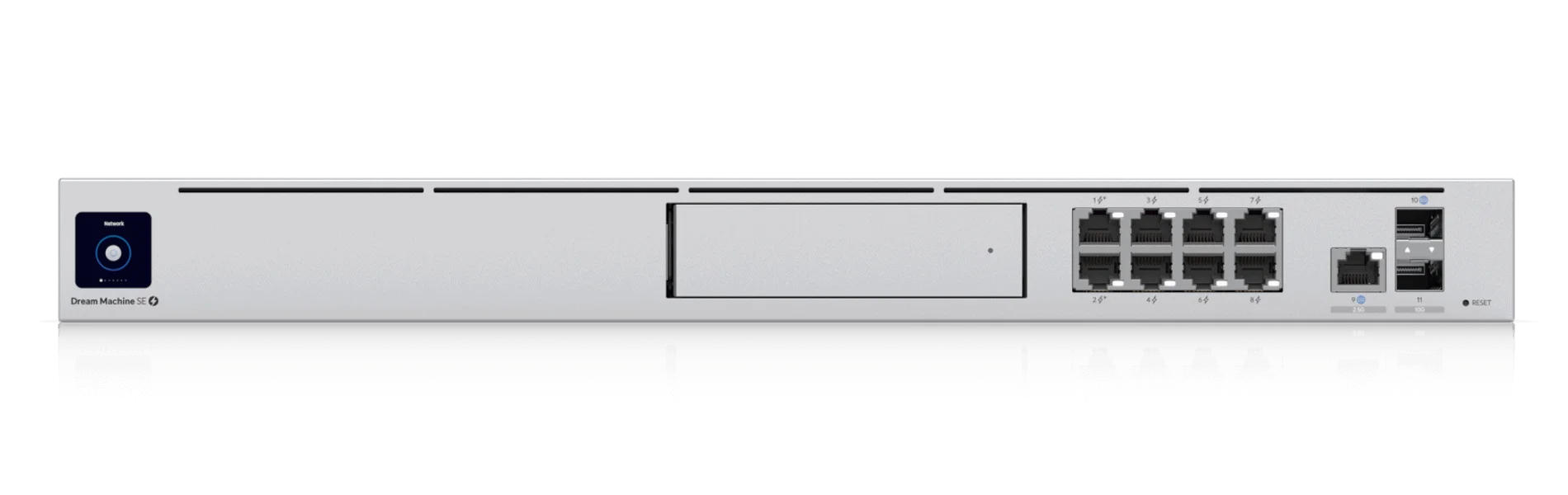
The UDM Pro SE is the preferred gateway for this setup because it consolidates an NVR, 8-port PoE+ switch, and security router into a single $499 device.
By integrating the Network Video Recorder (NVR) and Power over Ethernet (PoE) switch, the UDM Pro SE saves approximately $400-$600 compared to buying these components separately. Its 128GB integrated SSD supports the OS and applications, while the 3.5" drive bay handles video storage. With 180W of total PoE budget, it easily powers six G6 Bullets (approx. 72W total load), leaving room for future access points or cameras.
Technical Specifications
- PoE Budget: 180W total across 8 ports (PoE+ at 15-30W per port)
- Camera Capacity: Supports up to 30 UniFi cameras
- Storage: One 3.5" SATA drive bay (supports up to 16TB)
- Processor: Quad-core ARM Cortex-A57 with 4GB RAM
- Network: 1x 2.5GbE WAN, 1x 1GbE WAN/LAN, 8x 1GbE PoE+ LAN ports
Key Benefits
The UDM Pro SE's integration eliminates the need for separate devices:
- No separate NVR: UniFi Protect runs directly on the device
- No separate PoE switch: Built-in 8-port PoE+ switch powers all cameras
- No separate router: Enterprise-grade routing and firewall included
- Unified management: Single interface for network and security
This consolidation simplifies troubleshooting, reduces potential failure points, and provides a foundation for expanding your network with additional UniFi access points, switches, or cameras as your business grows. For comprehensive guidance on UniFi network design, see our UniFi network design guide.
UniFi G6 Bullet Cameras: AI-Powered Surveillance
The UniFi G6 Bullet camera delivers 4K resolution at 30fps with AI analytics processing performed locally on the device.
AI Detection Capabilities
The G6 Bullet includes onboard AI processing hardware that performs real-time analysis without cloud connectivity or subscription services. AI capabilities include:
- Person detection with confidence scoring
- Vehicle detection and classification
- Animal detection to filter out wildlife false alarms
- Smart motion zones that ignore irrelevant movement
- Customizable detection sensitivity for different environments
Local AI processing provides:
- Response times in milliseconds (vs seconds for cloud-based systems)
- Privacy through local processing
- No ongoing subscription costs
- Consistent performance regardless of internet connectivity
UniFi Protect Generation 6 Cameras - G6 Bullet, G6 Turret, G6 Instant
Image Quality and Performance
The camera uses a 1/2.8" sensor with low-light performance that captures detailed 4K footage in various lighting conditions. The fixed 4mm lens provides approximately 110° field of view, making it well-suited for wide coverage of parking lots, entryways, and building perimeters. The integrated IR illuminators provide night vision up to 98 feet for detection, with identification range effective to approximately 30 feet.
Weather resistance meets IP66 standards for reliable outdoor operation, protecting against heavy rain and water jets. The housing withstands temperature extremes from -22°F to 140°F, suitable for covered outdoor areas, warehouses, and climate-controlled indoor spaces.
Note: For applications requiring adjustable field of view or long-range identification (such as license plate reading), consider the G6 Pro Bullet with varifocal lens, though this will increase the per-camera cost to approximately $479.
Network and Power Efficiency
Each G6 Bullet requires a maximum of 12W of PoE power, within the UDM Pro SE's power budget. The cameras support H.265 video compression, reducing bandwidth and storage requirements compared to older H.264 systems. This efficiency extends recording retention and reduces network congestion.
The cameras support multiple streaming profiles simultaneously, allowing high-resolution recording while providing lower-bandwidth streams for remote viewing and mobile applications. This flexibility maintains performance across different access scenarios.
G6 vs G5 Camera Comparison
The G6 Bullet offers the best value in UniFi's current lineup:
| Model | Resolution | Price | AI Features | Lens Type | Value Assessment |
|---|---|---|---|---|---|
| G5 Bullet | 2K (2688×1520) | ~$129 | Person/vehicle detection | Fixed | Good budget option |
| G6 Bullet | 4K (3840×2160) | $199 | Person/vehicle/animal detection | Fixed 4mm | Best value for 4K |
| G6 Pro Bullet | 4K (3840×2160) | ~$479 | Enhanced AI suite | Varifocal 3.6-11mm | Premium features |
| G5 Pro | 4K (3840×2160) | ~$379 | Enhanced AI | Varifocal | Legacy premium |
The G6 Bullet provides 4K resolution at nearly half the price of the G5 Pro, making it a practical choice for this budget-conscious configuration. The $70 premium over the G5 Bullet delivers higher resolution and improved AI capabilities.
For a detailed comparison of G6 models, see our G6 Bullet vs Pro Bullet comparison.
How Many Days of Footage Can 8TB Store?
An 8TB enterprise drive retains approximately 15 to 20 days of continuous 4K footage for six cameras, or over 45 days when using Smart Detection recording.
For most businesses, we recommend a "Mixed Recording" strategy to maximize retention:
- Business Hours: Continuous recording (captures all workflow)
- After Hours: Smart Detection only (records only when people or vehicles are detected)
This hybrid approach extends the 8TB drive's capacity significantly. While the UDM Pro SE supports only one HDD, you can upgrade to a 16TB or 22TB drive if 60+ days of continuous retention is a strict compliance requirement.
Accurate Storage Estimates for 6 Cameras
8TB drive capacity (approximately 7.2TB usable):
- Continuous 4K recording: 15-20 days
- Smart Detection only: 45-60 days
- Mixed strategy (business hours continuous + after hours smart): 30-40 days
Based on H.265 compression at 8-10 Mbps per 4K camera. Actual retention varies with motion activity and compression settings.
Recording Profile Optimization
UniFi Protect offers flexible recording profiles that can be customized for each camera based on its purpose and location:
- Continuous recording: Captures everything, ideal for high-security areas during business hours
- Motion detection: Records when any motion is detected, extends retention moderately
- Smart Detection: Records only when AI detects people, vehicles, or packages, maximizes retention
The G6 cameras' AI capabilities enable intelligent recording decisions. Rather than recording every motion event, the system can be configured to record only when specific objects are detected. This approach extends recording retention while capturing all relevant security events.
Storage Expansion Options
The UDM Pro SE's single drive bay limits onboard storage, but expansion options exist:
- Larger drives: Upgrade to 16TB ($449) or 22TB drives for extended retention
- NAS backup: Configure automatic backup to a Synology or similar NAS for redundancy
- Cloud backup: UniFi does not offer cloud storage (all recording is local)
For critical applications requiring both long retention and redundancy, we recommend a 16TB primary drive with automatic backup to a secondary NAS device. Our business NAS guide provides detailed information on implementing backup solutions.
For comprehensive storage planning guidance, see our UniFi Protect storage planning guide.
System Installation and Configuration
Professional installation typically requires 6-8 hours, depending on cable routing complexity and camera placement requirements.
Installation Process
- Site Survey: Evaluate camera placement, cable routing, and mounting locations
- Cable Installation: Run Cat6 cable from UDM Pro SE to each camera location (600-1000ft total)
- Camera Mounting: Install and aim cameras at appropriate height and angle (fixed 4mm lens provides 110° coverage)
- Network Configuration: Adopt cameras, configure recording profiles, set up user accounts
- AI Optimization: Configure detection zones, adjust sensitivity, set up notifications
- Testing: Verify PoE delivery, recording quality, remote access, and alert functionality
Mounting Considerations: Since the G6 Bullet uses a fixed lens, careful placement during installation is essential. Position cameras to maximize the 110° field of view for wide area coverage. For applications requiring zoom capability or long-range identification, consider upgrading specific cameras to the G6 Pro Bullet model.
For businesses new to UniFi systems, our UniFi installation challenges and solutions guide addresses common setup issues.
Key Configuration Steps
Once hardware is installed, the system requires configuration:
- Camera adoption: Add all cameras to the UniFi Network controller
- Recording profiles: Set continuous, motion, or smart detection per camera
- Detection zones: Define areas to monitor and areas to ignore
- User accounts: Create accounts with appropriate access levels
- Remote access: Enable secure access via mobile app and web interface
- Notifications: Configure alerts for person/vehicle/animal detection
AI Analytics Configuration and Optimization
The G6 cameras' AI capabilities require thoughtful configuration to maximize effectiveness while minimizing false alerts.
Smart Detection Setup
- Person Detection: Eliminates false alarms from weather or vegetation
- Vehicle Detection: Monitors parking areas and delivery zones
- Animal Detection: Filters out wildlife to reduce false alerts
- Smart Motion Zones: Focuses detection on critical areas while ignoring irrelevant activity
Detection Zone Best Practices
Smart motion zones allow precise control over where AI detection occurs:
- Identify critical areas: Define zones for entrances, exits, and high-value areas
- Exclude irrelevant motion: Ignore trees, traffic, or employee work areas
- Adjust sensitivity: Fine-tune detection thresholds per zone
- Test and refine: Review detection events and adjust zones as needed
Notification Strategy
Balance security awareness with alert fatigue:
- Person detection in sensitive areas → Immediate push notifications
- Vehicle detection during specific hours → Standard alerts
- Animal detection in perimeter areas → Optional alerts
- General motion → Logged events without immediate alerts
Remote Access and Mobile Management
UniFi Protect provides remote access through mobile apps (iOS/Android) and web browsers.
Mobile App Features
- Live viewing: Monitor all cameras in real-time
- Playback: Review recorded footage with timeline navigation
- AI event filtering: Browse person/vehicle/package detections
- Push notifications: Receive alerts for configured events
- Adaptive streaming: Automatically adjusts quality based on bandwidth
Web Interface
The web-based interface offers advanced management:
- Detailed analytics and reporting
- Bulk camera configuration
- User account management
- System health monitoring
- Video export for incident documentation
Integration with Business Operations
The UDM Pro SE provides a foundation for expanding your business technology infrastructure beyond security.
Network Expansion
The UDM Pro SE manages additional UniFi devices through a single interface:
- WiFi access points: Add UniFi APs for comprehensive wireless coverage
- Network switches: Expand PoE capacity for additional cameras with UniFi switches
- Guest networks: Isolate customer WiFi from business network (guest WiFi setup guide)
- VLANs: Segment IoT devices, cameras, and workstations for security
UniFi Access Control
UniFi's door access control system integrates with Protect:
- Automated recording when doors are accessed
- Visual verification of access card usage
- Centralized management of surveillance and access control
- Comprehensive audit trails for compliance
Business Intelligence
AI detection provides insights beyond security:
- People counting: Understand customer traffic patterns
- Vehicle detection: Monitor delivery and customer patterns
- Time-based analytics: Identify peak business hours
For businesses implementing comprehensive security strategies, our small business security assessment guide provides a framework for evaluating all security aspects beyond cameras. Additionally, consider reviewing our network security audit guide to ensure your network infrastructure is properly secured.
Cost Analysis and ROI Considerations
The financial advantages of UniFi Protect become increasingly significant over time. Traditional enterprise security systems require annual fees for video management software ($360-$720), AI analytics subscriptions ($600-$1,200), and often remote access capabilities. UniFi Protect eliminates all of these recurring costs.
3-Year Total Cost Comparison
| Cost Category | Traditional System | UniFi Protect System | Savings |
|---|---|---|---|
| Equipment Cost | $2,500-$3,500 | $1,942 | $558-$1,558 |
| Annual Licensing | $360-$720 | $0 | $360-$720 |
| AI Analytics (annual) | $600-$1,200 | $0 | $600-$1,200 |
| 3-Year Total Cost | $5,380-$9,260 | $1,942 | $3,438-$7,318 |
Over a three-year period, the UniFi Protect system saves between $3,438 and $7,318 compared to traditional systems with equivalent AI capabilities. These savings increase further over longer deployment periods, as the equipment continues functioning without additional licensing requirements.
Installation Costs
Professional installation adds $800-$1,200 to the total project cost:
- Site survey and camera placement
- Cat6 cable installation (600-1000ft)
- Camera mounting and aiming
- System configuration and testing
- User training
Long-Term Value
Beyond immediate cost savings:
- No vendor lock-in: Local AI processing eliminates dependencies on external services
- Scalable infrastructure: UDM Pro SE supports business growth with additional UniFi devices
- Unified management: Single interface reduces ongoing maintenance complexity
3-Year Cost Savings: $3,438-$7,318
UniFi Protect eliminates ongoing licensing fees and subscription costs that traditional systems require, making it significantly more cost-effective over time.
Troubleshooting and Maintenance
UniFi Protect requires minimal ongoing maintenance when properly installed.
Automated System Health Monitoring
UniFi Protect continuously monitors system health:
- Camera connectivity status
- Storage space warnings
- Network performance alerts
- Firmware update notifications
The system maintains detailed logs for troubleshooting. Remote diagnostic capabilities allow technical support to resolve many issues without on-site visits.
Firmware Updates
UniFi devices receive regular firmware updates that improve functionality and address security vulnerabilities. The unified management platform allows coordinated updates across all components.
Annual Maintenance
Recommended annual maintenance tasks:
- Clean camera lenses and housings
- Inspect cable connections for damage
- Review storage utilization and retention policies
- Update user accounts and permissions
- Test backup and recovery procedures
Frequently Asked Questions
Can this system work with existing network infrastructure?
Yes, the UDM Pro SE integrates with existing network infrastructure. It can replace an existing router while maintaining compatibility with current network devices, or operate alongside existing equipment in bridge mode. The built-in PoE switch eliminates the need for additional network hardware in most installations.
How does the AI detection compare to cloud-based systems?
Local AI processing provides faster response times (milliseconds vs seconds), no subscription costs, enhanced privacy, and consistent performance regardless of internet connectivity. The G6 cameras' AI capabilities match or exceed many cloud-based systems.
What happens if internet connectivity is lost?
The system continues operating during internet outages. All AI processing, recording, and local network access remain functional. Remote access and mobile notifications require internet connectivity, but core security functions operate independently.
Can additional cameras be added later?
The UDM Pro SE supports up to 30 UniFi cameras total. With six cameras initially, you have capacity for 24 more. The two unused PoE+ ports can power additional cameras or access points. For more than 8 cameras, add a separate UniFi PoE switch.
How long does installation typically take?
Professional installation requires 6-8 hours, depending on cable routing complexity and mounting challenges. This includes system configuration, user training, and cable management.
What warranty and support options are available?
UniFi products include a standard one-year warranty, with extended warranty options available. The UDM Pro SE and cameras include access to UniFi's online documentation, community forums, and professional support services. Local installation partners can provide ongoing support and maintenance services.
Next Steps and Implementation
This UniFi Protect system provides AI-powered security for under $2,000 in equipment costs, with no ongoing subscription fees.
Implementation begins with a site survey to confirm camera placement and cable routing requirements. Professional installation helps ensure optimal performance and includes training on system operation and management.
The UDM Pro SE's expansion capabilities mean this security investment can also serve as a foundation for WiFi expansion, access control integration, and network infrastructure development.
For businesses planning complete network infrastructure, see our UniFi business network guide for comprehensive planning guidance.
Ready to Upgrade Your Business Security?
Contact our team for a comprehensive site assessment and customized implementation proposal. We'll evaluate your specific requirements and design a solution that maximizes security coverage while supporting your long-term business technology needs.
For businesses in Miami and South Florida, we provide complete installation services including professional cable management, system optimization, and comprehensive user training.
Related Articles
More from UniFi Networks
UniFi Protect vs. Synology Surveillance Station: A Complete 2026 Comparison
A detailed comparison of UniFi Protect and Synology Surveillance Station for small business and home security. We examine hardware, software, pricing, and real-world use cases to help you choose the right system.
11 min read
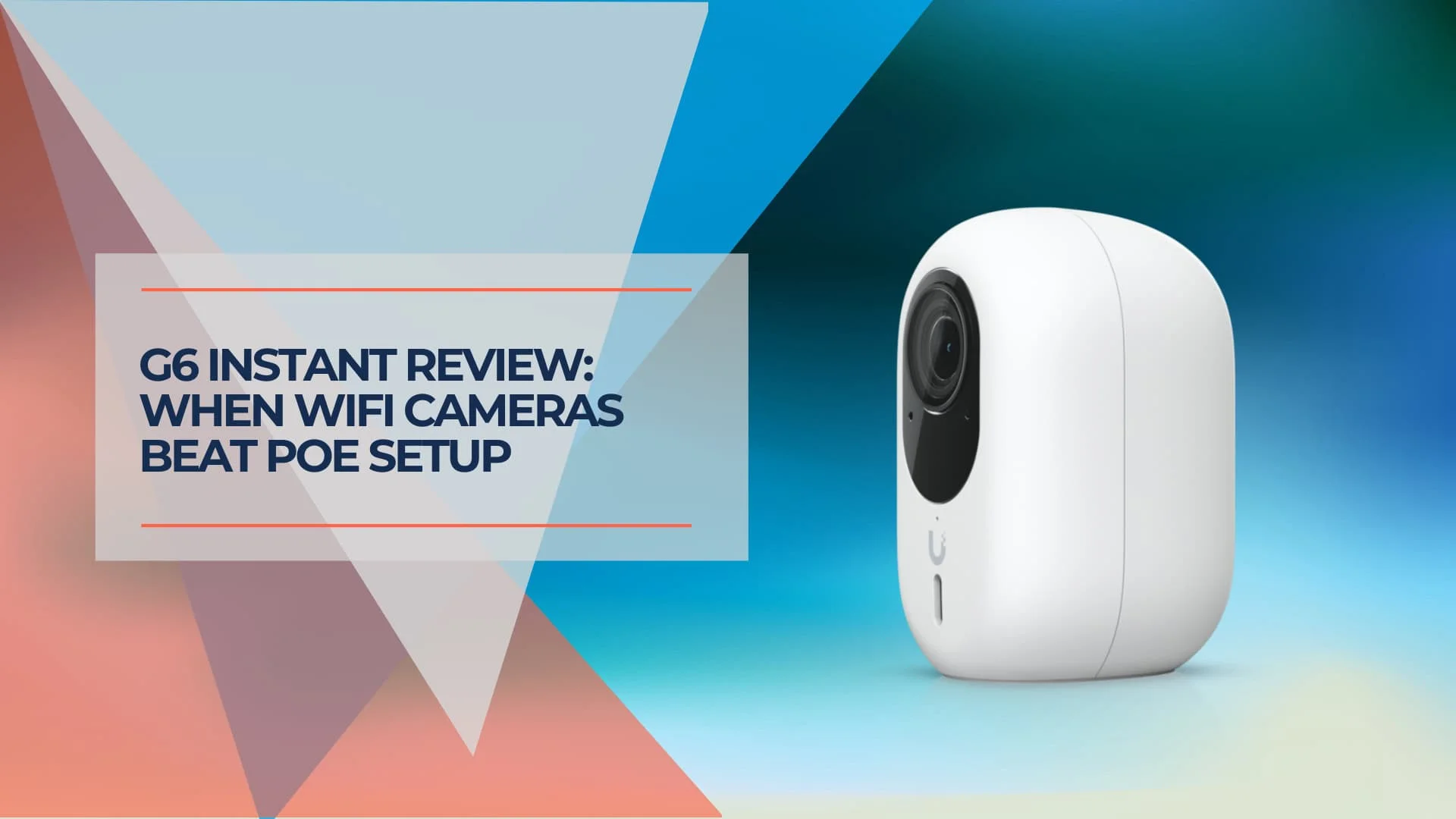
UniFi G6 Instant Review (2026): 4K WiFi vs. PoE for Business Security
Real-world UniFi G6 Instant review comparing WiFi vs PoE camera installation. See how 12 cameras deployed in under 4 hours with nearly 50% cost savings over traditional wired systems.
11 min read
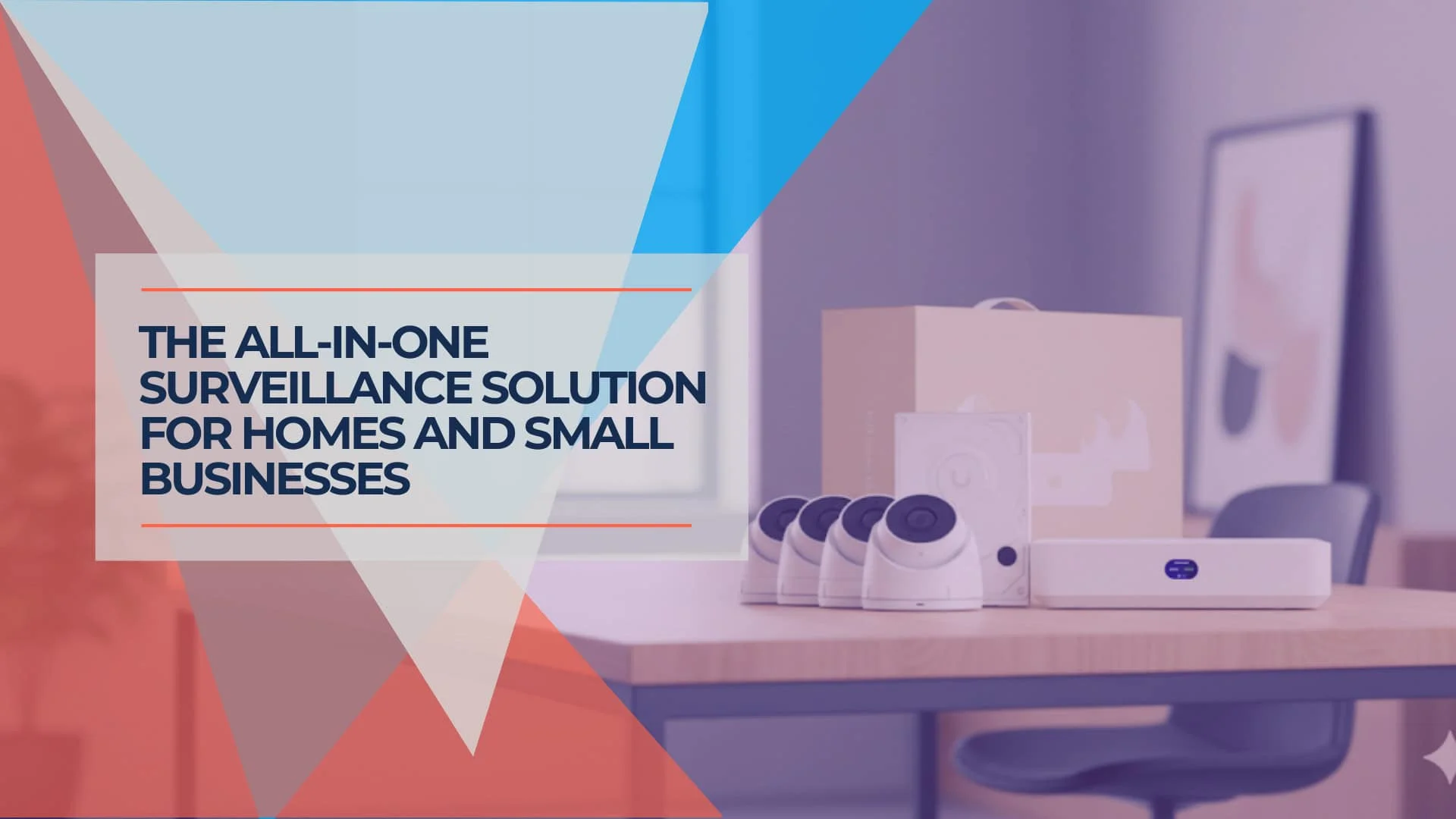
UniFi UNVR Instant Review (2026): The Best All-in-One NVR for Homes?
Complete review of the UniFi UNVR Instant NVR with integrated PoE switch. Perfect for residential homes and small businesses needing 4-6 cameras with professional-grade surveillance.
11 min read