

The 7-Step Network Security Audit Every Small Business Should Do Quarterly (Jan 2026 Edition)
Quarterly security audit guide for small businesses. 2-hour systematic process covering Passkey adoption, software updates, immutable backup verification, network access, and incident response planning.

Affiliate Disclosure: This article contains affiliate links. If you make a purchase through these links, we may earn a small commission at no extra cost to you. As an Amazon Associate, iFeelTech earns from qualifying purchases.
Urgent: QuickBooks Desktop Deadline - February 1, 2026
If you use QuickBooks Desktop, Intuit is implementing pricing changes and ACH fee cap modifications effective February 1, 2026. Review your subscription and payment processing settings immediately to avoid service disruptions.
Key Takeaway
A systematic quarterly 2-hour security audit identifies vulnerabilities before they become breaches. This guide covers Passkey adoption, immutable backups, and the 2026 threat landscape including AI-driven phishing.
81% of small and medium businesses reported a breach in the last 12 months according to the ITRC 2025 report. Regular security audits help identify vulnerabilities before exploitation, maintain compliance with industry regulations, and create essential documentation for cyber insurance requirements. Our comprehensive small business cybersecurity guide explores the full landscape of security tools and strategies available to protect your business.
The Complete 7-Step Security Audit Process
This audit is designed to take approximately 2 hours and can be completed by any business owner or manager. No technical expertise is required—just attention to detail and a commitment to following through on findings.
Step 1: Employee Access & Credentials Audit (30 minutes)
How do I audit employee access and credentials?
Audit access by cataloging all active user accounts, enforcing MFA, and transitioning eligible logins to Passkeys.
Stolen credentials remain the #1 entry point for breaches. In 2026, complex passwords are no longer sufficient; you must move toward phishing-resistant authentication. Our business password manager comparison provides detailed guidance on implementing modern authentication solutions.
Access Review Checklist
- Review Active Accounts: Generate a user list from your identity provider (Google Workspace or Microsoft 365). Archive accounts for employees who left in the last 90 days immediately.
- Enforce MFA: Ensure Multi-Factor Authentication is active on 100% of email and financial accounts.
- Adopt Passkeys: Identify systems that support Passkeys (Google, Apple, 1Password) and enable them. Passkeys replace passwords with cryptographic keys stored on a device, making them nearly impossible to phish.
- Admin Audit: Reduce "Global Admin" privileges. Only 2-3 people should have super-admin access.
- Shadow IT Check: Review "Sign in with Google" or "Sign in with Microsoft" logs to identify unauthorized third-party applications. Employees may be using unapproved PDF editors, AI tools, or file-sharing services that bypass your security controls.
Pro Tip
Use a business password manager like 1Password Business or NordPass to securely share legacy passwords that cannot yet use Passkeys.
Business Password Manager Recommendations
For businesses ready to implement professional password management:
- 1Password Business: Comprehensive team management with advanced security features and Passkey support
- NordPass: User-friendly interface with strong encryption for small teams
- Proton Business: Privacy-focused solution with integrated secure email
Our complete business password manager comparison provides detailed analysis of features, pricing, and implementation considerations.
Step 2: Software Update Status (20 minutes)
How do I check for critical software updates?
Verify software status by comparing your current installed versions against the latest official vendor releases, prioritizing security patches over feature updates.
Software vulnerabilities are a primary attack vector. In Jan 2026, for example, the KB5074109 update for Windows 11 caused boot loops for some users, highlighting why you should audit updates rather than auto-installing them blindly. Test critical business software updates in a controlled environment when possible. For a systematic view of what needs patching first, a dedicated scanner like Tenable Nessus can prioritize vulnerabilities by actual risk rather than patch age alone.
Current Critical Threat Check (Q1 2026)
| Device/Software | Current Standard (Jan '26) | Action Required |
|---|---|---|
| Windows 11 Pro | Ver. 25H2 / 24H2 | Audit for KB5074109 failures |
| Google Chrome | Ver. 144.0.x | Restart browser to apply |
| QuickBooks Desktop | Desktop 2024/25 | Critical: Pricing/Support change Feb 1 |
| macOS | macOS 16 (Sequoia successor) | Install security patches immediately |
Note: These versions are current as of January 28, 2026. Always check the vendor's release notes for the latest patches.
June 2026 addition: Windows Secure Boot certificates began their scheduled turnover on June 24, 2026. Add a one-time check to this step — our Secure Boot certificate update guide shows how to verify any PC in two minutes and remediate the ones that aren't ready.
Priority Framework
- Browser/OS Security Patches: Install within 48 hours.
- Feature Updates: Wait 7-14 days to ensure stability and allow early adopters to identify potential issues.
Security Software Recommendations:
- Bitdefender GravityZone: Enterprise-grade antivirus with centralized management
- ESET SMB Security: Lightweight protection for small business networks
- Malwarebytes for Teams: Advanced malware detection and remediation
Our best cybersecurity software guide compares features, pricing, and deployment options for small businesses.
Step 3: Backup Verification (45 minutes)
How do I verify my backup system?
Verify backups by performing a "test restore" of 3 critical files and ensuring one copy of your data is immutable.
Modern ransomware has evolved to target backups directly, making the traditional 3-2-1 rule insufficient. The updated 3-2-1-1-0 Rule addresses this threat:
The 3-2-1-1-0 Backup Rule
- 3 Copies of data.
- 2 Different media types.
- 1 Offsite copy (Cloud).
- 1 Immutable/Offline copy: A backup that cannot be modified or deleted for a set time (e.g., AWS S3 Object Lock or an unplugged USB drive).
- 0 Errors during restore.
The 15-Minute Test
Pick one random client folder and one financial spreadsheet. Restore them to a different computer. If it takes longer than 15 minutes to initiate, your recovery time objective (RTO) is too slow.
Power Protection for Backup Systems
Protect your backup infrastructure from power outages and surges with an uninterruptible power supply (UPS):
- APC Smart-UPS 2200VA: Enterprise-grade UPS for servers and NAS devices
- CyberPower CP1500: Mid-range option for small office backup systems
- Eaton 5SC1500: Reliable UPS with network management capabilities
Backup Infrastructure Solutions
Software Solutions:
- Acronis Cyber Protect: Combines backup with security monitoring and immutable backup capabilities
- iDrive Business: Cloud backup with versioning and encryption
Hardware Solutions:
- Synology DS923+: 4-bay NAS with snapshot replication for immutable backups
- Synology DS1825+: 8-bay NAS for larger businesses requiring more storage capacity
- UGREEN DXP4800 Plus: Budget-friendly NAS option with solid backup features
Our Synology snapshots guide explains how to configure immutable backups on Synology NAS devices.
Step 4: Network Hardware Security (25 minutes)
How do I secure my network hardware?
Secure network hardware by disabling unused ethernet ports, isolating IoT devices, and enforcing WPA3 encryption on all wireless access points.
Your network infrastructure serves as the foundation for your data security. If you have upgraded to WiFi 6E or WiFi 7 (the 2026 standard), these systems include WPA3 encryption by default.
Network Security Checklist
- Encryption: Set all Access Points to "WPA3-Personal" or "WPA3-Enterprise."
- IoT Isolation: Smart thermostats, fridges, and doorbells should be placed on a separate "Guest" or "IoT" VLAN. These devices should not have access to your server or point-of-sale terminals.
- Physical Port Security: Block unused ethernet ports on switches. If a visitor plugs into a conference room jack, they shouldn't get full network access. Configure port security or disable unused ports entirely.
- Firmware Check: Log into your router (e.g., UniFi OS, Meraki). If the last firmware update was >6 months ago, your hardware may be End-of-Life (EOL).
WiFi Security Standards (2026)
Encryption Requirements:
- ✅ WPA3 encryption (mandatory for WiFi 6E/7)
- ⚠️ WPA2 encryption (legacy only - upgrade required)
- ❌ WEP or Open networks (immediate security risk)
Network Segmentation: (see our VLAN guide for a full breakdown)
- ✅ Business network isolated from guest/IoT devices
- ✅ VLAN separation for different device types
- ✅ Network name doesn't reveal business details
Network Infrastructure Recommendations
WiFi 7 Access Points (2026 Standard):
- UniFi U7 Pro Max: Flagship WiFi 7 AP with WPA3 and advanced VLAN support
- UniFi U7 Pro: Mid-range WiFi 7 option for most businesses
- TP-Link Omada EAP783: Budget-friendly WiFi 7 alternative
Business Routers with VLAN Support:
- UniFi Dream Machine Pro: All-in-one gateway with advanced security features
- UniFi Cloud Gateway Ultra: Compact gateway for small offices
Our UniFi network design blueprint provides comprehensive guidance for building secure, scalable business networks with proper VLAN segmentation and IoT isolation.
Step 5: AI Phishing Defense Protocol (15 minutes)
How do I protect against AI-generated phishing?
Establish a "Verify via Other Means" protocol. If the CEO emails asking for a wire transfer, verify the request via SMS or phone call before proceeding. Email alone should not be considered sufficient verification for financial transactions.
Phishing has evolved significantly. AI-powered attacks now generate convincing messages that mimic your colleagues' writing style, timing, and context. Understanding these threats is essential for protecting your business. Our small business breach prevention guide covers comprehensive strategies for defending against modern attack vectors.
AI Phishing Defense Checklist
- Dual-Channel Verification: Any financial request over $500 requires verification via a second channel (phone, SMS, in-person).
- Suspicious Indicators: Urgent requests, unusual timing (late night/weekend), requests to bypass normal procedures.
- Training: Conduct monthly phishing simulations with AI-generated examples.
- Email Authentication: Verify SPF, DKIM, and DMARC records are properly configured.
Email Security Solutions
Enhanced Email Protection:
- Proton Business Suite: End-to-end encrypted email with built-in phishing protection
- Microsoft 365 Business Premium: Advanced threat protection and email filtering
Pro Tip: Create a code word system for high-stakes requests. If your CFO needs to verify a wire transfer, they can ask for the "monthly code word" that only authorized personnel know.
Step 6: Cyber Insurance Warranty Check (10 minutes)
How do I verify cyber insurance compliance?
Review your policy attestations. If you told your insurer you have MFA on remote access, verify it today. A discrepancy between your attestations and actual security measures can result in claim denials.
Insurers in 2026 are increasingly scrutinizing security attestations during claims processing. If you attested to having MFA but didn't implement it on every claimed account, your policy coverage may be affected. Your policy is a contract, and accurate attestations are essential for coverage.
Insurance Compliance Checklist
- Review Policy Attestations: Pull out your cyber insurance application. What security measures did you claim to have?
- Verify MFA Coverage: Check that MFA is enabled on 100% of accounts you claimed to protect.
- Backup Verification: If you attested to daily backups, verify they're actually running daily.
- Remote Access Security: If you claimed to have VPN protection, verify all remote connections use encrypted tunnels.
- Documentation: Keep audit logs showing when security measures were implemented.
Remote Access Security Solutions
If your team works remotely, secure remote access is critical for insurance compliance:
- NordLayer: Business VPN with zero-trust network access
- Perimeter 81: Cloud-based secure network access for distributed teams
- ExpressVPN: Reliable VPN for small teams with simple setup
Critical Warning
If you discover a discrepancy between what you told your insurer and your actual security posture, contact your insurance broker immediately. Fixing it proactively is better than discovering the gap during a claim.
Step 7: Incident Response Planning (15 minutes)
Your incident response plan needs 5 key contact categories to minimize business impact and recovery time.
Essential Contact Information
Internal Contacts:
- IT support contact or managed service provider
- Business owner/manager after-hours contact
- Key employees who can assist with the assessment
External Emergency Contacts:
- Internet service provider technical support
- Banking fraud hotline numbers
- Cyber insurance company claim reporting
- Local FBI cybercrime field office
- Legal counsel familiar with data breach requirements
5-Phase Incident Response Timeline
Immediate (0-15 minutes): Isolate affected systems from the network
Short-term (15-60 minutes): Contact IT support and assess scope
Medium-term (1-4 hours): Notify leadership and relevant authorities
Recovery (4-24 hours): Begin containment and recovery procedures
Follow-up (24+ hours): Document incident and improve procedures
Creating Your Quarterly Security Calendar
Consistency is essential for effective security management. Regular security reviews help identify trends and ensure continuous improvement of your security posture.
Quarterly Tasks (Every 3 Months)
- Complete the full 7-step audit process
- Update emergency contact information
- Review and test backup systems
- Assess new security threats and update procedures
- Train additional staff on security procedures
Monthly Tasks
- Check for critical security updates
- Review access logs for unusual activity
- Test one backup restore procedure
- Update software inventory
Annual Tasks
- Comprehensive security assessment by an IT professional
- Review the cyber insurance policy coverage
- Update incident response procedures
- Security awareness training for all employees
Recognizing When Professional Help Is Needed
Certain situations require professional IT security expertise. 67% of small and medium businesses say they do not have the in-house expertise to deal with a data breach. If you're in the Miami area, our cybersecurity services provide comprehensive security assessments and ongoing protection.
Situations Requiring Immediate Professional Assessment
- Unusual network activity or unexplained performance degradation
- Unexpected pop-ups or software installations
- Files are encrypted or becoming inaccessible
- Unexplained financial transactions
- Customer reports of suspicious emails from your company
- Compliance requirements for your industry (HIPAA, PCI-DSS, etc.)
Businesses that conduct monthly cybersecurity training see a 70% decrease in employee errors.
Frequently Asked Questions
How long should a quarterly security audit take?
A thorough audit typically takes 2-3 hours for a small business with 5-15 employees. Larger companies or those with complex systems may need 4-6 hours. The process becomes more efficient with practice as you develop familiarity with your systems and security requirements.
What if I discover security issues during the audit?
Prioritize fixes based on risk level. Address critical issues like default passwords or missing security updates immediately. Document complex problems thoroughly and schedule professional assistance within a timeframe appropriate to the risk level.
Should I perform this audit myself or hire a professional?
Any business owner or manager can perform this basic audit. However, businesses handling sensitive data (medical, financial) or those with complex networks should also conduct annual professional security assessments and quarterly self-audits. Our security compliance guide covers industry-specific requirements for HIPAA, PCI-DSS, and other regulations.
What's the most critical step in this audit process?
Step 3 (backup verification) is often the most critical. Many businesses assume they have working backups but discover that their backup systems aren't functioning properly during an emergency. Regular backup testing can prevent significant data loss and business disruption. Our Synology snapshots guide provides detailed instructions for implementing immutable backups.
How do I know if my network equipment needs updating?
Check your router, switches, and access points for firmware updates at least monthly. Most modern business equipment can be configured to notify you of available updates. If your networking equipment is over 5 years old, consider upgrading for enhanced security features. Our UniFi network design blueprint covers modern network infrastructure planning with security best practices.
What should I do if I find unknown devices on my network?
First, try to identify the device by asking employees about new phones, tablets, or IoT devices. If the device remains unidentified, block its access immediately and investigate further. Document the incident and consider changing your WiFi password as a precautionary measure.
How often should I change passwords for business accounts?
Transition to Passkeys wherever possible. For accounts that still require passwords, use a password manager and focus on unique, strong passwords rather than frequent changes. Change passwords immediately if you suspect a breach.
Does cyber insurance cover ransomware attacks?
Most cyber insurance policies cover ransomware attacks, but coverage depends on your security attestations at the time of application. If you claimed to have MFA, daily backups, or VPN protection but didn't implement them, your claim may be denied. Review your policy attestations quarterly and ensure your actual security measures match what you reported. Our security compliance guide provides detailed guidance on maintaining insurance-compliant security practices.
Building Long-Term Security Resilience
Completing your first quarterly security audit is an important step toward better cybersecurity. Resilient security requires ongoing attention and systematic improvement.
Additional Security Measures to Consider
- Employee training: Regular cybersecurity awareness sessions
- Technology upgrades: Modern security equipment and software
- Professional monitoring: Managed security services for 24/7 protection
- Cyber insurance: Financial protection against security incidents
- Compliance planning: Meeting industry-specific security requirements
Security researchers have identified 5.33 vulnerabilities per minute across real environments. A quarterly security audit serves as your first line of defense. Investing 2 hours every three months identifies and addresses vulnerabilities before they become breaches.
Effective cybersecurity is about implementing practical measures that significantly reduce your risk and make your business a less attractive target.
Related Resources
- Best Cybersecurity Software for Small Business – Tool recommendations
- Best Business Password Managers – Authentication security
- Small Business Breach Prevention Guide – 90-day security plan
- Small Business Security Assessment Guide – Free assessment tools
- Small Business Security Audit Checklist – Seven-step audit with evidence requirements and scoring worksheet
- Small Business Security Compliance Guide – Regulatory requirements
- UniFi Office Network Blueprint – Network design
- Synology Snapshots Explained – Backup strategies
- Cybersecurity Services – Professional support
Related Articles
More from Cybersecurity
Small Business Breach Prevention: 90-Day Plan (2026)
Follow a practical 90-day breach prevention plan for small businesses, covering MFA, patching, backups, vendors, incident response, and security metrics.
22 min read
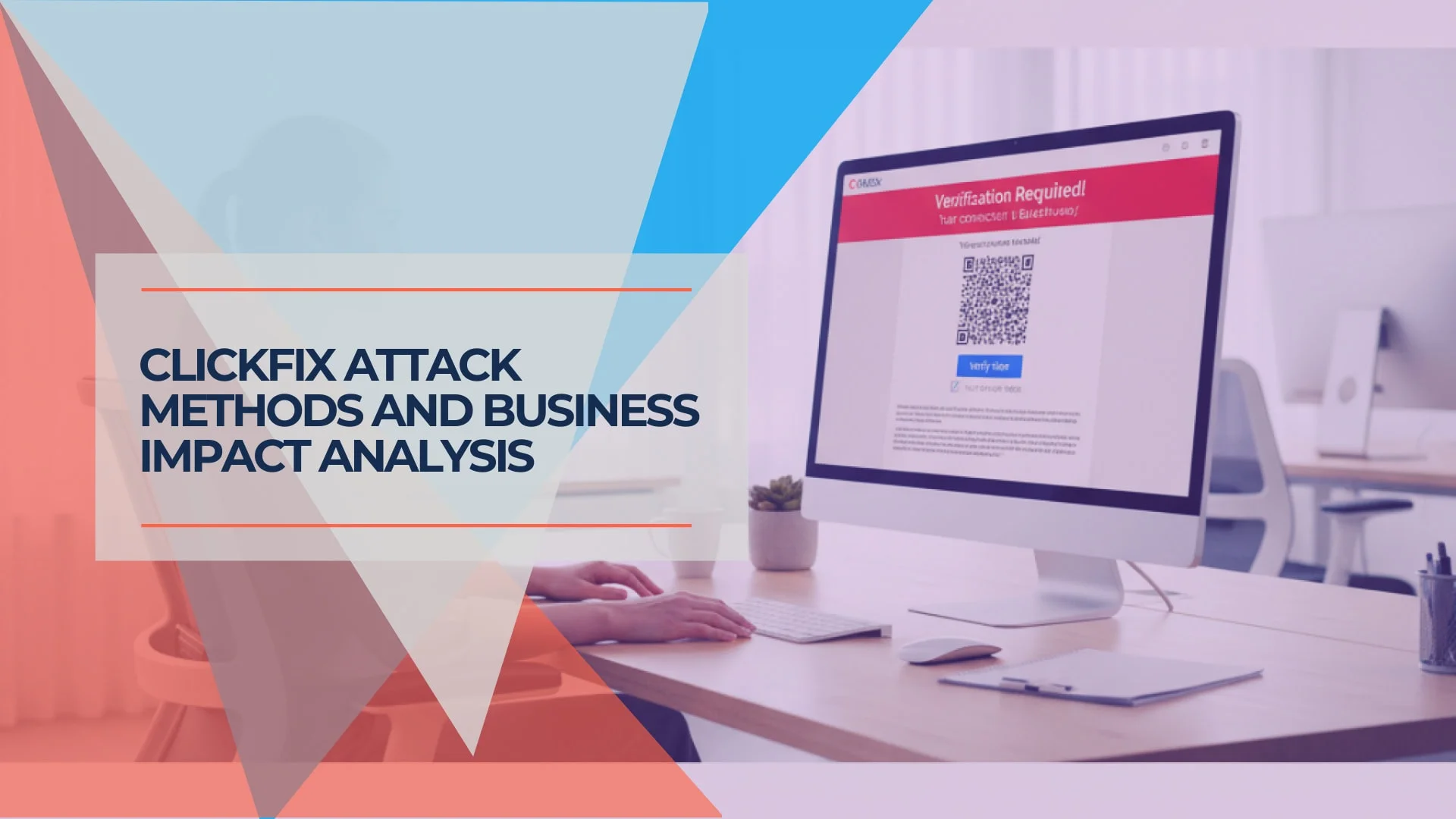
ClickFix and Copy-Paste Attacks: The Social Engineering Threat for Small Businesses
ClickFix is now the dominant initial-access method for malware in 2026. Learn how fake support prompts, CAPTCHA attacks, and copy-paste malware work — and what to do when someone on your team runs the command.
15 min read
Are We Being Hacked or Are Our Computers Just Slow? A Business Owner's Diagnostic Guide
Learn to distinguish between normal computer performance issues and cybersecurity incidents. Systematic diagnostic framework with checklists, warning signs, and guidance on when to call professionals.
20 min read