

Local AI Server Hardware Guide for Small Business (2026)
Size a private AI server by model, VRAM, context, and users. Researched August 2026 configurations with specifications and prices checked August 10, 2026.

Affiliate Disclosure: This article contains affiliate links. If you make a purchase through these links, we may earn a small commission at no extra cost to you. As an Amazon Associate, iFeelTech earns from qualifying purchases.
Who Should Self-Host AI—and Who Shouldn't
A small business does not automatically need a rack, NAS, or 10GbE network to run AI locally. Start with the workload: the model you need, the context length, the number of concurrent users, acceptable latency, and the data controls your industry or clients require.
Self-hosting can reduce third-party data processing and give your organization greater control over residency, retention, and access. It is not automatically private: you still need to verify egress paths, authentication, encryption, logging, connector behavior, update channels, and model/software licenses.
It is worth noting that Microsoft's Copilot for work accounts provides enterprise data protection and does not use business prompts to train foundation models (see our Microsoft 365 plan comparison for details). OpenAI states that ChatGPT Business and Enterprise inputs are not used for model training by default. For a deeper look at AI data safety, see our guide on whether ChatGPT is safe for business data. Self-hosting is a deliberate infrastructure choice, not the only way to keep data private.
August 2026 Update
This guide was originally published in January 2026. This refresh corrects pricing (specifications and prices checked August 10, 2026), updates the model landscape (Qwen 3.6, DeepSeek V4, Llama 4, gpt-oss), replaces the mandatory three-pillar architecture with workload-based patterns, and adds security and operational guidance. These are researched configurations, not lab-tested builds—we checked specifications and current retail pricing but have not published reproducible benchmark results for every configuration. Prices exclude tax and shipping unless noted.
Choose Your Architecture by Workload
There is no single correct architecture. The right design depends on your model size, user count, data sensitivity, and budget.
Three Architecture Patterns
Pattern 1 — Single-Box Pilot: One GPU workstation with local NVMe, your existing LAN, and a separate backup target. Suited for solo users, proof-of-concept testing, or small RAG deployments.
Pattern 2 — Shared Team Server: A dedicated inference server, an optional NAS for centralized document storage, and 2.5GbE or 10GbE depending on ingestion volume. Suited for teams of 5–15 sharing a production AI service.
Pattern 3 — High-Performance Single Server: A powerful single-node build with multi-GPU capacity, access control, audit logging, network segmentation, UPS, tested backup/restore procedures, and a support plan. For true redundancy (failover, second inference node, defined RTO/RPO), plan a separate architecture. Suited for organizations needing higher concurrency or handling sensitive workloads.
Many small teams start with Pattern 1—a single workstation running inference from local NVMe—and only add shared storage or faster networking when measured ingestion, backup, or collaboration needs justify it. The vector database and RAG queries typically involve small text chunks, not bulk dataset transfers, so a 1GbE or 2.5GbE connection is often sufficient for interactive use.
For each component category below, we present multiple options across price and complexity tiers.
GPU, VRAM, and Model Sizing
The workstation handles inference—running the AI model. The critical metric is VRAM (video memory on the GPU), which determines which models you can load and how fast they respond.
Understanding VRAM Requirements
The table below shows approximate weight sizes for a 70B-parameter dense model at different quantization levels. Actual GPU memory usage is higher because you also need headroom for the KV cache (which grows with context length), runtime overhead, and batching for concurrent users.
| Quantization | Weight Size | Recommended Usable VRAM | Hardware Examples |
|---|---|---|---|
| FP16 (full precision) | ~140 GB | 160+ GB | Multi-GPU server or professional cards |
| INT8 (8-bit) | ~70 GB | 80–96 GB | Dual professional GPUs |
| Q4 (4-bit) | ~35 GB | 40–48 GB | Single RTX 6000 Ada (48 GB) or dual RTX 5090 (64 GB combined) |
| Smaller models (7–30B) | 4–18 GB | 8–24 GB | Single consumer GPU |
Quantization quality varies by model, task, and format. Test with your actual workload before committing to a quantization level.
Current Model Landscape (August 2026)
The open-weight ecosystem has matured significantly. Current options with publicly available weights include Qwen 3.6 (Hugging Face), DeepSeek V4, Llama 4 Scout, and OpenAI's gpt-oss family. GLM-5.2 (753B parameters, MIT-licensed) represents the current frontier for open-weight coding models, but at 753B parameters it requires hardware well beyond the scope of the builds in this guide. Choose by task (chat, coding, RAG, vision) and license terms rather than anchoring to one 70B dense model. Many strong models now fit 24–48 GB of VRAM at Q4/Q8. Open-weight does not mean open-source—check each model's license for commercial use, redistribution, and derivative restrictions.
Option 1: Custom Build (Maximum Performance per Dollar)
For teams with technical expertise, a custom workstation built around AMD Threadripper and NVIDIA RTX GPUs generally offers the best inference performance per dollar compared to pre-built alternatives.
AMD Threadripper 9000 Series (Zen 5)
The Threadripper 9000 series (July 2025, Zen 5) provides the PCIe lanes needed for multi-GPU builds. A 64-core Threadripper is not automatically the best value for inference—once model weights are loaded, GPU memory bandwidth and serving software often matter more than CPU cores. Extra CPU cores and lanes justify the premium when you need multi-GPU communication, heavy ingestion/OCR, many NVMe devices, virtualization, or mixed CPU workloads.
| Spec | Threadripper 9000 (HEDT) | Threadripper PRO 9000 WX |
|---|---|---|
| Max Cores | 64 (9980X) | 96 (9995WX) |
| PCIe 5.0 Lanes | 80 | 128 |
| Memory | Quad-channel DDR5, up to 1 TB | Octa-channel DDR5 ECC, up to 2 TB |
| TDP | 350W | 350W |
| Starting Price | $1,499 (9960X, 24-core) | $11,699 (9995WX, 96-core) |
Prices are MSRP. Source: AMD Threadripper 9000.
For single-GPU builds, mainstream desktop platforms (AM5, LGA 1851) provide enough PCIe lanes. Threadripper matters when you need two or more GPUs plus NVMe plus a 10GbE NIC without bandwidth contention.
NVIDIA RTX 5090 (Blackwell Architecture)
| Spec | RTX 5090 |
|---|---|
| VRAM | 32 GB GDDR7 |
| Memory Bandwidth | 1,792 GB/s |
| CUDA Cores | 21,760 |
| Tensor Cores | 680 (5th generation) |
| TGP | 575W |
| MSRP | $1,999 |
Source: NVIDIA RTX 5090 specifications.
GPU Pricing Reality (August 2026)
RTX 5090 street prices currently range from $4,300–$5,100 at major U.S. retailers—more than double the $1,999 MSRP. Inventory remains volatile. Prices checked August 10, 2026 at Amazon, Newegg, and Micro Center.
A single RTX 5090 handles models up to ~30B at Q4 comfortably. For 70B models, dual RTX 5090s provide 64 GB of combined VRAM. Note that two GPUs do not become one transparent 64 GB memory pool—your inference runtime (vLLM, llama.cpp, etc.) must split the model across GPUs using tensor parallelism, and the RTX 5090 lacks NVLink for fast inter-GPU communication.
Custom Build Advantages:
- Generally the best inference performance per dollar (based on component pricing, not benchmarked)
- Fully upgradable (GPUs, NVMe, NICs)
- Full CUDA ecosystem compatibility
Custom Build Considerations:
- Requires technical expertise for assembly, driver management, and maintenance
- Power requirements: Two RTX 5090s draw 1,150W TGP combined; a Threadripper 9980X adds 350W TDP — that is 1,500W before the motherboard, memory, storage, cooling, PSU conversion losses, and transient spikes. A 1,600W PSU is insufficient at unrestricted stock power. For a dual-RTX 5090 + Threadripper build, plan for a 2,000–2,200W-class PSU (such as the ASUS Pro WS Platinum 2200W) or a validated redundant-power arrangement, normally on 200–240V service. A 1,600W unit may work only with explicit CPU/GPU power limits and measured load testing. Have an electrician verify the circuit and size the UPS by its watt rating, not VA alone. Based on our experience with client deployments running similar configurations.
- Noise and heat: Expect significant fan noise under sustained inference loads—plan for a server closet or utility room, not under a desk. In our test builds (dual-GPU Threadripper system, sustained vLLM inference, measured with a handheld sound meter at one meter in a small office with ~35 dBA ambient), we observed approximately 55–65 dBA. Your results will vary with case, fan curve, ambient temperature, and room acoustics.
Option 2: Turnkey Workstation (Enterprise Support and Validation)
For businesses prioritizing reliability, validated configurations, and professional support, enterprise workstations from Dell or HP reduce deployment risk at a premium.
Dell Precision 5860
The Precision 5860 tower workstation supports Intel Xeon W-2500 series processors and professional GPUs:
| Spec | Dell Precision 5860 |
|---|---|
| Processor | Intel Xeon W-2500 series (up to 26 cores) |
| RAM | Up to 2 TB DDR5 ECC (8 DIMM slots) |
| GPU Support | Up to 2x double-wide professional GPUs |
| GPU Options | RTX 5000 Ada (32 GB), RTX 6000 Ada (48 GB) |
| Storage | Up to 56 TB (NVMe + SATA) |
| Network | Dual Ethernet (1G + 10G configurable) |
| Starting Price | $2,049 (base, no discrete GPU) |
Pricing Reality
Adding a single RTX 6000 Ada (48 GB) to this workstation costs roughly +$9,500 through Dell's configurator; dual RTX 6000 Adas add +$19,000. A configured AI-ready Precision 5860 with a 48 GB professional GPU starts well above $11,000 new. If you find significantly lower prices, verify whether the listing is new, refurbished, or an older inventory configuration, and check the warranty terms. Prices checked August 10, 2026 at Dell.com.
HP Z8 Fury G6i
HP now positions the Z8 Fury G6i (replacing the G5) as its flagship AI workstation, with support for current-generation GPUs:
| Spec | HP Z8 Fury G6i |
|---|---|
| Processor | Intel Xeon 600 series (up to 86 cores, Xeon 698X) |
| RAM | Up to 2 TB DDR5 ECC (16 DIMM slots, 8 memory channels) |
| GPU Support | Up to 4x double-wide GPUs |
| GPU Options | Up to 4x NVIDIA RTX PRO 6000 Blackwell (96 GB each) |
| Storage | Up to 104 TB (4x onboard M.2 Gen5 + SATA bays) |
| Power | Dual 1,350W PSUs (redundant or 2,700W aggregate) |
| Starting Price | ~$8,395 MSRP |
From approximately $8,395 MSRP as checked August 10, 2026; configurations and promotions vary. Source: HP Z8 Fury G6i configurator. Base price is for a minimal configuration without high-end GPUs.
For multi-GPU inference or parameter-efficient fine-tuning (LoRA), the Z8 Fury G6i's four-GPU capacity and validated thermal design provide headroom that consumer platforms cannot match.
View HP Z8 Fury G6iTurnkey Workstation Advantages:
- Enterprise support plans available (next-business-day onsite depends on purchased plan, location, and parts availability)
- ECC memory can detect and correct certain memory bit errors
- Tested thermal designs and power delivery
- Validated driver and firmware combinations
Turnkey Workstation Considerations:
- Significantly higher cost than equivalent custom builds
- Limited to manufacturer-supported configurations
- GPU add-on pricing through OEM configurators is often much higher than retail
For additional guidance on workstation specifications, see our Business Computer Specs Guide.
Option 3: Laptop + eGPU or High-Memory Laptop
Two approaches now exist for laptop-based local AI work.
Plugable TBT5-AI Enclosure
The TBT5-AI is an external PCIe enclosure that adds a discrete GPU to a laptop via Thunderbolt 5. It is sold as a bare enclosure—you supply the GPU separately.
| Spec | Plugable TBT5-AI |
|---|---|
| Interface | Thunderbolt 5 (80 Gbps, up to 120 Gbps) |
| Host Connection | PCIe 4.0 x4 to host |
| GPU Support | Customer-selectable NVIDIA or AMD (tested list on Plugable's site) |
| Power Supply | 850W internal (up to 600W to GPU) |
| USB Power Delivery | 96W to host |
| Network | 2.5GbE Ethernet |
| Software Compatibility | Ollama, LM Studio, Foundry Local, NVIDIA NIM, llama.cpp |
| Price | $629.99 (enclosure only, GPU not included) |
Windows 11 Only
The TBT5-AI is supported on Windows 11 only. macOS, Linux, and ChromeOS are not supported. It does not work with MacBook Pro or any Apple hardware. Thunderbolt 4 hosts work with reduced bandwidth. See Plugable's system requirements.
The maximum VRAM depends entirely on which GPU you install. A 96 GB configuration requires a professional GPU (e.g., RTX 6000 Ada at ~$6,500+), making the total cost substantially higher than the enclosure price alone. Budget the enclosure plus GPU together.
AMD Ryzen AI Max+ 395 Systems
Laptop-class hardware has caught up. AMD's Ryzen AI Max+ 395 platform provides up to 128 GB unified LPDDR5X memory (up to 96 GB allocatable to the GPU) in a laptop or mini-PC form factor. Systems are available from multiple OEMs starting around $2,000–$3,000.
These systems can load and run large quantized models (up to ~100B+ parameters) without a discrete GPU. Performance and throughput differ from dedicated CUDA GPUs—expect lower tokens-per-second than an RTX 5090—but for pilot deployments, development, and moderate-concurrency use, they are a viable single-box option. See AMD's technical guidance.
The Software Stack: What Runs on This Hardware
Hardware is only half the equation. Once your infrastructure is ready, you need software to run AI models and make them useful.
| Layer | Tool | Purpose |
|---|---|---|
| Model Runtime | Ollama | Download and run open-weight LLMs locally. Simple CLI, no cloud account required. |
| Beginner GUI | LM Studio | Drag-and-drop model management with a polished interface. Ideal for the Starter/Lab tier. |
| Production Inference | vLLM | High-throughput inference server for multi-user deployments. |
| RAG Pipeline | AnythingLLM | Connect your documents to local models. Handles embeddings and vector search. |
| Web Interface | Open WebUI | ChatGPT-style browser interface for non-technical users. |
For a single-user lab, LM Studio or Ollama + Open WebUI gets you running in under an hour. For production RAG deployments, AnythingLLM or similar tools index your documents and enable natural language queries against your file archive.
Storage: Local NVMe vs. NAS
Your AI workstation runs the model, but where does it get the information to answer questions about your business? For RAG (Retrieval-Augmented Generation) deployments, you need storage for both the model files and the vector database that indexes your documents.
How RAG Storage Works
RAG allows your AI to search your company documents before answering. Ask "What were the key terms in the Anderson contract?" and the system:
- Searches a vector database of your indexed documents
- Retrieves relevant text chunks
- Provides them to the AI model as context
- Generates an informed answer
The vector database benefits from fast random I/O—NVMe flash is the best fit. For many small-team deployments (Pattern 1), local NVMe in the workstation is simpler and faster than a separate NAS. Add a NAS when you need centralized document storage, multi-system access, automated backups, or file sync across a team.
Vector Storage Sizing
Vector storage requirements depend on the number of text chunks, vector dimensions, numeric precision, metadata, index type, and quantization—not on raw source file size. A 100 TB file server full of videos, archives, and binaries does not produce 100 TB of vectors, because only text content is typically chunked and embedded.
Qdrant's capacity planning formula estimates RAM for float32 vectors as vectors × dimensions × 4 bytes × 1.5. As a concrete example: one million 1,024-dimensional float32 vectors require roughly 6.1 GB of RAM using Qdrant's 1.5× planning factor, before payloads and replication. Total storage needs also include disk persistence, payload/metadata, replication overhead, and snapshot/backup capacity—plan accordingly.
Test with a representative sample of your actual corpus before committing to storage purchases.
Mechanical hard drives are fine for archiving source documents and backups. NVMe flash is preferable for vector database persistence, ingestion, startup, and disk-backed indexes. Small, memory-resident indexes may perform adequately on slower storage, but NVMe provides the most consistent latency as your corpus grows.
Option 1: UGREEN NASync iDX6011 Pro (NAS with Built-In Compute)
The iDX6011 Pro integrates an Intel Core Ultra 7 processor and NPU into a 6-bay NAS, making it a combined storage and lightweight compute device.
UGREEN NASync iDX6011 Pro
| Spec | UGREEN NASync iDX6011 Pro |
|---|---|
| Processor | Intel Core Ultra 7 255H with NPU |
| RAM | 64 GB LPDDR5x |
| Drive Bays | 6x SATA + 2x NVMe |
| Max Storage | 196 TB raw |
| Network | Dual 10GbE (20 Gbps aggregated) |
| Expansion | Thunderbolt 4, PCIe x8, OCuLink |
| Price | $2,599 MSRP (diskless) |
The early-bird/reservation pricing ($1,559–$1,819) has ended. Standard retail pricing may differ—check UGREEN's order page for current availability and final pricing. Source: UGREEN specifications.
AI Capability — What's Tested vs. Claimed
UGREEN's built-in Uliya AI features (smart search, photo/document organization) use the NPU natively. Running third-party software like Ollama, Weaviate, or Chroma via Docker is possible given the Core Ultra 7 CPU and 64 GB RAM, but performance for these self-installed workloads depends on your corpus, model size, and concurrency—not the NPU alone. A vector database primarily uses CPU, RAM, and storage I/O unless explicitly optimized for the NPU. Test with your actual workload before assuming production readiness. The NPU is best suited for embeddings and lightweight inference tasks; model size limits depend on your specific configuration, quantization, and concurrency requirements.
Best For: Teams who want centralized storage with the option to run lightweight AI workloads on the same device, or a combined NAS + pilot AI lab.
Important: This device is diskless. Budget for data drives, a UPS, and a backup target in addition to the MSRP.
View UGREEN NASync iDX6011 ProUGREEN NASync iDX Series Overview
Option 2: TerraMaster F8 SSD Plus (All-Flash NAS)
For maximum throughput in a compact form factor, an all-NVMe NAS can saturate a 10GbE connection.
TerraMaster F8 SSD Plus
| Spec | TerraMaster F8 SSD Plus |
|---|---|
| Drive Bays | 8x M.2 2280 NVMe |
| Processor | Intel Core i3 N305 (8-core, up to 3.8 GHz) |
| RAM | 16 GB DDR5 (expandable to 32 GB) |
| Max Storage | 64 TB raw (8x 8 TB NVMe) |
| Network | 10GbE RJ45 |
| Performance | Up to 1,020 MB/s (vendor-rated sequential) |
| Price | $720–$900 (diskless, varies by retailer and promotions) |
The manufacturer page shows $719.99 on sale and $899.99 at regular price. Third-party retailers typically list in the $720–$800 range. Check terra-master.com and Amazon for current pricing. Checked August 2026.
The F8 SSD Plus's compact size (177 × 60 × 140 mm) fits on a desk or shelf. The 1,020 MB/s figure is vendor-rated sequential performance under test conditions; real-world throughput depends on RAID level, workload pattern, and network configuration.
Best For: Dedicated high-IOPS storage for vector databases or model files when you need a separate storage tier from your workstation.
View TerraMaster F8 SSD PlusOption 3: Synology DS925+ (File Storage, Backup, and Ecosystem)
Synology's software ecosystem is its primary advantage: file sync, backup, and management are mature and well-supported. The DS925+ is designed for file storage and backup, not for running AI compute.
Synology DS925+
| Spec | Synology DS925+ |
|---|---|
| Drive Bays | 4x SATA (3.5" or 2.5") |
| M.2 Slots | 2x NVMe (cache or storage pool with compatible Synology drives) |
| Processor | AMD Ryzen V1500B quad-core 2.2 GHz |
| RAM | 4 GB DDR4 ECC (expandable to 32 GB) |
| Network | 2x 2.5GbE (link aggregation) |
| Expansion | Up to 9 drives with DX525 |
| Performance | 522/565 MB/s (vendor-rated sequential aggregate) |
| Price | $650–$720 (diskless, varies by retailer) |
Pricing range based on Newegg and B&H, checked August 2026. Source: Synology DS925+ specs.
Best Use in an AI Deployment
The V1500B processor (Zen 1, 2018) is excellent for file serving and backup but underpowered for running vector databases at production scale. It can run containers, and a small-corpus vector search may be adequate depending on your latency target and concurrent users.
Recommended role: Use the DS925+ for source document storage, Synology Drive file sync, automated backups, and snapshots. Keep your latency-sensitive vector database on NVMe inside the workstation.
The 522/565 MB/s figures are vendor-rated aggregate sequential performance, not what a single 2.5GbE client connection will achieve. ECC memory can detect and correct certain memory bit errors—it does not prevent all forms of silent data corruption.
Synology's key software features:
- Synology Drive: Client file sync across Windows, Mac, and mobile
- Active Backup: Centralized backup for endpoints and servers
- Synology Hybrid RAID (SHR): Mix drive sizes with automatic optimization
- QuickConnect: Secure remote access without port forwarding
For a detailed comparison of NAS options, see our UGREEN vs Synology NAS Comparison and Synology NAS Business Guide.
When 10GbE Matters (and When It Doesn't)
Network speed matters most for bulk operations—copying model files, ingesting large document sets, running backups—not for individual RAG queries, which typically transfer small text chunks.
Transfer Time Comparison
Approximate near-wire-speed times for transferring a 100 GB dataset (before protocol and storage overhead):
| Network Speed | Transfer Time |
|---|---|
| 1 Gigabit Ethernet | ~13–15 minutes |
| 2.5 Gigabit Ethernet | ~5–6 minutes |
| 10 Gigabit Ethernet | ~80–90 seconds |
If your workload involves frequent model downloads, large corpus ingestion, or regular full backups between workstation and NAS, 10GbE justifies itself quickly. For a single-box deployment (Pattern 1) with local NVMe, your existing 1GbE or 2.5GbE network is likely sufficient.
For comprehensive networking planning, our 10 Gigabit Ethernet Guide covers the full landscape.
UniFi Switch Options
Ubiquiti's UniFi platform is a practical choice for SMBs adding 10GbE. More expensive enterprise options (Cisco Catalyst, Aruba) exist but fall outside typical small-business budgets.
UniFi Switch Pro Max 24 PoE
| Spec | USW-Pro-Max-24-PoE |
|---|---|
| Ports | 8x 2.5GbE PoE++, 16x 1GbE PoE+/++, 2x 10G SFP+ |
| PoE Budget | 400W total |
| Switching Capacity | 112 Gbps |
| Layer 3 | DHCP, inter-VLAN routing, static routes |
| Management | UniFi Network application |
| Price | $799 |
Source: Ubiquiti Store.
Note that this switch provides only two 10G SFP+ uplinks. If you need more than two 10GbE connections (e.g., workstation + NAS + a second server), consider the UniFi Enterprise XG 24 ($1,299, 24x 10GbE RJ45 + 2x 25G SFP28, Ubiquiti Store) or a direct point-to-point 10GbE link between workstation and NAS.
View UniFi Pro Max 24Cabling Recommendations:
- DAC (Direct Attach Copper): Best for short same-rack connections to SFP+ ports—simple, low cost, lowest latency
- Cat6A copper: Convenient for runs up to 100 m; RJ45 connectors are familiar
- Fiber (SFP+ modules): Use for longer distances, electrical isolation, or high-EMI environments
For cabling guidance, see our Cat6 vs Fiber Business Guide.
Build Tiers: Estimated Bills of Materials
The following tiers are starting points, not complete procurement lists. Every tier excludes tax, shipping, installation labor, and software/operations costs unless noted. Prices were checked August 10, 2026 and will change.
| Component | Starter (Pilot) | Pro (Team Server) | High-Performance (Single Server) |
|---|---|---|---|
| Compute | AMD Ryzen AI Max+ 395 mini-PC or UGREEN iDX6011 Pro | Custom workstation (single 48 GB GPU) | Custom TR 9000 + 2x RTX 5090 |
| Storage | Local NVMe + external backup | Synology DS925+ for file storage/backup | TerraMaster F8 SSD Plus |
| Network | Existing LAN | UniFi Pro Max 24 PoE (2x 10G uplinks) | UniFi Enterprise XG 24 |
| Est. Hardware | $2,500–$3,500 | $10,000–$14,000 | $22,000–$27,000+ |
| Architecture | Pattern 1 (single box) | Pattern 2 (shared server) | Pattern 3 (high-performance single server) |
| Best For | Solo pilot, proof of concept | Small teams (5–15 users) | Multi-user inference, higher concurrency |
Starter Tier ($2,500–$3,500): The Pilot
Use Case: Individual experimentation, proof-of-concept, evaluating whether self-hosting fits your needs
| Component | Product | Est. Price | Notes |
|---|---|---|---|
| Compute + Storage | AMD Ryzen AI Max+ 395 mini-PC (128 GB) | ~$2,500–$3,000 | Runs models up to ~100B parameters via unified memory |
| Backup | External USB drive or existing NAS | ~$100–$200 | Separate backup target |
| Network | Existing 1GbE/2.5GbE switch | $0 (existing) | Sufficient for single-user local inference |
Alternative: The UGREEN iDX6011 Pro ($2,599 MSRP, diskless) provides combined NAS + lightweight compute but requires additional data drives ($300–$1,500+ depending on capacity).
Start Before You Buy
Before purchasing dedicated hardware, test your workload on existing equipment or rent GPU time from a cloud provider. Measure tokens-per-second, latency, and quality with your actual documents and use case. This avoids overbuying.
Limitations: The Ryzen AI Max+ uses RDNA 3.5 integrated graphics, not CUDA—software compatibility and throughput differ from discrete NVIDIA GPUs. Expect lower tokens-per-second than a dedicated RTX 5090 build. Best for pilots, development, and single-user workloads.
Pro Tier ($10,000–$14,000): The Team Server
Use Case: Small teams, production RAG deployments, shared inference service
| Component | Product | Est. Price | Notes |
|---|---|---|---|
| Compute | Custom workstation: AM5/LGA 1851 platform, 64 GB RAM, single RTX 6000 Ada (48 GB) | ~$8,000–$10,500 | Retail GPU ~$6,500; CPU ~$400–$600; motherboard, DDR5, PSU, case, cooling ~$1,100–$1,900. Or Dell Precision 5860 configured with 48 GB GPU ($11,000+) |
| Local NVMe | 2x 2 TB NVMe (model files + vector DB) | ~$200–$400 | Use TLC drives for write endurance |
| File storage + backup | Synology DS925+ with 4x 8 TB drives | ~$1,300–$1,600 | Source documents, sync, backups |
| Network | UniFi Pro Max 24 PoE | ~$800 | 2x 10G SFP+ uplinks for workstation + NAS |
| UPS | Line-interactive, 1500 VA | ~$200–$400 | Protect against power loss during inference |
The vector database runs on the workstation's internal NVMe for lowest latency. The Synology handles file storage, Synology Drive sync, and automated backups. A single 48 GB GPU can load a 70B model at Q4 (~35 GB weights), leaving roughly 13 GB for KV cache, runtime overhead, and modest concurrency. For longer context windows or higher concurrent user counts, consider a model in the 30–40B range, which will leave more headroom on the same card.
If you choose a Dell Precision or HP Z8 Fury, enterprise support plans are available (terms, coverage, and cost depend on the purchased plan and location—this is not automatic).
High-Performance Tier ($22,000–$27,000+): Single Server
Use Case: Multi-user inference, higher concurrency, parameter-efficient fine-tuning (LoRA)
This is a powerful single-node system, not a redundant production architecture. If your workload requires failover, defined RTO/RPO targets, or compliance-mandated uptime SLAs, you will need a second inference node, an independent backup target, and a failover plan—which increases both cost and complexity beyond what is shown here.
| Component | Product | Est. Price | Notes |
|---|---|---|---|
| Compute | Custom TR 9980X + 2x RTX 5090 (64 GB combined) | ~$17,000–$20,000 | GPU pair ~$8,600–$10,200 at current street prices; CPU $4,999 MSRP; TRX50 motherboard ~$700–$1,200; 128 GB ECC DDR5 ~$400–$600; 2,000–2,200W PSU ~$400–$600; case + cooling ~$400–$700 |
| Local NVMe | 2x 4 TB NVMe (TLC, high endurance) | ~$400–$600 | Model files, vector DB, KV cache |
| NAS storage | TerraMaster F8 SSD Plus + 8x 2 TB NVMe | ~$2,500–$3,500 | High-IOPS shared storage or dedicated vector tier |
| Network | UniFi Enterprise XG 24 | ~$1,299 | 24x 10GbE RJ45 + 2x 25G SFP28 |
| UPS | Online double-conversion, 2200+ VA | ~$500–$1,000 | Size by watt rating, not VA alone |
| Cabling/optics | DAC cables, Cat6A, SFP+ modules | ~$100–$300 |
Dual RTX 5090s provide 64 GB VRAM for 70B models at Q4 with headroom for concurrent users. The runtime (vLLM, llama.cpp) splits the model across both GPUs via tensor parallelism—the RTX 5090 lacks NVLink, so inter-GPU bandwidth is limited to PCIe.
"Supports fine-tuning" at this tier means parameter-efficient fine-tuning (LoRA/QLoRA) of models up to ~70B, depending on quantization level, sequence length, batch size, and whether you use CPU offloading. Full-parameter fine-tuning of a 70B model requires significantly more memory and is not practical with 64 GB of consumer GPU VRAM.
Noise and placement: Significant under sustained load. Install in a server closet, utility room, or properly ventilated dedicated space. A 2,000W+ system typically requires 200–240V service or a dedicated 20A/120V circuit; have an electrician verify before installation.
Costs Not Included Above
Every tier should also budget for: OS licensing (if applicable), support/warranty plans, deployment labor, staff training, electricity (measure wall power under load), cooling, security configuration (TLS, RBAC, network segmentation), monitoring, patching, and a three-year maintenance/depreciation estimate. These operational costs are real and ongoing.
Security and Operational Ownership
Self-hosting AI does not automatically solve privacy or security. You are taking on responsibility that a managed SaaS provider otherwise handles.
Before deploying, address:
- Identity and access control: RBAC for the inference service; per-document permissions if your RAG corpus contains mixed-sensitivity data
- Encryption: TLS for all network communication; at-rest encryption for NVMe and NAS volumes
- Network segmentation: Isolate the inference server from general office traffic; control egress (model downloads, telemetry, update channels, connectors)
- Audit logging: Track who queries what, when, and what documents were retrieved
- Secrets management: Use a secret manager or protected runtime injection for API keys, model credentials, and service accounts. Never commit plaintext secrets or
.envfiles to version control. - Patching and updates: You own vulnerability response for the OS, inference runtime, vector database, models, and firmware. Establish a cadence.
- Backup and restore: RAID is not backup. Test restoring from backup regularly. A single workstation is a single point of failure.
- Monitoring and incident response: Designate who responds when the service goes down, a model produces harmful output, or a security event occurs
- Model licenses: Open-weight does not mean open-source. Verify each model's license for commercial use, redistribution, and derivative restrictions.
For a broader look at data privacy controls beyond AI, see our Business Data Privacy Guide. If you're deploying AI agents or automated tools alongside your inference server, our AI Agent Security Playbook covers service account controls, least-privilege policies, and monitoring.
Conclusion: Choose by Workload, Not by Hype
Self-hosting AI is a viable option for small businesses that need data residency control, predictable costs, or workloads that don't fit cloud pricing models. It is not the right choice for every organization, and it is not free of ongoing costs or operational complexity.
Cloud and hybrid approaches (Microsoft Copilot, ChatGPT Business/Enterprise, API-based access) remain practical for teams that value managed operations, integrated tooling, automatic updates, and vendor-backed support. The choice is a trade-off, not a predetermined victory for either side.
Before buying hardware:
- Define your workload (chat, RAG, coding, vision, fine-tuning)
- Test with a representative corpus on existing or rented equipment
- Measure tokens-per-second, latency, concurrency, and power consumption
- Build a three-year TCO comparison including hardware depreciation, electricity, administration, security, and downtime risk
- Choose expandable platforms so you can scale without replacing everything
If you're in the Miami area and prefer professional design and installation, we can help architect a solution matching your specific requirements.
Related Resources
- Local AI Server Small Business Guide — Mac Studio vs custom PC comparison
- Best Small Business Servers — On-premise vs cloud vs hybrid compared
- UGREEN vs Synology NAS Comparison — Detailed NAS showdown
- 10 Gigabit Ethernet Guide — Complete 10GbE implementation guide
- Business Computer Specs Guide — General workstation guidance
- Is ChatGPT Safe for Business? — What to know before sharing company data with AI
Affiliate Disclosure: This article contains affiliate links. If you make a purchase through these links, we may earn a small commission at no extra cost to you. As an Amazon Associate, iFeelTech earns from qualifying purchases.
Frequently Asked Questions
Related Articles
More from Business Hardware
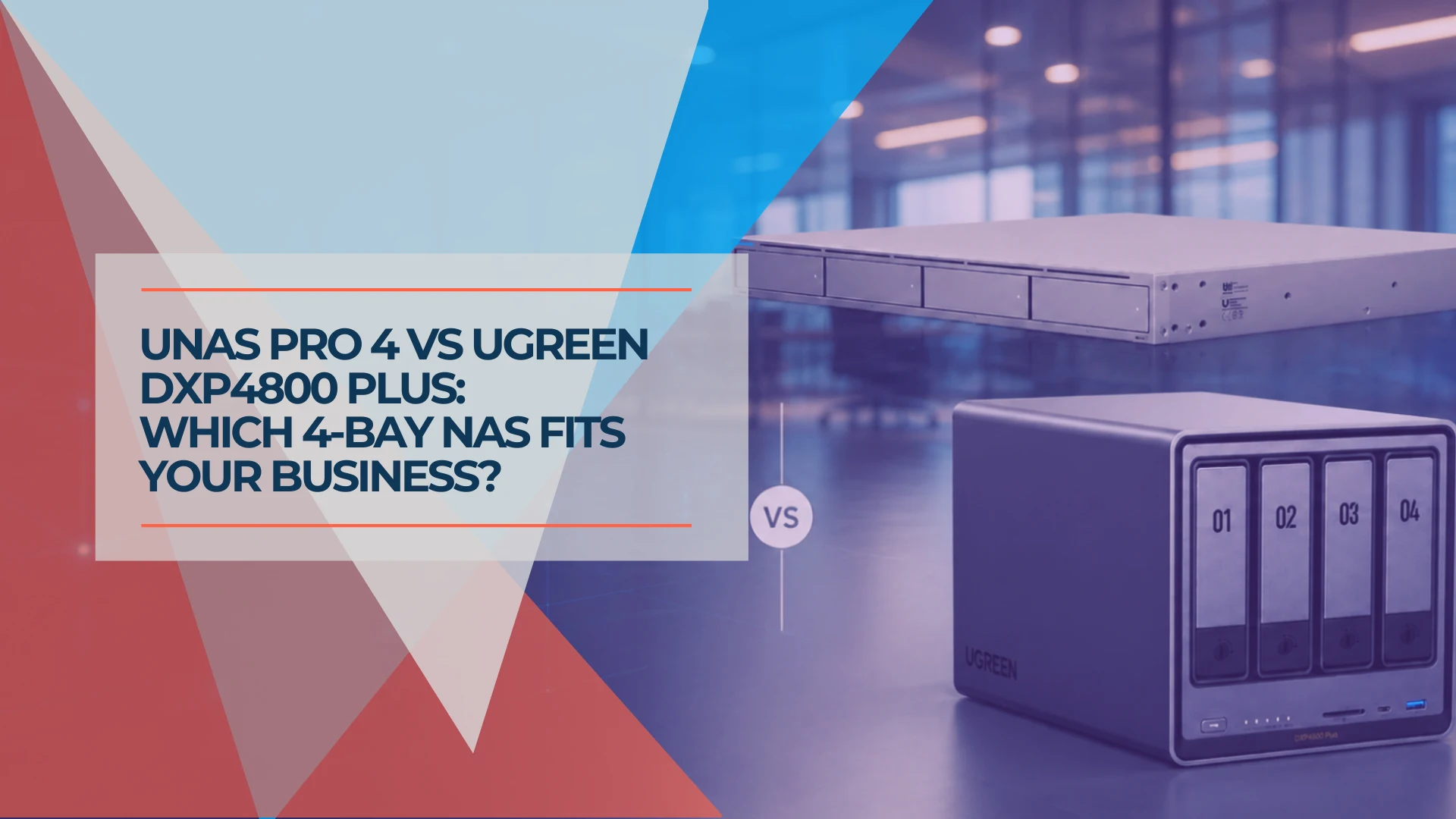
UNAS Pro 4 vs UGREEN DXP4800 Plus: Which 4-Bay NAS Should You Buy in 2026?
Two good 4-bay NAS units built on opposite philosophies. Verified specs, complete system costs, and where each one fits in a small business.
12 min read
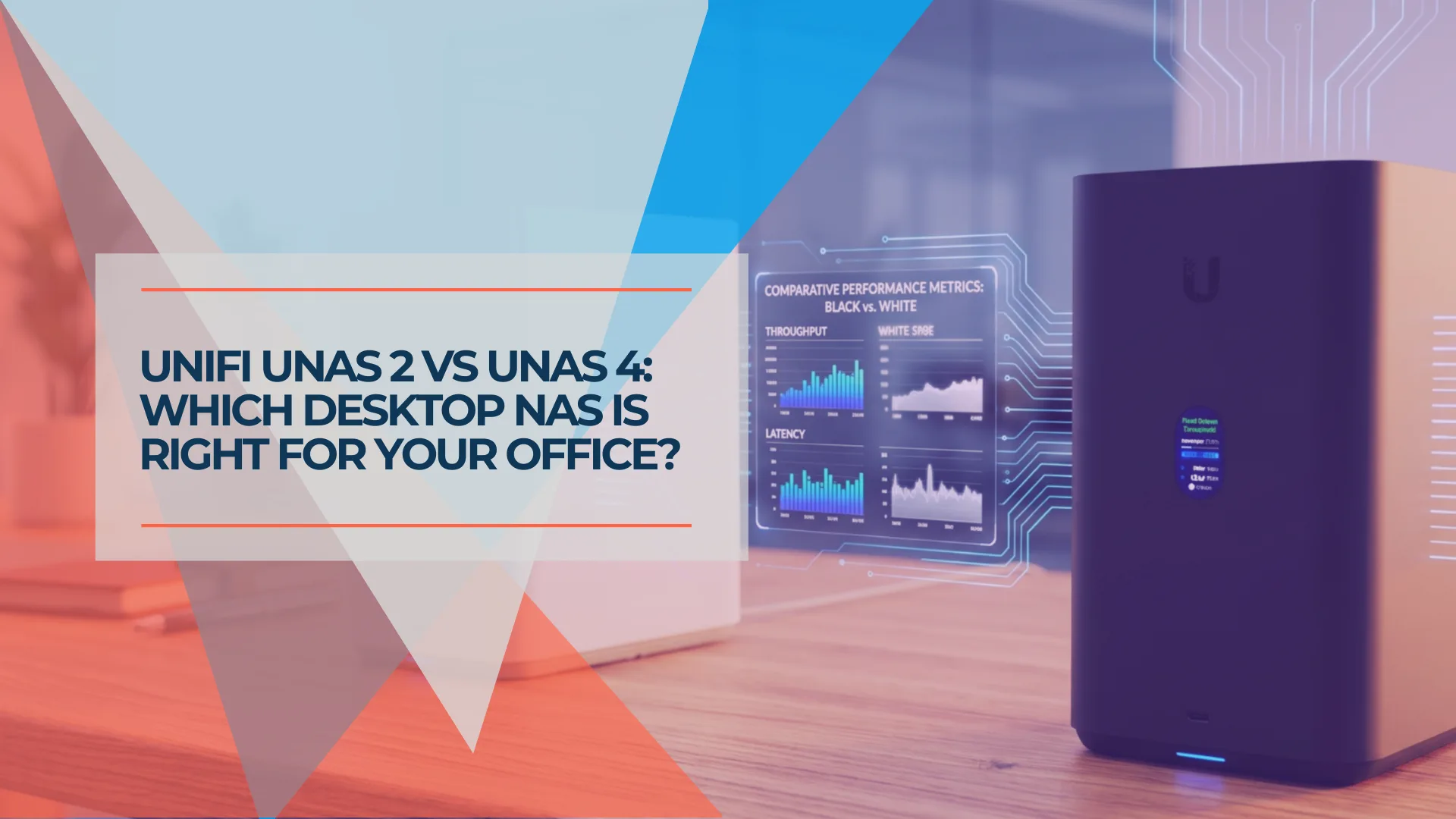
UniFi UNAS 2 vs UNAS 4 Review: Desktop NAS for Offices Without a Rack
UNAS 2 ($199) and UNAS 4 ($379) compared for real SMB deployment — specs, RAID options, caching limits, backup, file-server replacement, and practitioner guidance on desktop vs rackmount.
11 min read
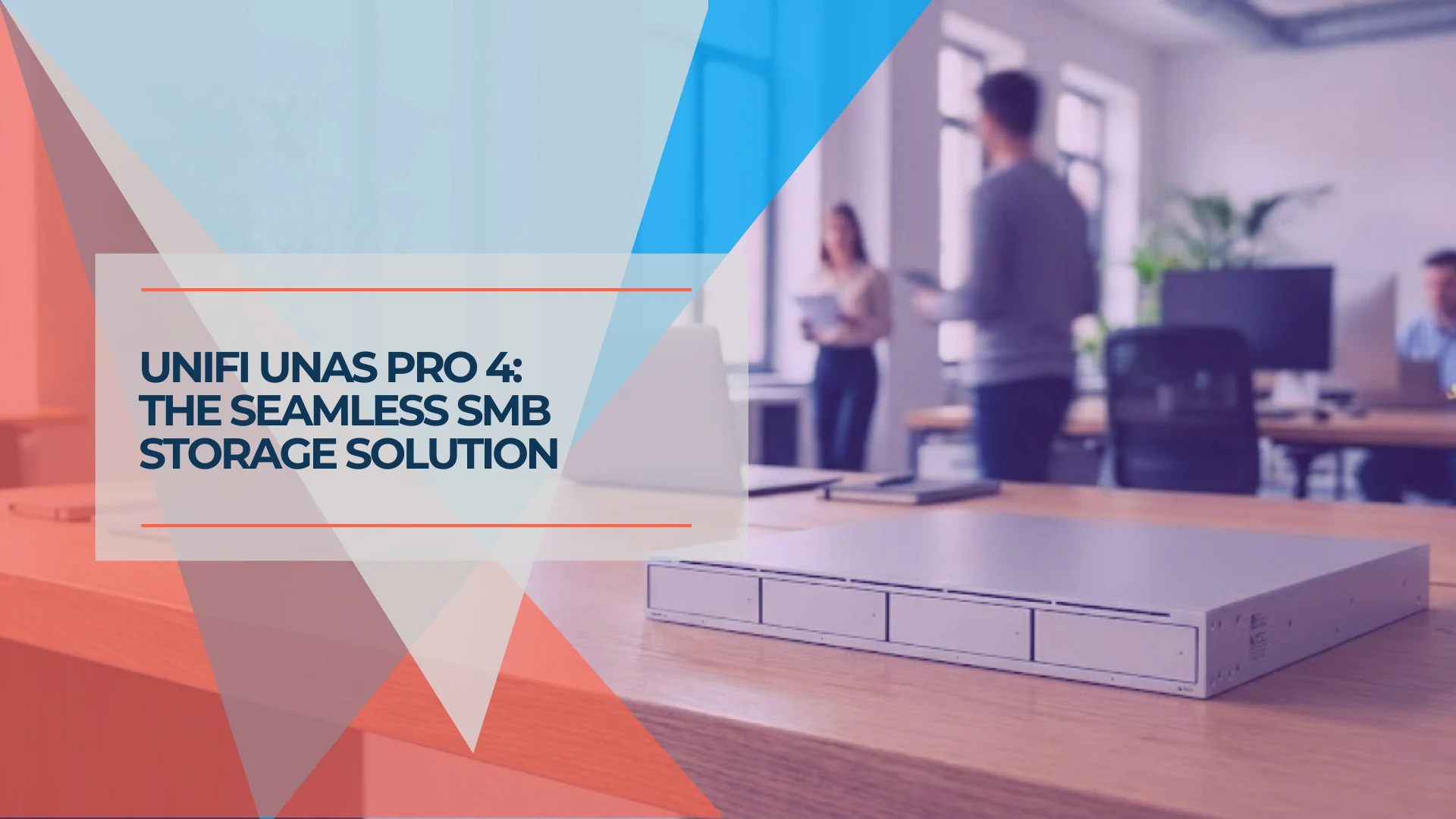
UniFi UNAS Pro 4 Review: A $499 1U NAS for UniFi-Based SMBs
The UNAS Pro 4 delivers dual 10G SFP+ and NVMe caching in a 1U rack for $499 — here's what that means for a real SMB deployment, including Active Directory integration, UniFi ecosystem fit, and who should buy it.
18 min read