Small Business IT Roadmap: From Solo to 20 Employees
A practical guide to scaling your IT infrastructure as you grow from a solo founder to a team of 20. Learn what technology you need at each stage.


At a Glance: IT by Team Size
Solo/1-2 people: Cloud-first stack under $200/month. Focus on identity security (passkeys), backup, and AI-ready hardware.
3-10 employees: Team collaboration tools, device policy, AI governance, basic security stack. Budget $500-1,500/month.
10-25 employees: Office network infrastructure with WiFi 7, NAS/server, formal IT support, cyber insurance readiness. Budget $2,000-5,000/month plus hardware.
The technology setup that works for a solo founder often creates bottlenecks when you hire your fifth employee. Systems that worked for three people often create friction at fifteen, leading to lost data and security vulnerabilities.
This is a natural part of scaling. Your IT needs change fundamentally at specific inflection points, and understanding these transitions before you hit them saves money, mitigates critical security risks, and keeps your team productive instead of fighting their tools.
This guide breaks down exactly what technology infrastructure you need at each growth stage, when to make each investment, and the common mistakes that trip up businesses at every size.
Why Your IT Needs Change as You Grow
A 2025 Vistage survey found that while nearly 60% of SMBs have a cybersecurity plan, far fewer have a comprehensive IT roadmap. Most operate reactively, buying tools to solve urgent problems and inheriting a patchwork of systems that don't communicate with each other.
The consequences compound:
- Security gaps: A mix of personal devices, shared passwords, and unsanctioned apps creates vulnerabilities
- Wasted spending: Paying for redundant tools or unused licenses drains your budget
- Scalability walls: Systems designed for 5 users struggle when you hit 15
- Productivity drains: Disconnected systems mean your team spends time on workarounds instead of work
The solution isn't to over-engineer your infrastructure from day one. It's to understand the natural growth stages and invest appropriately at each one.
Stage 1: The Solo Founder Setup (1-2 People)
When you're working alone or with one other person, your IT needs are minimal but not negligible. The goal is to establish professional foundations without overbuilding.
Stage 1 Quick Win
Turn on MFA for your email today. It costs $0 and blocks 99% of account takeover attacks.
Essential Technology Stack
| Category | Recommended Solution | Monthly Cost |
|---|---|---|
| Laptop | Business-class with NPU (Intel Core Ultra, Apple M4) | One-time: $1,200-2,800 |
| Productivity | Google Workspace or Microsoft 365 | $7-22/user |
| Identity & Passkeys | 1Password or similar with passkey support | $3-5/user |
| Accounting | Wave (free tier) or QuickBooks | $0-30 |
| Dedicated Backup | Backblaze or similar (not just sync) | $7-15 |
| Phone | VoIP app or virtual number | $10-25 |
Total monthly cost: $100-200
At this stage, a quality laptop is your most important investment. Look for NPU-equipped models like Intel Core Ultra or Apple M4—they future-proof you for local AI tasks that are becoming standard in 2026. Consumer laptops marketed towards students often lack the durability, security features, and warranty support that business-class machines provide. A business laptop from Lenovo's ThinkPad line, Dell's Latitude series, or Apple's MacBook lineup will serve you for 3-5 years.
Security Essentials
Even at the solo stage, security fundamentals matter:
- Use a password manager with passkey support. Reusing passwords is the single biggest security risk for small businesses. Modern password managers also store passkeys—the passwordless authentication standard that's replacing traditional passwords in 2026.
- Enable two-factor authentication on all critical accounts—especially email, banking, and cloud storage.
- Separate business and personal accounts. Using your personal Gmail for business creates problems when you hire and need to share access.
- Understand that cloud sync is not backup. Google Drive and OneDrive sync your files, but if you delete a file, it's gone everywhere. Use a dedicated backup service like Backblaze for true protection.
Common Stage 1 Mistakes
What to Avoid
Using personal email for business: Creates confusion later and signals unprofessionalism to clients.
Confusing sync with backup: Cloud sync isn't backup. If you delete a file, it's gone everywhere. Use a dedicated backup service.
Consumer-grade security: Antivirus alone isn't enough. Password managers, MFA, and passkey support are essential.
Skipping a business phone solution: Your personal cell number on all your business cards is something you'll regret later.
Stage 2: Your First Team (3-10 Employees)
Hiring your first few employees changes everything. Suddenly you're managing collaboration, onboarding people onto systems, and responsible for protecting not just your own data but your team's work.
This is where many small businesses start accumulating technical debt. Every hasty decision—sharing a single company email login, using personal Dropbox accounts for company files, skipping documentation—compounds into bigger problems later.
Stage 2 Quick Win
Create an AI usage policy this week. Decide what company data can (and cannot) be shared with ChatGPT, Gemini, and similar tools. With 76% of CEOs now using GenAI, your employees are likely already using it—with or without guidance.
What Changes
Collaboration becomes critical. You can't manage a team through email attachments. Shared file storage with proper permissions, a project management system, and real-time communication tools become essential.
Device decisions matter. Do you provide company laptops or let employees use personal devices? Each choice has security and cost implications. See our employee onboarding checklist for details on setting up new hires securely.
Security scales. A password manager with team features lets you share credentials safely. Central identity management through Google Workspace or Microsoft 365 admin consoles means you can revoke access instantly when someone leaves.
AI governance becomes necessary. Employees will put company data into AI tools if you don't establish guardrails. Create a simple policy defining what data is safe to share with AI assistants and what must stay confidential. See our small business cybersecurity checklist for more on building security policies.
Essential Technology Stack
| Category | Recommended Solution | Monthly Cost |
|---|---|---|
| Email/Productivity | Google Workspace or Microsoft 365 (business tier) | $12-22/user |
| Identity & Passkeys | 1Password Business or NordPass Business | $4-8/user |
| Project Management | Monday.com Standard, Asana, or similar | $12-18/user |
| File Storage | Google Drive, OneDrive, or Dropbox Business | Included or $12-20/user |
| Time Tracking | Harvest (if billing hourly) | $12/user |
| Communication | Slack or Microsoft Teams | $0-15/user |
| Endpoint Protection | EDR solution (Malwarebytes, Bitdefender) | $3-7/user |
| VoIP Phone | Business phone system | $15-30/user |
Total monthly cost for 5 employees: $500-1,200
Total monthly cost for 10 employees: $1,200-1,800
For a real-world look at what this stage looks like in practice — including exact products, pricing, and trade-offs — see the IT stack we deployed for a 10-person accounting firm.
Device Policy: Company-Owned vs. BYOD
One of the first policy decisions you'll face is whether to provide company devices or allow employees to use their own.
| Factor | Company-Owned | BYOD (Bring Your Own) |
|---|---|---|
| Upfront cost | Higher ($1,200-2,500/device) | Lower |
| Security control | Full control | Limited control |
| Support burden | Higher (you manage everything) | Lower (employee manages hardware) |
| Data separation | Clear boundaries | Requires mobile device management |
| Employee preference | Some prefer | Many prefer their own devices |
Our recommendation for 2026: Lean toward company-owned devices for anyone handling client data. With cyber insurance requirements tightening and AI tools processing sensitive information, the security control is worth the upfront cost. Either way, document your policy and enforce strict security standards including MFA and endpoint protection.
First NAS Consideration
As your team grows, you might find cloud storage costs climbing or need faster access to large shared files. This is when a network-attached storage (NAS) device starts making sense.
A 4-bay NAS like the Synology DS923+ or UGREEN NASync DXP4800 can serve as:
- Central file server with user permissions
- Local backup destination
- Media storage for marketing assets
- Foundation for a proper 3-2-1 backup strategy
You don't need this immediately, but once you're managing 5+ people and terabytes of shared files, local storage often proves more cost-effective than cloud alone.
Common Stage 2 Mistakes
What to Avoid
No device policy: Without clear rules, you end up with a mix of security postures and no way to recover data when someone leaves.
File chaos: Documents living in email attachments, personal cloud accounts, and random folders. Establish a shared folder structure from day one.
No IT documentation: When your "IT person" (usually the founder or the most technical employee) is unavailable, can anyone else troubleshoot basic issues?
Skipping offboarding: When an employee leaves, you need a checklist for revoking access to all systems. Build this before you need it.
Stage 3: The 10-25 Person Office
Somewhere between 10 and 25 employees, you cross a threshold. What worked with a scattered team and consumer-grade tools starts requiring real infrastructure. You're probably in a dedicated office space, likely with compliance requirements, and definitely too large to manage IT reactively.
This is the stage where most businesses either invest properly or accumulate technical debt that takes years to resolve.
Stage 3 Quick Win
Get a cyber insurance quote this quarter. The process will reveal exactly which security controls you're missing—most insurers in 2026 require MFA on everything and tested backups before they'll even provide a quote.
What Changes
You need a real network. Consumer WiFi routers and basic switches won't cut it. A properly designed office network with VLANs, WiFi 7 access points, and 2.5GbE managed switches becomes essential.
Security becomes a business requirement. Clients, partners, and cyber insurance providers start asking about your security posture. Multi-factor authentication across all systems, endpoint detection and response, email security, and formal backup procedures become non-negotiable. Most insurers now require MFA on everything and verified backup testing to even quote a policy.
IT can't be "somebody's side job." Whether you hire an in-house IT person or engage a managed service provider (MSP), you need dedicated IT support. The founder managing Gmail accounts at midnight isn't sustainable.
Network Infrastructure
A proper office network starts with three components:
-
A business gateway/router that handles traffic routing, firewall, VPN, and network management. UniFi gateways are popular for their balance of power and usability.
-
2.5GbE managed switches that connect your devices and enable features like VLANs (separating guest WiFi from your internal network) and PoE for powering access points and cameras. With 2Gbps+ fiber now common in metros, 1GbE switches are a bottleneck.
-
WiFi 7 access points positioned based on office layout, not just wherever the cable happened to reach. Even if your devices are still WiFi 6, WiFi 7 APs like the UniFi U7 Pro provide headroom for the next 5 years.
For a 10-25 person office, expect to invest $4,000-10,000 in networking equipment depending on office size and requirements. See our office network blueprint for detailed planning guidance.
Server or NAS Decision
At this scale, you need centralized storage and likely some local compute resources:
| Option | Best For | Typical Cost |
|---|---|---|
| Cloud-only | Fully remote teams, variable needs | $20-40/user/month |
| NAS | File storage, backup, camera recording | $1,000-3,000 + drives |
| On-premises server | Line-of-business apps, local AI, compliance | $5,000-15,000 |
| Hybrid | Most businesses | Varies |
Most businesses at this stage benefit from a hybrid approach: cloud for productivity and collaboration, local NAS or server for large file storage, backup, and any applications that need to stay on-premises.
For storage, the Synology DS925+ is our recommended starting point for businesses. For larger needs, see our NAS comparison guide and server setup guide.
Security Stack
A complete security posture at this stage includes:
| Layer | Solution | Purpose |
|---|---|---|
| Endpoint Protection | EDR (Malwarebytes, Bitdefender) | Detect and respond to threats on devices |
| Email Security | Built-in + advanced filtering | Block phishing and malware |
| DNS Filtering | Cisco Umbrella or similar | Block malicious domains |
| Password Management | 1Password Business | Secure credential sharing |
| MFA | Everywhere possible | Prevent unauthorized access |
| Backup | 3-2-1 strategy | Recover from any failure |
| Network Segmentation | VLANs | Limit lateral movement |
MSP vs. In-House IT
This is often a difficult decision. Here's how to think about it:
Consider an MSP if:
- You don't have enough work for a full-time IT person
- You need 24/7 coverage you can't provide in-house
- You want predictable monthly costs
- You lack expertise to evaluate technical candidates
Consider in-house IT if:
- You have enough ongoing work for a full-time role
- Your systems require deep institutional knowledge
- You have unique technical requirements
- You can afford competitive salary and benefits
Many businesses at this stage use a hybrid: a technologically capable employee handles day-to-day issues while an MSP provides backup, strategic guidance, and escalation support. For finite specialist projects that do not justify a permanent role, our IT freelancer operations playbook covers current costs, vetting, access controls, and offboarding. Our guide on when to stop DIY IT explores the broader support decision in depth.
Budget Expectations
| Category | Monthly | Annual |
|---|---|---|
| Software (productivity, security) | $1,500-3,000 | $18,000-36,000 |
| IT support (MSP or allocation of salary) | $500-2,500 | $6,000-30,000 |
| Cloud services | $500-1,500 | $6,000-18,000 |
| Total operating | $2,500-7,000 | $30,000-84,000 |
Plus capital investments:
- Network infrastructure: $3,000-10,000
- Server/NAS: $2,000-10,000
- Workstations (ongoing refresh): $1,500-2,500 per employee
Common Stage 3 Mistakes
What to Avoid
Consumer networking equipment: Your home WiFi router won't handle 20 devices and a dozen video calls simultaneously. Invest in business-grade WiFi 7 access points.
No documentation or runbooks: If only one person knows how your systems work, you have a serious business continuity risk.
Security protocols lagging behind growth: Retrofitting security is expensive. Design it in from the start—especially with cyber insurance requirements tightening.
Bus factor of 1: Everything depending on one person—whether that's the founder, a single IT person, or the "office tech person"—is a risk you can't afford.
Key Inflection Points: When to Upgrade
Not every growth moment requires IT investment. These are the specific triggers that should prompt a review:
Upgrade Your Productivity Stack When:
- You hire your first employee
- Collaboration is happening across multiple disconnected tools
- You're regularly hitting storage limits
- Onboarding a new person takes more than a day
Invest in Security When:
- You handle any customer data
- You have more than 2-3 employees
- A client or partner asks about your security practices
- You're required to carry cyber insurance
- Anyone on your team handles financial transactions
Build Real Network Infrastructure When:
- You're moving into a dedicated office space
- Consumer WiFi is causing frustration
- You need to separate guest access from company resources
- You're deploying IP phones, cameras, or IoT devices
- You have more than 10-15 devices on the network
Get Dedicated IT Support When:
- The founder is spending significant time on IT issues
- You've had a serious incident (breach, data loss, extended outage)
- You don't have anyone who can answer basic technical questions
- Employees are working around broken tools instead of getting them fixed
Building Your IT Roadmap
Planning prevents reactive spending. A simple annual IT planning process:
Step 1: Assess Current State
- What tools are working well?
- What's causing daily friction?
- What security gaps exist?
- What's the current monthly spend?
Step 2: Project Growth
- How many employees do you expect in 12 months? 24 months?
- Any new offices or locations planned?
- What new roles might need specialized tools?
Step 3: Identify Gaps
Based on the stage frameworks above, what should you have that you don't?
Step 4: Prioritize and Budget
Rank gaps by:
- Security risk (address these first)
- Productivity impact (address these second)
- Future-proofing (address these as budget allows)
Step 5: Execute and Review
Make changes quarterly or semi-annually. Review the whole plan annually.
For more detailed budget planning, see our IT budget planning guide. For current technology priorities by category, see our 2026 small business technology trends analysis.
FAQ
What should be included in an IT roadmap?
An IT roadmap should include your current technology inventory, near-term priorities (3-6 months), medium-term investments (6-18 months), and assumptions about growth. It should also identify who's responsible for implementation and rough budget allocations.
When should a small business hire an IT person or MSP?
Most businesses should have some form of dedicated IT support by 15-20 employees, and many benefit from it earlier. The trigger isn't strictly headcount—it's when IT issues are consuming significant time from people who should be doing other work, or when security and compliance become critical concerns. See our guide on when to stop DIY IT for a detailed framework.
How much should a small business spend on IT?
Typical IT spending ranges from $5,000-10,000 per employee per year including hardware, software, and support. This varies significantly by industry and growth stage. A 5-person consulting firm might spend $40,000/year total, while a 5-person software company might spend twice that.
What are the IT growth stages for a company?
Companies typically pass through three stages: Solo/Startup (1-2 people, cloud-first with minimal infrastructure), First Team (3-10 people, collaboration tools and basic security), and Established (10-25+ people, real infrastructure, formal IT support, compliance requirements). Each stage roughly corresponds to a 5-10x increase in IT complexity and budget.
Your IT infrastructure should grow with your business—not ahead of it and not behind. Identify your current stage, address any gaps, and plan for the next transition before you're forced into reactive decisions. The investment you make in proper foundations now pays dividends in productivity, security, and scalability for years to come.
Affiliate Disclosure: This article contains affiliate links. If you make a purchase through these links, we may earn a small commission at no extra cost to you. As an Amazon Associate, iFeelTech earns from qualifying purchases.
Related Articles
More from IT Guides
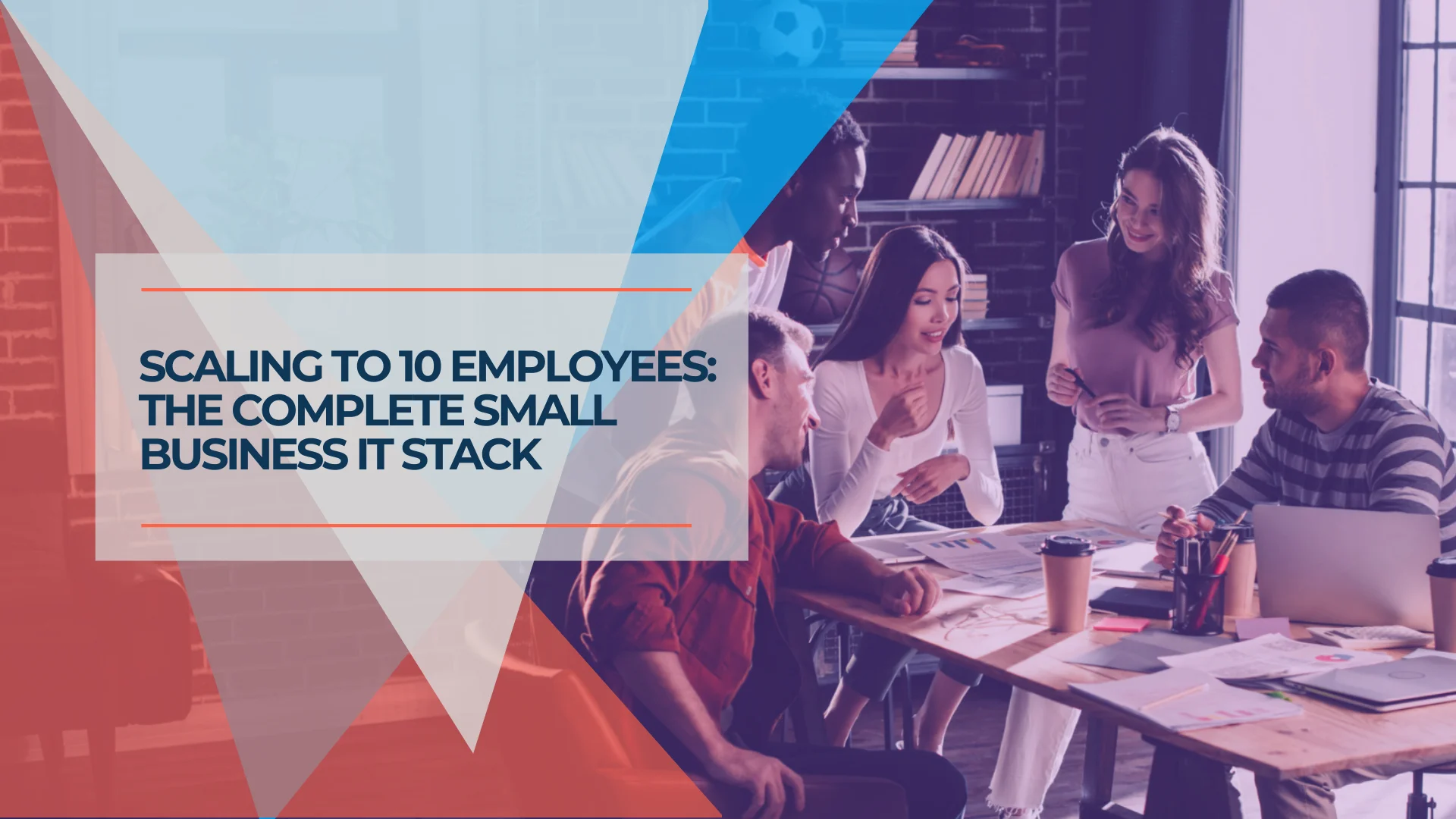
The IT Stack We Deployed for a 10-Person Accounting Firm
A real-world breakdown of the complete IT infrastructure we deployed for a 10-person accounting firm — network hardware, password management, identity platform, backup, and endpoint protection. Pricing last checked July 2026.
22 min read
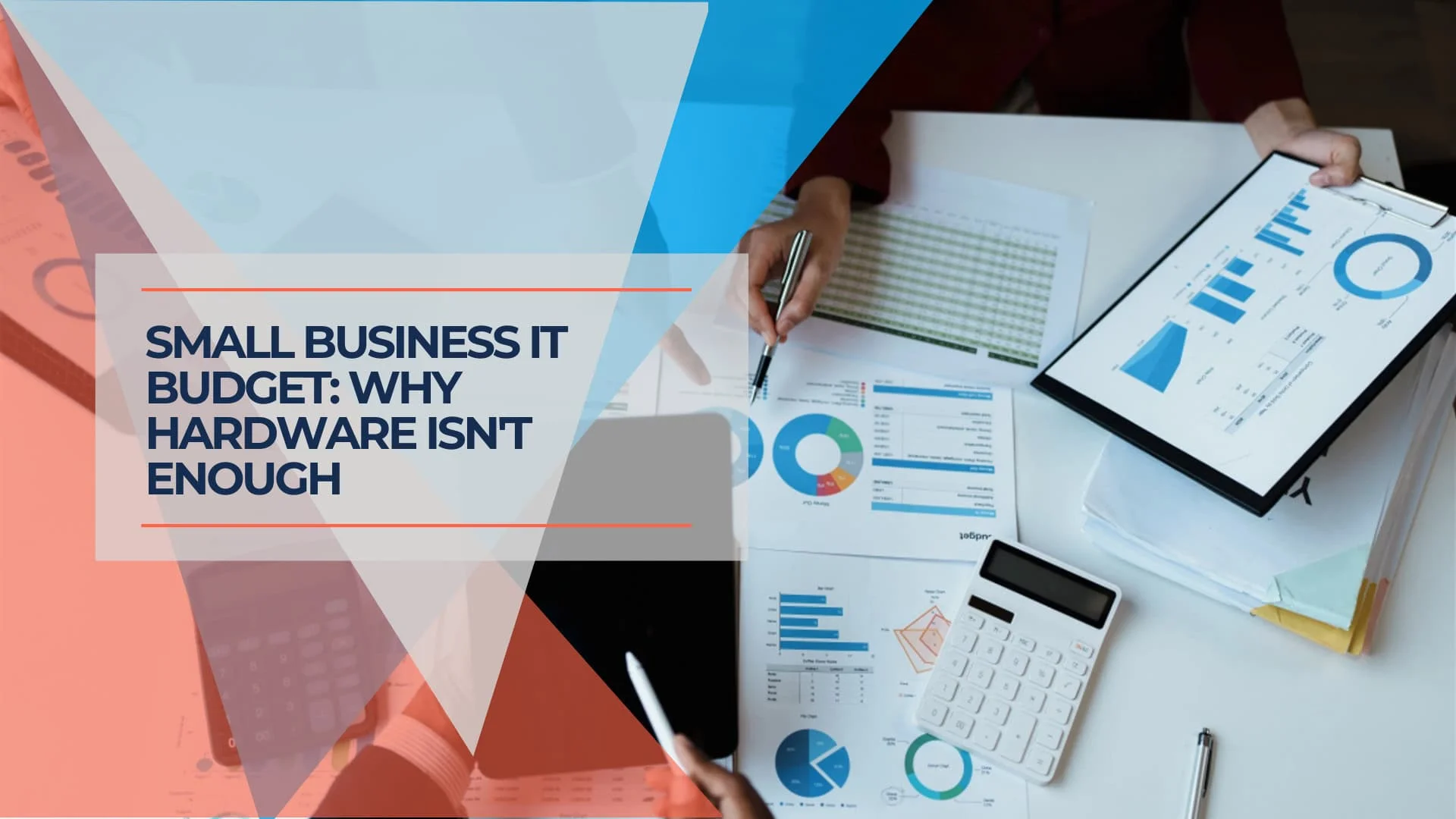
The Infrastructure Investment Gap: Why Small Businesses Need Both Hardware and Ongoing IT Support
Small businesses spend heavily on IT hardware but underinvest in support. Learn why this creates security risks in 2026, including Shadow AI threats and cyber insurance requirements.
12 min read
Small Office IT Checklist: Your Annual 12-Stop Walk-Through
A small office IT checklist with 12 stops, from UPS battery and power strips to Wi-Fi and backups. Rate each one and print your own fix list.
14 min read