
How to Audit and Revoke Former Employee Access Securely
Offboarding failure is one of the most common—and preventable—security gaps in small business. Here's how to audit access and close it for good.

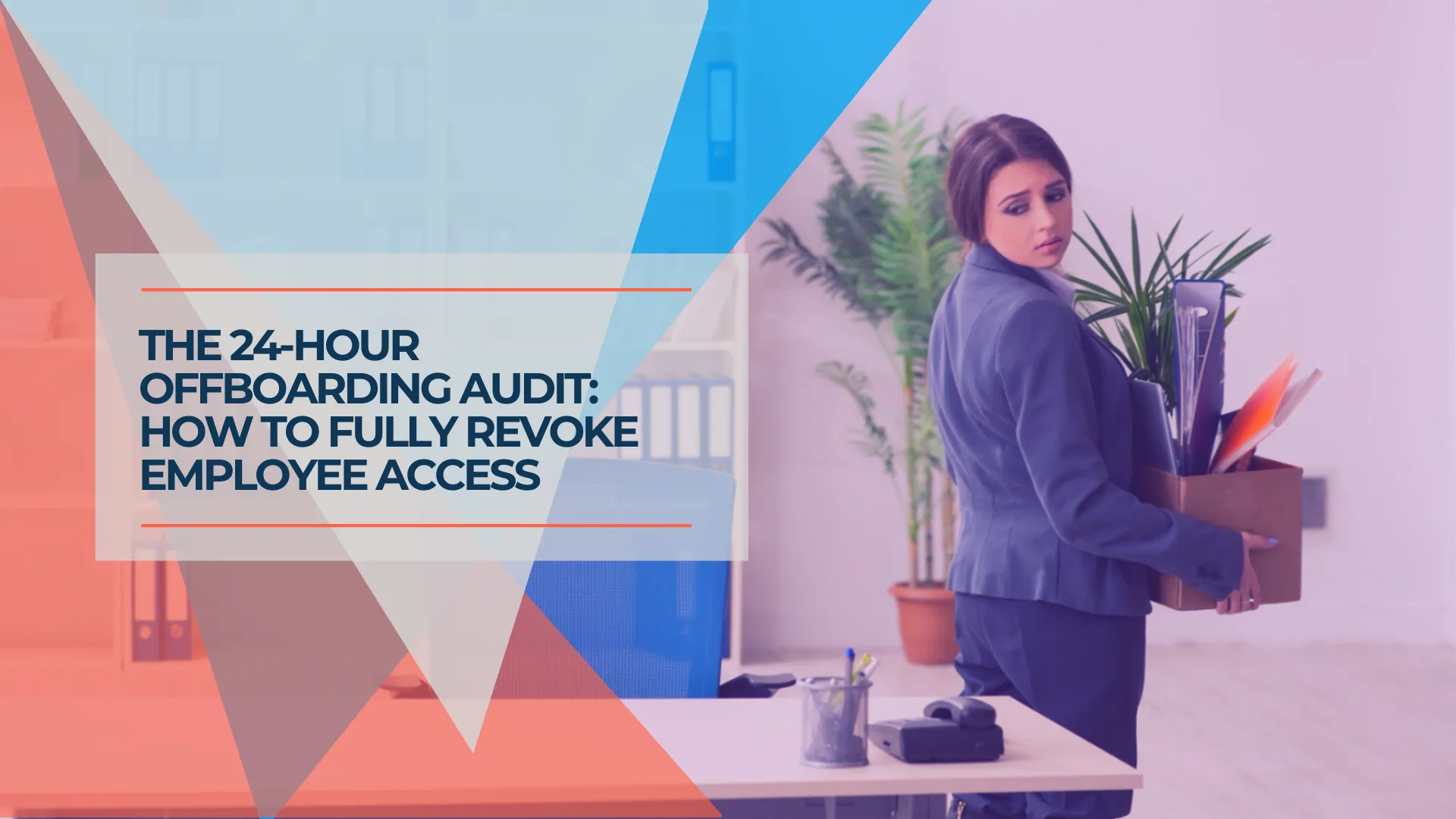
Offboarding failures are one of the most common—and preventable—security gaps in small business. When an employee leaves, the HR process typically concludes within hours. The IT process—revoking access across every SaaS application, cloud storage folder, and shared credential—often never completes at all, because most businesses lack a centralized inventory of what to revoke.
This guide covers the access audit process, the structural causes of offboarding gaps, and the tools that close them permanently.
Affiliate Disclosure: This article contains affiliate links. If you make a purchase through these links, we may earn a small commission at no extra cost to you. As an Amazon Associate, iFeelTech earns from qualifying purchases.
Key Takeaways
- Offboarding failures happen because most businesses lack a centralized inventory of employee access across all SaaS applications
- Email is the highest-risk access to leave open—it functions as the recovery key for every other connected service
- Shared credentials are the structural cause; individual admin-controlled vaults are the fix
- A business password manager ($4–$8/user/month) gives you one dashboard to revoke all access in a single action
- The offboarding checklist below covers same-day, 24-hour, and 1-week actions with hardware recovery included
- Compliance frameworks including SOC 2, HIPAA, and GDPR require demonstrable access revocation on departure
Why Does Former Employee Access Go Unnoticed?
Businesses lose track of former employee access because they lack a centralized inventory of active software accounts and credentials.
The average small business uses dozens of applications adopted independently by different teams, not through a governed IT procurement process. A project manager signs up for Asana. A designer creates a Figma workspace. A salesperson configures HubSpot and invites the team. Each separate credential requires active management when the person leaves. Three specific patterns accelerate this loss of visibility:
Shadow accounts. Employees create accounts for tools IT never approved or tracked. A team member who signed up for Notion or Loom under their work email might be the only person with admin access to that workspace. When they leave, the account persists invisibly.
Shared credentials. Many small businesses rely on shared logins—one Gmail alias for the social media team, one Dropbox login everyone knows. Revoking one person's access requires changing the password for everyone, updating every device, and doing it at exactly the wrong time. So it gets delayed, then forgotten.
No automated trigger. The access audit doesn't initiate itself. Whether a departure is planned or abrupt, someone has to start the checklist. In practice, that often doesn't happen—because no system links HR departure events to IT deprovisioning.
What Are the Risks of Unrevoked Employee Access?
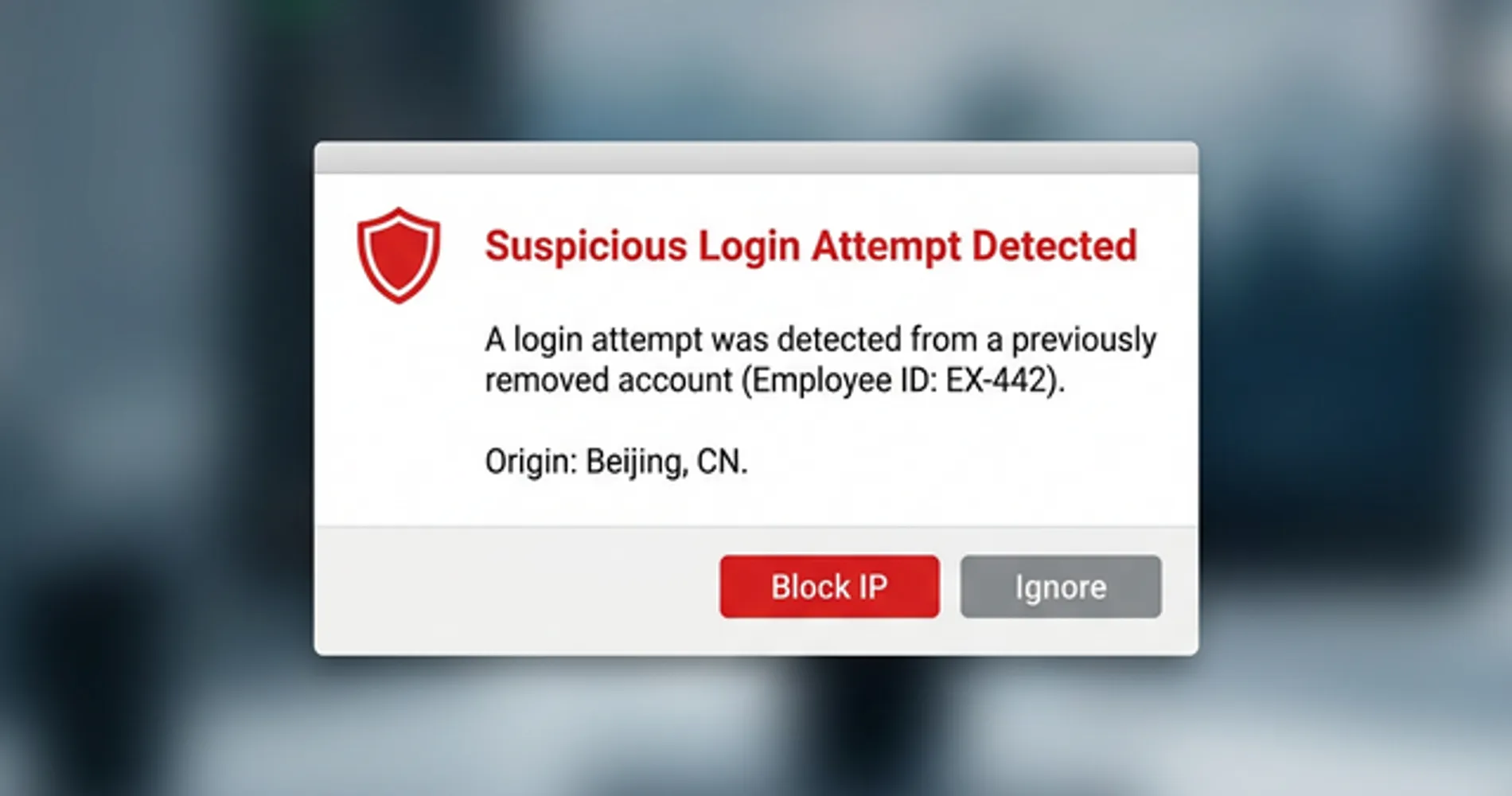
Unrevoked access allows former employees to view proprietary data, trigger password resets, and interact with client or financial records.
Most offboarding exposures are not acts of sabotage—they are driven by habit or curiosity. However, the legal and compliance exposure is identical regardless of intent. The practical risks span several categories:
- Email accounts serve as the primary recovery method for every other business application. An active company email account gives the holder the ability to reset passwords for any connected service—effectively putting every tool behind that email address at risk.
- Cloud storage houses client deliverables, contracts, financial records, and strategy documents. Someone with shared folder access can download the entire contents in minutes.
- CRM systems contain your customer list, deal history, notes, and contact data. A former employee who joins a competitor with that data is a material business risk.
- Project management tools reveal active client engagements, timelines, and team capacity—proprietary operational information for any service business.
- Billing and finance portals (Stripe, QuickBooks, business banking) carry direct financial risk if access is left open.
One additional risk worth noting: changing a password does not immediately terminate an active session. Session tokens—the credentials that keep a user logged in after authenticating—persist until they expire or are explicitly revoked. Signing out all active sessions in your identity provider is a separate, required step from disabling the account.
Failing to revoke access is also a direct compliance risk. SOC 2, HIPAA, and GDPR all include requirements around access control and timely deprovisioning. An auditor or regulator asking "when was this employee's access revoked?" requires a documented answer, not a guess. Our small business breach prevention guide covers the full access control and compliance framework for businesses working through that process.
How to Audit Former Employee Access
An access audit must immediately secure email, cloud storage, password managers, and financial portals to prevent unauthorized data exposure.
If offboarding occurs without a centralized identity system, follow this sequence to contain the perimeter:
- Email (Google Workspace / M365): Disable the account immediately in the admin console to sever password recovery routes. Do not delete the account—preserve the records.
- Identity Providers: Terminate all active session tokens to force logouts across all connected devices and browsers.
- Password Managers: Suspend the user in the admin console and initiate credential rotation for all shared vaults.
- Cloud Storage: Remove the user from all shared organizational drives (Google Drive, OneDrive, Dropbox).
- Financial Systems: Deauthorize the user from billing portals, including Stripe, QuickBooks, and business banking.
For a complete audit, use the reference table below across all systems your business relies on:
| Category | Where to Look | What to Do |
|---|---|---|
| Email (Google Workspace / M365) | Admin console → Users | Disable account immediately; do not delete |
| Cloud storage (Drive, Dropbox, OneDrive) | Sharing settings, organizational members | Remove from all shared folders and drives |
| Project management (Asana, Monday, ClickUp) | Settings → Members | Remove user; reassign open tasks |
| Password manager | Admin console → Users | Offboard user; initiate credential rotation |
| CRM (HubSpot, Salesforce, Pipedrive) | User management | Deactivate account; review recent data exports |
| Billing & finance (Stripe, QuickBooks, banking) | Team members or authorized users | Remove immediately; check recent transactions |
| Code repositories (GitHub, GitLab) | Organization members | Remove; revoke personal access tokens |
| Communication (Slack, Teams) | Admin → Members | Deactivate; message history remains accessible to admins |
| Domain registrar / DNS | Admin/billing contacts | Remove if they were a contact; change passwords |
| Any external client portals | Per-client account settings | Remove; notify client if necessary |
Build this inventory before someone leaves—not in the hours after a contentious termination. If you discover accounts you weren't aware existed, document them before removing access. A quick export of their profile data, access history, and any files or records they owned is useful both for continuity and any potential legal review. For a structured approach to identifying these gaps, our small business security assessment guide provides a framework for auditing your entire technical stack.
If you want to avoid this audit by provisioning access correctly from the start, our new employee IT onboarding checklist covers the setup process that makes offboarding a documented reversal rather than a reconstruction.
Why Shared Credentials Cause Offboarding Failures
Shared credentials make targeted access revocation impossible without resetting passwords for the entire team and disrupting daily operations.
When multiple employees authenticate into an account using the same username and password, removing a departing employee requires an immediate, global password change. Because coordinating this change across all remaining active devices is disruptive, administrators frequently delay the reset—and then forget it entirely. The architectural fix is to issue individual accounts managed through a centralized vault system: one admin action revokes one person, with no coordination required. A business password manager provides exactly that structure.
How to Use Password Managers for Employee Offboarding
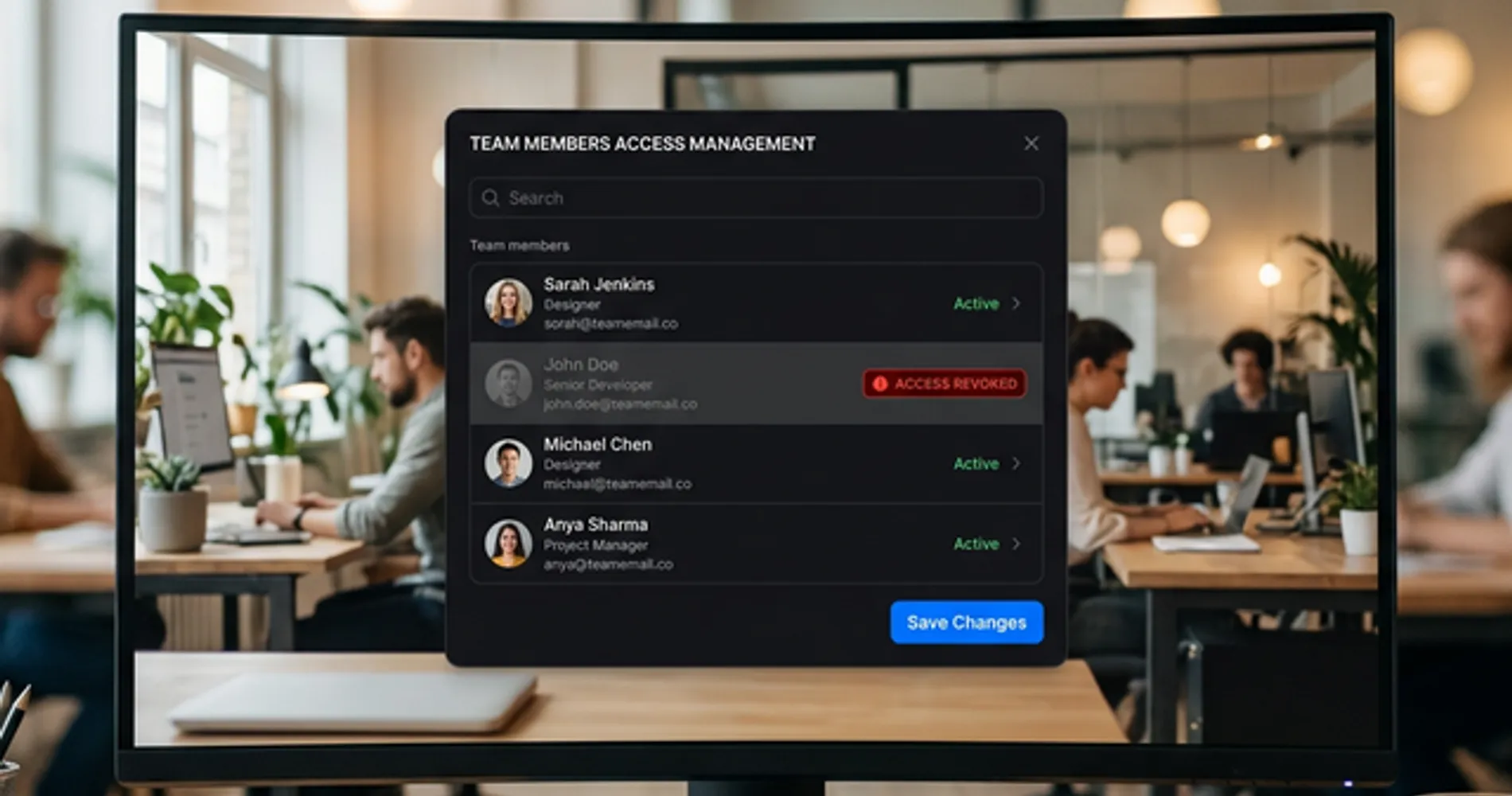
Business password managers centralize credential control, allowing administrators to revoke an employee's access to all accounts instantly.
Deploying a business password manager replaces shared passwords with individual vaults. Shared credentials live in team vaults controlled at the admin level—not by knowing a shared password. Disabling a departing employee's profile removes their access to every connected credential in a single action.
The admin console's access logs provide a definitive audit trail, revealing exactly which credentials the former employee accessed recently and indicating precisely which passwords require rotation. You can transfer vault ownership to their replacement and get a clear list of what needs to change before closing out the offboarding.
One area worth addressing in 2026 is passkey management. As more services adopt passkey authentication, employees may store company-linked passkeys to their personal device keychain—Apple iCloud Keychain or Google Password Manager—instead of the company vault. If an employee leaves with a company passkey stored on their personal iCloud, revoking their password manager account won't help; the passkey persists on their device. Business password managers like 1Password let you enforce passkey storage policies so all company passkeys live in the company vault, where they can be revoked through the admin console like any other credential. For a deeper dive into this technology, see our passkeys small business implementation guide. To test revocation and recovery on a disposable account before anyone leaves, see our password manager rollout guide.
For most small businesses, the two strongest options are 1Password Business ($7.99/user/month) for the best-in-class admin experience and vault transfer workflow, and Bitwarden Teams ($4/user/month) for open-source transparency and strong admin controls at a lower price point. Both offer centralized offboarding, SCIM directory sync, and detailed activity logs.
For a full comparison including SSO support, SCIM provisioning, and rollout checklists, see our complete business password manager comparison.
Centralize Access Control With SSO and Identity Providers
Single sign-on systems link all applications to one identity provider, ensuring total access termination when the user account is disabled.
While password managers secure credential storage, Single Sign-On (SSO) solves authentication at the infrastructure level. When a business connects its core applications to an identity provider like Microsoft Entra ID, Google Workspace, or Okta, disabling the central user profile locks the employee out of the entire technology stack simultaneously—not because you revoked a password vault, but because their identity no longer authenticates.
For small businesses already using Google Workspace or Microsoft 365, limited SSO capability is already included. Google Workspace and Entra ID both support SAML-based SSO for hundreds of third-party applications. Enabling SSO for your critical business tools—your CRM, project management platform, cloud storage, and password manager—means offboarding a user in one place cascades instantly across your entire stack.
Dedicated identity providers like Okta or JumpCloud extend this further, with automated provisioning and deprovisioning (SCIM), conditional access policies, and device trust requirements. For businesses scaling beyond 20–30 employees, investing in a proper identity provider becomes the most reliable offboarding control available.
How to Secure Cloud Storage Access During Offboarding
End-to-end encrypted cloud storage with admin controls allows you to revoke shared folder access and remove local file sync immediately upon termination.
Cloud storage access is separate from credential access—removing someone from a password manager does not revoke their access to shared Dropbox or Google Drive folders. Standard consumer-grade storage relies on broadly shared links that are difficult to audit post-departure. Shared Dropbox folders, Google Drive with broad link-based sharing, and OneDrive accounts where folder permissions were set informally years ago are all common offboarding blind spots.
Moving to an encrypted business storage solution ensures that every shared folder maintains explicit, centralized permissions. Upon termination, administrators can remove the employee from all shared directories, instantly deleting the proprietary files from their local device synchronization—not just on next login. Our best cloud storage for small business guide compares the top encrypted options for teams requiring this level of control.
Tresorit Business ($19/user/month, billed annually, minimum 3 users) is built specifically for this use case: end-to-end encryption with granular folder-level permissions, admin access revocation, and full activity audit logs. It's more expensive than consumer storage but appropriate for teams handling client data, contracts, or anything under compliance requirements.
For teams that want a single suite covering both credential management and encrypted file storage, Proton Pass Professional ($4.49/user/month, billed annually, minimum 3 users) includes integrated Proton Drive access alongside password management, SSO, and SCIM—all under Swiss privacy law. Organizations needing the full productivity stack (email, calendar, Docs, Sheets, Meet) can step up to Proton Workspace ($12.99/user/month) which includes Pass and admin-level access revocation.
Standard Employee Offboarding Security Checklist
A secure offboarding process requires immediate email suspension, identity provider logout, and hardware collection on the day of departure.
Store this checklist somewhere both your operations lead and IT contact can access, and update it whenever a new application is added to your stack. The timing matters: same-day action significantly reduces the window of exposure.
Same Day (Immediate Action)
- Disable email account in Google Workspace or Microsoft 365 admin console — do not delete, preserve records
- Sign out all active sessions in the identity provider (forces immediate logout from all devices and browsers)
- Offboard from password manager admin console — revoke all vault access
- Remove from shared cloud storage folders (Google Drive, Dropbox, Tresorit, OneDrive)
- Remove from project management tools (Asana, Monday, ClickUp, etc.) and reassign open tasks
- Collect company-issued hardware (laptop, phone, 2FA hardware keys such as YubiKeys, access badges) — if your office uses a digital access control system like UniFi Access, revoke the employee's NFC credential and mobile key from the console at the same time
For remote employees: Hardware recovery requires additional coordination. Ship a prepaid return label and a trackable box to the employee's address on the day of departure. Until the device is physically in your possession, assume it is still active—enforce an MDM lock immediately to prevent local access to cached company data during the transit window.
Within 24 Hours
- Rotate any credentials the employee had individual or shared access to — use the password manager access log to identify which ones
- Reset 2FA secrets for any shared accounts the employee had access to — revoking their password manager account does not delete TOTP seeds stored on their personal authenticator app (Google Authenticator, Authy, Microsoft Authenticator). Reset the 2FA secret from each application's admin panel to force a new QR code enrollment for remaining team members
- Remove from CRM and review data export activity from the past 30 days
- Remove from billing and finance portals (Stripe, QuickBooks, bank accounts) — check for recent changes
- Revoke GitHub, GitLab, or other code repository access — cancel personal access tokens and API keys
- Remove from communication tools (Slack, Teams, Discord) — reassign any owned channels or webhook integrations
- For BYOD devices: if you use an MDM (Intune, Jamf), issue a selective wipe to remove only company data without touching personal photos or content — this distinction is legally important and reduces BYOD friction significantly. If you don't have MDM, use Google Workspace basic endpoint management (included in most plans) to remotely sign the account out of enrolled devices, and ensure your employment agreement includes a clause acknowledging the company's right to wipe its data from personal devices used for work
Within One Week
- Transfer cloud file ownership to their replacement
- Remotely wipe any company-issued devices not yet physically recovered
- Update external vendor or client portals where they were the listed contact
- Remove from mailing lists, shared email aliases, and newsletter accounts
- Final audit: run through the access audit table above and confirm nothing was missed
- Document the completed revocation log in your records — required for SOC 2, HIPAA, and GDPR compliance
Schedule the Identity Provider Logout Before the Termination Meeting Ends
In 20 years of IT consulting, the most effective timing I've seen: schedule the identity provider logout to execute 10 minutes before the termination meeting concludes. This ensures data is secured before the employee returns to their desk, eliminating the window for emotionally driven data deletion or unauthorized downloads. The access is gone before the conversation is over.
Start With What You Can Fix Today
A business password manager at $4–$8 per user per month resolves the majority of offboarding exposure: individual vaults, one-click revocation, and a built-in audit log that shows exactly what needs rotating. Adding SSO through your existing Google Workspace or Microsoft 365 tenant closes the authentication layer. Admin-controlled encrypted cloud storage closes the file access layer.
The goal isn't to be suspicious of departing employees. It's to have a documented, repeatable process so that trust doesn't have to be your only security control.
All four tools below offer free trials or free tiers—a low-commitment way to evaluate fit before rolling out to your team:
Frequently Asked Questions
How do I know if a former employee still has access to my systems?
Run an access audit across your core systems: check the admin console of your email platform (Google Workspace or Microsoft 365), your cloud storage (Google Drive, Dropbox, OneDrive), your project management tools, your CRM, and your password manager. Look for accounts belonging to former staff. If you don't have a centralized identity system, you'll need to check each application individually. A business password manager with admin controls gives you a single dashboard to verify and revoke access.
What should I do immediately when an employee leaves?
On the same day: disable their email account (don't delete it—preserve the records), revoke their sessions in Google Workspace or Microsoft 365, and offboard them from your password manager. Within 24 hours: rotate any shared credentials they had access to, remove them from cloud storage folders and project management tools, and revoke any billing or banking access. Within one week: transfer file ownership, recover or wipe company devices, and do a final review of any system they might have accessed.
How does a password manager help with employee offboarding?
A business password manager replaces shared logins with individual vaults. Each employee logs in with their own credentials. When they leave, you revoke their account from the admin console and they immediately lose access to every credential stored there. You can also see which shared vaults they had access to, transfer those to their replacement, and get prompted to rotate any sensitive credentials. This replaces the manual process of changing every shared password—which is impractical and often never fully completed.
What's the most dangerous access to leave open after someone leaves?
In order of risk: (1) Email accounts—a former employee with email access can reset passwords for almost anything linked to that address. (2) Admin or billing accounts—access to Stripe, QuickBooks, or bank portals carries direct financial risk. (3) CRM access—client data and contact lists are a competitive asset. (4) Cloud storage with client files or IP. (5) Code repositories and API keys. Email access is the most dangerous because it's the primary recovery method for every other service.
Is it illegal for a former employee to access company systems they still have credentials for?
In the United States, unauthorized access to computer systems after termination can violate the Computer Fraud and Abuse Act (CFAA) and equivalent state laws, even if the company never formally revoked the credentials. However, enforcement requires proving the access was unauthorized—which is significantly harder if credentials were never changed. The legal and practical burden falls on the employer to revoke access proactively. Relying on legal deterrence instead of access revocation is not a security strategy.
Related Resources
- New Employee IT Onboarding Checklist — The companion article: how to provision access correctly from day one so offboarding is easier when the time comes.
- Gusto vs Rippling vs ADP vs Deel Comparison — How each payroll platform handles deprovisioning and HR-triggered IT offboarding workflows.
- SharePoint Permissions Audit Before Copilot — If you're enabling Microsoft 365 Copilot, stale permissions from former employees and guests become instantly discoverable. Audit first.
- Can You Stop Employees From Taking Company Files? — The bigger picture on file protection: why policy and access control come before DLP software, and where offboarding fits in.
- Best Business Password Managers 2026 — Full comparison of 1Password, Bitwarden, NordPass, and Proton Pass with IT admin feature breakdown and rollout checklist.
- The Tech Stack Teardown: Software Audit for Cost & Security — The broader companion: audit all standing software access, not just former employees — score every tool on cost, usage, risk, and overlap.
- Small-Business IT Handover Checklist — When the person leaving is your IT contractor or MSP rather than a standard employee, the tiers below are not enough. This covers domain, tenant and backup ownership, with a free template.
- Small Business Security Audit Checklist — A seven-step audit that includes joiner/mover/leaver access reviews, vendor offboarding, and evidence-collection requirements for each control area.
- Cut Your Breach Risk in 90 Days — The bigger-picture security plan: MFA, patching, vendor access management, and incident response for small businesses.
- What to Do When Your IT Person Quits — The broader operational guide: covers the full transition from access revocation through staffing decisions and documentation setup.
- Before You Buy New Technology: A Small-Business Readiness Checklist — Offboarding is one of six foundation steps to complete before investing in new platforms. This checklist covers the full sequence.
- UniFi G4 Doorbell Pro vs Ring for Business — How the G4 Doorbell Pro pairs with UniFi Access for NFC-based entry logging and credential revocation at the physical front door.
Related Articles
More from Cybersecurity

Vendor Risk Assessment for Small Businesses: A Practical 2026 Framework
Inventory, classify, and review your SaaS vendors with a two-axis risk matrix, worked example, and copyable 12-question questionnaire.
19 min read
Are Free VPN Extensions Safe for Small Businesses? A July 2026 Check
Recent VPN incidents showed how extensions can expose passwords, AI conversations, and browser traffic. Learn how to audit extensions, build an allowlist, and protect your company.
11 min read
Protecting Company Files: Why Policy Comes Before Software
Small businesses cannot make company files impossible to copy, but they can reduce risk with policy, permissions, managed devices, DLP, logging, and disciplined offboarding.
18 min read