

Zoom vs Google Meet vs Microsoft Teams for Small Business (2026)
Zoom vs Google Meet vs Microsoft Teams for small business: free time limits (40 vs. 60 minutes), U.S. prices per user, recording and how clients join.

If your business already uses Google Workspace or a Microsoft 365 plan that includes Teams, start with the meeting tool you already pay for. A separate Zoom subscription can make sense when you host client meetings that regularly run long or clients specifically ask for Zoom. For occasional short calls, a free plan may be enough: Zoom Basic caps most meetings at 40 minutes, while free Meet and Teams allow 60 minutes for group calls.
Affiliate Disclosure: This article contains affiliate links. If you make a purchase through these links, we may earn a small commission at no extra cost to you. As an Amazon Associate, iFeelTech earns from qualifying purchases.
Which meeting tool should your business use?
| If you need… | Start with… | Check before you commit |
|---|---|---|
| Internal and client calls on Google Workspace | Google Meet | Business Starter covers meetings. Choose Standard if you need to record. |
| Meetings alongside work chat and files in Microsoft 365 | Microsoft Teams | Check that your specific Microsoft 365 subscription includes Teams. |
| A dedicated host for longer client calls | Zoom Workplace Pro | Price the people who host those calls. Attendees can join without a paid seat. |
| Paid meetings while keeping your existing email provider | Teams Essentials | It's a standalone option. Confirm how guests join and whether the plan meets your dial-in needs. |
We checked U.S. list prices and vendor documentation on November 14, 2026. The recommendations weigh host cost, guest access and who can retrieve recordings after a meeting. Meeting quality and reliability depend on your setup, so use the pilot below with the devices and connections your team uses.
Free plan time limits: 40 minutes vs. 60 minutes
| Free plan | Group meeting limit | Two-person limit | Participants | Native recording |
|---|---|---|---|---|
| Zoom Basic | 40 minutes | 40 minutes | 100 | Local, in the desktop app |
| Google Meet with a personal Google Account | 60 minutes with 3 or more people | 24 hours | 100 | Unavailable on the free plan |
| Microsoft Teams Free | 60 minutes | 30 hours for a one-on-one call between Teams users | 100 | Unavailable on the free plan |
For a two-person consultation that routinely goes past 40 minutes, free Meet is a straightforward option. For a group, a 45-minute meeting fits within the free Meet or Teams limit, while a full 60-minute workshop reaches the limit exactly, so plan a shorter agenda or use a paid host.
Zoom’s time limit follows the host’s assigned license. A free attendee can join a meeting hosted by someone with Zoom Pro without triggering the 40-minute limit. A colleague on the same company account who has only a Basic license still has the free limit when hosting their own meetings, as Zoom’s meeting time limits article explains.
Microsoft says small businesses can use Teams Free. It uses personal accounts, so evaluate a business plan if you need work identities and centralized administration.
Paid plans, prices and meeting limits
Prices are U.S. dollars per user per month before tax or promotions. The annual column shows the monthly equivalent of a yearly commitment. Google can bill its annual commitment monthly or yearly. The month-to-month column shows the vendor’s public rate where listed. Zoom pricing, Google’s billing options and Microsoft’s Teams plan comparison.
| Plan | Annual | Month-to-month | Meeting limit | Native recording |
|---|---|---|---|---|
| Zoom Workplace Pro | $14.16 | $16.99 | 100 people / 30 hours | Local and cloud |
| Zoom Workplace Business | $18.33 | $21.99 | 300 people / 30 hours | Local and cloud |
| Google Workspace Business Starter | $7.00 | $8.40 | 100 people / 24 hours | Unavailable |
| Google Workspace Business Standard | $14.00 | $16.80 | 150 people / 24 hours | Google Drive |
| Google Workspace Business Plus | $22.00 | $26.40 | 500 people / 24 hours | Google Drive |
| Microsoft Teams Essentials | $4.00 | No public rate listed | 300 people / 30 hours | Included |
| Microsoft 365 Business Basic with Teams | $7.00 | $8.40 | 300 people / 30 hours | Included |
Zoom confirms 300 participants for Business in its capacity documentation. Workspace Business Plus also adds attendance tracking. Microsoft sells both versions of Business Basic. The U.S. annual-commitment listing is $5.40 without Teams and $7.00 with Teams, a difference worth checking before you buy a separate meeting subscription.
Zoom Workplace Pro for a consultant or client-facing host
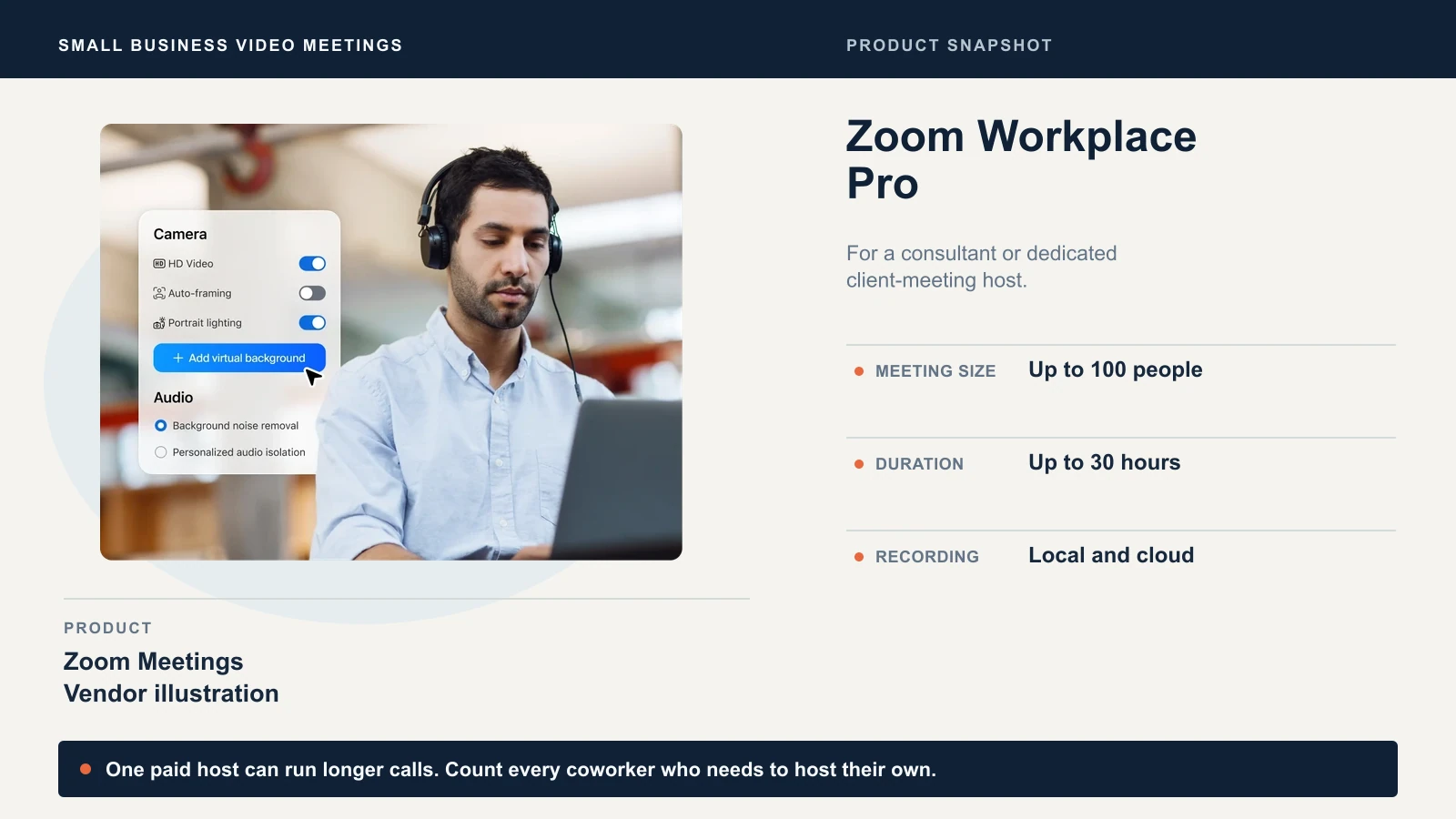
Buy one Pro seat if the same person hosts longer meetings and clients already use Zoom. Pro supports up to 100 participants and includes cloud recording. If a colleague schedules and hosts long meetings under their own account, count their seat too.
Google Meet for a team on Google Workspace
Keep Starter if all you need is a meeting link in Google Calendar and up to 100 participants. For a studio that records client reviews, Business Standard is the first Workspace Business plan with native recording. Compare the upgrade across the seats your business would move, and include the other benefits you would use. Our Business Starter vs Standard comparison covers storage and Gemini as well as recording.
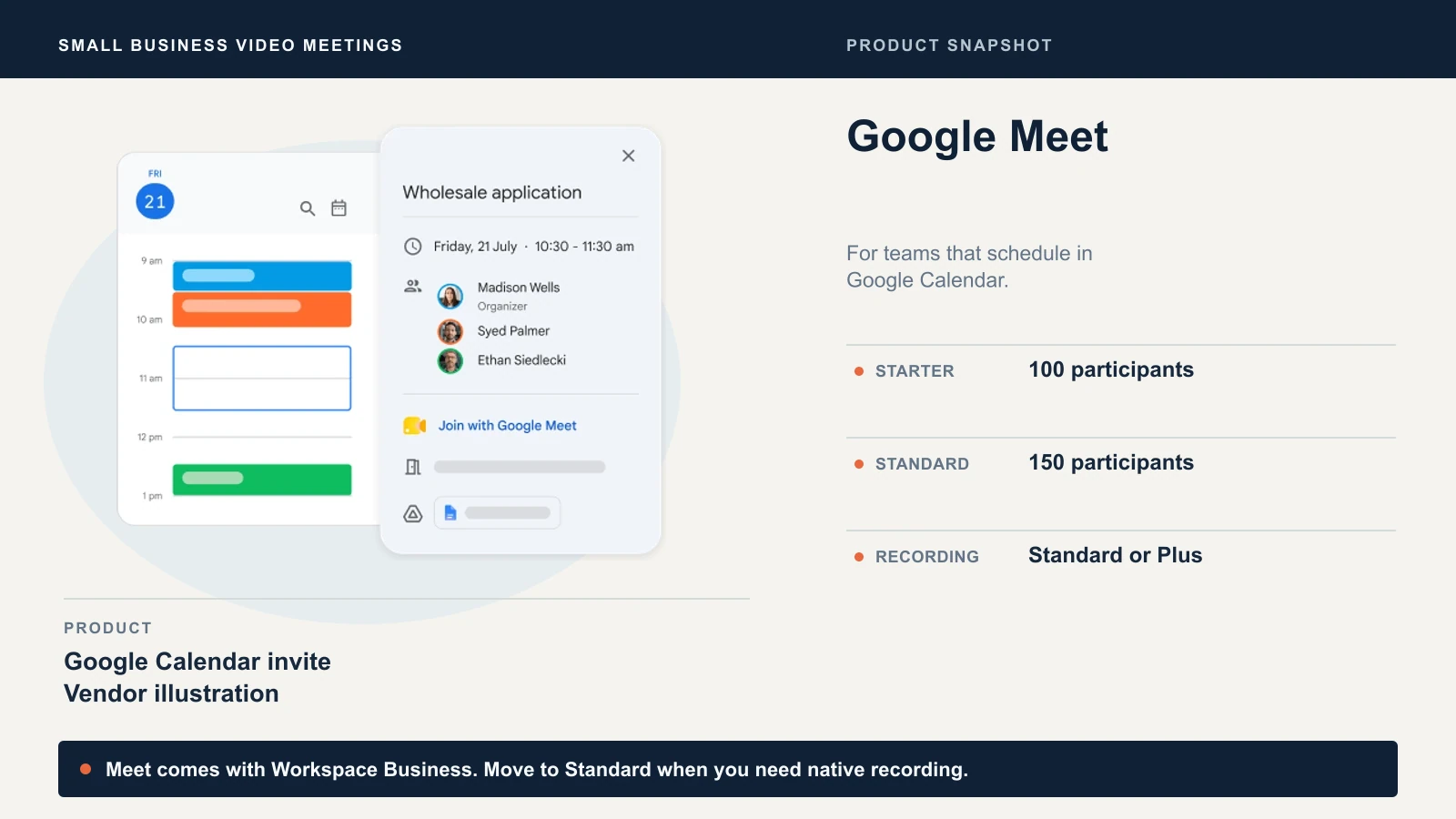
If you want Meet and already host your email elsewhere, Google also offers Workspace Essentials Starter at no charge for teams of up to 100 users. Check guest access before choosing it for client calls. Google’s Meet features by edition table excludes anonymous joins on this plan.
See Google Workspace plans for current pricing.
Microsoft Teams for a Microsoft 365 office or a team that needs meetings only
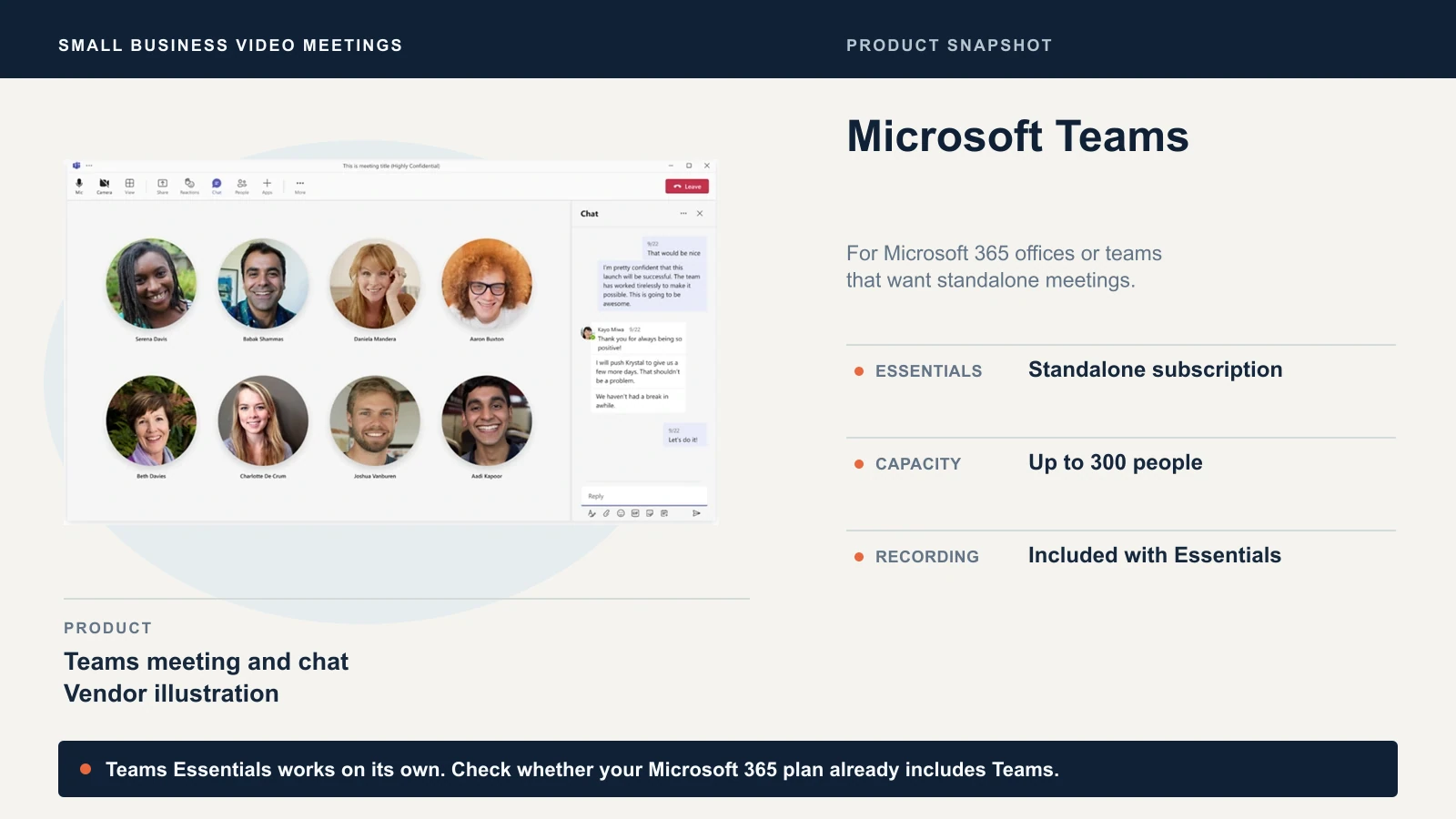
If you have Business Basic, Standard or Premium with Teams, use that license for meetings alongside your existing Microsoft 365 account. Teams Essentials is a separate option if your email is already hosted elsewhere and you want paid Teams meetings and chat. Microsoft lists Outlook and Google Calendar connections for Essentials.
See Microsoft 365 business plans and our Microsoft 365 plan comparison for Basic, Standard and Premium. If you’re also choosing a company email provider, compare the full Google Workspace and Microsoft 365 suites first, since the meeting tool usually comes with that decision.
What clients see when they click the link
| Platform | Desktop browser and account | What can change the experience |
|---|---|---|
| Zoom | Guests can join signed out and use the browser link when enabled. | The app prompt may appear first. Host authentication can require sign-in. End-to-end encryption requires the Zoom app, and Zoom’s guest checks can also prompt flagged visitors to sign in. |
| Google Meet | Guests can join in a browser. People without a Google Account may need to request entry. | Host access settings and Workspace policy determine who can ask to join and who can enter directly. |
| Microsoft Teams | Guests can use Edge or Chrome and join without signing in where permitted. | The organizer’s policy can block anonymous attendees. A Teams Premium organizer can require guests to verify by email code (Teams guest policies). |
Browser and admission details vary by meeting, so a test from outside your organization is the quickest way to see what a client will see.
Phone dial-in means calling a number on the invite for audio. Zoom Pro and Business list toll dial-in. Google Workspace provides a U.S. dial-in number when the dial-in feature is enabled. In Teams, check Audio Conferencing availability for your plan and region and whether the organizer has the required license. If a regular attendee relies on dial-in, test the number on a real invitation before switching.
Captions and training. If your clients need captions in a particular language, check that language on your plan. Microsoft lists English-only live captions for Teams Essentials and more languages for Business Basic with Teams. Zoom and Meet publish their supported Zoom caption and Meet caption languages. For a public event, verify registration and attendee controls separately from the meeting headcount in the table.
Recording, sharing and AI notes
| Platform | What to verify before recording a client call |
|---|---|
| Zoom | Basic can save a recording from the desktop app to a computer. Pro and Business include cloud storage at 10 GB per paid license, pooled across the account (Zoom cloud capacity). Check the cloud link’s sharing and download settings before sending it. |
| Google Meet | Standard and Plus can record when the administrator enables it. The file goes to the organizer’s Google Drive, and recording stops after eight hours. Check external sharing separately. |
| Microsoft Teams | Microsoft lists recording and transcription for Teams Essentials and Business Basic with Teams. Check your recording policy before the call. In Microsoft 365, regular meeting recordings normally go to the organizer’s OneDrive and channel meetings go to SharePoint (Teams recording storage). Microsoft lists a recording segment limit of four hours or 1.5 GB, after which recording restarts. |
A transcript captures what people said. An AI summary generates notes from the meeting. Zoom lists summaries for three hosted meetings per month on Basic and unlimited summaries on Pro. Google lists Gemini in Meet starting at Workspace Business Standard. Our Gemini in Google Workspace guide covers Meet notes and their admin settings. For Teams, Microsoft lists intelligent recap with Teams Premium or Microsoft 365 Copilot. Check which notes are generated, who receives them and whether your team allows AI notes on client calls.
What does a second subscription cost?
If the meeting tool in your current suite passes your test, using it adds $0 in meeting subscription fees. For a team of five, the difference between one paid Zoom host and five is about $680 a year at the published annual rate. Count how many coworkers need to run long meetings or make cloud recordings before changing seats.
Estimated additional annual cost
One host vs. five paid seats
U.S. list prices checked November 14, 2026, before tax. Annual Zoom estimates use the advertised monthly equivalent. Confirm the invoice total at checkout.
Zoom Pro, one paid host
$14.16 × 12 months
About $170
Teams Essentials, five paid seats
$4.00 × 5 users × 12 months
$240
Zoom Pro, five paid hosts
$14.16 × 5 users × 12 months
About $850
For comparison, five Workspace Starter or Microsoft 365 Business Basic with Teams seats cost $420 a year at the annual list rates and include business email. Moving five Workspace seats from Starter to Standard also adds $420 a year, so run those numbers if recording is the reason you’re considering an upgrade. For a wider budget across email, accounting and security tools, see our small business software stack under $200 a month.
Test a client call before you switch
- Send a calendar invite from the account that will host. Ask a colleague outside your organization to open it in a signed-out desktop browser, and on a phone if clients frequently join that way. Check the lobby and any sign-in prompts.
- Share a window and check captions. Try the presentation or demo you actually run. If someone normally dials in, ask them to call the number on the invitation.
- Record a short test if you need recordings. Confirm where the file lands, whether a coworker can access it and what an external client sees when you share it. Check retention and download access for any recordings you need to keep.
- Move recurring meetings before ending the old subscription. Replace calendar series, booking-page links and templates. Export recordings you need, then confirm the renewal date and turn off renewal in time. Google’s annual commitment is payable in full even if you end service early. Microsoft’s cancellation options depend on your billing agreement and how you bought.
If several people join from the same room, test with the actual camera, speakers and microphone. Our small-business conference room equipment guide covers the hardware side, including which video bars work with Teams, Zoom and Meet.
Related Resources
- Google Workspace vs Microsoft 365: the suite decision that usually settles which meeting tool you already have.
- Google Workspace Business Starter vs Standard: when Meet recording, storage and Gemini justify the upgrade.
- Microsoft 365 Business plan comparison: Basic, Standard and Premium, with and without Copilot.
- Gemini in Google Workspace: what Gemini does in Meet, Gmail and Docs, and the admin settings to review.
- Best conference room equipment for a small business: video bars and room systems for Teams, Zoom and Meet.
- Best business phone systems: Teams Phone, Zoom Phone and RingCentral if calling is the next decision.
Frequently Asked Questions
Related Articles
More from Business Software
Proton Drive vs Google Drive for Business (2026): Which Fits Your Files?
Compare Proton Drive and Google Drive for business on privacy, collaboration, admin controls, storage, and 2026 pricing. See which fits your team.
11 min read
Proton Unlimited vs Proton Business: Which Plan Is Right in 2026?
Compare Proton Unlimited, Duo, Family and Proton Workspace pricing, storage, domains, admin controls and retention to choose the right plan in 2026.
9 min read

Gusto vs Rippling vs ADP RUN vs Deel (2026): Small-Business Payroll and HR Compared
We compare Gusto, Rippling, ADP RUN, and Deel for small-business payroll, HR, IT provisioning, and global hiring — with pricing verified July 2026.
20 min read