
Google Workspace Business Starter vs Standard: When Is the Upgrade Worth It?
Business Starter or Standard? We break down the real differences — Meet recording, storage math, and the 5 signals that tell you it's time to upgrade.


If you're on Google Workspace Business Starter and wondering whether to upgrade, you've probably run into one of three things: a storage warning, a team member asking why they can't record their Google Meet calls, or someone from accounting asking if your plan is "good enough for compliance."
The short answer is that Business Standard is worth it for most teams once they cross 10–15 people — but for different reasons than Google's pricing page implies.
This guide is built from the plan questions we field from South Florida SMBs every month: what Standard actually adds that Starter doesn't, what it doesn't add that you might assume it does, and the five specific signals that tell you the $7/user/month difference is justified.
Affiliate Disclosure: This article contains affiliate links. If you make a purchase through these links, we may earn a small commission at no extra cost to you. As an Amazon Associate, iFeelTech earns from qualifying purchases.
What Are the Real Costs of Starter vs Standard?
Google Workspace Business Starter costs $7 per user per month; Business Standard costs $14 per user per month on annual plans. Google offers a 16% discount for annual commitments, with both plans billed monthly:
| Business Starter | Business Standard | |
|---|---|---|
| Annual billing (per user/mo) | $7 | $14 |
| Monthly billing (per user/mo) | ~$8.40 | ~$16.80 |
| Pooled storage | 30 GB/user | 2 TB/user |
| Google Meet participants | 100 | 150 |
| Best for | Teams under 10 with light storage and no recording needs | Teams needing Meet recording, full Gemini AI, or 2 TB storage |
The per-user cost is easy to miss at scale. Here's what that $7/user/month difference actually totals annually:
| Team size | Starter/yr | Standard/yr | Annual difference |
|---|---|---|---|
| 5 users | $420 | $840 | $420/yr |
| 10 users | $840 | $1,680 | $840/yr |
| 25 users | $2,100 | $4,200 | $2,100/yr |
For a 10-person team, you're deciding whether $840 per year buys enough. In most cases, it does — but only if you're actually using the features Standard unlocks.
If you're still deciding between Google Workspace and Microsoft 365 before picking a plan tier, our implementation guide covers that decision in detail. If you're already on Google Workspace, read on.
Pricing verified May 2026
Current prices confirmed at workspace.google.com/pricing. Google has increased prices before without broad announcement — if you're reading this after mid-2026, verify before budgeting.
What Features Does Business Starter Include?
Business Starter includes custom email, 30 GB pooled storage per user, 100-person video meetings, and basic Gemini AI in Gmail.
The plan covers the complete core productivity stack: Gmail, Drive, Docs, Sheets, Slides, Calendar, Meet, Chat, Forms, Sites, Keep, Vids, and AppSheet. For most small teams, that's sufficient.
What the Starter marketing page doesn't make obvious:
- Storage: 30 GB pooled per user (300 GB total for a 10-person team)
- Google Meet: Up to 100 participants, calls up to 24 hours, no recording, no noise cancellation
- Gemini AI: Basic access in Gmail and the Gemini app only — no AI assistance in Docs, Sheets, Slides, Drive, or Meet
- Endpoint management: Fundamental controls only
- Support: Standard support (no SLA-backed response times)
No Meeting Recording on Business Starter
Meeting recording in Google Meet is exclusive to Business Standard and above. There is no workaround on Starter short of using a third-party tool. This surprises more new Starter customers than any other limitation — if anyone on your team needs to record client calls, onboarding sessions, or internal training, Starter is not the right plan.
Starter also doesn't include eSignature with Docs and PDFs, appointment booking pages in Calendar, or Gemini AI in the productivity apps. These are easy to overlook during onboarding and frustrating to discover later.
Why Upgrade to Google Workspace Business Standard?
Business Standard adds Meet recording, 2 TB of pooled storage, eSignature, and full Gemini AI integration across Docs, Sheets, Slides, Drive, Meet, and Chat.
Not all of Standard's additions matter equally for a 5–25 person SMB. In order of practical impact:
1. Google Meet recording and transcripts. Recordings save automatically to Drive. For any team that conducts client calls, training sessions, or interviews, this single feature often justifies the upgrade. At $7/user/month across the team, Standard is cheaper than virtually any dedicated call recording tool.
2. 2 TB pooled storage per user. A 10-person Standard team has 20 TB shared — effectively unlimited for normal business use. This is a 67x jump from Starter's 300 GB pooled total, which matters for teams storing video assets, large datasets, or heavy Drive archives.
3. Studio Sound noise cancellation in Meet. This is underrated for remote teams. Background noise on calls — AC units, coffee shops, open offices — is a real friction point. Standard's noise cancellation works well in practice.
4. 150 participants in Google Meet. Starter caps at 100. For most SMBs this limit is never reached, but all-hands meetings at fast-growing companies can bump against 100 sooner than expected.
5. Gemini AI in Docs, Sheets, Slides, Drive, Meet, and Chat. Business Starter only includes Gemini in Gmail. Standard unlocks AI writing assistance in Docs, data analysis help in Sheets, slide generation in Slides, file summarization in Drive, meeting summaries in Meet, and chat summaries. It also includes expanded Gemini app access with Google's most capable models. For context on what Gemini actually does across these apps, our Gemini features guide covers the full breakdown.
6. Shared drives with full permission controls. Shared drives (previously called Team Drives) have stronger access controls in Standard — you can restrict download, print, and copy permissions for external collaborators. For teams sharing files with clients or contractors, this matters.
7. eSignature with Docs and PDFs. If your team sends contracts, this removes the need for a separate eSign tool.
The real ROI math
For a 10-person team, upgrading everyone to Standard costs $840/year more than Starter. Compare that to Zoom Pro (about $15/user/mo) for recording alone, a standalone AI writing tool (about $20/user/mo), and a separate eSignature service (about $10–25/mo). If your team needs even two of these capabilities, the upgrade covers itself. "Enhanced security" at the Standard tier is marginal for a company under 20 people not in a regulated industry — recording and Gemini are the real value.
Is 30 GB of Pooled Storage Enough for Small Teams?
Yes — 30 GB per user is sufficient for teams primarily using Google Docs, Sheets, and email with light attachments.
Storage warnings are one of the most common reasons SMBs consider upgrading — but the math often doesn't support it.
A 10-person Business Starter account has 300 GB of pooled storage shared across the whole team. That's not per-person. It's a shared pool, and for most office-focused teams, it goes further than it sounds.
What counts toward your quota:
- Gmail messages and attachments
- Files uploaded to Drive (PDFs, images, videos, ZIP files)
- Meet recordings (if using Standard)
- Google Docs, Sheets, and Slides files created or edited after May 2, 2022
That last point trips people up. In 2022, Google updated their storage policy so that Google Docs, Sheets, and Slides files now count toward storage. However, a typical Google Doc is under 1 MB and a standard spreadsheet is a few MB at most — these files are negligible. What consumes real storage is video files, large image libraries, PDF archives, and email attachments with big attachments.
What actually burns your quota
For most office-focused teams, the top storage consumers are: (1) email attachments over several years, (2) uploaded PDFs and presentations, and (3) any video stored in Drive. If your team works primarily in Google Docs, Sheets, and Slides with light email attachments, 300 GB will last years. Run the numbers before assuming storage is the problem.
If you're storing large media files, running a design-heavy workflow, or managing a medical or legal document archive, Starter's 300 GB is a legitimate constraint. For everyone else, storage alone is not a reason to upgrade. Do the math on your current usage before paying for 2 TB you won't need.
If you're evaluating whether Google Drive alone covers your file storage needs, our cloud storage comparison for small businesses covers the alternatives.
5 Business Signals That Tell You It's Time to Upgrade
Upgrade to Business Standard when your team needs meeting recording, consistently exceeds 50% of pooled storage, or requires full Gemini AI across Workspace apps.
These are the specific operational constraints we see South Florida SMBs hit before making the switch:
-
Your team needs to record meetings. If even one person needs to record a client onboarding call, a sales demo, or an internal training session, Standard pays for itself immediately. Third-party call recording tools typically cost more per user than the $7/month difference between plans. Recording is the single most common reason SMBs make this upgrade.
-
You're consistently over 50% of your pooled storage. A 10-person Starter team crossing 150 GB consumed means you're on a trajectory to hit limits within a year or two. That's a reasonable planning trigger — not an emergency, but a reason to upgrade proactively rather than reactively.
-
You have more than 15 people in regular all-hands or client-facing meetings. Noise cancellation becomes noticeably valuable in larger group calls. Starter's 100-participant cap isn't typically the issue — the audio quality and background noise management in Standard's Meet is.
-
You're sharing sensitive files externally and need tighter controls. Standard's shared drive permission controls let you block external collaborators from downloading, printing, or copying files. If you're sharing board materials, client deliverables, or legal documents, that level of control is worth having.
-
You have a compliance or IT audit requirement tied to your plan tier. Some compliance reviews (vendor security questionnaires, SOC 2 assessments, HIPAA BAA evaluations) ask about your Google Workspace edition. Standard is cleaner to document than Starter in these contexts. Neither plan includes Vault for eDiscovery — that's a separate issue covered in the next section.
If none of these apply to your team, stay on Starter. That's the bottom line. There's no prize for paying for features you don't use, and $840/year for a 10-person team is real money.
Nonprofit note: Verified 501(c)(3) organizations qualify for Google's nonprofit program, which drops Business Standard to $3.50/user/month on annual billing — a 75% discount. At that price, the upgrade calculus changes completely for qualifying organizations.
Which Plan Is Right for Your Team Size?
For teams under 10 with no recording needs, Business Starter is sufficient. Standard is almost always the right call at 15 or more people.
-
Under 5 people: Business Starter is almost always fine. The only exception is if recording is a day-one requirement for your workflow — in that case, start on Standard.
-
5–15 people: Starter works well until you hit one of the five triggers above. Don't upgrade preemptively if none of those apply.
-
15–50 people: Standard is almost always the right call. At this size, you'll typically have at least some meeting recording need, noise on larger calls becomes a real issue, and the Gemini coverage across productivity apps starts delivering value across the team.
-
50+ people: Look seriously at Business Plus ($22/user/mo) or Enterprise. Plus adds Vault for eDiscovery, 500-participant Meet, advanced endpoint management, and 5 TB pooled storage per user.
If you're evaluating this as part of a broader software budget, our guide to building a complete business software stack under $200/month puts the Google Workspace cost in context.
What Business Standard Does Not Include
Business Standard does not include Google Vault for eDiscovery, advanced endpoint management, or guaranteed support response times.
A few things that come up regularly in plan-decision conversations:
Google Vault is not included in Standard
Google Vault — the eDiscovery, legal hold, and archiving service — is not part of Business Standard. It's included in Business Plus ($22/user/mo) or available as an add-on for Starter and Standard accounts. If your team has legal hold or compliance archiving requirements, don't upgrade to Standard expecting Vault to be there.
Advanced endpoint management (MDM) is not included in Standard by default. Starter and Standard both include fundamental endpoint management. Advanced MDM — device policy enforcement, remote wipe with more granular controls, app management — requires the Endpoint Management add-on or Business Plus. If you're managing a fleet of company-owned devices, verify what your compliance requirements actually call for.
Standard support is still standard support. Enhanced Support (with better SLA response times) is a paid upgrade even on Business Standard. If your business needs guaranteed response times for critical issues, you'll pay extra regardless of your plan tier.
Neither Starter nor Standard provides automatic backup of your Google Workspace data. If you're storing critical business data in Drive and Gmail, our Google Workspace backup guide covers why that matters and what to do about it.
How to Upgrade from Business Starter to Standard
Navigate to Google Admin Console → Billing → Subscriptions, select your current plan, and choose Upgrade. The change applies immediately — no data migration, no downtime, and no impact on your team. Your users will simply see recording options appear in Meet and Gemini assistance across Docs, Sheets, and Slides.
Billing is prorated for the remainder of your current billing cycle, so you're not double-paying for the month you upgrade.
Mixed licensing: Google requires all users within the same domain to be on the same plan tier for standard direct-buy accounts. Partial Domain Licensing (PDL) — which allows mixing Starter and Standard tiers within one domain — requires a minimum of 100 seats or a Google Workspace reseller arrangement. For most SMBs purchasing directly through Google, upgrading means upgrading the whole organization.
Bottom line
Business Standard is worth it when recording, Gemini in productivity apps, or compliance documentation is genuinely relevant to your workflow. For a team primarily using Gmail, Drive, and Docs without recording needs or audit requirements, Starter is money well spent — and the $840/year you'd spend on Standard is better deployed elsewhere. When the triggers hit, upgrade. Until then, don't.
If you're also evaluating a privacy-first alternative to Google Workspace, our Google Workspace vs Proton Workspace comparison covers the feature gaps, real TCO for a 10-seat team, and a clear decision framework for switching.
Frequently Asked Questions
Related Articles
More from Business Software
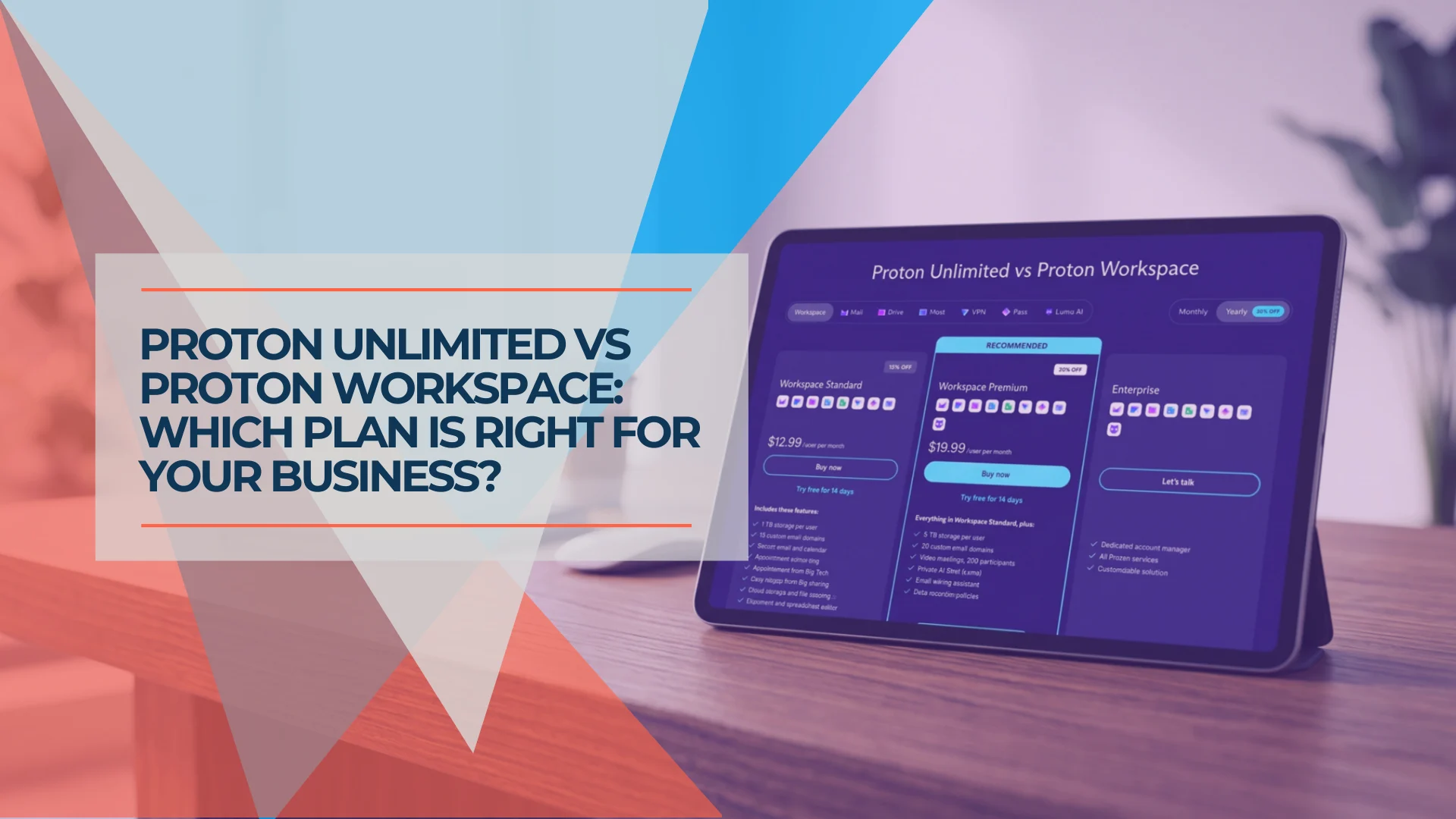
Proton Unlimited vs Proton Business: Which Plan Is Right in 2026?
Compare Proton Unlimited, Duo, Family and Proton Workspace pricing, storage, domains, admin controls and retention to choose the right plan in 2026.
9 min read
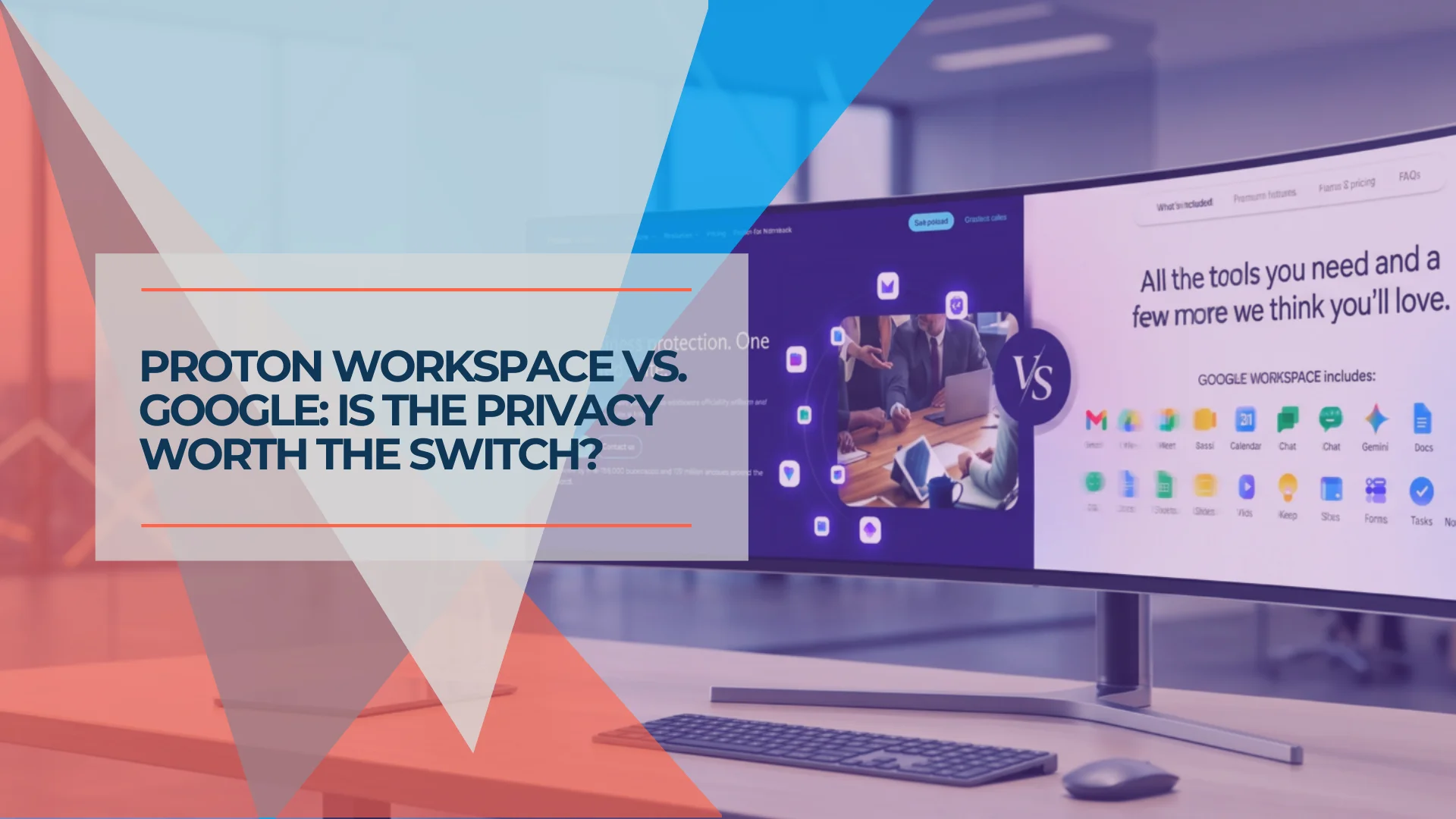
Google Workspace vs Proton Workspace: Which Is Right for Your Business?
Side-by-side comparison of Google Workspace and Proton Workspace covering price, privacy, and features. Includes TCO for 10 seats and a decision framework for switching.
24 min read

Best Cloud Storage for Small Business 2026: OneDrive, Google Drive & When to Go Beyond
Most small businesses already have the right cloud storage — they're just not using it well. Here's when to stick with OneDrive or Google Drive, and when specialized tools earn their keep.
7 min read