What Is AI NAS? Understanding Smart Storage for Business in 2026
AI NAS features face recognition, photo tagging, and local LLMs — but not all AI NAS is the same. Here's what the three types mean, and which one (if any) you actually need.

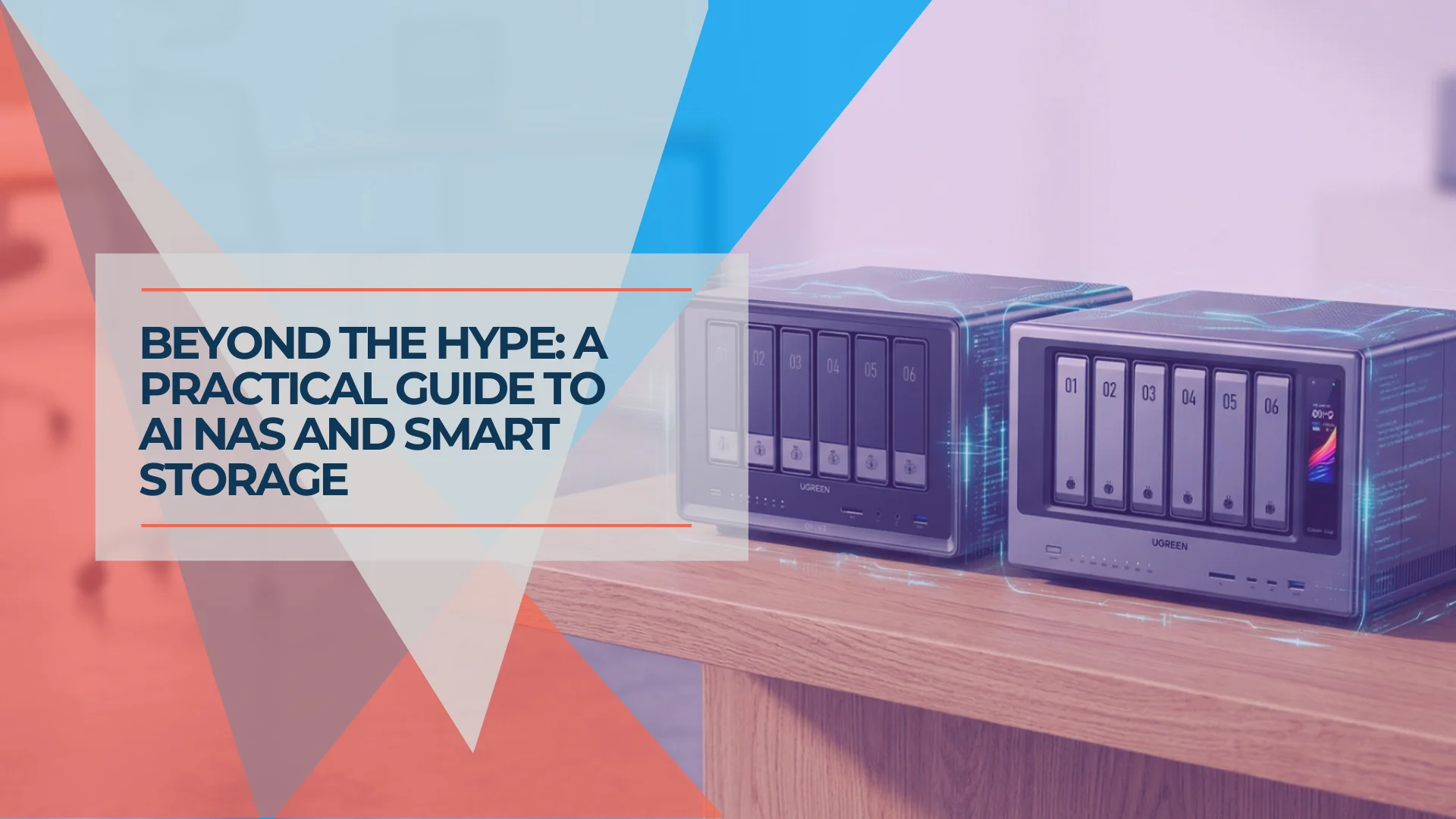
Every NAS brand is now selling you "AI." UGREEN has its AI Engine. Synology has AI photo recognition. QNAP has QuMagie.
Most AI NAS features in 2026 are photo organization tools — software that scans your image library, recognizes faces and objects, and makes your photos searchable. That's genuinely useful if you have tens of thousands of unorganized photos.
This guide explains what "AI NAS" actually means, what the three categories of AI features look like in practice, and which type of AI NAS (if any) you actually need for your situation.
Affiliate Disclosure: This article contains affiliate links. If you make a purchase through these links, we may earn a small commission at no extra cost to you. As an Amazon Associate, iFeelTech earns from qualifying purchases.
What Is an AI NAS?
An AI NAS is a network-attached storage device that uses artificial intelligence to organize photos, detect objects, and analyze video locally.
Vendors use the "AI" label across three distinct hardware categories. Here's what each category actually delivers:
A Type 1 NAS runs AI software using a standard central processing unit (CPU). This handles basic photo recognition well, though processing large libraries takes time. Synology Photos on the DS925+, QNAP's QuMagie, and UGREEN's AI Photo Album on the DXP4800 Plus all work this way. The software analyzes your photos using the same processor that handles file operations and network traffic.
A Type 2 NAS includes a dedicated Neural Processing Unit (NPU) to accelerate AI workloads, enabling real-time video surveillance analysis and local Large Language Model (LLM) hosting. The UGREEN iDX6011 Pro includes an Intel Core Ultra 7 processor with a 96 TOPS NPU specifically designed for large media libraries, surveillance video analysis, and running local AI models.
UGREEN AI NAS - Official Introduction to Smart Storage Features
| Type | What it is | Who it's for | Price Range |
|---|---|---|---|
| CPU-based AI | Photo software running on standard NAS processor | Home users, small businesses with photo management needs | $500-$700 |
| NPU-equipped | Dedicated AI accelerator for real-time processing | Video surveillance, local LLM hosting, very large libraries | $1,500-$2,600 |
Common AI NAS Features and Capabilities
Core AI NAS features include facial recognition, object and scene tagging, duplicate image detection, and ransomware behavior monitoring.
- Face Recognition: The system scans your photos, groups recurring faces, and allows you to assign names for easy searching. Modern platforms handle clear, frontal shots with high accuracy. Less reliable for partial profiles and small faces in group photos.
How to enable facial recognition on Synology Photos
-
Object and Scene Tagging: This feature automatically applies searchable labels (e.g., "dog," "beach," "document") to images. You can then search your library the way you'd search Google Photos. Face recognition is generally more reliable across vendors than object detection, which can be inconsistent across different categories.
-
Duplicate Detection: AI identifies visually identical or highly similar images, allowing users to free up storage space. Works well across all platforms.
-
Ransomware Behavior Detection: The system monitors write patterns and alerts administrators if file activity mimics an active encryption campaign. Not foolproof, but a meaningful layer of protection.
All processing happens locally. Your files are not uploaded to a vendor's external cloud servers.
Standard AI NAS vs. NPU NAS: Key Differences
Standard AI NAS models use central processors for background indexing, while NPU models use dedicated chips for real-time video and LLMs.
On a standard CPU-based NAS (like the UGREEN DXP4800 Plus or Synology DS925+), scanning a library of 20,000 photos takes several hours. The end result is fully searchable, but the initial indexing requires patience. After that, new photos are processed as they're added.
An NPU-equipped NAS (like the UGREEN iDX6011 Pro) reduces a typical 4-hour CPU scan to approximately 15-30 minutes. More importantly, the NPU hardware makes continuous, real-time AI processing possible. This is required for advanced use cases like continuous intelligent motion-zone classification on security cameras or running private chatbot interfaces on local hardware.
If your primary use case is photo organization, a standard NAS with AI software is enough. If you want real-time video AI, local LLM inference, or you have a library over 100,000 photos that you want indexed quickly, consider an NPU NAS.
Two clear tiers: UGREEN DXP4800 Plus ($657) for photo organization; UGREEN iDX6011 Pro ($1,559 pre-order, $2,599 MSRP) for real-time AI workloads.
Comparing Synology, UGREEN, and QNAP AI NAS Platforms
Synology offers the most stable photo software, UGREEN provides superior hardware value, and QNAP delivers modular upgrade paths for expansion.
- Synology (e.g., DS925+): Synology Photos remains the most mature AI software ecosystem in 2026. It offers reliable face and scene detection. The system relies on the AMD Ryzen V1500B CPU — a proven architecture from 2018 that prioritizes stability over cutting-edge performance. Indexing massive libraries is slower than newer hardware, but the resulting software experience is highly polished.
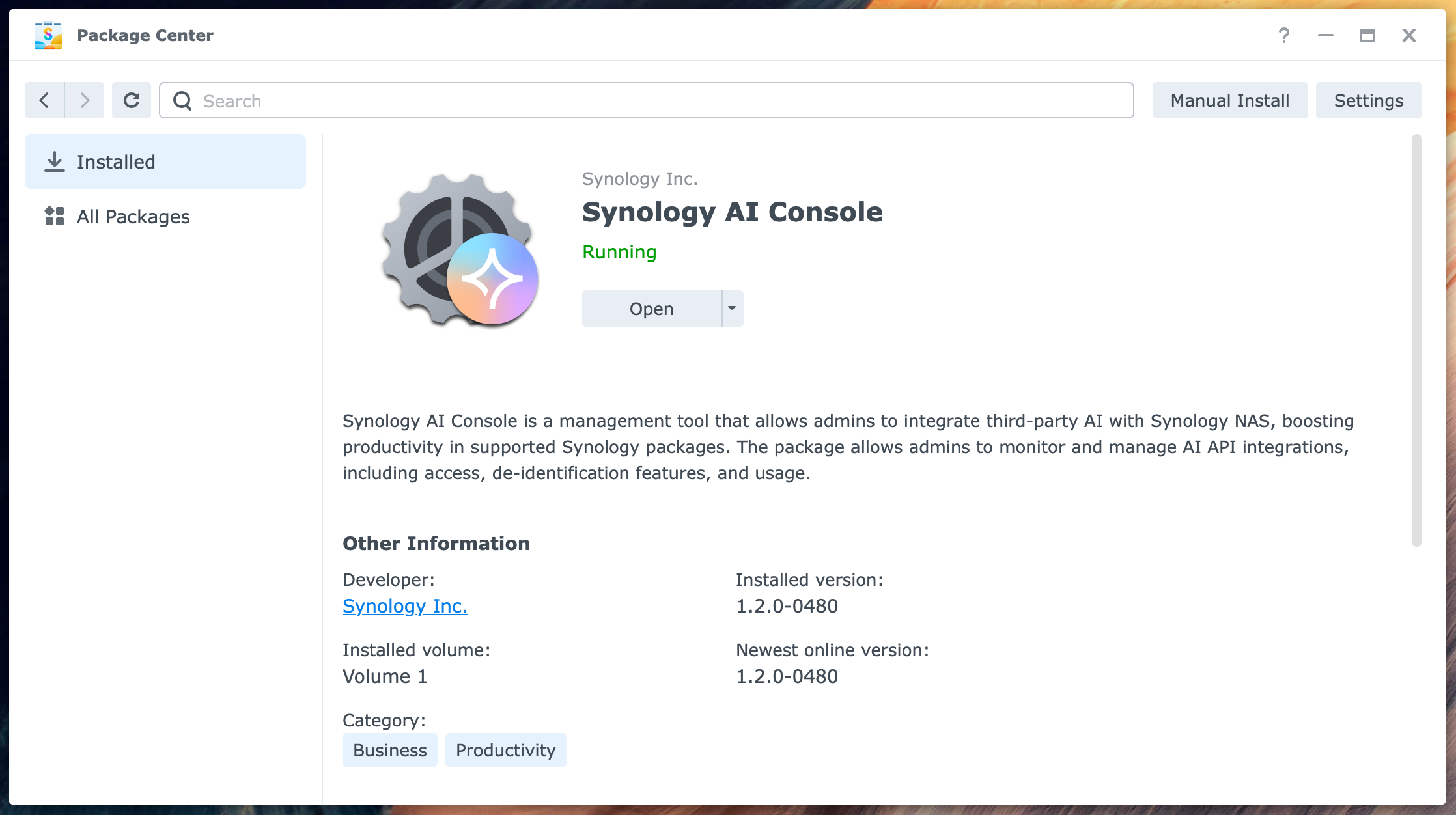
Synology's Unique AI Strategy: Unlike competitors focused on NPU hardware, Synology takes a software-first approach through the Synology AI Console. This platform bridges productivity applications (MailPlus, Office) with external LLM providers including OpenAI, Azure OpenAI, Amazon Bedrock, and Google Gemini. Users can draft emails, summarize threads, generate spreadsheet formulas, and translate documents directly within Synology's productivity suite.
AI Console integrates supported applications with a configured provider. Prompts and selected context can leave the NAS, and provider usage charges can apply. Optional model-based name masking requires Container Manager and at least 8GB memory; predefined masking types have different requirements. Synology warns that de-identification cannot guarantee full masking, so it does not itself establish HIPAA, GDPR, or SOC 2 compliance. OpenAI-compatible endpoints can connect to a separately operated local AI service, but AI Console does not bundle local LLM inference on the DS925+. Official AI Console requirements and limitations.
Additionally, Synology recently announced BeeCamera for BeeStation Plus, bringing on-camera AI detection for people, pets, vehicles, and intrusion events — all processed locally without cloud dependency or recurring subscriptions. This extends Synology's privacy-first AI philosophy beyond photo management into home and business surveillance.
Read our full Synology DS925+ review for detailed performance testing and deployment guidance.
-
UGREEN (e.g., DXP4800 Plus): UGREEN combines strong modern hardware (Intel Pentium Gold 8505, 8GB DDR5, built-in 10GbE, $657 diskless) with capable software. Face recognition is fast and reliable, though object tagging accuracy trails Synology. It offers superior processing power for traditional workloads like virtualization and media streaming.
-
QNAP (e.g., TS-464): QNAP's QuMagie software handles local facial and subject identification efficiently. Its distinct advantage is modularity; compatible models feature PCIe slots, allowing users to install dedicated AI accelerator cards later as their needs grow. QuMagie stores its AI metadata in a separate database, which means reinstalling or migrating requires reprocessing your entire library.
AI Tag Migration and Future-Proofing
When upgrading to a new NAS unit, preserving your AI-generated facial recognition tags and object classifications is a critical consideration. Synology Photos stores AI metadata within its database structure, which can be migrated to a new Synology unit using DSM's built-in Hyper Backup and migration tools — your facial recognition tags transfer with your photo library. UGREEN's UGOS Pro system similarly preserves AI tags during data migration between UGREEN units, though the platform is newer and long-term migration paths are still being established. QNAP's QuMagie stores AI metadata separately from photo files, which means switching to a different brand or reinstalling QuTS requires reprocessing your entire library from scratch. For businesses building long-term photo archives, this vendor lock-in consideration can influence platform choice.
| Platform | AI Method | AI Strategy | Photo AI Maturity | Accuracy | Price Entry Point |
|---|---|---|---|---|---|
| Synology DS925+ | CPU + Software APIs | Software-first: API integration for productivity (MailPlus/Office), data de-identification, BeeCamera surveillance | High (most mature) | High | $640 |
| UGREEN DXP4800 Plus | CPU only | Hardware value: Modern processor, capable AI photo features, strong non-AI workloads | Moderate (improving) | Moderate | $657 |
| QNAP TS-464 | CPU + optional hardware | Modular hardware: PCIe expansion for GPU/AI accelerator cards | Moderate | Moderate | $649 |
For a detailed comparison of premium AI NAS hardware, see our UGREEN vs Synology NAS comparison.
Setup Complexity and Software Ecosystem
Synology DSM: The gold standard for NAS operating systems in 2026. DSM offers the most mature interface with extensive third-party app support, license-free applications, and comprehensive backup/sync options. The initial setup wizard guides new users through storage pool creation, user accounts, and network configuration in 15-20 minutes. The learning curve for advanced features (Docker, Active Backup for Business, cloud sync) is moderate but well-documented. DSM's interface occasionally shows its age with slower transitions, but functionality is rock-solid.
UGREEN UGOS Pro: Newer platform with a familiar layout that closely mirrors DSM's design philosophy, reducing the learning curve for users switching from Synology. The interface feels snappy and modern with smooth animations. Initial setup takes 10-15 minutes. The app ecosystem is still developing — fewer third-party applications compared to Synology, but core functions (file sharing, Docker, Plex) are well-implemented. UGOS Pro is more geared toward home users and basic business needs; it lacks some of Synology's enterprise-grade backup and sync features.
QNAP QTS: Feature-rich but more complex than DSM or UGOS. Offers the strongest virtualization and multimedia capabilities. Setup requires more technical knowledge, particularly when configuring PCIe expansion cards or advanced RAID configurations. The interface provides extensive control but can feel overwhelming for first-time NAS buyers.
Setting Up Local LLMs: On the UGREEN iDX6011 Pro, deploying a local LLM requires installing Docker containers, downloading model weights (typically 4-8GB for 7B models), and configuring the AI Console interface. Technical users comfortable with Docker can complete this in 30-60 minutes. Non-technical users will find the process challenging without IT support.
Recommended Drives for AI NAS
All NAS units mentioned in this guide are sold diskless — you need to supply your own hard drives. For AI workloads with large photo and video libraries, drive selection significantly impacts performance and reliability.
For Standard AI NAS (CPU-based):
- Seagate IronWolf Pro (4TB-30TB): Leading choice for NAS in 2026, offering superior sequential read/write speeds and 300TB/year workload rating. Includes 3-year Rescue Data Recovery Services. CMR recording technology ensures reliable AI indexing operations.
- WD Red Pro (4TB-24TB): Solid alternative with 300TB/year workload rating and 5-year warranty. Slightly lower capacity ceiling than IronWolf Pro but proven reliability in 24/7 NAS environments.
For NPU NAS (High-Performance AI):
- Seagate IronWolf Pro 30TB: Maximum capacity for large media libraries requiring frequent AI reprocessing. Recommended for businesses with 100,000+ photos or extensive video surveillance archives.
- NVMe Cache SSDs: For the UGREEN iDX6011 Pro's M.2 slots, pair with Samsung 990 Pro or WD Black SN850X (1TB-2TB) to accelerate AI indexing and LLM inference operations.
Minimum Configuration:
- 2-bay NAS: 2x 4TB drives in RAID 1 (mirroring) for photo management
- 4-bay NAS: 4x 8TB drives in RAID 5 for video surveillance with AI analytics
- 6-bay NPU NAS: 6x 12TB+ drives in RAID 6 for enterprise AI workloads with dual-parity protection
All recommended drives use CMR (Conventional Magnetic Recording) rather than SMR, which is critical for NAS reliability during AI indexing operations that involve heavy random writes.
Mobile App Experience
The primary way most users interact with AI photo features is through mobile apps:
Synology Photos:
- ✅ Mature features: location-based search, facial recognition browsing, granular sharing controls
- ✅ Advanced EXIF editing and conditional sharing rules
- ❌ Older list-based interface requires multiple taps for simple tasks
- ❌ Lacks modern gesture-based navigation
UGREEN NASync:
- ✅ Modern, cleaner visual design with intuitive layout
- ✅ Fast photo backup and AI-powered search
- ❌ Missing advanced features like conditional sharing and detailed EXIF editing
- ❌ Fewer photo organization options compared to Synology
Power Consumption and Operating Costs
Running local AI models affects your electricity costs. The Synology DS925+ consumes approximately 38W during active AI indexing and 12W when drives are in hibernation mode. Over a year of continuous operation, this translates to roughly 252 kWh annually at full load, or about $30-$40 in electricity costs (at $0.12-$0.15 per kWh).
NPU-equipped models like the UGREEN iDX6011 Pro draw more power: 67-68W idle with populated drives, and 93-100W+ during active access and AI processing. Under a typical 24-hour workload with six drives, this translates to approximately 1,600-2,400 Wh per day (1.6-2.4 kWh), or roughly $70-$130 annually at standard electricity rates. While higher than CPU-only models, the dedicated NPU handles AI inference at significantly lower wattage per task compared to CPU-only processing. For businesses running continuous video surveillance AI or frequent LLM queries, the NPU's efficiency advantage compounds over time.
Data Sovereignty and Privacy Protection
Local AI processing on a NAS provides a distinct privacy advantage for regulated industries.
Real-World Business Applications:
Medical and Dental Practices (HIPAA Compliance): A local clinic can use the UGREEN iDX6011 Pro to run a private LLM for processing patient intake forms, clinical notes, and treatment documentation. The AI photo tagging automatically organizes before/after treatment photos while maintaining complete HIPAA compliance without the third-party risk of Business Associate Agreements.
Architecture and Engineering Firms: An architecture firm managing 50,000+ job site photos can deploy a Synology DS925+ to automatically categorize images by project, location, and construction phase. The AI recognizes structural elements and site conditions, preventing intellectual property leakage for confidential commercial developments.
Legal Document Management: Law firms handling discovery documents can use local AI NAS for OCR, semantic search, and document classification, while the NAS's Docker capabilities run local document processing AI that keeps client-privileged information entirely in-house.
Unlike cloud photo services that upload images to remote servers, a local AI NAS keeps all processing on-premises. For businesses subject to HIPAA, GDPR, or SOC 2 compliance requirements, this architectural difference is often the deciding factor.
Should You Buy an AI NAS for Your Business?
A business should buy an AI NAS if it needs local photo organization, real-time video surveillance analysis, or secure private LLM deployment.
Invest in a standard AI NAS if:
- You manage large, disorganized photo archives across multiple employee devices.
- You are migrating away from recurring Google Photos or iCloud storage fees.
- Your business has employee photos, project archives, or event libraries that need to be searchable.
Hardware vs. Software AI Strategy: UGREEN focuses on raw NPU processing power for real-time AI workloads. Synology takes a software-first approach with the AI Console, integrating external LLM APIs into productivity tools (MailPlus, Office) while offering data de-identification for compliance. For businesses prioritizing office productivity AI with privacy controls, Synology's approach may be more practical than dedicated NPU hardware.
Invest in an NPU-equipped NAS if:
- You deploy IP cameras and require intelligent motion categorization.
- You need to run private LLMs on proprietary business data without transmitting information to external servers.
- You work with video and want AI-assisted clip tagging or transcription on a large archive.
Going Beyond Photos: Running Local AI Models
For businesses looking to deploy AI beyond photo management, NPU-equipped NAS units open new possibilities for private, on-premises AI deployment.
Local LLM Capabilities and Limitations
The UGREEN iDX6011 Pro with 64GB RAM and a 96 TOPS NPU can comfortably run 7B and 8B parameter models like Llama 3.2, Mistral 7B, or Zephyr. These models require approximately 8-16GB of RAM when quantized to 4-bit precision and can handle basic question-answering, code assistance, and document summarization tasks.
Running larger models (13B parameters and above) requires careful memory management, and 70B models are not practical on consumer NAS hardware — those typically need 64GB+ of dedicated VRAM on GPU infrastructure. The NPU accelerates inference speed but doesn't eliminate the fundamental RAM requirements.
Expect response times of 10-20 tokens per second for 7B models on NPU hardware, compared to 3-5 tokens per second on CPU-only systems. This is sufficient for interactive chatbot use cases but slower than cloud-based services like ChatGPT.
When to Skip AI and Buy a Traditional NAS
Stick with a traditional (non-AI) NAS if:
- Your primary requirements are straightforward file backups, media streaming, or offsite replication via the 3-2-1 backup strategy.
- You don't have a large photo library or video surveillance use case.
- AI photo features are nice-to-have, not the reason you're buying.
A standard NAS bought now can often be upgraded to add AI features via software updates — Synology and QNAP both improve their AI capabilities with DSM and QuTS updates. You're not locked into today's AI feature set.
For broader NAS buying guidance across all price points and use cases, see our best NAS for small business roundup.
If you're moving photo storage to a NAS, see our cloud backup guide for how to protect those files offsite — a NAS works best as one tier of a complete backup strategy following the 3-2-1 backup rule.
For more context on Synology's broader ecosystem and software maturity, read our Synology NAS business guide.
Related Resources
- UGREEN vs Synology NAS Comparison — Detailed head-to-head comparison of the UGREEN iDX6011 Pro and Synology DS1825+ for buyers evaluating premium NAS hardware with AI capabilities.
- Best NAS for Small Business — Complete buying guide covering NAS options across all price points, from entry-level 2-bay units to enterprise-grade 8-bay systems.
- Synology DS925+ Review — Full review of Synology's 4-bay NAS with CPU-based AI photo management, including real-world deployment testing.
- Best Cloud Backup for Small Business — How to protect your NAS data offsite with cloud backup solutions that integrate with Synology, QNAP, and UGREEN platforms.
- 3-2-1 Backup Rule Guide — Understanding how a NAS fits into a complete backup strategy with local, offsite, and offline copies.
Frequently Asked Questions
Related Articles
More from Business Hardware
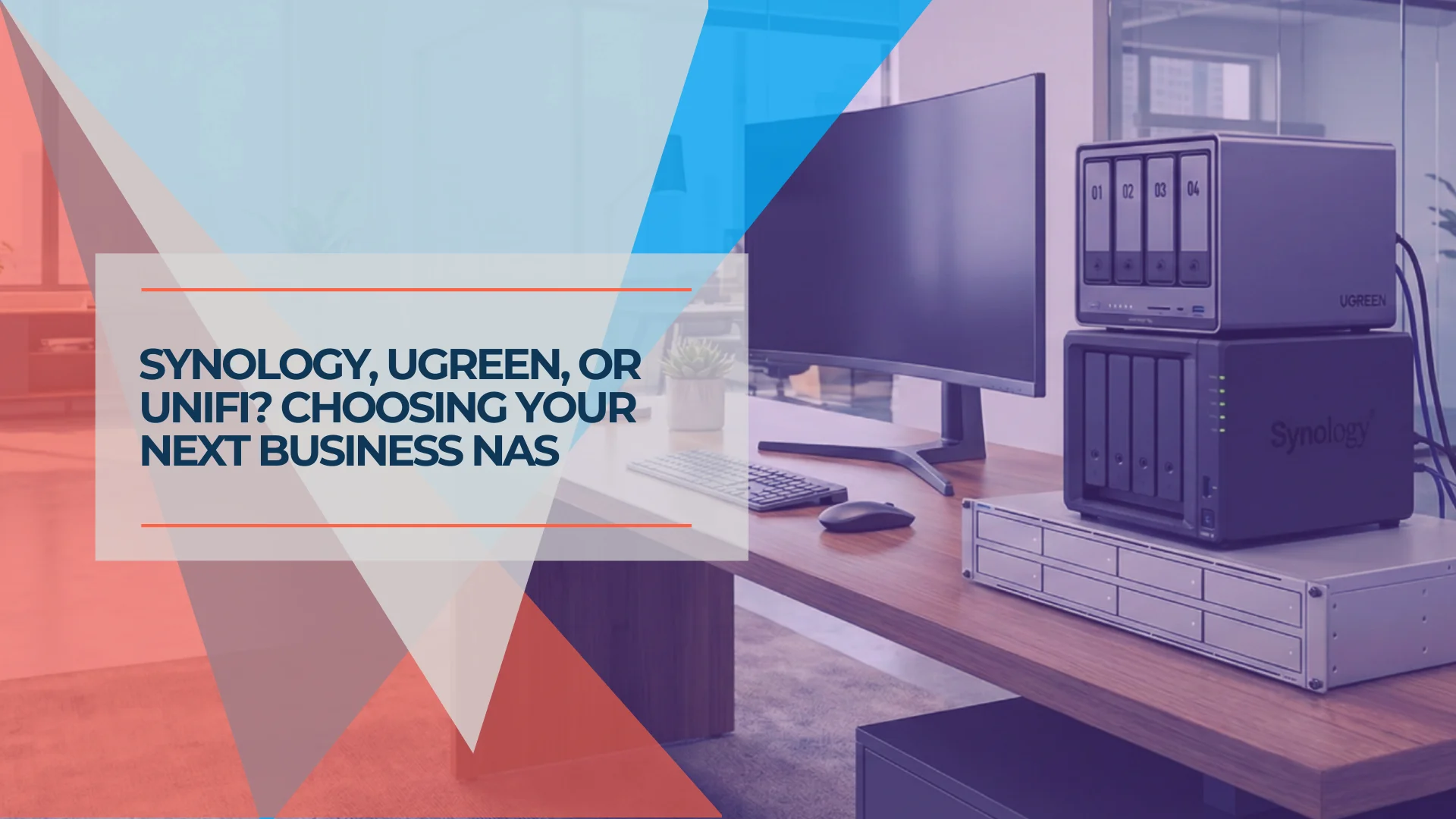
Best NAS for Small Business 2026: Synology, UGREEN & UniFi Compared
Compare the top NAS systems for small business in 2026. Synology DS925+, UGREEN NASync DXP4800 Plus, and UniFi UNAS Pro reviewed with specs, pricing, and practical trade-offs.
20 min read
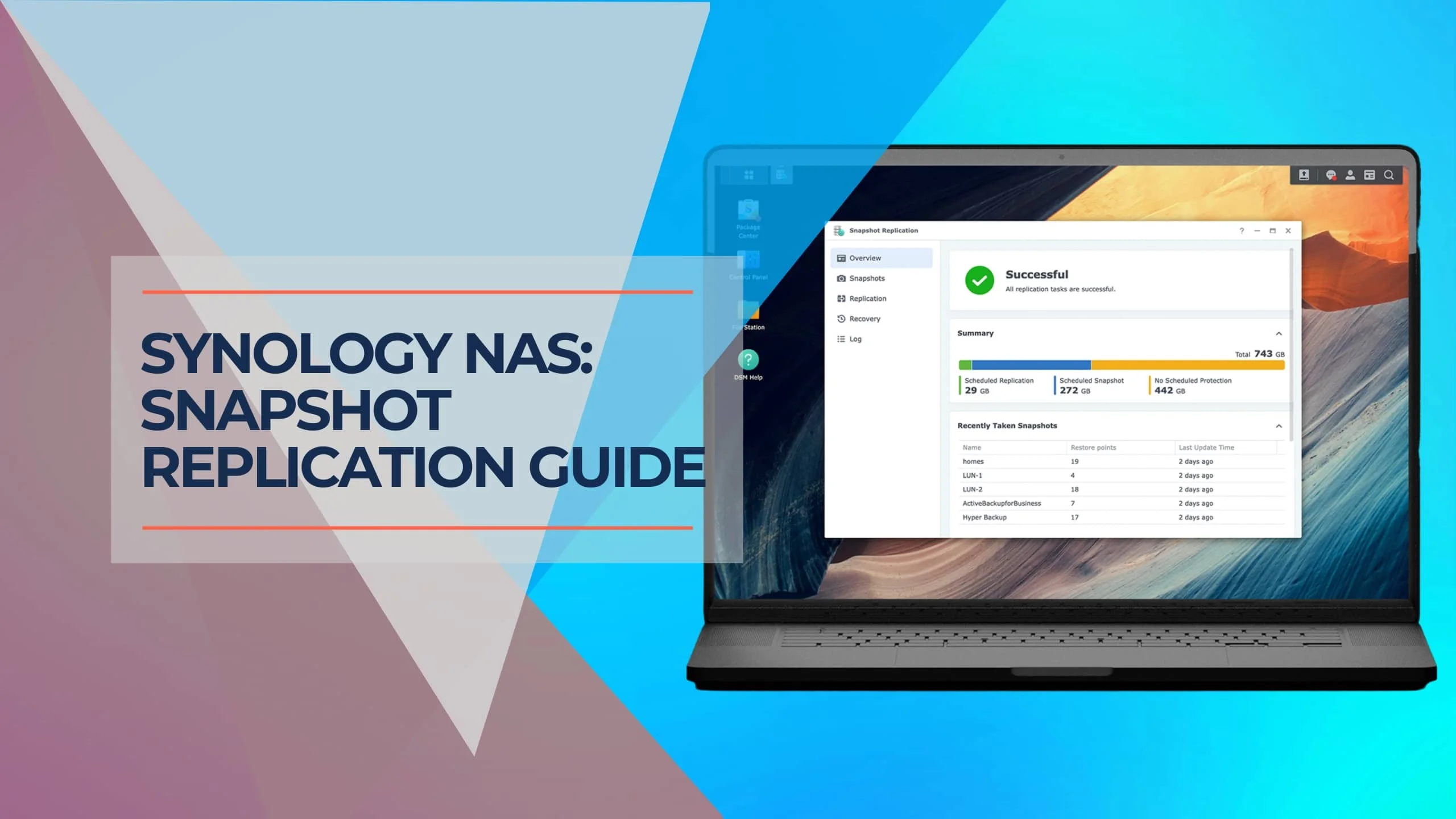
Synology Snapshots Explained: Complete 2026 Guide with Immutable Protection
Master Synology Snapshots for enterprise-grade NAS protection. Learn how to enable Immutable Snapshots (WORM), configure DSM 7.2+ features, and implement immutable defense strategies with Btrfs file systems.
14 min read
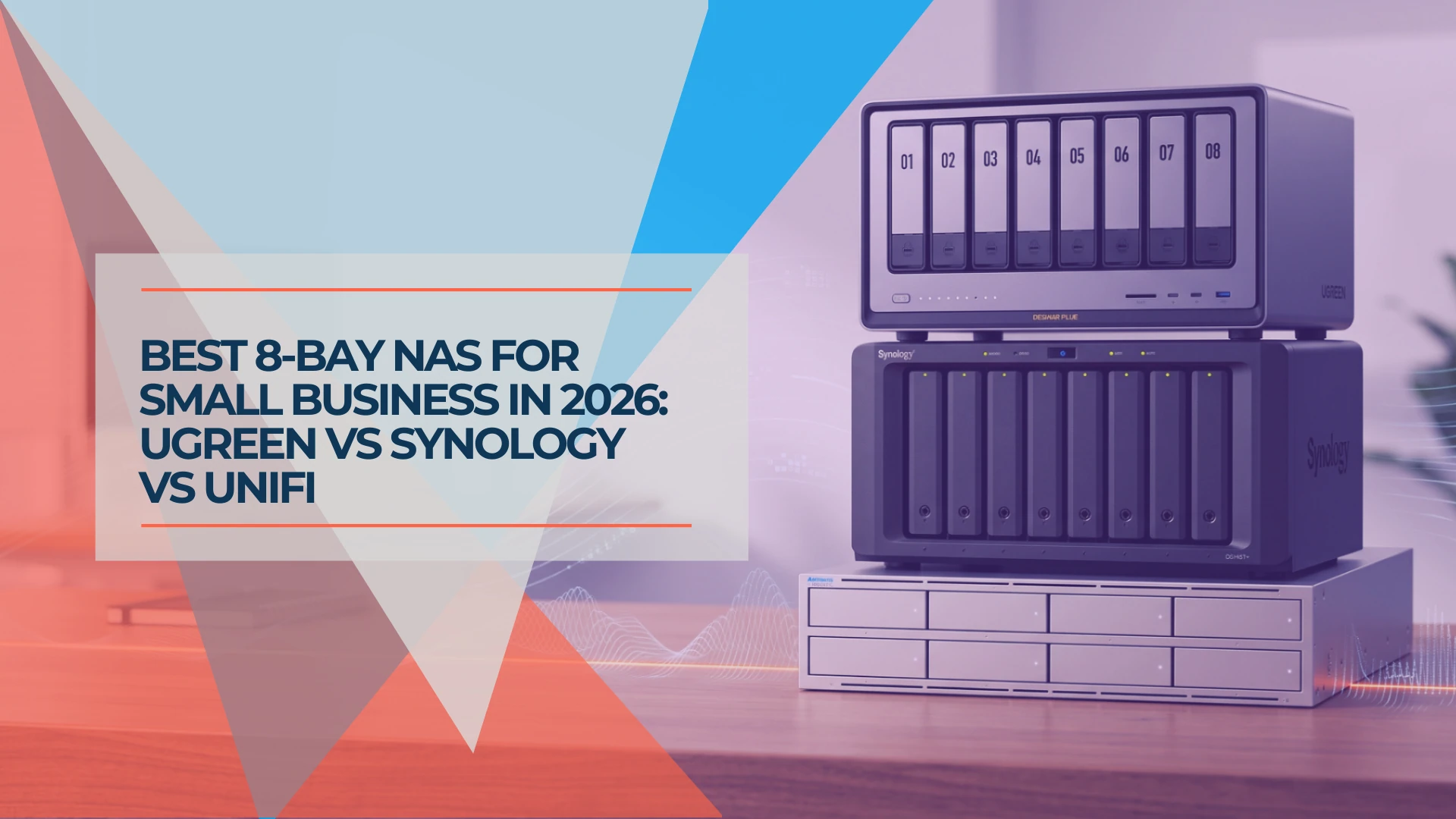
Best 8-Bay NAS for Small Business in 2026: UGREEN vs Synology vs UniFi
Compare UGREEN DXP8800 Plus, Synology DS1825+ and UniFi UNAS Pro 8 by usable capacity, 10GbE, backup software, expansion and complete cost.
19 min read