

UniFi Site Magic: How to Connect Two Business Locations (2026)
Step-by-step guide to setting up UniFi Site Magic for site-to-site VPN between business locations. Covers IP planning, topology, and non-UniFi alternatives.

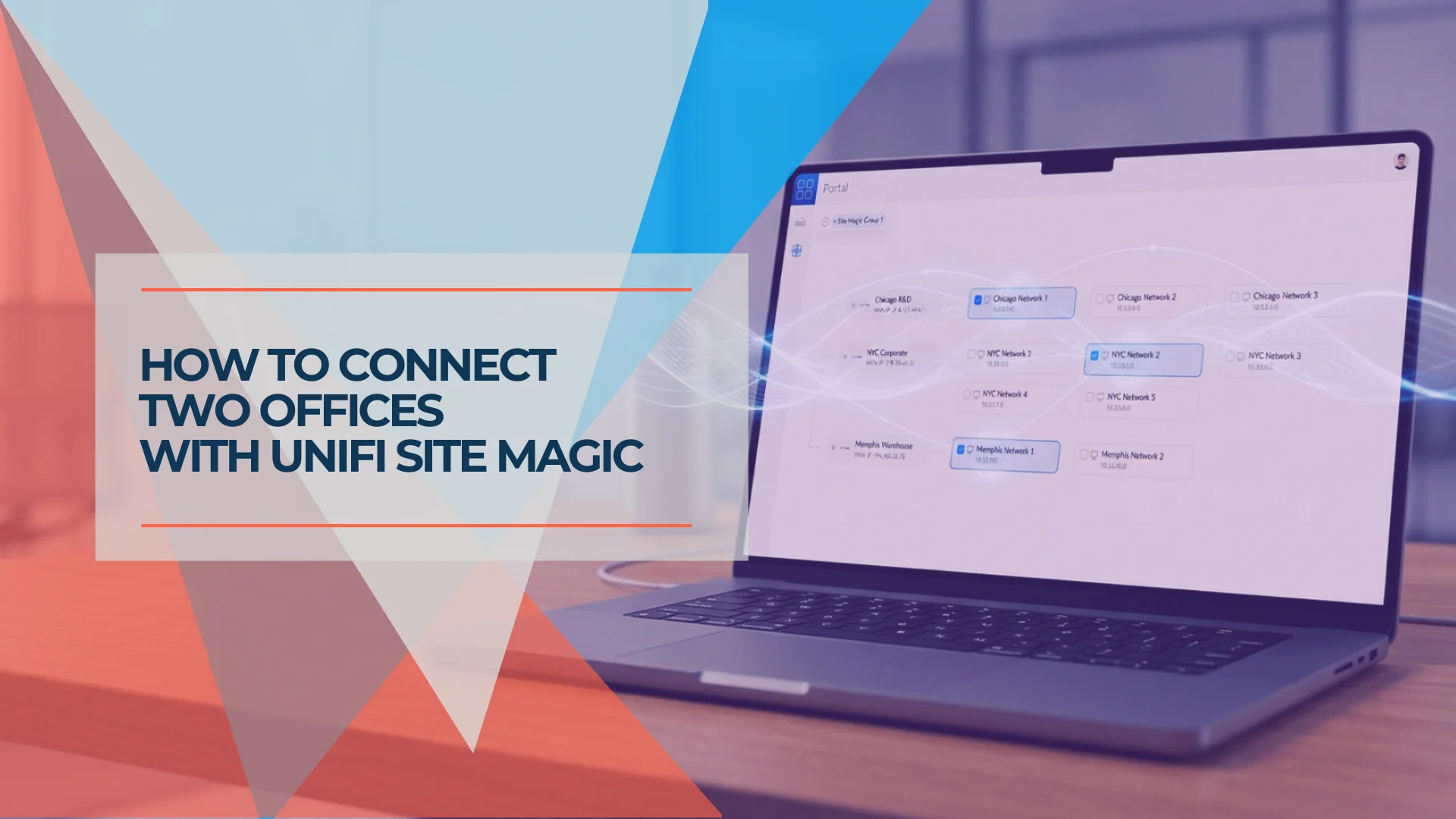
UniFi Site Magic, now documented within UniFi SD-WAN, connects compatible gateways at separate sites. It establishes encrypted site-to-site connectivity and advertises selected routes. Applications still depend on routing, firewall permissions, and their own service configuration.
This guide follows Ubiquiti's current SD-WAN and Fabrics documentation, checked on October 3, 2026. Menu labels and supported roles can change with software releases.
Affiliate Disclosure: This article contains affiliate links. If you make a purchase through these links, we may earn a small commission at no extra cost to you. As an Amazon Associate, iFeelTech earns from qualifying purchases.
Prerequisites at a Glance
- Check the exact model's role: a gateway that works as a spoke is not automatically a hub.
- Ubiquiti lists UniFi Network 9.0.108+ and gateway version 4.1.3+ for hub-and-spoke. Confirm current requirements before deployment.
- Hub-and-spoke: gateways share the same owner, or are managed in the same Fabric by Fabric Admins. The hub needs a public IP.
- Mesh: participating gateways have the same owner, at least one has a public IP, and shared subnets must not overlap.
- Schedule changes with configuration backups and recovery access; record existing routes and firewall rules first.
What Does UniFi Site Magic Do?
UniFi SD-WAN builds connectivity between supported gateways and uses OSPF to exchange selected network routes. An active tunnel does not prove that routes are installed or applications are reachable. It also does not combine separate UniFi Protect consoles into one recording system.
Which UniFi Gateways Support Site Magic?
Ubiquiti's current requirements explicitly list these hub-capable gateways:
| Hub group | Listed models |
|---|---|
| Cloud gateways | EFG, UDM Pro Max, UDM SE, UDM Pro, UCG Fiber, UCG Industrial, Dream Wall |
| Independent gateways | UXG Fiber, UXG Enterprise, UXG Pro, managed through a supported CloudKey, UniFi OS Server, or Official UniFi Hosting |
UCG Fiber, UCG Industrial, and UXG Pro are not spoke-only. UCG Max, UCG Ultra, and Dream Router 7 are not listed as hubs. Upgrading an Ultra to a Max therefore does not establish hub capability.
The current hub-and-spoke guide describes most cloud gateways as eligible spokes, with an Express exclusion. Confirm the exact Express model and available role in current documentation and Site Manager instead of inferring support from the product family name. Legacy USG devices are unsupported.
Hub tunnel limits vary: UDM Pro/SE, UCG Fiber/Industrial, Dream Wall, and UXG Pro are listed at 100, UDM Pro Max at 200, and EFG/UXG Enterprise at 1,000. These are supported tunnel counts, not VPN throughput measurements. Additional entries in the current capacity table should be checked against the role requirements before purchase.
Plan Your IP Addresses Before Starting
Use non-overlapping subnets for a straightforward routed design:
| Site | Network | Gateway example |
|---|---|---|
| Headquarters | 10.0.1.0/24 | 10.0.1.1 |
| Branch | 10.0.2.0/24 | 10.0.2.1 |
Give each shared VLAN a unique range. Before renumbering, inventory static addresses, reservations, printers, servers, VPN routes, and application dependencies. The maintenance time depends on that inventory; there is no universal two-hour migration.
Auto-Scale and NAT Spoke VPNs
Hub-and-spoke can translate overlapping spoke networks into unique /24 ranges with Auto-Scale and NAT Spoke VPNs. By default, sessions are initiated from the spoke. Ubiquiti documents Destination NAT rules to expose selected spoke resources to the hub. Those resources are not permanently unreachable, but access requires deliberate configuration and firewall review. Mesh does not support this NAT workaround.
Choose Between Mesh and Hub-and-Spoke Topologies
Mesh provides direct site-to-site connections and supports up to 20 sites. Choose it when distributed resources need direct access and the gateways and addressing meet its requirements.
Hub-and-spoke routes branches through one or more hubs. Select a supported hub and size its tunnels and WAN capacity for the design. Spoke isolation is a configurable policy; do not assume branch-to-branch traffic is permitted in every setup. NAT and isolation choices also affect that traffic.
Redundancy is a separate design choice. Ubiquiti documents up to four simultaneous paths per spoke with Max Resiliency, two with Redundant, and one with Scalable. A single-path design can have an interruption during failover. Test the selected architecture with the actual WANs and applications rather than promising seamless recovery for every configuration.
Gateway Shadow Mode and SD-WAN WAN/hub redundancy are different mechanisms. Verify support for the exact hardware and software combination and test gateway failure separately from an ISP outage.
How to Configure Site Magic in UniFi Site Manager
- Sign in to UniFi Site Manager with the authorized owner or, for an eligible hub-and-spoke Fabric, Fabric Admin.
- Open Settings → SD-WAN and choose Mesh or Hub & Spoke. If a gateway is missing, check role eligibility, ownership or Fabric access, hosting, and software versions.
- Name the group. For hub-and-spoke, choose the hub topology and redundancy architecture before selecting participating hubs and spokes.
- Select the networks or routes to advertise. Use unique subnets for mesh; evaluate the documented NAT configuration if a spoke overlaps.
- For hub-and-spoke, configure primary and failover WANs and the intended spoke-isolation behavior. Confirm the hub remains publicly reachable on the selected paths.
- Review the changes and connect. Check tunnel state and installed routes.
- Permit only required cross-site traffic. Test from clients in both locations: approved services should work, and guest or other restricted networks should remain denied.
- Test an intended WAN outage and recovery during a maintenance window. Record downtime, session behavior, route recovery, and any application reconnection requirements.
The official configuration procedure contains the current architecture options. Older videos may show different menus:
UniFi Site Magic: Earlier Official Setup Overview
How Do You Fix Common Site Magic Connection Errors?
Missing gateway: Check topology eligibility, account ownership or Fabric access, hosting requirements, and versions before transferring ownership. Ownership changes can close that site's SD-WAN connections.
Active tunnel, unreachable subnet: Confirm that the subnet is advertised and its route is installed. Ubiquiti specifically warns that custom VPN-to-Gateway rules can block OSPF, leaving the tunnel active without route exchange. Also check destination firewall rules and application permissions.
Overlapping subnet: Renumber it for mesh or deliberately configure the hub-and-spoke NAT option and any needed DNAT rules. Do not disable broad security controls just to make an initial test pass.
WAN or upstream firewall issue: Use the current topology-specific troubleshooting guidance and observed logs. There is no evidence here for a universal handshake-port rule or a single meaning of every degraded state. UDP 500/4500 instructions for IPsec should not be presented as universal Site Magic troubleshooting.
Does Site Magic Work Over Starlink or Cellular (CGNAT)?
Mesh requires at least one publicly reachable gateway. Hub-and-spoke requires a publicly reachable hub. A branch behind CGNAT can participate when the rest of the design meets those requirements; all endpoints behind CGNAT do not meet them.
Ubiquiti says WAN address changes are automatically propagated. It does not provide a universal seconds-to-a-minute recovery guarantee in this guidance. Check public reachability on backup WANs too, and test each failure path.
If these requirements cannot be met, consider an overlay designed to handle NAT traversal, such as Tailscale. Relay use and application performance still depend on the network.
Do Firewall Rules Apply to Site Magic Traffic?
Yes. Route advertisements establish reachability; they are not a substitute for firewall isolation. Review policies for the VPN zone, target networks, and gateway routing traffic. Permit required applications and sources, and explicitly deny unwanted access.
Selecting only a corporate subnet for advertisement does not independently prove every other subnet is securely isolated. Test both allowed and denied traffic, including transit between sites. Avoid broad allow rules as a troubleshooting shortcut.
What Are the Best Alternatives If You Don't Have UniFi at Every Location?
Option A: Tailscale as a Subnet Router
A supported, always-on subnet router can expose an approved local network to authorized Tailscale clients. Check operating-system requirements, route approval, access policies, redundancy, and current business licensing. Do not assume a Personal plan's terms cover a business deployment.
Option B: NordLayer Site-to-Site
Check that the selected plan and configuration include the required site-to-site functionality, dedicated resources, and support. A remote-access subscription does not automatically include every site-to-site feature. Verify a current quote before comparing costs. See our NordLayer review.
Option C: Separate Site-to-Site VPN
For compatible third-party routers or cloud providers, Ubiquiti documents IPsec and OpenVPN interoperability. Configure and test a separate supported site-to-site connection. Do not treat the UniFi WireGuard server/client features as proof that a native WireGuard site-to-site menu or arbitrary routed configuration is supported.
A Note on Policy-Based Routing (PBR) with Site Magic
A routed connection for office subnets and a policy that sends selected internet traffic through another site are different requirements. Verify the current routing features and topology for the intended source, destination, and exit path. Do not prescribe an unsupported WireGuard menu or attribute every failure to MTU without diagnostic evidence.
Should You Use Site Magic, Tailscale, or UniFi Identity Endpoint?

Site Magic serves fixed-location network connectivity. Teleport uses WiFiman, while One-Click VPN uses the separate UniFi Endpoint service. Check the current Fabric and permission requirements. Identity Endpoint is not Teleport renamed.
For any remote-access client, test access to both local and remote-site resources, authentication, advertised routes, and firewall policies. A client connected to headquarters does not automatically have access to every branch. With Tailscale, configure and approve the required subnet routers and access policies explicitly.
Combining an office-to-office VPN with a remote-access overlay can work, but avoid conflicting routes and verify which path each application takes. See our multi-location networking guide for broader planning.
Frequently Asked Questions
Which UniFi gateways support Site Magic?
Support depends on the topology and role. Ubiquiti lists UCG Fiber, UCG Industrial, UXG Pro, and UXG Fiber among hub-capable models alongside supported UDM and enterprise gateways. UCG Max, UCG Ultra, and UDR7 are not listed as hubs. Check the current SD-WAN role requirements and exact model before purchasing; legacy USG models are unsupported.
Does UniFi Site Magic work with non-UniFi routers?
No. UniFi SD-WAN connects compatible UniFi gateways. For third-party routers or cloud providers, Ubiquiti documents separate IPsec and OpenVPN site-to-site options. An overlay such as Tailscale or a qualifying NordLayer configuration is another option.
Is UniFi Site Magic free?
There is no separate SD-WAN feature subscription stated in this guide. Gateway hardware, internet service, and any separately purchased hosting or support still have their own costs.
What's the difference between UniFi Site Magic and Teleport?
Site Magic connects networks at fixed locations. Teleport provides individual remote access through WiFiman. UniFi Identity One-Click VPN is a separate remote-access option; Identity Endpoint is not a renamed Teleport client.
Does Site Magic work over Starlink or a cellular connection?
It can work when the topology meets Ubiquiti’s public-IP requirements. Mesh needs at least one publicly reachable gateway; hub-and-spoke requires a publicly reachable hub. If every endpoint is behind CGNAT, those requirements are not met. Test each intended failover path.
Can I use Tailscale alongside Site Magic?
Yes, but plan routes and access controls explicitly. Avoid conflicting subnet advertisements, test the path each client uses, and verify access and denial behavior. Running both products does not itself guarantee conflict-free routing.
Related Resources
Related Articles
More from UniFi Networks
Meraki to UniFi Migration Guide: Cost Comparison and Step-by-Step Replacement Path
A practical migration guide for IT managers moving from Cisco Meraki to UniFi. Includes hardware mapping, 5-year cost comparison, pre-migration checklist, and weekend cutover plan.
16 min read

UniFi vs Cisco Meraki: Small Business Network Cost Comparison
Comprehensive WiFi 7 cost comparison between UniFi and Cisco Meraki for small businesses. 5-year TCO analysis, feature comparison, ROI calculator, and migration guide.
24 min read
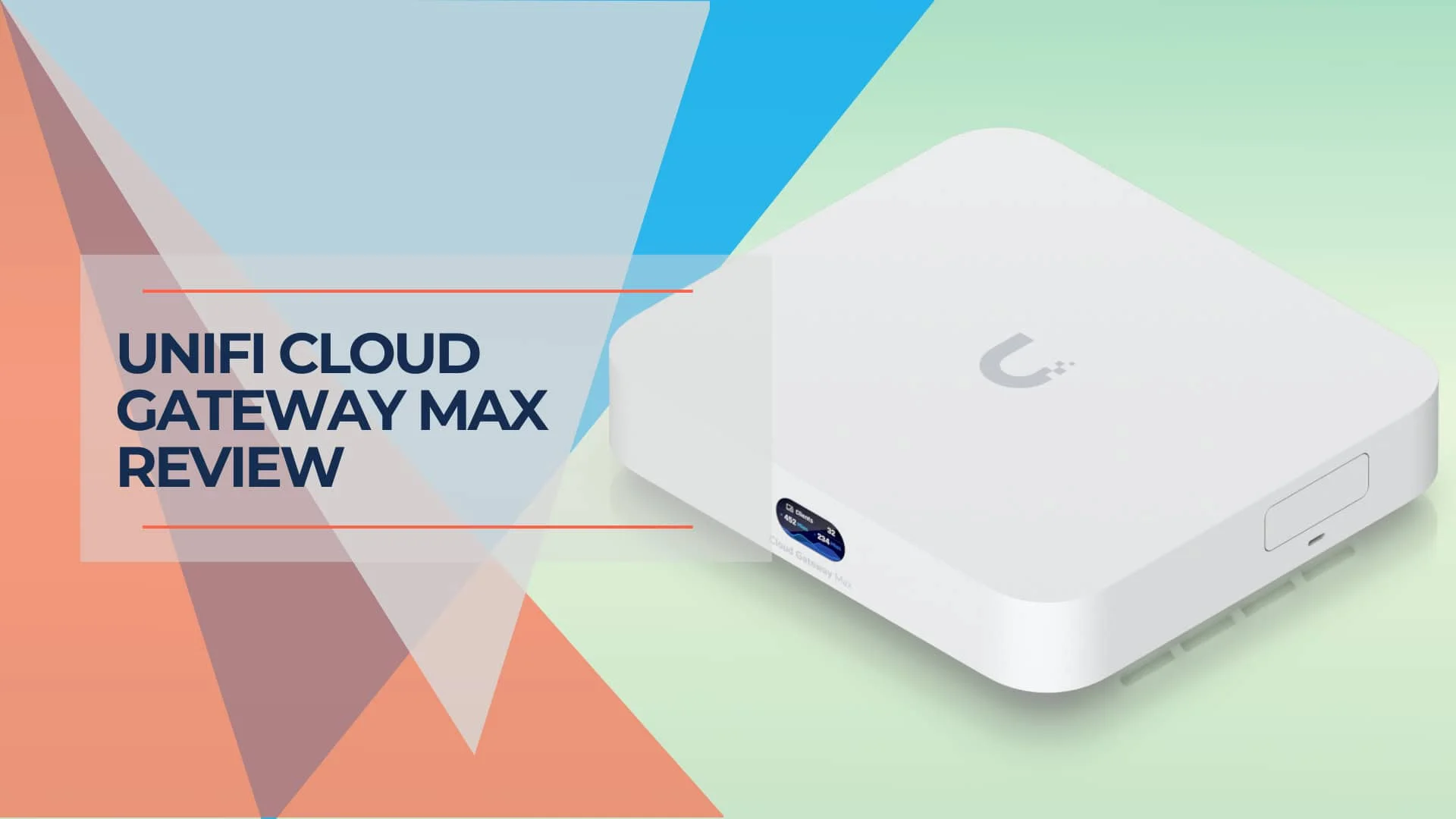
UniFi Cloud Gateway Max Review (2026): Performance, Protect Limits, and Who Should Buy It
Hands-on UCG-Max review with verified 2026 pricing, IDS/IPS and VPN testing, Protect camera limits, thermals, storage guidance, and comparisons with UCG Fiber, UDR7, and UCG Ultra.
24 min read