

UniFi vs TP-Link Omada WiFi 7: Multi-Gig Business Comparison (2026)
UniFi vs TP-Link Omada WiFi 7 comparison with correct 2.5G switch requirements. Real pricing, speed bottlenecks explained, and honest recommendations for small business.


Key Takeaway
We recommend UniFi for most small to medium businesses—broader device selection, proven reliability, and better local support. However, TP-Link Omada remains capable for budget-conscious deployments or existing TP-Link infrastructure.
Important WiFi 7 bottleneck note: Both platforms need 2.5G switches—and, for internet or routed traffic, a gateway with 2.5G LAN ports—to avoid a 1 Gbps bottleneck. Standard Gigabit switches (including commonly-recommended models) hold WiFi 7 APs to 1 Gbps, limiting the headline multi-gig throughput benefits. Our configurations below use true multi-gig hardware with current June 2026 pricing.
Regulatory note: foreign-produced routers and future approvals
In March 2026, the FCC added foreign-produced routers to its Covered List, with a definition tied to consumer-grade networking devices. The action is broader than any single vendor. Existing, previously authorized hardware remains legal to buy and deploy, but future model authorizations may face new conditions. For small businesses, this is worth monitoring rather than treating as a blanket ban on existing Omada or UniFi deployments. See our full analysis for the regulatory context and how it may affect TP-Link specifically.
Both UniFi (Ubiquiti) and TP-Link Omada offer software-defined networking platforms for business use. They share similar management approaches and often compete at similar price points. The meaningful differences come down to ecosystem breadth, support quality, and—critically for WiFi 7—which switches and gateway you pair with your access points.
Quick Comparison: UniFi vs Omada for WiFi 7
UniFi suits businesses that want an integrated ecosystem and long-term support; Omada suits budget-conscious deployments or existing TP-Link sites.
| Category | UniFi | Omada |
|---|---|---|
| Best for | Integrated network, camera, and access ecosystem | Budget-conscious or existing TP-Link deployments |
| WiFi 7 AP price | U7 Pro $189 (tri-band, 6 GHz) | EAP772 ~$170 (tri-band) / EAP723 ~$90 (dual-band) |
| Small-office 2.5G switch | Switch Flex 2.5G PoE — $199 switch / ~$278 with 210W adapter | SG3210XHP-M2 (~$330–$420) |
| Gateway multi-gig path | Cloud Gateway Max (2.5G LAN); the Cloud Gateway Ultra has 1G LAN | ER707-M2 has a 2.5G WAN and a 2.5G WAN/LAN port |
| Cloud / controller | Local or gateway-hosted controller, no subscription | Free Essentials cloud tier; Standard needs a license |
| Main caveat | Hardware selection can push cost up | Cloud tier and support model need attention |
Our Primary Recommendation: UniFi Networks
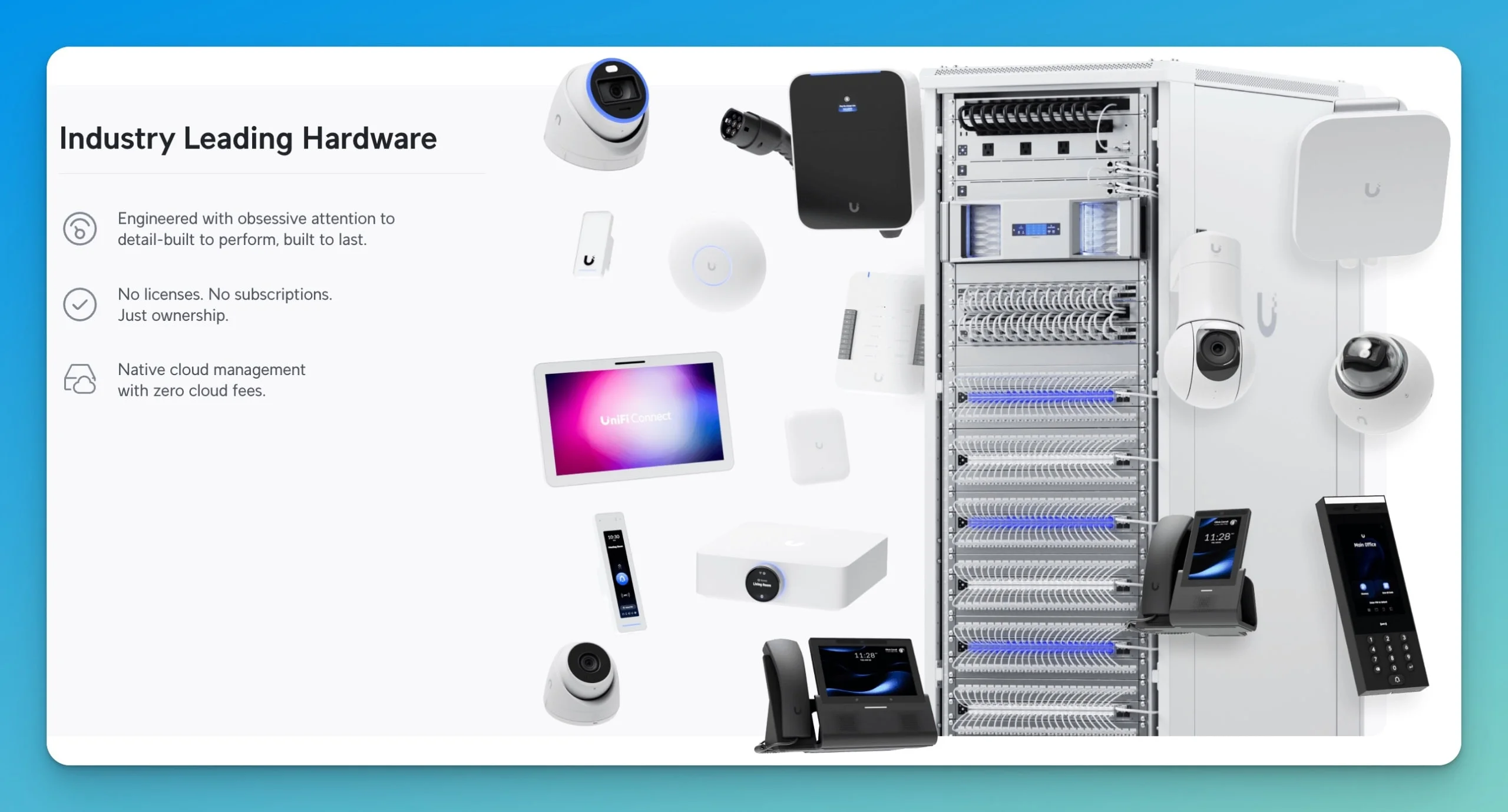
UniFi accounts for most of our business network installations. This preference for UniFi networking equipment developed through years of deployment experience rather than manufacturer relationships or marketing influence. For a model-by-model look at the current access points, see our guide to the best WiFi 7 access points for small business.
Device Selection and Ecosystem Flexibility
UniFi offers a broader hardware ecosystem that gives us flexibility when designing networks for diverse business environments. As of mid-2026, the UniFi product line spans a broad range of gateways, switches, access points, cameras, and accessories. This range allows precise specification matching rather than compromising on requirements.
In a recent 4,500 sq ft office, we needed high-density coverage for a conference room, standard coverage for admin areas, and outdoor connectivity for a loading dock. The UniFi U7 Pro Wall handled the conference room while more cost-effective WiFi 7 models served the rest. Omada's narrower lineup would have forced over- or under-specifying several zones.
This flexibility extends beyond access points. UniFi's gateway options range from the Cloud Gateway Max for smaller offices to the Dream Machine Pro Max for operations requiring significant throughput and multiple VLANs. Our UniFi gateway comparison breaks down where each model fits.
Reliability Through Real-World Deployment
Our oldest UniFi installations date back to 2018. These systems continue operating reliably with regular firmware updates and minimal hardware failures. This eight-year track record in production environments provides confidence when recommending the platform for new clients.
UniFi systems receive regular software updates that add features without requiring hardware replacement. A security gateway deployed in 2020 continues receiving updates that improve performance and add capabilities. This longevity matters for businesses planning infrastructure investments with five to seven-year service lives.
Hardware Reliability
Across our managed UniFi deployments, hardware failures have been uncommon. The few we see tend to occur early in the lifecycle (within the first 90 days, covered by warranty), with replacements after the first year rare. We track this internally through service tickets and replacement history rather than published vendor figures.
US-Based Company Considerations
Ubiquiti is a US-headquartered, publicly traded company that files with the SEC. For businesses concerned about vendor governance—particularly those in regulated industries or working with government contracts—that transparency can simplify due diligence. It is worth noting this addresses corporate structure, not manufacturing origin: like most networking vendors, Ubiquiti produces hardware overseas.
The regulatory environment around networking equipment continues to evolve, and a US-domiciled, SEC-reporting vendor is generally more straightforward to vet than one without public disclosures.
Integrated Ecosystem Benefits
UniFi's ecosystem extends beyond networking to include security cameras, access control, and environmental monitoring. While not every client needs these additional systems, the integration capability provides value when they do.
A client recently expanded from basic networking to include security cameras. Because they already ran a UniFi console that supports Protect and had appropriate storage, adding cameras required only the camera hardware and enabling UniFi Protect—no separate NVR, no second management interface, and no integration complications. (Not every gateway runs Protect: the Cloud Gateway Max supports it with NVMe storage, while the Cloud Gateway Ultra runs Network only.) The expansion took less than a day rather than a week-long project with a separate security vendor.
Local Support We Can Provide
Our team maintains extensive UniFi deployment experience. We understand the platform's behaviors, common issues, optimal configurations, and troubleshooting procedures. This expertise translates to faster problem resolution and better system optimization for clients.
We also maintain relationships with Ubiquiti's professional support channels. When we encounter unusual issues, we can escalate effectively and work directly with manufacturer support to resolve problems.
Understanding TP-Link Omada
TP-Link Omada represents a capable alternative to UniFi. The platform delivers reliable networking, offers competitive pricing, and includes features that appeal to technically proficient administrators.
What TP-Link Omada Does Well
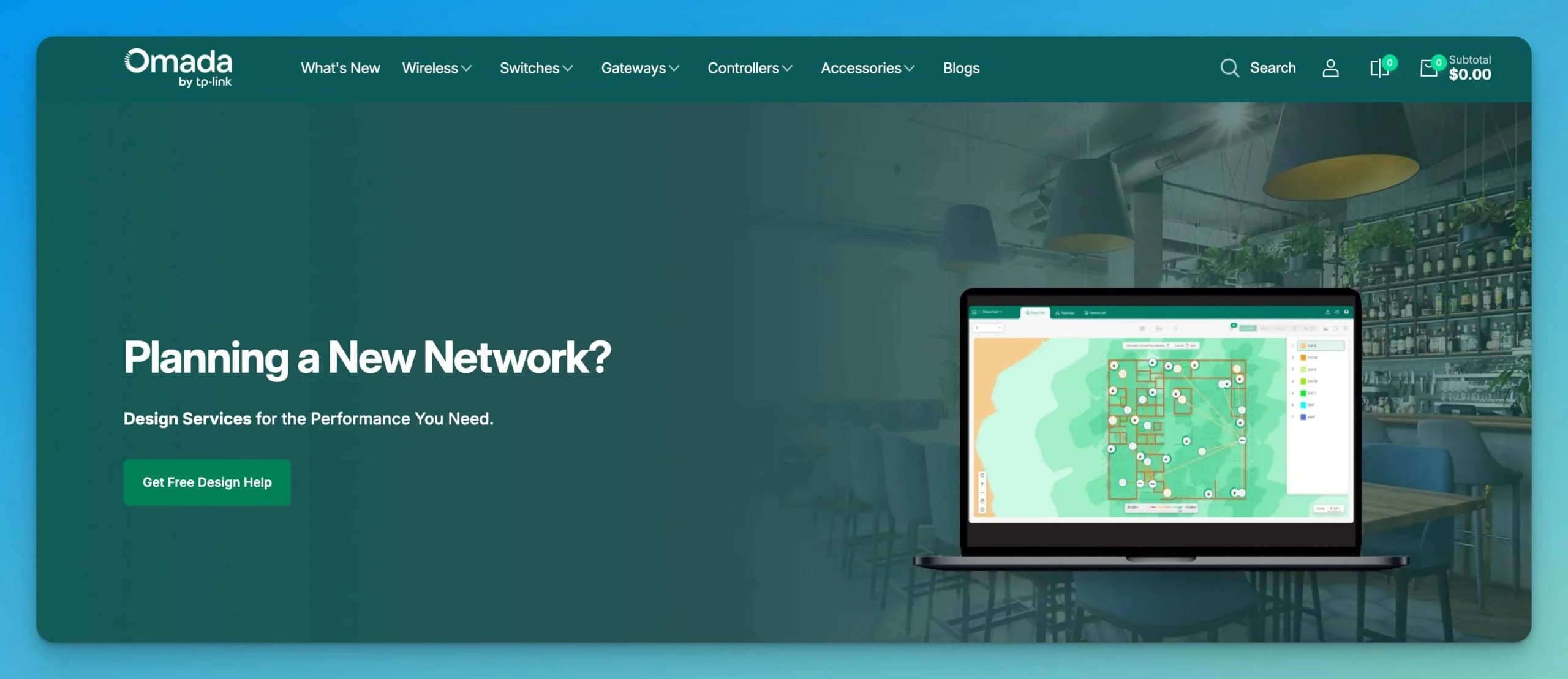
Omada's free cloud controller represents a significant architectural advantage. Unlike UniFi, which requires purchasing hardware to run the controller software or maintaining a server, Omada provides free cloud hosting for network management. This eliminates controller hardware costs and simplifies initial deployment. This advantage matters most when a business wants cloud management without buying a dedicated controller or a UniFi gateway.
Omada gateways such as the ER707-M2 include built-in VPN features—SSL VPN, IPSec, GRE, WireGuard, PPTP, L2TP, and OpenVPN. As with UniFi, these are gateway and router features rather than capabilities spread across switches and access points; both platforms manage them centrally, Omada through the Omada SDN platform.
TP-Link's interface design follows conventional networking approaches. Administrators familiar with traditional enterprise networking equipment often find Omada's configuration logic more predictable than UniFi's simplified approach.
2026 WiFi 7 Pricing Comparison
To get WiFi 7 speeds above 1 Gbps, your switches need 2.5G ports—not just 2.5G uplinks. Both UniFi and Omada's standard "small business" switches use Gigabit access ports, which cap your WiFi 7 APs at 1 Gbps regardless of their wireless capability.
The configurations below pair 2.5G PoE switches with a gateway that has 2.5G LAN ports, so the multi-gig path stays unbroken from access point to gateway. Prices were checked June 18, 2026; street prices fluctuate.
Check three links, not one
A 2.5GbE port on the access point is not enough on its own. For real multi-gig WiFi 7, three links all need to clear 1 Gbps:
- AP → switch: the AP's 2.5GbE uplink into a 2.5GbE PoE switch port
- switch → gateway: the switch uplink into a 2.5GbE (or faster) gateway LAN port
- gateway → internet: a multi-gig WAN plan and a 2.5GbE WAN port
A single 1 Gbps link in that chain caps that traffic path at 1 Gbps. This is why the gateway choice matters as much as the switch.
Multi-Gig Configuration: 3,000 sq ft Office
For an end-to-end multi-gig build, the gateway needs 2.5G LAN ports, not just a 2.5G WAN port.
Requirements: Gateway with 2.5G LAN, managed 2.5G PoE switch, three WiFi 7 access points
UniFi multi-gig configuration (~$1,045–$1,125):
| Component | Price | Notes |
|---|---|---|
| Cloud Gateway Max | ~$199–$279 | About $199 when the no-storage model is available, or $279 for the 512GB NVMe version; 2.5G WAN + four 2.5G LAN, 2.3 Gbps IDS/IPS |
| UniFi Switch Flex 2.5G PoE + 210W adapter | $199 + $79 | 8× 2.5G PoE++ ports, 10G uplink; adapter sold separately |
| Three U7 Pro access points | $567 | $189 each |
| Controller | Free | Runs on gateway |
| Total | ~$1,045–$1,125 | End-to-end multi-gig; range depends on Cloud Gateway Max storage variant and availability |
The earlier 8× 2.5G UniFi Enterprise 8 PoE (~$479) is also an option and powers the PoE+ U7 Pro fine, but Ubiquiti now lists it as a "Vintage" product and notes it does not meet the PoE++ requirements of newer access points. For a small three-AP build, the current-generation Flex 2.5G PoE is the more cost-appropriate switch.
TP-Link Omada multi-gig configuration (~$940–$1,030):
| Component | Price | Notes |
|---|---|---|
| ER707-M2 Multi-Gig Router | ~$100 | 2.5G WAN + 2.5G WAN/LAN |
| SG3210XHP-M2 | ~$330–$420 | 8× 2.5G PoE+ ports, 2× 10G SFP+ uplinks, 240W PoE budget |
| Three EAP772 access points | ~$510 | ~$170 each |
| Controller | Free | Cloud-hosted (Essentials tier) |
| Total | ~$940–$1,030 | Range tracks the switch street price; uses the 2.5G WAN/LAN port |
The older TL-SG3210XHP-M2 may still appear in search results, but Omada now lists the newer SG3210XHP-M2 (same 8× 2.5G PoE+ and 2× 10G SFP+ layout).
On the Omada side, the ER707-M2's 2.5G WAN/LAN port carries the switch uplink at 2.5 Gbps, so its multi-gig path is intact without a higher-tier gateway.
Common Mistake: Gigabit Switches with WiFi 7
The TL-SG2210MP is often recommended as a "2.5G switch"—but it's actually Gigabit-only (8× 1G PoE+, 2× 1G SFP). Connecting WiFi 7 APs to this switch caps their speed at 1 Gbps.
Similarly, the UniFi Switch Pro 8 PoE has 1G access ports (only the uplinks are 10G). For full WiFi 7 speeds on the UniFi side, use the Switch Flex 2.5G PoE or the Pro Max series.
The same caveat applies to gateways. The Cloud Gateway Ultra ($129) has a 2.5G WAN port but only 1G LAN ports and routes at 1 Gbps with IPS enabled—fine for a gigabit internet plan, but it caps gateway-routed traffic, inter-VLAN traffic, and internet traffic at 1 Gbps. (Same-VLAN local traffic on a separate 2.5GbE switch can still exceed 1 Gbps without crossing the gateway.) For end-to-end multi-gig, pair the switch with a gateway that has 2.5G LAN ports, such as the Cloud Gateway Max.
Budget WiFi 7 Option – 1 Gbps Cap Acknowledged (~$550)
If speed isn't critical—you still get WiFi 7's latency, efficiency, and interference improvements—you can save with Gigabit switches:
This configuration delivers WiFi 7 efficiency features (MLO, 4K-QAM, 240 MHz channels, better latency handling) on the 2.4/5 GHz bands, but wired backhaul limits total throughput to 1 Gbps. On the UniFi side, the Cloud Gateway Ultra ($129) paired with a 2.5G switch lands in the same place: the gateway's 1G LAN ports hold internal routing to 1 Gbps regardless of the switch.
Omada Cloud Controller Tiers
Omada offers two cloud controller options—the distinction matters for business use:
- Essentials (Free): Cloud-based management for gateways, switches, and access points, with multi-site support and essential features such as network topology, VLANs, logs, and alert notifications.
- Standard (License required): Adds advanced features and more detailed analytics. The choice between tiers comes down to whether you need those advanced capabilities.
TP-Link's official material does not publish specific log-retention windows for the free tier, so confirm current limits if long-term logging matters for compliance. For local management without a subscription, the hardware OC200 controller (around $100) keeps the controller on your own network. Our Omada controller guide compares the cloud, software, and hardware options in more detail.
Where We See Omada Working Successfully
Omada works well in specific deployment contexts:
- Existing TP-Link infrastructure: Businesses can expand cost-effectively within the Omada ecosystem
- Experienced administrators: Those who prefer traditional configuration approaches appreciate Omada's interface design
- Budget-conscious deployments: When every dollar matters, especially with the EAP723 WiFi 7 option
Scenarios Where Clients Choose TP-Link Omada
Despite our UniFi preference, we recognize situations where TP-Link Omada makes sense.
Existing TP-Link Infrastructure
Businesses already operating TP-Link networking equipment can expand cost-effectively within the Omada ecosystem. Replacing functioning equipment solely to change vendors rarely makes financial sense.
Specific Technical Requirements
Some technical requirements align better with Omada's architecture. Its gateways bundle a broad set of VPN protocols—including WireGuard and IPSec—at a low price point, so businesses needing extensive site-to-site VPN connections might find Omada's approach cost-effective.
Budget Constraints and Value Decisions
Cost represents a legitimate decision factor. The EAP723 dual-band WiFi 7 access point at $90 provides a particularly compelling entry point for businesses wanting WiFi 7 technology without significant investment.
However, we encourage looking beyond the initial purchase price to the total cost of ownership. Support costs, potential downtime, expansion expenses, and eventual replacement cycles all factor into actual system cost.
Making the Best Decision for Your Business
Choose UniFi for breadth, proven reliability, and ecosystem growth; choose Omada for lower upfront cost and existing TP-Link infrastructure. The lists below match each platform to common business priorities. If UniFi looks like the better fit, our UniFi buyer's guide covers the full lineup.
Consider UniFi When You Value:
- Extensive device selection for precise requirement matching
- Proven long-term reliability across diverse deployments
- US-headquartered vendor for regulatory or policy reasons
- Integrated ecosystem for security cameras, access control, etc.
- Local support from experienced providers
- Future expansion flexibility
- Full tri-band WiFi 7 with 6GHz support across multiple price points
Consider TP-Link Omada When You Have:
- Existing TP-Link infrastructure to expand
- Budget constraints with clear functional requirements
- Need for entry-level WiFi 7 without 6GHz (EAP723)
- Experienced network administrators preferring traditional interfaces
- Specific technical requirements Omada addresses well
- No regulatory constraints regarding equipment sourcing
- Simple networking needs without complex future expansion
Questions to Ask Your IT Provider
When evaluating networking platforms with potential service providers:
- How many installations of each platform have you completed?
- What is your typical response time for technical issues?
- Do you stock replacement parts for the recommended platform?
- How do you handle after-hours emergencies?
- What monitoring services do you provide?
- Can you provide references from similar businesses?
Provider experience and support quality often matter more than marginal technical differences between platforms.
Our Honest Bottom Line
Our Recommendation
We deploy UniFi networks for most clients because the platform aligns well with how we serve small to medium businesses. The broader device selection helps us match requirements precisely. The proven reliability reduces our support burden. The US-headquartered, publicly reporting corporate structure helps with client due diligence. The ecosystem integration provides growth options.
This doesn't make UniFi objectively superior to TP-Link Omada in all circumstances. Omada represents a capable platform that works well for specific situations—particularly with the free cloud controller, competitive WiFi 7 pricing, and budget-friendly EAP723 option.
The meaningful difference isn't usually between UniFi and Omada—it's between professional network deployment with ongoing support and consumer equipment without proper configuration. When implemented correctly, both UniFi and Omada deliver business-grade networking. The platform matters less than proper design, installation, configuration, and support.
Frequently Asked Questions
Do I need a 2.5G switch for WiFi 7?
Yes, if you want speeds above 1 Gbps. WiFi 7 access points like the UniFi U7 Pro and Omada EAP772 have 2.5 Gbps Ethernet ports. Connecting them to standard Gigabit switches (including the commonly-recommended TL-SG2210MP) caps their speed at 1 Gbps, limiting the multi-gig throughput benefits of WiFi 7. You'll still get WiFi 7's latency and efficiency improvements, but not the headline speeds.
A 2.5G switch alone is not enough for routed or internet traffic—the gateway also needs 2.5G LAN ports, or the path through it becomes the bottleneck. (Local traffic between two devices on the same 2.5G switch can still exceed 1 Gbps without touching the gateway.) For full WiFi 7 performance, pair a 2.5G switch such as the UniFi Switch Flex 2.5G PoE ($199, $278 with the 210W adapter) or Omada SG3210XHP-M2 ($330–$420) with a multi-gig gateway like the Cloud Gateway Max or ER707-M2.
Is TP-Link Omada as reliable as UniFi for business use?
Both platforms deliver reliable networking when properly deployed. UniFi has a longer track record in production environments, but Omada performs reliably in deployments. Reliability depends more on proper installation and configuration than on inherent platform differences.
Should I choose dual-band or tri-band WiFi 7 access points?
This depends on your client devices and budget. Tri-band WiFi 7 with 6GHz (UniFi U7 Pro at $189 or Omada EAP772 at $170) provides cleaner spectrum and higher speeds for compatible devices. Dual-band WiFi 7 (Omada EAP723 at $90) delivers WiFi 7 performance improvements on 2.4GHz and 5GHz at a lower cost but lacks 6GHz benefits.
Can I mix UniFi and TP-Link Omada equipment in the same network?
While technically possible using standard networking protocols, mixing platforms eliminates the unified management benefits that make these systems valuable. Choose one as your primary system.
What happens to my TP-Link Omada network if regulations change?
Existing installed equipment typically receives grandfather provisions. However, future expansion or replacement might face new requirements. Businesses concerned about regulatory changes should consult legal counsel about their specific situation.
Is the free Omada cloud controller as good as UniFi's controller?
Both controllers provide network management, monitoring, and configuration capabilities. Omada's free cloud hosting eliminates hardware costs but requires internet connectivity for management access. UniFi's controller can run locally on a gateway, providing management even during internet outages.
How much does professional WiFi 7 installation cost compared to WiFi 6?
Installation labor is similar, since both generations require comparable configuration work. WiFi 7 hardware usually costs more than comparable WiFi 6 hardware, but the gap has narrowed. In most small-business projects, the main cost difference comes down to access point, switch, and gateway selection rather than labor.
Can you migrate from TP-Link Omada to UniFi later if needed?
Yes, but migration requires replacing hardware since the platforms aren't compatible. Configuration settings don't transfer between systems. Plan your initial platform selection to minimize the likelihood of needing migration.
Does UniFi's ecosystem integration really matter for small businesses?
It depends on your needs. Businesses using only networking rarely utilize ecosystem benefits. However, companies adding security cameras, access control, or environmental monitoring appreciate unified management. Consider likely requirements over the system's 5-7 year service life.
Why do you carry UniFi replacement parts but not Omada parts?
Our inventory decisions reflect deployment volume and support obligations. We maintain UniFi parts because we support numerous UniFi installations and want to minimize client downtime.
Next Steps
If you're evaluating networking options for your business, we recommend clearly understanding your requirements, constraints, and priorities. Consider not just immediate needs but likely evolution over several years.
We're happy to discuss your specific situation, answer questions about platform options, and provide honest recommendations based on your needs rather than our preferences. Good networking decisions start with understanding your actual requirements and available options.
Affiliate Disclosure: This article contains affiliate links. If you make a purchase through these links, we may earn a small commission at no extra cost to you.
Related Articles
More from UniFi Networks
UniFi U7 Pro Max Review: 8-Stream WiFi 7 for PoE+ Networks
U7 Pro Max ($279) reviewed: 8 spatial streams, spectral scanning, PoE+ on 2.5GbE. Who it's for, vs XGS comparison, and when to step up to the XGS instead.
13 min read
UniFi Cloud Gateway Fiber Review: 10G Gateway for Multi-Gig Fiber Networks
The UniFi Cloud Gateway Fiber packs 5 Gbps IDS/IPS, three 10G ports, and NVMe storage into a $279 desktop form factor — reviewed with deployment context and compared to UDR7, UCG Max, and UDM-Pro.
20 min read

UniFi UCG Industrial Review: When the Ruggedized Chassis Justifies the Price
Full UCG Industrial review with verified specs, real-world deployment, and comparison to the UCG Fiber. $579 buys a fanless, ruggedized WiFi 7 gateway with 270W PoE — here's when it makes sense.
16 min read