Ugreen vs Synology NAS 2026: Which Platform Fits Your Storage Workflow?
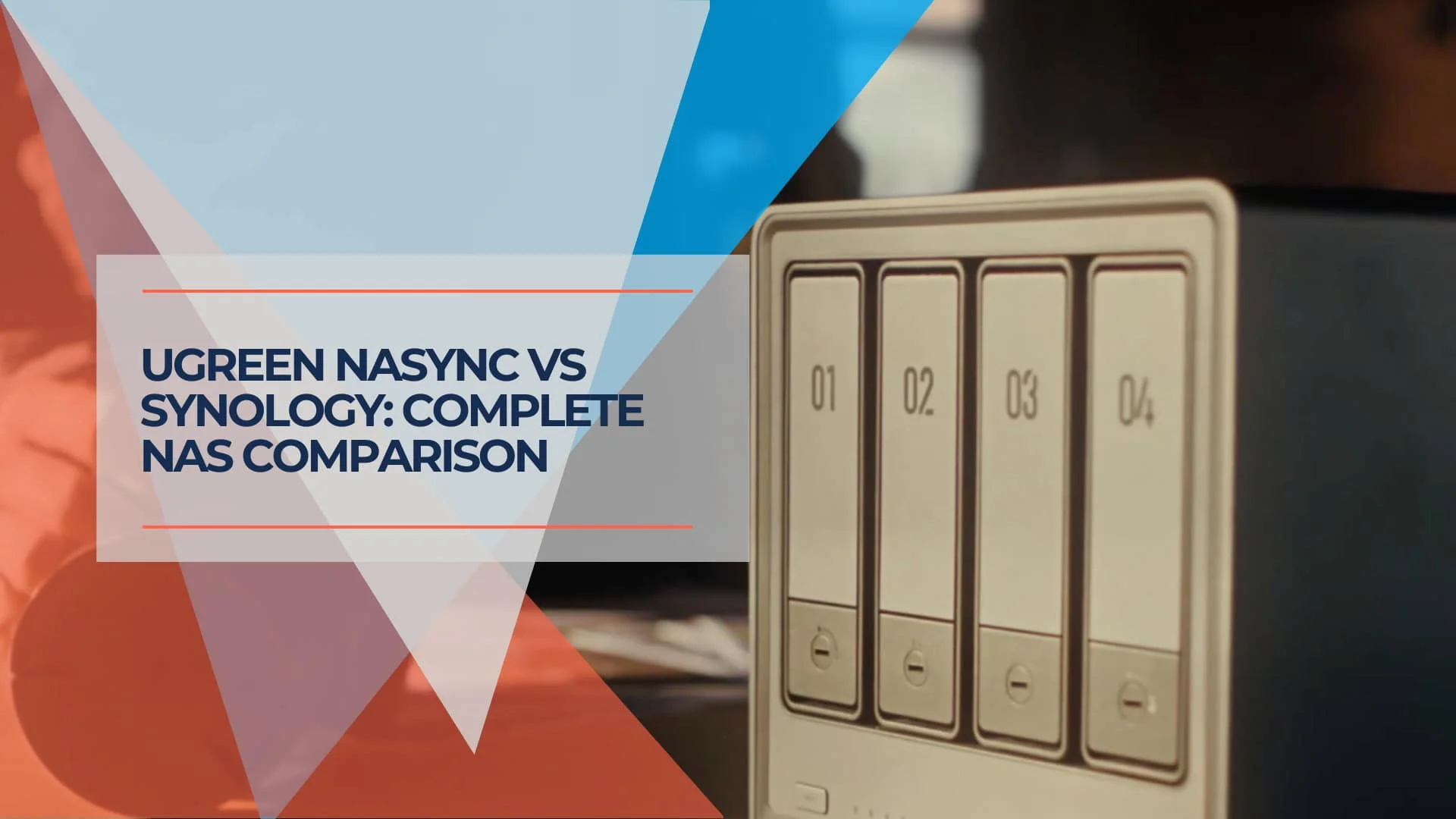
Ugreen's hardware-first NAS lineup now includes the DXP4800 Pro, DXP4800 GT, and iDX6011 Pro. We compare the full 2026 range against Synology's DSM platform to help you choose the right NAS by workload.

Key Takeaway
Most small businesses should choose Synology unless they specifically need Ugreen's stronger hardware. Synology's DSM platform remains the safer pick for backups, shared storage, Microsoft 365 protection, and low-maintenance administration. Ugreen is more compelling for technical users, creators, homelabs, and local AI workflows — and its 2026 lineup now includes several models beyond the premium iDX6011 Pro.
New to AI NAS? If you're unclear about what "AI NAS" actually means or whether you need NPU hardware versus CPU-based photo management, read our complete guide to AI NAS technology first.
The NAS market in 2026 is no longer a simple story of Synology versus everyone else. Ugreen has grown from a charging-accessories brand into a serious NAS competitor, with selected NASync models available through Amazon, B&H Photo, Micro Center, and other retailers. But the comparison is not one product against another — it is two fundamentally different platform philosophies: Ugreen's hardware-first approach versus Synology's software-first DSM ecosystem.
This guide compares both lineups by workload and buyer type, not just flagship specs. For a broader look at NAS options beyond these two brands, see our best NAS for small business guide.
Which NAS Should Most Small Businesses Choose?
Most small businesses should choose Synology unless they specifically need Ugreen's hardware advantage.
Synology's DiskStation Manager (DSM) remains the more complete NAS operating system. It handles backups, shared storage, Microsoft 365 backup, snapshots, user permissions, and routine administration with less friction than any competitor. For a business that wants reliable storage without a dedicated IT person managing it, DSM's depth and maturity are hard to match.
Ugreen becomes more compelling when the buyer is technically confident and wants more from the hardware. If your workflow requires 10GbE networking, Thunderbolt 4 direct-attached editing, local AI processing, or the option to install TrueNAS or Unraid, Ugreen delivers stronger hardware at competitive prices. The tradeoff is a younger software ecosystem that still lacks some of Synology's enterprise backup and compliance features.
For a detailed analysis of Synology's complete ecosystem, see our comprehensive Synology NAS review and business implementation guide.
Ugreen's 2026 NAS Lineup Is Broader Than the iDX6011 Pro
Ugreen now has several NAS models for different workloads, not one direct Synology replacement. The iDX6011 Pro gets the most attention, but most buyers comparing Ugreen and Synology should also consider the DXP4800 Pro, DXP4800 GT, and DXP8800 Plus before jumping to the $2,599 AI model.
| Product | Best Fit | Processor | Networking | Price (Diskless) |
|---|---|---|---|---|
| DH4300 Plus | Basic storage and light media | Rockchip RK3588 ARM 8-core | 2.5GbE | ~$400 |
| DXP4800 Plus | Affordable 4-bay 10GbE storage | Intel Pentium Gold 8505 | 10GbE + 2.5GbE | ~$657 |
| DXP4800 Pro | Mainstream power-user and small-office NAS | Intel Core i3-1315U | 10GbE + 2.5GbE | ~$720 |
| DXP4800 GT | Creator-focused 4-bay with dual 10GbE | AMD Ryzen Embedded R2514 | Dual 10GbE | ~$660 |
| DXP6800 Pro | 6-bay performance NAS | Intel Core i5-1235U | Dual 10GbE, dual TB4 | ~$1,100 |
| DXP8800 Plus | 8-bay high-capacity Ugreen option | Intel Core i5-1235U | Dual 10GbE, dual TB4 | ~$1,370 |
| iDX6011 / iDX6011 Pro | Local AI, LLM, transcription, creator/AI labs | Intel Core Ultra 7 255H | Dual 10GbE, dual TB4 | $2,599 MSRP |
The DXP4800 Pro is the recommended Ugreen default for most technical readers. It ships with Intel Core i3-1315U (6 cores), DDR5 RAM expandable to 96GB, 10GbE + 2.5GbE networking, 4K HDMI output, and dual M.2 NVMe slots — all for around $720.
The DXP4800 GT adds AMD Ryzen Embedded R2514 and dual 10GbE at a similar price point (around $660), making it the best Ugreen 4-bay for high-speed creative workflows that need maximum network throughput.
The DXP8800 Plus is a better comparison point against the Synology DS1825+ than the iDX6011 Pro. Both are 8-bay units, but the DXP8800 Plus includes dual 10GbE, dual Thunderbolt 4, 8K HDMI, and an Intel i5-1235U — at around $1,370, it is priced within range of the DS1825+ (around $1,250) while offering stronger hardware.
Synology's 2026 Lineup Remains the Safer Business Choice
Synology's advantage is DSM, not raw hardware. Synology Plus-series models share the same core DSM 7.3 platform and major business apps — Active Backup for Business, Hyper Backup, Snapshot Replication, Synology Drive, Surveillance Station — though performance and some feature limits vary by model. The hardware differences come down to bay count, networking, and expandability.
| Product | Best Fit | Bays | Networking | Price (Diskless) |
|---|---|---|---|---|
| DS925+ | 4-bay small-office NAS | 4 | Dual 2.5GbE | ~$640 |
| DS1525+ | 5-bay growing business NAS | 5 | Dual 2.5GbE, optional 10GbE module (sold separately) | ~$800 |
| DS1825+ | 8-bay backup and storage platform | 8 | Dual 2.5GbE, optional 10/25GbE expansion | ~$1,250 |
The DS1525+ is the best default Synology pick for many small and midsize businesses. Its fifth bay provides more RAID flexibility than 4-bay units, the optional 10GbE module (sold separately) adds multi-gigabit networking, and the price remains under $1,000. Read our full DS1525+ review.
The DS925+ is the entry point for smaller teams that need DSM's full feature set without paying for extra bays. At ~$640 diskless, it handles RAID 5 with 3–4 drives and dual 2.5GbE networking. Read our full DS925+ review.
The DS1825+ serves businesses with larger storage and backup requirements. Note that the current street price is roughly $1,200–$1,260 depending on retailer, not the $899–$999 range from earlier estimates. Optional 10GbE or 25GbE expansion cards are available through the PCIe slot.
Which Ugreen NAS Should You Actually Compare with Synology?
The iDX6011 Pro vs DS1825+ comparison that appeared in earlier coverage is not the most useful framing. The iDX6011 Pro is a $2,599 AI/creator workstation NAS; the DS1825+ is a mature 8-bay business storage platform. They serve different buyers. Use the following table to find the right head-to-head comparison for your workload.
| Buyer Question | Compare These Models |
|---|---|
| Best 4-bay NAS for technical users | Ugreen DXP4800 Pro ($720) vs Synology DS925+ ($640) |
| Best 4-bay creator NAS | Ugreen DXP4800 GT ($660) vs Synology DS925+ ($640) |
| Best 5- or 6-bay growing office NAS | Ugreen DXP6800 Pro ($1,100) vs Synology DS1525+ ($800) |
| Best 8-bay storage platform | Ugreen DXP8800 Plus ($1,370) vs Synology DS1825+ ($1,250) |
| Best local AI NAS | Ugreen iDX6011 Pro ($2,599) vs QNAP/Asustor creator-class systems |
| Best no-drama business NAS | Synology DS1525+ or DS1825+ |
At the 4-bay level, the hardware difference is significant. The DXP4800 Pro ships with 10GbE networking, Intel Core i3, DDR5, and HDMI for around $720. The DS925+ ships with 2.5GbE, an older AMD Ryzen V1500B, and DDR4 for around $640. But the DS925+ runs DSM 7.3 — and for many businesses, the software maturity is worth more than the hardware delta.
At the 8-bay level, the DXP8800 Plus and DS1825+ are priced within dollars of each other, but the Ugreen unit includes dual 10GbE, dual Thunderbolt 4, 8K HDMI, and an Intel i5 — hardware that would cost hundreds extra on the Synology side. The DS1825+ counters with DSM's backup depth, Active Backup for Business, and a 20-year ecosystem.
The iDX6011 Pro Is a Local AI NAS, Not the Default Ugreen NAS
The iDX6011 Pro is best for AI and creator workflows, not ordinary file storage. At $2,599 MSRP, it competes with professional workstations and high-end creator NAS units, not with mainstream Synology boxes.
iDX6011 Pro Key Specifications:
- Processor: Intel Core Ultra 7 255H (16 cores, up to 5.1GHz)
- AI Compute: 96 TOPS total (CPU+GPU+NPU combined; the dedicated NPU provides 13 TOPS)
- Memory: 64GB LPDDR5X (standard configuration)
- Networking: Dual 10GbE ports
- Expansion: OCuLink port for external GPU connectivity
- Thunderbolt 4: Dual TB4 ports (40Gbps each)
- Display: HDMI 2.1 (8K/60Hz output)
- Storage: 6 SATA bays + 2 M.2 NVMe slots
The 96 TOPS figure represents Intel's Overall Peak TOPS rating — the combined AI throughput of the CPU, integrated GPU, and NPU working together. The dedicated NPU alone provides 13 TOPS. This distinction matters: real-world AI performance depends on workload type and which compute units can be leveraged. Describing the 96 TOPS figure as dedicated NPU performance would be misleading, and buyers should understand the distinction when comparing AI capabilities across NAS models.
The OCuLink port enables connecting external GPUs for hardware-accelerated video encoding, AI model inference, or rendering workloads. Combined with the HDMI 2.1 output (which supports 8K/60Hz), this positions the iDX6011 Pro as a workstation-class device for video editors, AI researchers, and creative professionals.
Who Benefits Most from the iDX6011 Pro?
- Video production: OCuLink GPU connectivity and dual 10GbE for multi-editor timelines
- AI/ML researchers: Local model inference and training on proprietary datasets
- Law firms and medical practices: On-device transcription and document search that may reduce cloud exposure (compliance depends on configuration, policies, access controls, retention, logging, and vendor terms — local AI alone does not make a system HIPAA or GDPR compliant)
- Homelabs and AI enthusiasts: LLM hosting, smart photo organization, voice transcription
The iDX6011 Pro is not the right choice for general-purpose business NAS use. For standard file storage, backup, and shared access, the DXP4800 Pro, DXP6800 Pro, or DXP8800 Plus deliver better value. The iDX6011 Pro makes sense when AI processing, OCuLink expansion, or workstation-class compute are genuine requirements. For more on local AI hardware planning, see our guide to building a private cloud for local AI.
Ugreen Wins on Hardware, but Synology Still Wins on Software Maturity
Ugreen offers stronger hardware value; Synology offers the more complete NAS operating system. This is the core tradeoff in 2026.
Where Ugreen Leads
Hardware price-to-performance. Most Ugreen models ship with 10GbE networking, modern Intel or AMD processors, DDR5 RAM, Thunderbolt 4, and HDMI output as standard features. Achieving equivalent specs on a Synology unit typically requires expansion cards and add-on modules that increase the total cost.
Third-party OS flexibility. Ugreen hardware is commonly used with TrueNAS, Unraid, and Proxmox, and the community around alternative OS installations is active. However, Ugreen may not provide support for third-party OS issues. Confirm current warranty terms before replacing UGOS Pro in a business deployment.
Broad third-party drive compatibility. Ugreen supports standard SATA drives and M.2 SSDs without the brand restrictions or "Unverified" warnings found on some Synology models. Check Ugreen's compatibility list before purchase to confirm drive support for your specific model.
The Synology Drive Restriction Story: A 2026 Update
Synology's Drive Policy Has Changed
In mid-2025, Synology restricted its new Plus-series models (including the DS925+ and DS1825+) to Synology-branded hard drives for creating storage pools. After significant user criticism, Synology revised the policy in DSM 7.3 (October 2025).
The current reality: Third-party drives (Seagate IronWolf, WD Red Plus, etc.) now work for storage pool creation on all 2025 DiskStation Plus, Value, and J-series models. Some units may still display "Unverified" status for non-certified drives or limit certain storage health analytics. It is no longer a hard lockout — but Synology-branded drives remain preferred for full diagnostic features.
See the Where to Buy section below for recommended NAS drives.
Where Synology Leads
DSM software maturity. DiskStation Manager represents over 20 years of refinement, with a broad app catalog of first-party and third-party packages. Enterprise features like advanced snapshot technology, IP SAN support, immutable WORM snapshots for compliance, and comprehensive logging are widely deployed across business environments.
Backup depth. Synology's Active Backup for Microsoft 365 covers OneDrive, SharePoint, Exchange, and Teams with granular recovery and a self-service restore portal. Hyper Backup supports versioned backups to cloud destinations (S3, Azure, Google Cloud). Ugreen does not currently offer a comparable first-party Microsoft 365 backup suite, and its backup tooling remains less mature than Synology's. For businesses where Microsoft 365 backup is a requirement, this gap is significant. NAS systems often serve as the backbone of comprehensive business backup strategies, where this depth matters.
Long-term support and documentation. Synology has a long-established update and support track record, maintains extensive documentation, and offers established global support channels. UGOS Pro is improving but does not yet match this history.
UGOS Pro in Mid-2026
Ugreen's operating system has matured significantly since the early firmware issues of 2024. UGOS Pro now includes a growing app catalog, Docker containers, virtual machines, Btrfs file system, Plex media server, AI-powered photo organization, backup features, and media tools. Regular OTA updates continue to add features.
The software gap has narrowed but remains real. UGOS Pro lacks Synology's depth in backup workflows (no M365 backup, no Hyper Backup equivalent), enterprise snapshot management (no WORM snapshots), and first-party app breadth. For technical users comfortable with Docker, many gaps can be bridged through containerized applications. For businesses that need turnkey backup and compliance features, Synology's advantage is substantial.
Product Recommendations by Buyer Type
The right NAS depends on workload, not brand loyalty.
| Buyer Type | Recommended Product | Why |
|---|---|---|
| Small business with no IT staff | Synology DS1525+ | DSM's guided setup and turnkey backup tools |
| Larger storage and backup needs | Synology DS1825+ | 8 bays, expansion options, mature ecosystem |
| 4-bay Ugreen alternative to Synology | Ugreen DXP4800 Pro | i3 CPU, 10GbE, DDR5, HDMI for ~$720 |
| Creator workflow with dual 10GbE | Ugreen DXP4800 GT | AMD Ryzen, dual 10GbE for ~$660 |
| 6-bay Ugreen performance option | Ugreen DXP6800 Pro | i5 CPU, Thunderbolt 4, 10GbE |
| 8-bay Ugreen capacity option | Ugreen DXP8800 Plus | i5 CPU, dual 10GbE, dual TB4 |
| Local AI and transcription workflows | Ugreen iDX6011 Pro | 96 TOPS total AI compute, OCuLink |
| Strict Microsoft 365 backup requirement | Synology (any Plus model) | Active Backup for Microsoft 365 |
| Technical homelab or alternate OS user | Ugreen DXP models (check community support for your exact model) | TrueNAS/Unraid/Proxmox community support |
| Low-maintenance business deployment | Synology (DS1525+ or DS1825+) | DSM reliability and long-term updates |
Prices reflect U.S. retail listings checked in June 2026 and may change with promotions. Verify current pricing, drive compatibility, and stock availability before purchasing.
Other NAS Options Worth Knowing
Ugreen and Synology are not the only choices. A few other models provide useful reference points:
QNAP TVS-h874T ($2,999–$3,499) is a well-known creator-class benchmark for Thunderbolt 4 NAS workflows. It ships with Intel Core i9/i7 (12th gen), 8 bays, dual Thunderbolt 4 ports, and dual 2.5GbE, targeting 4K/8K video collaboration in small studios. It is more expensive than any Ugreen model but runs QNAP's ZFS-based QuTS hero operating system.
Asustor Lockerstor 4 Gen3 (AS6804T) brings dual 10GbE, dual 5GbE, USB4, PCIe 4.0 M.2 NVMe support, and 16GB DDR5 ECC memory with an AMD Ryzen Embedded V3C14 processor. It competes directly with the DXP4800 Pro and DXP4800 GT as a hardware-strong 4-bay alternative.
TerraMaster F4-424 Pro (~$700, often discounted) offers Intel Core i3-N305 (8 cores), 32GB DDR5, and dual 2.5GbE. It is a useful high-spec alternative for buyers who want strong hardware without a 10GbE requirement, but TerraMaster's TOS software does not match DSM or UGOS Pro in depth.
The Bottom Line
The 2026 NAS market offers two distinct platform philosophies, and neither has beaten the other.
Choose Synology for low-maintenance business storage, backup, Microsoft 365 protection, and mature DSM workflows. Synology's software depth, long-term update support, and enterprise features remain unmatched. The DS1525+ (around $800) is the best default for growing businesses; the DS1825+ (around $1,250) serves teams with larger capacity and backup requirements.
Choose Ugreen when hardware performance, 10GbE networking, Thunderbolt 4, local AI, alternate OS support, or creator workflows matter more than software maturity. The DXP4800 Pro (around $720) is the recommended starting point for most technical buyers. The iDX6011 Pro ($2,599) is a premium pick for AI and creator labs, not a default business NAS.
The competition has been good for buyers. Synology reversed its drive restrictions. Ugreen stabilized UGOS Pro and expanded beyond budget hardware. Both platforms are better for it, and buyers now have a clearer choice between hardware-first and software-first NAS platforms.
Quick Decision Guide
Buy Synology if:
- You want "set it and forget it" reliability with mature software
- You need Microsoft 365 backup, WORM snapshots, or Active Backup for Business
- Your team has no dedicated IT staff to manage the NAS
- Long-term vendor support and documentation matter to you
Buy Ugreen if:
- You want stronger hardware (10GbE, TB4, DDR5, HDMI) at competitive prices
- You plan to use TrueNAS, Unraid, or Docker-heavy workflows
- Local AI processing or OCuLink GPU expansion is a genuine requirement
- You are comfortable with a newer software ecosystem that is still maturing
Where to Buy
Buy from official stores or authorized retailers, and verify current price, stock, and drive compatibility before checkout.
Ugreen NASync lineup: Selected models are available through Ugreen's official store, Amazon, B&H Photo, and Micro Center. Prices range from around $400 (DH4300 Plus) to $2,599 (iDX6011 Pro). The DXP4800 Pro offers the best value for most technical buyers at around $720.
Synology DS1525+: Available through Amazon, B&H Photo, and authorized resellers at approximately $800 diskless. Read our full review.
Synology DS1825+: Available through Amazon, B&H Photo, and authorized resellers at roughly $1,200–$1,260 diskless depending on retailer.
Recommended essentials for either platform:
| Add-on | Recommendation |
|---|---|
| NAS drives | WD Red Plus 8TB or Seagate IronWolf 8TB (eligible IronWolf drives include Rescue Data Recovery; verify region and warranty terms) |
| UPS battery backup | CyberPower 1500VA or APC 1500VA — protects against data loss from power outages |
Affiliate Disclosure: This article contains affiliate links. If you make a purchase through these links, we may earn a small commission at no extra cost to you.
Frequently Asked Questions
Related Articles
More from Business Hardware
Synology NAS Review 2026: Complete Guide to Business Network Storage
Complete Synology NAS review for small business. Compare DS925+ and DS1825+ models, explore DSM 7.3 features, understand the drive policy reversal, and get buying recommendations for 2026.
17 min read
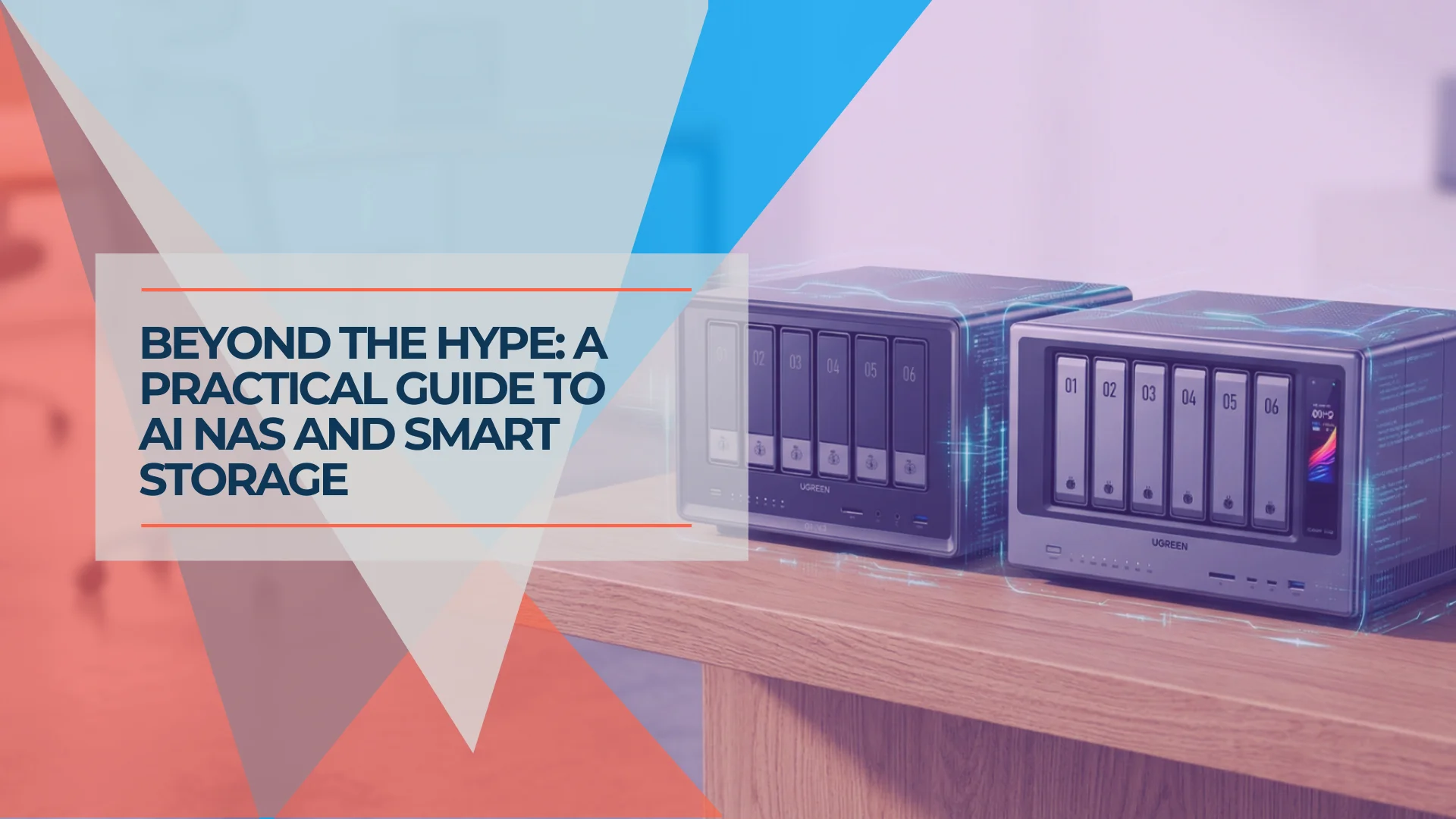
What Is AI NAS? Understanding Smart Storage for Business in 2026
AI NAS features face recognition, photo tagging, and local LLMs — but not all AI NAS is the same. Here's what the three types mean, and which one (if any) you actually need.
12 min read
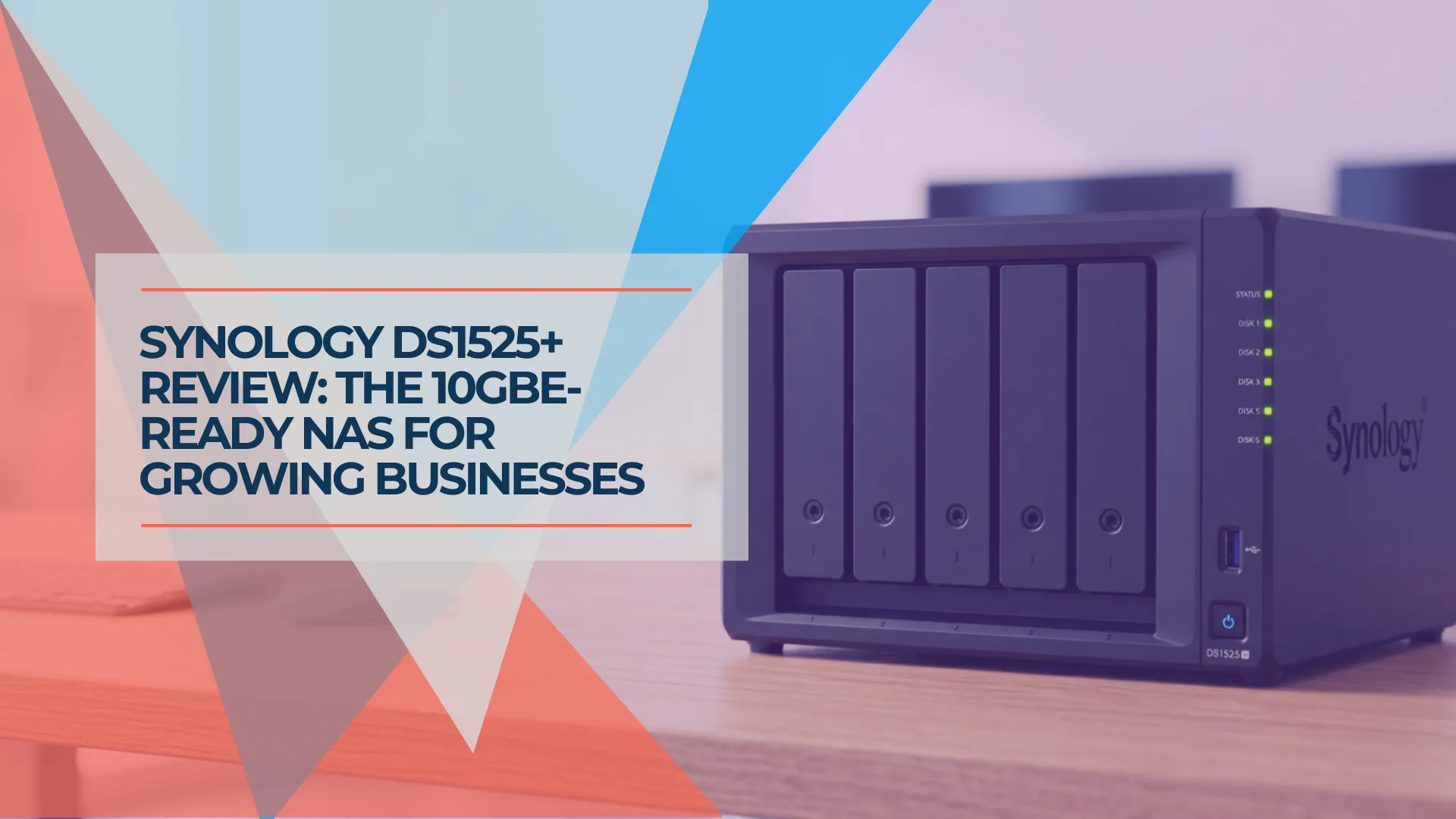
Synology DS1525+ Review: The 5-Bay NAS for Growing Small Businesses
Synology DS1525+ review for small business: 5-bay RAID 5/6, 10GbE upgrade path via E10G22-T1-Mini, and full DSM 7.3. Compared to DS925+, DS1823xs+, and UGREEN DXP4800 Plus.
14 min read