

UPS Battery Replacement for Small Offices
How long UPS batteries last, what a beeping UPS means, how to match the exact APC or CyberPower cartridge, and how to swap, test and recycle it.

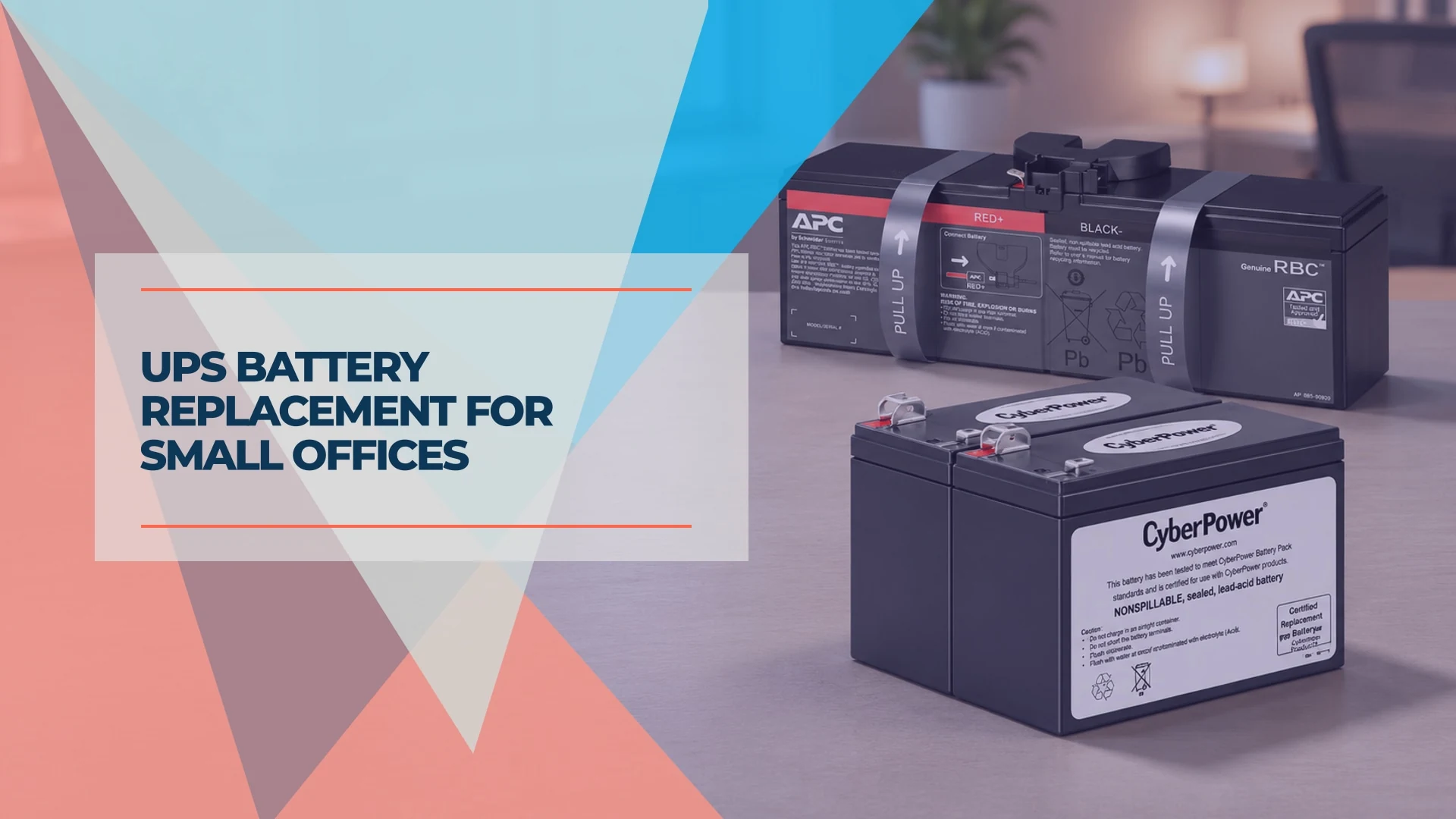
A beeping uninterruptible power supply (UPS) may be running on battery, reporting an overload or asking for a new battery. Check the display and your model's alarm guide before ordering a replacement. If the battery has reached the end of its service life and the UPS still meets your power and runtime needs, replacing the cartridge can keep the unit in service.
UPS battery replacement at a glance
Most sealed lead-acid UPS batteries in this guide last about three to five years. Heat and frequent discharges can shorten that window. For a confirmed replacement alert, check that the battery is user-replaceable and match the cartridge to the UPS model and serial number before buying.
This guide covers small-office UPS units with sealed lead-acid cartridges. Our team installs both APC and CyberPower systems. The APC and CyberPower office UPS comparison explains how we assess load and runtime. The battery fit, alarms and service steps below come from the manufacturers' documentation for the U.S. models.
Affiliate Disclosure: This article contains affiliate links. If you make a purchase through these links, we may earn a small commission at no extra cost to you. As an Amazon Associate, iFeelTech earns from qualifying purchases.
Why is my UPS beeping?
Check the display as well as the sound. The same UPS can use different continuous sounds for a low charge, overload and failed battery test. These patterns apply to the two models shown.
| UPS and signal | What to check |
|---|---|
| APC BR1500MS2, four beeps every 30 seconds | The UPS is running on battery. Save work and check whether utility power has returned. |
| APC BR1500MS2, continuous chirping or a flashing Replace Battery icon with an empty battery gauge | Continuous chirping indicates a failed battery test. The flashing icon with an empty gauge also calls for replacing the battery. |
| APC BR1500MS2, one chirp every two seconds | The battery is disconnected. Check the connection using the model's instructions. |
| CyberPower CP1500PFCLCD, two short beeps and a pause | The UPS is running on battery. Check the On Battery icon. |
| CyberPower CP1500PFCLCD, Replace icon | The batteries may be poorly connected or worn out. Check the connection with the UPS off and unplugged. |
See the alarm and troubleshooting sections of the APC Back-UPS Pro manual and the CyberPower CP1500PFCLCD manual.
Overheating, swelling or leakage
If the UPS reports battery overheating or shows signs of leakage, stop using it. The BR1500MS2 manual directs you to switch off the UPS, unplug it and disconnect the battery. If the battery is swollen, leaking or too hot to handle, contact the manufacturer for handling instructions. Schneider specifically directs owners of swollen or leaking APC batteries to APC Support.
Check the battery and runtime before buying
If runtime has fallen, start with a full recharge and note the load in watts. A battery that recently carried the office through an outage may still be charging. New equipment on the battery outlets can also reduce backup time. Check that the devices you expect to stay up are plugged into the battery-backed outlets.
Run the UPS's built-in battery self-test if your model offers one, following its manual. A pass tells you the battery passed that check. If you need to verify a minimum runtime, schedule a controlled test using the manufacturer's procedure and a representative, noncritical load. Record the watts and the minutes you need, and end the test once you reach that target. Use the published runtime curve at that load as a reference for a healthy battery. Schneider limits full runtime calibration to once or twice a year, only when needed, because repeated deep discharges wear the battery. See Schneider's battery-life guidance.
How long does a UPS battery last?
Plan a battery check around year three. Three to five years is a typical range in Schneider's guidance. Its BR1500MS2 manual calls for replacement by five years or at the end of service life, whichever comes first. For a UPS exposed to heat, humidity and frequent power fluctuations, CyberPower uses Florida as an example where a three-year replacement interval may make sense. For a hot network closet, start with ventilation and temperature as part of the office tech walk-through.
If the battery appears to have failed early, check the UPS warranty before ordering. Both example UPS models list a three-year warranty. CyberPower specifically includes the batteries in its CP1500PFCLCD coverage.
Find the right replacement UPS battery
- Read the UPS label. Record the full model and serial number from the chassis label. A front-panel family name or VA rating is too broad to establish fit.
- Check serviceability. Look for a user-replaceable battery in your model's documentation. If the battery requires service, contact the manufacturer about your options.
- Match the cartridge part number. Use APC's replacement battery selector or CyberPower's Battery Replacement Tool. CyberPower lets you search by model or by the first three serial characters. If a prefix falls outside the list, have CyberPower confirm the fit before ordering.
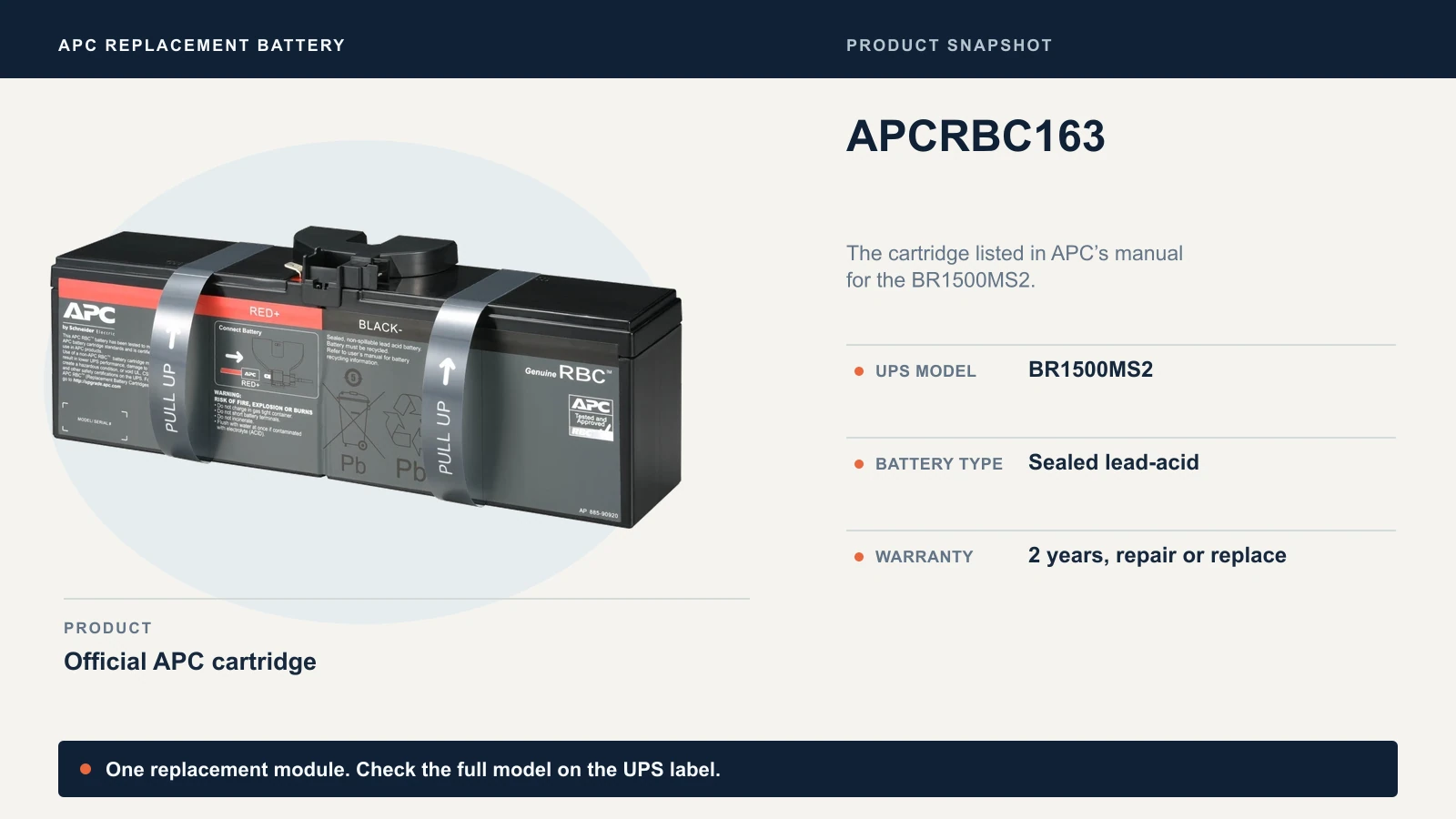
APC Back-UPS Pro BR1500MS2
For the BR1500MS2, the April 2026 APC manual lists one APCRBC163 module. Schneider describes it as a sealed lead-acid cartridge and gives it a two-year repair-or-replace warranty.
CyberPower CP1500PFCLCD
The U.S. CP1500PFCLCD product page lists two cartridges by serial prefix. Use the exact suffix on the part number when you order.
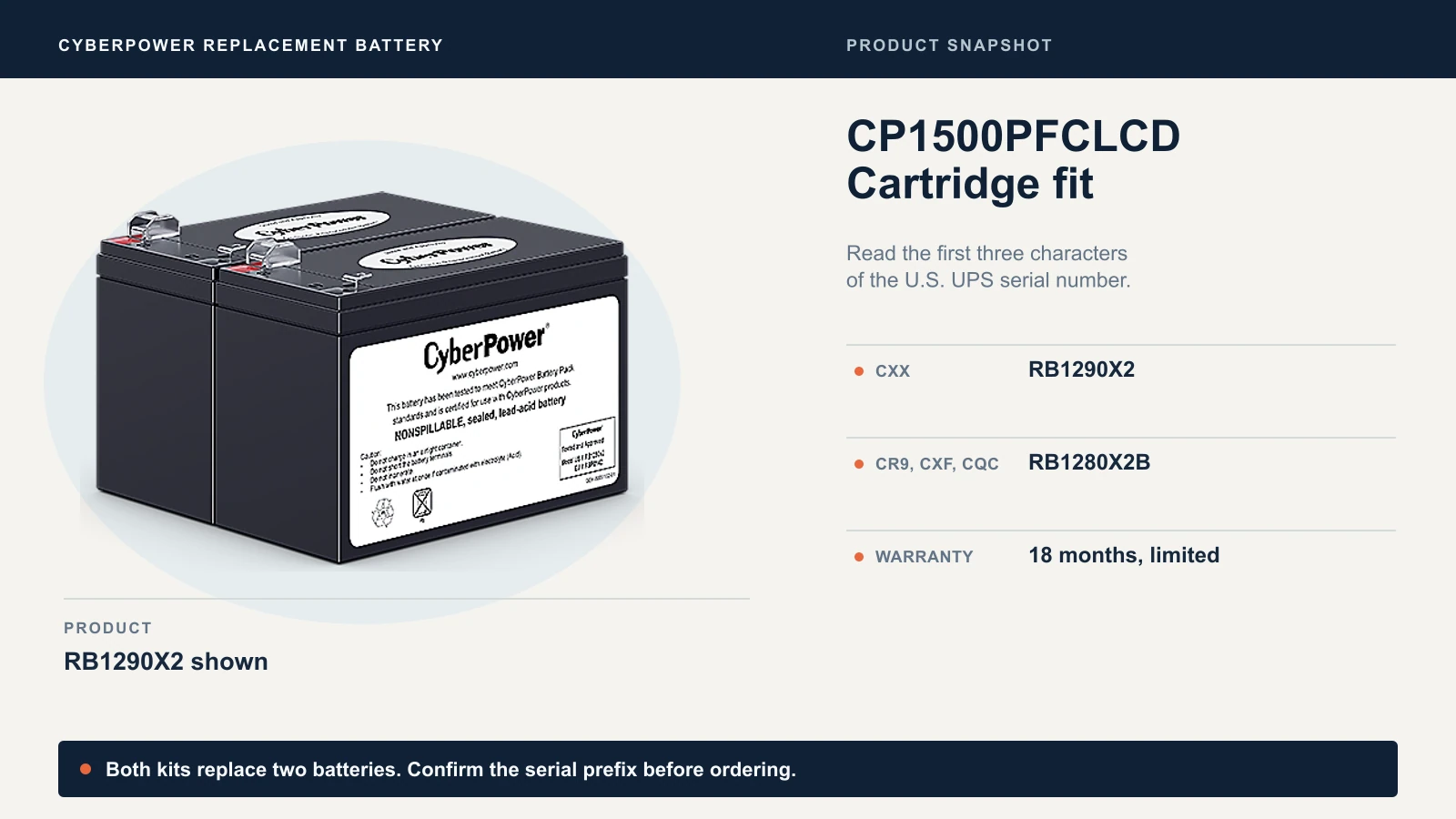
Each CyberPower kit contains two sealed lead-acid batteries and carries an 18-month limited warranty. The CP1500PFCLCD manual calls for replacing both batteries together with new ones. Use the cartridge specified for your serial number. Battery voltage or capacity alone cannot establish a fit.
Replace the battery or replace the UPS?
| Battery option | U.S. price reference | New UPS price reference |
|---|---|---|
| APC APCRBC163 | $123.99 at B&H | BR1500MS2, $299.99 at B&H |
| CyberPower RB1290X2 or RB1280X2B | $117 MSRP or $127 MSRP | CP1500PFCLCD, $274.95 MSRP |
U.S. prices checked November 15, 2026. Compare delivered prices for your exact cartridge and a suitable new UPS, along with any labor and downtime.
Replace the battery when the unit is otherwise healthy, a supported cartridge is available, and the UPS can still carry the load for as long as the office needs. Schneider recommends keeping load at or below 80% of rated capacity. Compare the measured watts against the UPS's watt rating and check runtime separately. See Schneider's battery-life guidance.
Check with support or replace the UPS when a charger or internal fault persists, the maker no longer supplies a suitable cartridge, or a fresh battery would still leave you short of runtime or capacity. Check the fault code in the manual before spending money on either option.
If you need a replacement tower, the APC BR1500MS2 and CyberPower CP1500PFCLCD are the models used here. For a rack or a lighter internet-only load, see UPS sizing for a UniFi rack or battery backup for a modem and router.
How to replace a UPS battery safely
Plan a shutdown unless your exact model is confirmed for hot-swap. Tell anyone who will lose access to the router, switch, NAS or workstation. Save work and shut down connected equipment before switching off and unplugging a UPS that requires a shutdown.
CyberPower requires a shutdown for the CP1500PFCLCD. Schneider's Back-UPS support FAQ covers hot-swapping Back-UPS units with user-replaceable cartridges. During a live swap, the connected equipment has no battery backup. Confirm the procedure for your unit with the manufacturer's instructions or support and use stable utility power.
For the BR1500MS2, follow the safety guidance in the APC manual and the illustrated APCRBC163 installation guide. The guide shows how to release the battery door, lift the old cartridge by its straps, disconnect it, and seat and connect the new one before closing the door.
For a CP1500PFCLCD, use the CyberPower manual and the instructions for your cartridge. The manual's tower procedure works through these checkpoints.
- Turn off and unplug the connected equipment, then switch off and unplug the UPS. Remove metal jewelry and use tools with insulated handles. Open only the battery compartment.
- Lay the UPS on its side, remove the retaining screws on the bottom and slide off the front panel. Remove the battery retainer and disconnect the old batteries as shown in the manual.
- Fit the two new batteries. Match the red positive and black negative wires to the corresponding connectors on both batteries. Refit the retainer and secure the cover before reconnecting power.
- Let it recharge. CyberPower's replacement procedure allows 8–16 hours for a full charge. APC lists 16 hours as typical for the BR1500MS2. Budget that time before relying on the new pack for your normal runtime.
Once it has charged, check that the battery is detected and run the documented self-test if your UPS offers one. For the BR1500MS2, use the manual's function-button reference. If the disconnected or replace-battery indicator persists, use the manual to check the connection and contact support if the fault remains. Reconnect monitoring if you disconnected it. Record the model, serial, cartridge, install date and the result of the first check.
Where to recycle an old UPS battery
Recycle spent sealed lead-acid batteries through a program that accepts them. Keep the replacement packaging until you know how you're returning the old cartridge.
- APC: Schneider's U.S. recycling program offers a prepaid return label to buyers of genuine APC cartridges. Follow the packaging instructions and use the listed FedEx drop-off option.
- CyberPower: The cartridge packaging can be reused to take an intact spent battery to a recycling center. Confirm acceptance before making the trip.
- Local recycling: The Battery Network lists small sealed lead-acid batteries among the types it collects. Check the site's battery and business acceptance rules, and follow its terminal protection instructions. For a damaged or leaking battery, call the recycler or manufacturer for special handling before transporting it.
In Florida, Florida Statutes § 403.7192 sets disposal and collection requirements for covered rechargeable batteries, including small nonvehicular sealed lead-acid batteries under 25 pounds when used by covered consumers and facilities. Confirm the drop-off option for your business with the recycler.
Related Resources
- APC vs CyberPower UPS for a Small Office — How to choose a 1500VA tower by load, runtime, battery-backed outlets and replacement battery.
- Small Office IT Checklist: Your Annual 12-Stop Walk-Through — A yearly check that includes UPS battery age and closet heat.
- Battery Backup for a Modem and Router — Sizing a UPS to keep the internet path running during an outage.
- Best UPS for a UniFi Rack — Rack-mount UPS options and battery service for a network closet.
- UPS vs Portable Power Station for an Office Network — When a UPS fits, and when longer outages call for a power station.
Frequently Asked Questions
Related Articles
More from Business Hardware
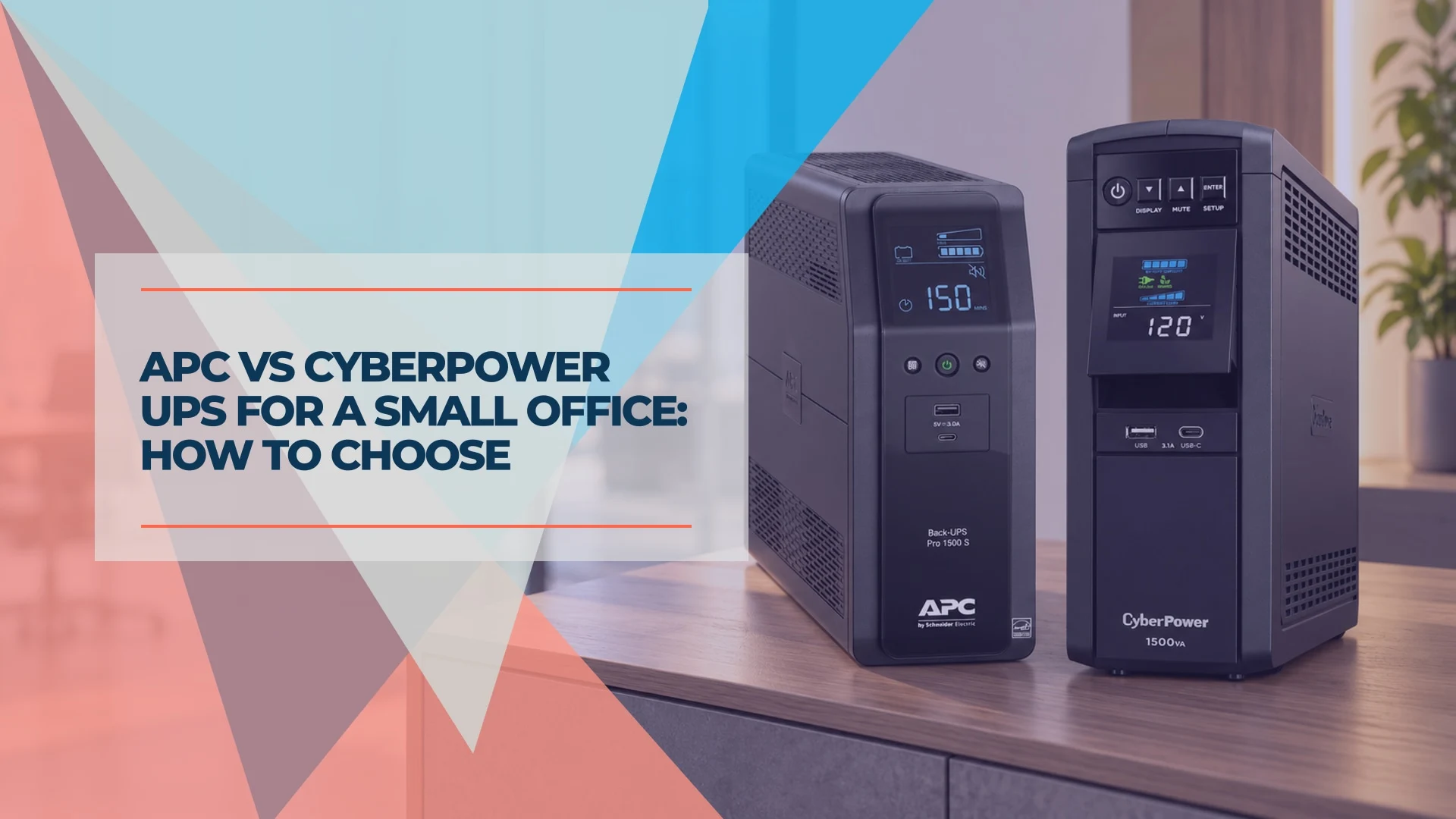
APC vs CyberPower UPS for a Small Office: How to Choose
APC or CyberPower for your office? Compare suitable UPS models by load, battery-backed outlets, runtime, replacement batteries and monitoring.
9 min read
Battery Backup for a Modem and Router: Business UPS Guide
Choose a battery backup for your modem and router. Compare six business UPS models by runtime at small loads, rack fit, circuit needs and monitoring.
19 min read
Best UPS for UniFi Rack (2026): Protecting UDM Pro & Active PFC Gear
Compare UPS options for UniFi using verified battery capacity, manufacturer runtime figures, form factor, and shutdown support. Size protection to your measured load.
7 min read