

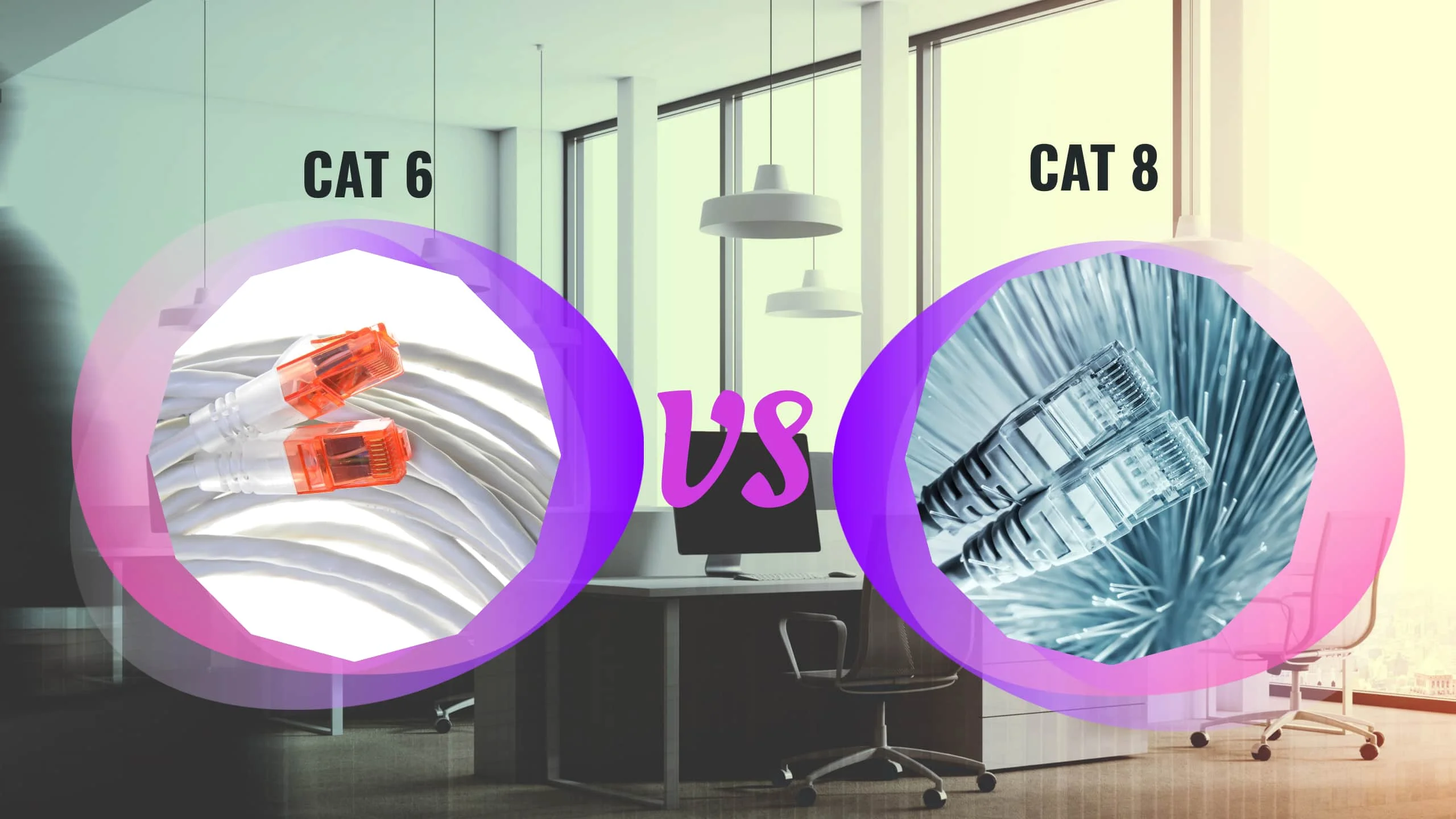
Cat6 vs. Cat8: Which is Right for Your Office Network?
Compare Cat6, Cat6a, and Cat8 Ethernet cables for office networks. Learn which cabling standard fits your business needs, budget, and future growth plans with this comprehensive guide.

Affiliate Disclosure: This article contains affiliate links. If you make a purchase through these links, we may earn a small commission at no extra cost to you. As an Amazon Associate, iFeelTech earns from qualifying purchases.
Quick Verdict
Short Answer: Use Cat6a for general office wiring (desks, wall plates, Wi-Fi access points). Use Cat8 only inside the server room for switch-to-server connections under 30 meters. For most businesses, Cat6a provides the optimal balance of performance, cost, and future-proofing.
Modern office network upgrades require balancing current needs with future growth. Cat6a has emerged as the TIA-568 recommended standard for most businesses, while Wi-Fi 7 now represents a significant portion of new enterprise deployments.
This comprehensive guide examines current Ethernet cabling standards and wireless technologies to help you make informed decisions about your office network infrastructure.
Understanding Your Network Needs
Before selecting cables or wireless equipment, conducting a thorough assessment of your business needs provides the foundation for effective planning:
Current Usage Analysis
- Your Current Tools: Document existing applications and their bandwidth requirements
- Performance Bottlenecks: Identify issues during peak usage periods, especially with cloud-based services and collaboration tools
- Specialized Requirements: Consider software requirements for design, video editing, or data analysis
Future Planning Considerations
- Growth Projections: Employee count over the next 3-5 years
- Technology Initiatives: Planned digital transformation projects
- Cloud Migration: Expected increases in cloud service usage
- IoT Integration: Requirements for devices, security systems, or building automation
Planning Note
Understanding these factors helps avoid both under-provisioning, which creates immediate constraints, and over-investing in capabilities your organization won't utilize effectively.

Cat6 and Cat8 Ethernet: A Technical Breakdown
Ethernet cabling forms the backbone of your wired network infrastructure. As of 2025, several standards serve different business requirements. Let's examine the key differences:
Cat6 Cabling: The Reliable Standard
Performance Specifications
- Cat6 cables offer speeds of up to 10 Gbps at distances up to 55 meters (about 180 feet) and 1 Gbps at distances up to 100 meters (about 328 feet)
- Bandwidth capacity of 250 MHz
- Broad compatibility with existing devices and cost-effectiveness make it the sensible choice for most businesses
Cat6 handles typical business applications effectively, including video conferencing, cloud-based productivity suites, and standard file sharing.
Cat6a: The Current Recommended Standard
Enhanced Performance
- Performance: 10 Gbps up to 100 meters (full distance)
- Bandwidth: 500 MHz – double that of Cat6
- Enhanced Shielding: Superior protection against electromagnetic interference
- PoE Compatibility: Better power delivery for devices like access points and cameras
Industry Consensus: The TIA-568 standard recommends Cat6a for all new commercial installations. Cat6a offers the optimal balance between performance, longevity, and cost for most business installations.
For bulk cabling projects, consider UniFi's Cat6a cable boxes which include 1,000 feet of certified Cat6a cable suitable for commercial installations.
Cat8 Cabling: Specialized Powerhouse
High-Performance Specifications
- Cat8 supports up to 40 Gbps, but this speed is limited to shorter distances – up to 30 meters (about 100 feet)
- Bandwidth of 2000 MHz (2 GHz)
- Superior shielding compared to Cat6a means significantly less signal disruption
- Ideal for multi-gigabit speed requirements in specialized environments
- Connector Compatibility: While Cat8 uses standard RJ45 connectors (physically compatible), it requires grounded metal connectors and compatible network interface cards (NICs) to achieve rated speeds
Key Applications: Data centers, scientific facilities, 4K/8K video production studios, and high-performance computing environments where high-bandwidth server links are needed over short distances.
For DIY installations or in-house IT teams, quality termination tools are essential. Consider professional-grade Cat6a connectors, a reliable cable crimper, and a cable tester to ensure proper installation.
Cable Comparison Table
| Specification | Cat6 | Cat6a | Cat8 |
|---|---|---|---|
| Maximum Speed | 10 Gbps (55m), 1 Gbps (100m) | 10 Gbps (100m) | 25-40 Gbps (30m) |
| Maximum Bandwidth | 250 MHz | 500 MHz | 2000 MHz |
| Shielding | UTP or STP | STP | STP |
| Typical Cost | Least Expensive | Middle Ground | Most Expensive |
| Ideal Use Case | General Office | General Office & Wi-Fi APs | Server Room Only |
Choosing the Right Cabling Solution for Your Office
When Cat6a is Still the Smart Choice
Cat6a Recommended When
- Current network bottlenecks are mainly during video calls or occasional large file transfers
- Most offices won't reach the limit of Cat6a's capacity soon, making it future-friendly for moderate growth
- Budget considerations favor the excellent balance of performance and affordability
- Supports full 10 Gbps performance across standard office distances
When to Invest in Cat8
Cat8 Recommended When
- Data centers requiring server-to-server communication at maximum speeds
- Video production environments with massive file transfers
- Office environments with heavy electrical interference causing network issues
- Research labs needing high-bandwidth server links over short distances
Note for Home Offices: Even high-end home offices and prosumer setups rarely need Cat8. Unless you're running a home data center or professional video production studio with server racks, Cat8 is overkill. Cat6a provides more than enough performance for even the most demanding home office configurations.
The Bulk Factor: Cat8 vs. Cat6/Cat6a
Cat8's superior shielding and speed capabilities come with a trade-off: increased cable thickness compared to Cat6 or Cat6a cables. This has several implications for larger office installations:
Installation Considerations
- Installation Labor: The thicker cables increase installation time and labor costs by 20-30%
- Cable Management: Requires larger cable trays, J-hooks, and support systems for multiple Cat8 runs
- Patch Panels and Connectors: Cat8 often requires specialized hardware, adding to material costs
- Termination Difficulty: The thick, rigid Cat8 cables are harder to terminate properly, increasing installation errors
- When Bulk Matters Most: For large-scale office installations with hundreds of cable drops, the bulk becomes a critical factor
PoE and Heat Considerations
For offices deploying Wi-Fi 7 access points and security cameras powered via PoE++ (Power over Ethernet), cable heat management becomes important:
PoE Heat Management
- Cat6a Advantage: Cat6a shielded cables with appropriate heat ratings handle PoE++ power delivery efficiently
- Bundle Heat: Multiple PoE-powered cables in bundles generate heat; Cat6a's design manages this better than bulky Cat8
- Wi-Fi 7 APs: Modern high-power access points benefit from Cat6a's balance of power delivery and heat dissipation
- Installation Density: In cable-dense environments (drop ceilings, conduits), Cat6a's thermal characteristics are preferred
Hybrid Approaches: The Practical Solution
The most cost-effective strategy for many businesses combines cable types strategically:
Recommended Hybrid Strategy
Run Cat6a for:
- All wall plates and desk connections
- Wi-Fi access point uplinks
- IP cameras and IoT devices
- General office infrastructure
Use Cat8 only for:
- Server rack uplinks (switch-to-server connections)
- Storage area network (SAN) connections
- High-performance computing clusters
- Any connection under 30 meters requiring 25-40 Gbps
This approach delivers maximum performance where it matters while keeping costs reasonable. Most offices find that 95% of their cabling is Cat6a, with Cat8 reserved exclusively for the server room.
Thinking Ahead: If you anticipate significant shifts towards data-intensive applications or large office expansion within the next few years, Cat6a provides an excellent foundation. A professional IT assessment can help balance cable performance with costs and project logistics.

Optimizing Your Wireless Network
While wired cables create your network's foundation, a strong wireless network is crucial for modern workplaces. Let's discuss the latest Wi-Fi technologies:
The Rise of Wi-Fi 7
Current Market Status (Early 2026)
- Wi-Fi 7 (officially known as 802.11be) represents a significant portion of new enterprise deployments, with adoption accelerating rapidly through late 2025
- Delivers significantly faster speeds, lower latency, and the ability to handle many more devices simultaneously
- Wi-Fi 7 devices are now widely available from all major enterprise vendors and becoming the standard for new installations
Excellent Current Options (Wi-Fi 6/6E)
Proven Performance
- Wi-Fi 6 and 6E offer significant benefits for today's offices
- Provide faster speeds, improved network capacity, and better performance in crowded environments
- If you need an immediate boost, upgrading to Wi-Fi 6/6E is an excellent solution
Preparing for Wi-Fi 7
Even if you don't immediately replace your wireless equipment, consider Wi-Fi 7 when planning your network upgrade. Ensuring your cabling (Cat6a or Cat8 for high-traffic areas) can handle increased speeds will let you take full advantage of Wi-Fi 7 when you decide to upgrade wireless components. Our WiFi 7 access point comparison covers the cabling requirements for each AP model.
Popular Wi-Fi 7 Options:
- UniFi U7 Pro - Best for general office deployments
- UniFi U7 Pro Max - Premium performance for high-density areas
- UniFi U7 In-Wall - Ideal for hotel-style office layouts
Conclusion
Decision Checklist
Choose Cat6a if:
- You're wiring a general office environment
- You need 10 Gbps performance up to 100 meters
- You're deploying Wi-Fi 7 access points via PoE++
- Budget efficiency matters
Choose Cat8 only if:
- You're wiring inside a server room (under 30m runs)
- You need 25-40 Gbps for server-to-server links
- You have specific data center requirements
Best Practice: Use Cat6a for 95% of your office infrastructure and Cat8 only for server rack uplinks.
A comprehensive network assessment by a professional can be invaluable, especially for larger or more complex office setups.
Frequently Asked Questions
My office internet is slow. Do I automatically need Cat8?
Not necessarily. While Cat8 offers the highest speeds, most offices don't need that maximum capacity right now. Cat6a might provide a substantial boost, especially if your bottlenecks are mainly during video calls or infrequent large file transfers. Consider your current software usage and future growth plans.
Can I mix and match Cat6 and Cat8 cables?
Yes! You can use Cat8 for specific high-bandwidth connections (like server to workstation) while maintaining Cat6a for the rest of your network. Hybrid approaches can offer a cost-effective balance.
What about Cat7? Is that an option?
Cat7 is not an officially recognized standard by TIA/EIA. Stick to Cat6, Cat6a (for slightly higher speeds), or Cat8 to ensure compatibility and future-proofing.
What else should I upgrade for faster network speeds besides cable type?
Ensure your switches, routers, and other network equipment can handle the speeds of your chosen cable. If upgrading to Cat8, your devices need compatible network interface cards (NICs).
Recommended Network Equipment:
- UniFi Pro Max switches for 10 Gbps backbone connectivity
- UniFi Dream Machine Pro Max for gateway and routing
- Multi-gig switches to support Cat6a infrastructure
How much more expensive is Cat8 compared to Cat6a?
Material Cost: Cat8 cable alone is typically 300-400% more expensive than Cat6a per foot.
Total Installed Cost: When factoring in labor, the total project cost is typically 60-80% higher than Cat6a. The thick, rigid Cat8 cables require more installation time, specialized termination, and larger cable management infrastructure.
Before investing, consider whether you can realistically utilize its capabilities in the near future.
Are there downsides to Cat8 besides cost?
Yes, several practical limitations:
- Distance Limitation: Maximum speed only supported up to 30 meters (about 100 feet)
- Cable Bulk: Significantly thicker and less flexible than Cat6a
- Installation Difficulty: Harder to route through conduits and terminate properly
- Specialized Hardware: Requires grounded metal connectors and compatible NICs
- Cable Management: Needs larger trays, J-hooks, and support systems
Does Cat8 improve my Wi-Fi speed?
Indirectly, but Cat6a is actually better suited for Wi-Fi access points. Cat6a handles PoE++ power delivery efficiently and manages heat better in cable bundles. For Wi-Fi 7 access points, Cat6a provides the optimal balance of bandwidth, power delivery, and thermal management. Upgrade your wireless equipment for Wi-Fi speed improvements, not your cable type beyond Cat6a.
Do I need Cat8 or special shielding if I have a lot of electrical equipment in my office?
Cat8's superior shielding helps minimize signal interference from electrical sources. If you have frequent network issues due to interference, Cat8 could be worthwhile. Cat6a with shielded (STP) cabling is also an option.
What about network storage and backup power?
For comprehensive network infrastructure, consider adding:
- Network Storage: Synology DS925+ or UGREEN DXP4800 for centralized file storage
- Backup Power: APC Smart-UPS 2200VA or CyberPower CP1500 to protect against power outages
- UniFi NAS: UNAS Pro 8 for integrated UniFi ecosystem storage
Related Resources
- Cat6A Wiring Diagram Guide – Installation details
- 10 Gigabit Ethernet Guide – Speed requirements
- Multi-Gig Home Network Guide – Multi-gigabit setup
- Best Ethernet Cable Guide – Cable selection tips
- Network Cabling Services – Professional installation
Related Articles
More from Network Infrastructure
Homelab Network Cables: Cat6A, Cat8, DAC, or Fiber for Each Link
Which cable links your switch, NAS and APs? DAC, fiber, Cat6A and RJ45 SFP+ modules mapped to UniFi, Omada, Synology and UGREEN ports, with cost and power.
20 min read
Essential Network Cabling Checklist for 2026 (Free PDF)
Complete network cabling checklist for business owners. Learn why Cat6A is the 2026 standard, installation best practices, PoE budgets, and future-proofing for Wi-Fi 7. Download our free PDF checklist.
13 min read
2.5 Gigabit vs. 10 Gigabit: Why 2.5 GbE Might Be the Best Choice for Your Network
Comprehensive comparison of 2.5 Gigabit vs 10 Gigabit Ethernet. Learn why 2.5 GbE offers the best value for most home and small business networks.
9 min read