Best Private Search Engines for Business in 2026
The best private search engines for business teams in 2026 — compared on privacy, result quality, cost at scale, and ease of org-wide deployment.


Every time an employee searches Google at work, that query is logged against their account, associated with your company's IP, and woven into an advertising profile that Google uses to sell ads. That's not a bug — it's the business model. Google's search product is free because the search data is the product.
For most businesses, this is a background concern. For healthcare practices, law firms, financial advisors, and any company that handles sensitive client information as part of daily work, it's worth addressing at the policy level. And the fix is low-friction: switching your organization's default search engine doesn't require a migration, a new subscription, or any workflow change.
This guide covers the five best private search engines for business use — including which one to deploy across your team and which one is worth paying for.
Why Does Search Privacy Matter for Businesses?
Employee search queries expose client names, active casework, and infrastructure details — operational data your business cannot recall once logged.
Consumer privacy articles focus on personalized ads. Business search privacy is a different problem — it's about what your employees' queries reveal about your company's operations. Consider three scenarios we see regularly with our clients:
A paralegal researching case-specific legal terms. Those queries — opposing party names, statute numbers, medical conditions — get logged by Google and surface in the ad network. A competitor's ad targeting "personal injury attorney Miami" now knows your firm is actively working that category of case.
An accountant whose tax-season queries reveal client relationships. Searching for "S-corp dissolution Florida" followed by "[Client Company Name] EIN lookup" creates a trail that connects your firm to that client's financial situation.
An IT manager troubleshooting infrastructure issues. Queries like "Cisco ASA 5506 VPN vulnerability" or "SonicWall firmware exploit 2026" reveal your exact hardware stack and the specific vulnerabilities you're concerned about.
None of these people are doing anything wrong. They're doing their jobs. But the search engine is doing its job too — logging every query, building a behavioral profile, and making that data available to an advertising ecosystem your business has no control over. If you want to understand how Google's ecosystem tracks your business activity, we've covered that in depth.
The Default Search Data You're Generating
Every Google search from a company device generates: query text, timestamp, IP address, account identity (if signed in), device fingerprint, and location (if enabled). This data feeds Google's ad targeting and is retained for 18 months by default — longer if auto-delete is turned off. For a deeper look at what your business's full data footprint looks like, start with our data privacy guide.
The good news is that switching is the easiest privacy improvement on this list.
Which Private Search Engine Should Your Business Use?
DuckDuckGo is the best default for most teams. Kagi is worth paying for research-heavy work. Startpage suits teams that want Google-quality results.
Quick Verdict
- Best for most teams: DuckDuckGo — free, zero tracking, easy to deploy as org-wide default via MDM
- Best result quality (paid): Kagi — genuinely better results for professional queries; $10/user/month for unlimited searches
- Best for EU compliance: Startpage — Dutch operations, proxies Google and Bing results with full GDPR compliance
- Best for technical teams: Brave Search — independent index, API access, Goggles customization
- Best for full control: SearXNG (self-hosted) — maximum privacy, requires IT overhead
Here's how the five compare at a glance:
| Engine | Price | Results come from | Jurisdiction & ownership | Org-wide deployment | API |
|---|---|---|---|---|---|
| DuckDuckGo | Free | Bing + own crawler | US (DuckDuckGo, Inc.) | Browser policy (MDM) | No |
| Kagi | $10/user/mo | Own indexes + Google and others via API | US (Kagi Inc.) | Per-user accounts | Yes |
| Startpage | Free | Google + Bing (proxied) | Netherlands; majority owner System1 (US) | Browser policy (MDM) | No |
| Brave Search | Free ($3/mo ad-free) | Own independent index | US (Brave Software, Inc.) | Browser policy (MDM) | Yes ($5/1K queries) |
| SearXNG | Free (self-hosted) | Meta-search — sources you configure | Your infrastructure | Browser policy (custom URL) | Self-hosted |
Decision Guide
Which Private Search Engine Fits Your Team?
Select the priority that matters most to see the engine to deploy, how to roll it out, and the trade-off to know going in.
Select a priority above to see the recommended engine and its trade-offs.
Everything below is context, cost math, and deployment specifics for the team that needs to make an informed decision.
DuckDuckGo
DuckDuckGo is the best free private search engine for business: no tracking, no accounts, and org-wide deployment in about five minutes.
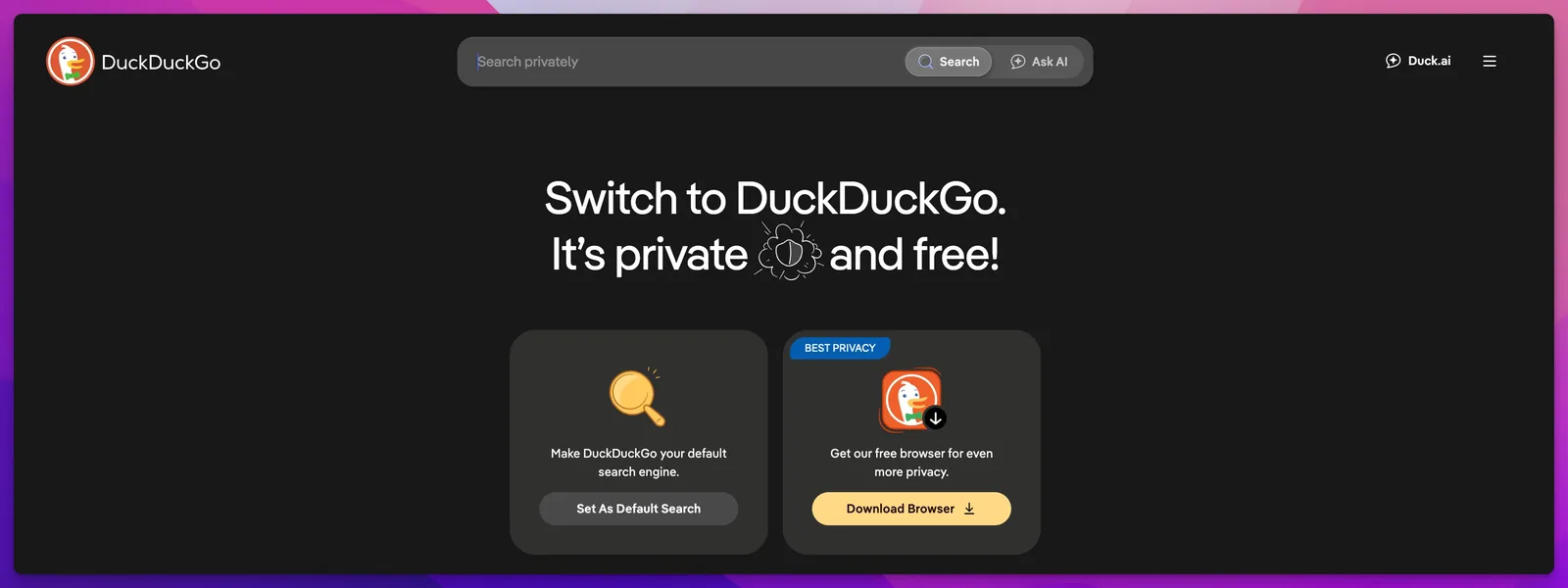
What makes it private: DuckDuckGo does not log your searches, does not create user profiles, and does not build ad-targeting data from your queries. It earns revenue from non-personalized keyword ads — the ad you see is based on the search term you just typed, not a profile of your browsing history. No search history is stored. No behavioral profile is built.
The DuckDuckGo browser app has expanded well beyond search. The desktop apps for macOS and Windows now include built-in tracker blocking, automatic HTTPS upgrades, a Cookie Pop-up Manager that auto-rejects tracking cookies, and Duck Player for distraction-free YouTube viewing. On Android, App Tracking Protection blocks trackers across every app on the phone — not just the browser. Email Protection strips trackers from incoming emails using private @duck.com forwarding addresses.
AI features are optional, not forced. Duck.ai gives employees free, anonymous access to models like GPT-5 mini and Claude 4.5 Haiku — chats are stripped of identifying data before reaching the model providers, deleted within 30 days, and never used for training. Search Assist (DuckDuckGo's equivalent of Google's AI Overviews) can be limited or turned off entirely, and noai.duckduckgo.com disables every AI feature by default. More on why this matters in the AI section below.
Result quality is good for general business queries. For everyday searches — vendor lookups, product comparisons, how-to questions, news — DuckDuckGo returns relevant results consistently. Power users appreciate the !bang shortcuts (!g to fall back to Google, !w for Wikipedia, !yt for YouTube), though most employees won't use them. DuckDuckGo sources most of its results from Bing's index, which means it inherits Bing's strengths (broad general coverage) and weaknesses (thinner results for highly specialized technical, legal, or academic queries). If your team regularly searches for obscure legal citations or niche technical documentation, you'll notice the gap.
Deployment is the strongest selling point for IT teams. DuckDuckGo can be pushed as the default search engine across your organization using Chrome Enterprise Core, Microsoft Intune, or Jamf — with no per-user accounts, no licensing, and no cost. For businesses that aren't ready for a paid solution, this is the unambiguous first step.
DuckDuckGo Bottom Line
Best for teams that want a zero-cost, zero-friction privacy improvement. Deploy it as your org-wide default and move on. If result quality on professional queries becomes a pain point, that's when you look at Kagi.
Kagi
Kagi is a paid, ad-free search engine — $10 per user per month — with the best result quality for professional and technical queries.
It's underrepresented in generic "best private search engine" lists, and it's the option we recommend most strongly for knowledge-worker teams. The reason is simple: the search results are better.
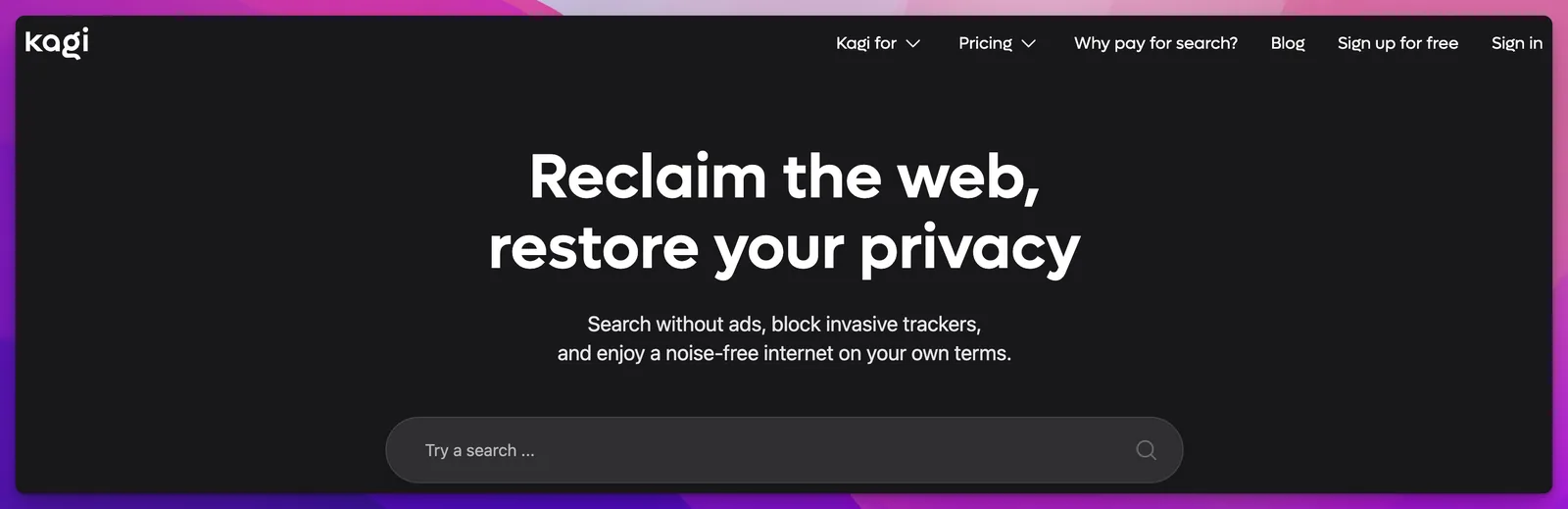
The business model is the differentiator. Kagi is entirely subscription-funded. No ads. No tracking. No data selling. Because Kagi's revenue comes from subscribers, its incentive is to deliver the best possible results — not to maximize ad clicks or engagement. This is the same structural argument that makes paid email (like switching to a privacy-first email provider) different from ad-funded email.
Result quality for professional queries is where Kagi earns its price. Kagi blends its own indexes (Teclis for the web, TinyGem for news) with anonymized calls to outside providers — including Google results sourced through third-party APIs — plus user-configurable domain rankings. One implication worth knowing: Kagi is private, but it is not Google-free. The payoff is results that are consistently more relevant for professional and technical work. Lenses let you filter searches by category — restrict results to academic sources, forums, or specific industry domains — which is useful for teams that do focused research in a particular field. Searching for "Delaware LLC dissolution procedure" or "NIST CSF 2.0 implementation checklist" on Kagi returns cleaner, more authoritative results than the same query on DuckDuckGo or Google. For teams that do high-value research — law firms, consultancies, financial advisors, engineering teams — this quality difference compounds across dozens of searches per day.
Pricing (as of June 2026):
| Plan | Price | Searches | Notes |
|---|---|---|---|
| Trial | Free | 100 total | Enough to evaluate quality |
| Starter | $5/mo | 300/month | Light personal use |
| Professional | $10/mo | Unlimited | The plan for daily use |
| Ultimate | $25/mo | Unlimited | Includes premium AI assistant |
| Team Professional | $10/user/mo | Unlimited | Centralized billing, admin controls |
| Team Ultimate | $25/user/mo | Unlimited | Everything + premium AI per seat |
Individual plans drop about 10% with annual billing ($108/year for Professional); Team plans are billed monthly only.
The cost math at scale: A 10-person team on the Professional plan costs $100/month. A 20-person team costs $200/month. Kagi's fair pricing policy means you're only billed for active users — if someone doesn't use Kagi during a billing cycle, their charge is automatically credited back. For teams where employees spend significant time searching for case law, technical documentation, financial data, or regulatory guidance, the $10/seat cost becomes easy to justify when the alternative is each person spending 15 extra minutes per day wrestling with lower-quality results.
When Kagi Is Worth the Investment
If your team regularly searches for case law, technical documentation, financial data, or specialized research, Kagi's result quality is worth the subscription cost. The Professional plan at $10/user/month covers unlimited searches — the right plan for most business deployments.
The deployment caveat: Kagi requires per-user accounts, so org-wide deployment means per-seat billing and individual account setup through Kagi's Team admin portal. It's not as frictionless as pushing DuckDuckGo via browser policy. You're managing a subscription, not flipping a setting.
Startpage
Startpage returns Google and Bing results through an anonymizing proxy, operating from the Netherlands under Dutch and EU privacy law.
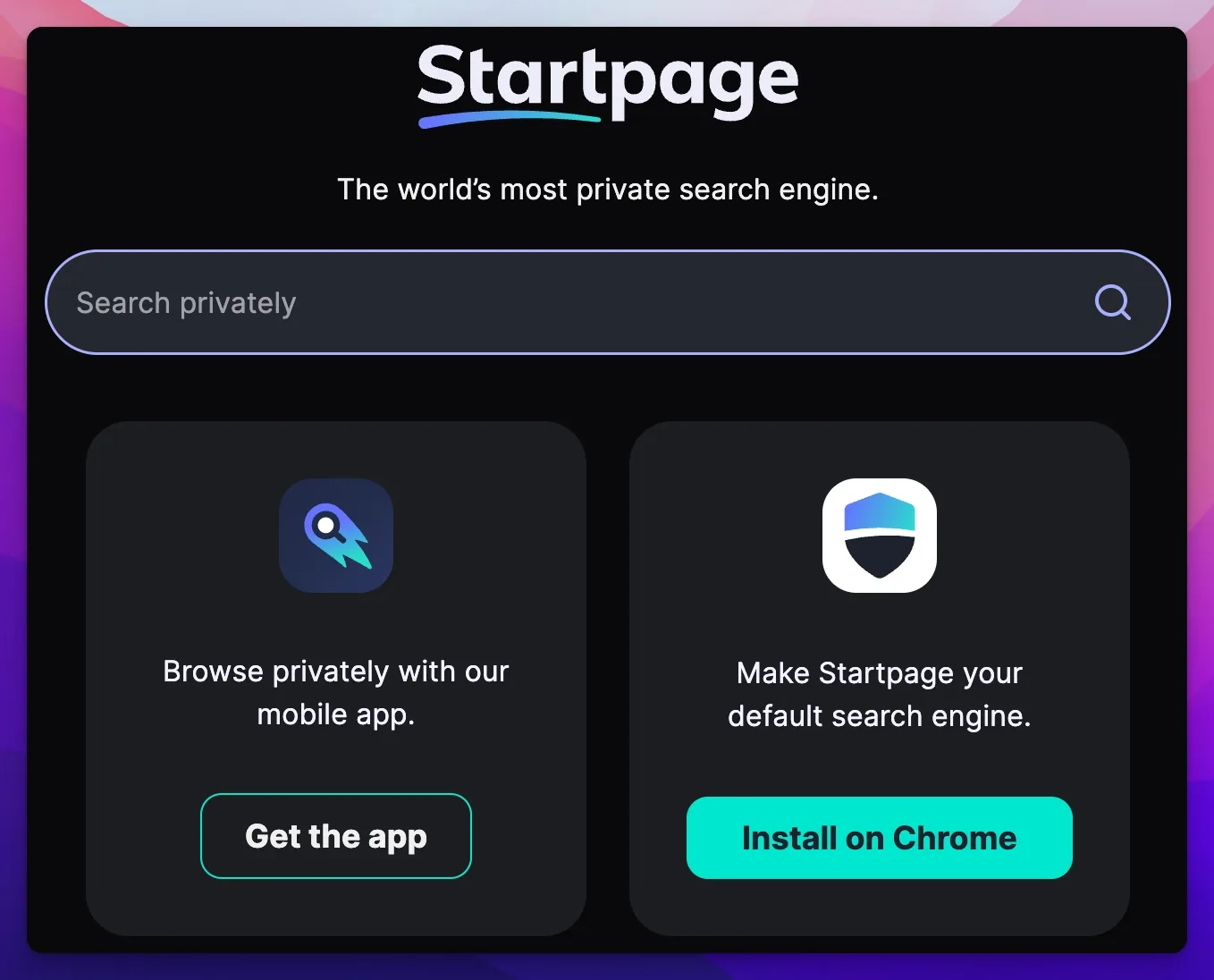
How it works: Startpage submits your query to Google and Bing on your behalf, strips all identifying information (your IP, account, cookies), and returns the results to you. The search partners see the query but have no idea who asked it. You get big-index result quality without the tracking.
Jurisdiction and ownership, stated plainly. Startpage is operated by Surfboard Holding BV in The Hague, Netherlands, and falls under GDPR and Dutch privacy law. Its privacy policy is explicit: no IP logging, no tracking cookies, no search query retention. But there's a detail most roundups omit: since 2019, the majority owner of Surfboard Holding has been System1, a US advertising technology company, through its Privacy One Group subsidiary. The acquisition briefly got Startpage removed from privacy recommendation lists until the company clarified that its Dutch operations and no-logging architecture were unchanged — and that its founders retain the power to reject any technical change that could affect user privacy. More than six years on, there's no evidence of a privacy regression. But if your threat model includes "who ultimately owns the company," System1 is part of the answer.
For businesses with EU clients, EU operations, or data residency concerns, Startpage's Dutch operations and GDPR compliance still make it a strong choice — just go in with the full ownership picture. Setting it as your organization's default also supports GDPR data minimization obligations.
Anonymous View is Startpage's standout feature for security-conscious teams. When you find a result, you can click "Anonymous View" to load the destination page through Startpage's proxy — the website you visit never sees your IP address or identity. This is functionally similar to browsing through a VPN but built directly into the search experience.
The honest limitation: Startpage is still downstream of Google and Bing. If your goal is to reduce Big Tech index dependency entirely — not just avoid the tracking — Startpage doesn't address that. You're still consuming Google's and Microsoft's search infrastructure, just through a privacy layer. If you want to exit those ecosystems completely, Brave Search — or a SearXNG instance configured without Google and Bing sources — is the better fit.
Deployment is straightforward. Startpage can be set as the default search engine via Chrome Enterprise Core, Intune, or Jamf — same process as DuckDuckGo. No per-user accounts required.
Startpage Bottom Line
Best for businesses that want Google-quality results with GDPR-compliant, no-logging privacy — especially teams with EU clients or operations. Know the ownership story going in: Dutch operations, US ad-tech majority owner.
Brave Search
Brave Search is the only option on this list with a fully independent search index. DuckDuckGo pulls from Bing. Startpage proxies Google and Bing. Kagi mixes in Google results via third parties. Brave Search built its own web crawler and index from scratch, meaning your queries never touch Google or Microsoft infrastructure.
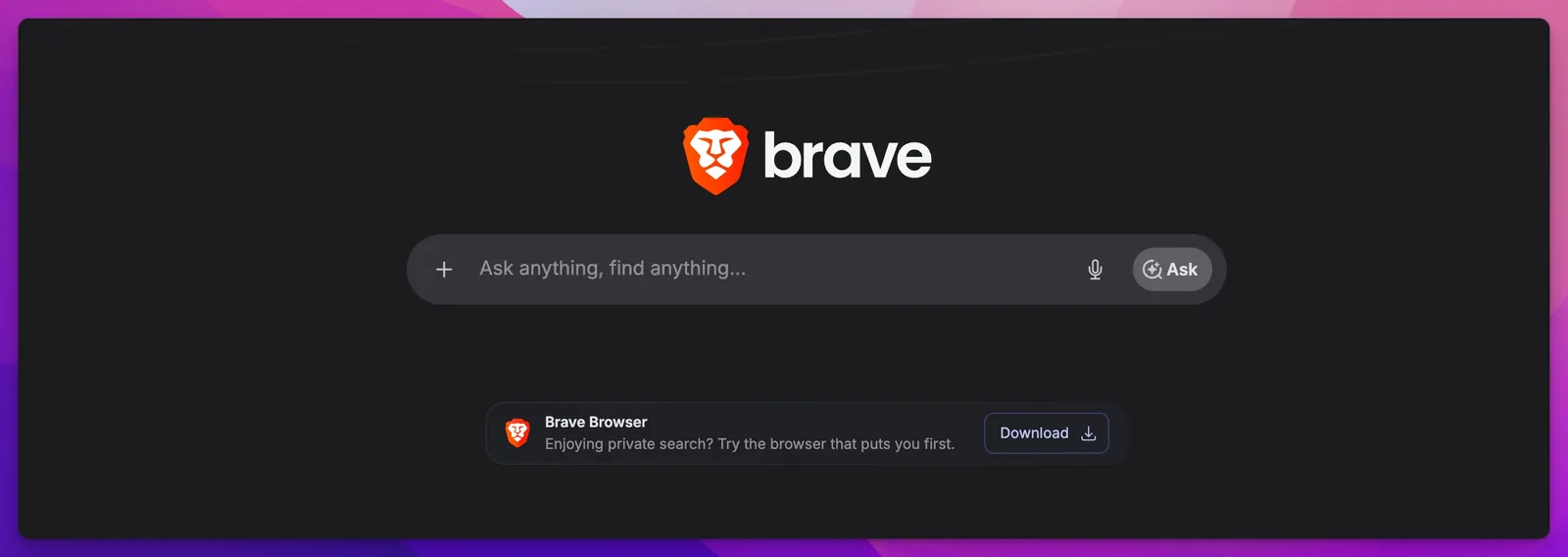
Why independence matters for business: If Google or Bing adjust their ranking algorithms, suppress certain domains, or modify result quality in ways that affect your team's research, every search engine that depends on their index inherits those changes. Brave Search is insulated from this — its results are generated from its own crawler, not filtered through someone else's infrastructure.
Result quality is strong and improving. For mainstream business queries, Brave Search returns relevant, well-organized results. For niche technical searches, the independent index is occasionally thinner than Google's or Bing's — a gap that has narrowed considerably as Brave's index has grown. The "Discussions" feature surfaces relevant conversations from forums like Reddit, which is useful for practical troubleshooting and product research.
Goggles is the feature that sets Brave Search apart for technical teams. Goggles are community-created (or custom) filters that re-rank search results based on rules you define. You can create a Goggle that prioritizes documentation sites, deprioritizes content farms, or surfaces results exclusively from .gov and .edu domains. For an IT team researching security advisories or a legal team filtering for regulatory sources, this is a real workflow improvement.
Brave Search API is the most business-grade offering in this list. At $5 per 1,000 queries (with $5 in free credits every month), it's designed for companies building internal tools, AI-assisted research pipelines, or knowledge management systems that need a privacy-respecting search backend. If you're building AI-assisted tools with business data, Brave's API is the most straightforward way to add web search without funneling your queries through Google. A separate Answers plan ($4 per 1,000 queries plus token-based pricing) returns LLM-generated answers grounded in live search results — relevant if you're building retrieval pipelines or research agents. Enterprise tiers with custom agreements and zero data retention are available.
No tracking, no profiling. Brave Search does not log searches tied to your identity and does not build advertising profiles. The free version includes anonymous, non-personalized ads. Brave Search Premium ($3/month or $29.99/year) removes ads entirely.
Brave Search Bottom Line
Best for technical teams that value index independence, and for companies building internal tools that need a privacy-respecting search API. The Goggles feature is a genuine differentiator for teams that do specialized research.
SearXNG (For Teams That Want Full Control)
SearXNG is a free, self-hosted meta-search engine that aggregates results from multiple providers and logs nothing.
It queries the search engines you configure — Google, Bing, DuckDuckGo, Brave Search, and dozens of others — combines the results, and returns them without logging a single query. No third party sees your searches. Your search data never leaves your network.
This is the maximum-privacy option. It's also the maximum-effort option.
What self-hosted means in practice: You run SearXNG on a server you control — a VPS, an on-premises machine, or a Docker container on your existing infrastructure. SearXNG is open-source (31,000+ stars on GitHub and actively maintained), free to use, and highly configurable. You choose which search engines it queries, how results are ranked, and what data is retained (the default: nothing).
Who this is actually for: Engineering-forward companies, privacy-first organizations, and businesses that already run self-hosted tools like Nextcloud, Vaultwarden, or Gitea. If your team has an IT admin who is comfortable maintaining a Docker deployment and your organization's threat model requires that no third party — not even DuckDuckGo or Kagi — sees your search queries, SearXNG is the right answer.
For regulated industries where search query data could be discoverable in litigation or audit, self-hosted SearXNG is the only option that keeps all query data under your organization's direct control.
Be Honest About the Overhead
SearXNG is not for teams without in-house IT. If you're a 10-person professional services firm without a dedicated sysadmin, DuckDuckGo or Kagi will serve you better with a fraction of the overhead. The privacy benefit of self-hosting is real, but it comes with ongoing maintenance, uptime responsibility, and configuration work.
Result quality depends entirely on your configuration. SearXNG aggregates results from whatever sources you configure, which means result quality can be as good as Google's — if you include Google as a source. The meta-search approach also surfaces results from multiple providers simultaneously, which can sometimes uncover relevant pages that no single engine finds.
An honorable mention: Mojeek. The UK-based engine is, alongside Brave Search, one of the very few with a fully independent index and a strict no-tracking policy. Its result quality trails the engines above on most business queries, which is why it isn't a primary recommendation — but if index independence is your deciding criterion, it belongs on your shortlist.
How Do Private Search Engines Handle AI?
Every engine on this list treats AI as optional — you can use it privately or switch it off entirely. Google offers no such control.
This matters in 2026 because AI answers are now the default search experience on Google, and the shift cuts both ways for businesses. If your team uses AI answers, the prompts and follow-up questions are richer, more revealing versions of search queries — the same data minimization argument applies, with higher stakes. If your team doesn't want AI in search at all, Google offers no persistent off switch — only a per-search "Web" results filter.
The private options handle it on your terms:
- DuckDuckGo — Duck.ai and Search Assist are optional and anonymized (covered above), and
noai.duckduckgo.comdisables AI features entirely. - Kagi — the Kagi Assistant runs against major AI models without your data being used for training; standard tiers include limited AI interactions, and the Ultimate plan unlocks premium models. Search stays search unless you invoke it.
- Brave Search — AI summaries can be suppressed per query, and the Answers API gives teams grounded AI responses under their own control.
- Startpage — deliberately adds no AI layer of its own; you get Google and Bing results without the AI Overviews those engines would show directly.
- SearXNG — no AI features by default; anything you add to a self-hosted instance is your call.
The demand for this control is measurable. When Google pushed AI Mode deeper into its search experience in May 2026, DuckDuckGo's US app installs rose roughly 18% week over week on average, peaking above 30%, and traffic to its AI-free search page climbed in step. A meaningful share of users — and businesses — want search to stay search.
How to Deploy a Private Search Engine Across Your Organization
DuckDuckGo, Brave Search, and Startpage deploy org-wide via Chrome Enterprise Core, Intune, or Jamf browser policies. Kagi requires per-user accounts.
Choosing an engine is half the job. The other half is making sure your team actually uses it.
Chrome Enterprise Core (formerly Chrome Browser Cloud Management) is the most common path. You set the DefaultSearchProviderEnabled and DefaultSearchProviderSearchURL policies in the Google Admin console, and every managed Chrome browser in your organization switches to the search engine you specify. This works for DuckDuckGo, Brave Search, and Startpage — any engine with a standard search URL.
Microsoft Intune handles Windows and Edge deployments. You can push default browser settings and search engine policies via MDM configuration profiles. For Windows-centric teams, this is the natural management layer.
Jamf covers macOS and iOS managed devices. Configuration profiles can set the default search engine in Safari and Chrome, which covers the two browsers most likely to be in use on Apple hardware.
Firefox ESR Group Policy supports the same policy-based default search configuration for organizations that standardize on Firefox.
The Kagi edge case: Because Kagi requires individual user accounts for its subscription to work, you can't just push it via browser policy. You need to create accounts through Kagi's Team admin portal, assign seats, and then configure each user's browser to route searches through Kagi's authenticated URL. This is manageable for teams under 50, but it adds a manual onboarding step that the free options don't require.
The practical approach for most organizations: deploy DuckDuckGo, Brave Search, or Startpage as the org-wide default via Chrome Enterprise Core or your MDM of choice. If specific teams (legal, research, engineering) need Kagi's superior result quality, add Kagi seats for those users and manage them separately.
For broader context on building a privacy-aware IT posture, see our cybersecurity upgrade guide for small businesses. Switching the default search engine is one component of a larger policy conversation.
If your team is staying on Edge and the objection to Bing is result quality rather than privacy, our 30-workday stock Windows 11 laptop test covers which query types sent us back to another engine and how to change the address-bar default.
Google Search is Dead. Here's What to Use Instead. (Techlore)
Making the Decision
The right private search engine depends on your team's size, technical capacity, and how much search quality matters to your daily work.
If you want the fastest, lowest-friction privacy improvement: Deploy DuckDuckGo as your org-wide default. It costs nothing, takes five minutes to configure, and immediately stops every employee's search queries from feeding Google's ad profile. For most businesses, this is the right answer and the right place to start.
If search quality directly impacts your team's work output: Add Kagi for the employees who do heavy research — lawyers, analysts, consultants, engineers. The $10/user/month Professional plan pays for itself quickly when the alternative is employees spending extra time on lower-quality search results.
If GDPR compliance or EU data jurisdiction matters: Use Startpage. Dutch-operated, GDPR-native, Google-quality results without Google tracking — with the System1 ownership caveat noted above.
If your team builds tools or values index independence: Brave Search, especially if you need API access for internal applications or want Goggles customization for specialized research.
If maximum privacy is a non-negotiable requirement: Self-host SearXNG — but only if you have the IT team to maintain it.
Switching your default search engine is one of the lowest-friction privacy improvements available. Pair it with a business VPN and a privacy-first email provider, and you've covered the three most accessible data minimization wins for any business team.
Related Resources
- Business Data Privacy Guide — The full framework for understanding your business's data footprint and building a privacy-first posture.
- Google Ecosystem Privacy Guide — How Google tracks your business activity across Search, Workspace, Chrome, and Android.
- Best VPN for Small Business Privacy — The companion piece to this article — switching search and adding a VPN are the two lowest-friction privacy upgrades.
- Is ChatGPT Safe for Business Data? — If your team uses AI tools for research, the data privacy question extends beyond search.
- Small Business Cybersecurity Upgrade Guide — Where private search fits in the broader cybersecurity policy for your team.
- Best Privacy-First Productivity Apps for Business — Encrypted notes, tasks, and calendars for teams that want their workflow data off advertising platforms.
Frequently Asked Questions
Related Articles
More from Cybersecurity

The 200-Day SSL Certificate Limit: What Small Businesses Need to Check Before March 2027
Public TLS certificates issued since March 15, 2026 can last no more than 200 days, falling to 100 days in 2027 and 47 in 2029. Where certificates hide in a small office, how to automate renewal, and how to confirm it works.
15 min read

Vendor Risk Assessment for Small Businesses: A Practical 2026 Framework
Inventory, classify, and review your SaaS vendors with a two-axis risk matrix, worked example, and copyable 12-question questionnaire.
19 min read

Who Manages Your AI Agents? A Practical Access Policy for Small Businesses Without a Security Team
Only 14.4% of organizations have full security approval for their AI agent fleet. Build a one-page policy outline and a monthly audit habit for offices with no dedicated security staff.
17 min read