

MacBook Air M5 vs M4: Upgrade Guide for 2026
Apple began shipping the MacBook Air M5 on March 11 at $1,099 with 512GB base storage and Wi-Fi 7. Clear breakdown: who should upgrade, who should skip, and who the M5 is actually worth buying for in June 2026.

Quick Verdict
M4 owners: don't upgrade. The M5 is faster on paper — the daily experience is identical for typical business use. New buyers: the M5 is the clear choice — 512GB base storage and Wi-Fi 7 make it a stronger baseline, and June 2026 discounts have brought the 13-inch M5 as low as $899–$950 at major retailers. At that price, the M4 only makes sense if you find it significantly cheaper or are buying refurbished.
Affiliate Disclosure: This article contains affiliate links. If you make a purchase through these links, we may earn a small commission at no extra cost to you. As an Amazon Associate, iFeelTech earns from qualifying purchases.
TL;DR:
- M4 owners: The M5 is faster, not faster-feeling for everyday work. Skip it.
- New Mac buyers: The M5 is the stronger baseline — 512GB storage and Wi-Fi 7 included, and June 2026 street prices have dropped to $899–$950 at major retailers.
- Budget buyers: The M4 only makes sense if priced at least $150–$200 below the M5, or bought refurbished (Apple refurbs start around $759). At $949–$999, the M4 is hard to recommend over a discounted M5.
- MacBook Neo vs M5 Air: These are separate decisions — budget entry-level vs professional ultraportable.
June 2026 Price Check
The M5 MacBook Air 13-inch has dropped to $899–$950 at Amazon, Best Buy, and B&H during spring and summer sales — a $150–$200 discount from the $1,099 list price. That makes the M4 at $949–$999 a much harder sell unless you find it at least $150 cheaper than the current M5 street price, or you're buying Apple-refurbished (M4 refurbs start around $759). Always check current pricing before deciding — the gap between these two models changes weekly. For broader timing guidance on when laptop deals peak, see our best time to buy a laptop guide.
What's New in the MacBook Air M5?
MacBook Air M5 Intro: Apple's 2026 Ultraportable
The M5 MacBook Air makes four changes from the M4 — everything else is the same machine. Apple began shipping on March 11, 2026, at $1,099 for the 13-inch and $1,299 for the 15-inch.
What changed:
- M5 chip — new-generation Apple Silicon with a more capable GPU, a 16-core Neural Engine with Neural Accelerators in every GPU core, and up to 4x faster LLM prompt processing vs M4 (per Apple's testing: time-to-first-token with a 16K-token prompt using a 14-billion-parameter 4-bit model in the MLX framework)
- 512GB base storage — doubled from the M4's 256GB starting point, included at every configuration
- Wi-Fi 7 — via Apple's new N1 wireless chip, replacing Wi-Fi 6E; requires a Wi-Fi 7 router or access point to see real-world benefits
- Bluetooth 6 — replaces Bluetooth 5.3, with improved connection stability for wireless accessories
What Apple kept the same:
- Chassis: aluminum enclosure, 2.7 lbs, under 0.44 inches thin
- 60Hz Liquid Retina display — no OLED panel and no 120Hz ProMotion (those remain exclusive to the MacBook Pro lineup)
- Ports: two Thunderbolt 4, MagSafe 3, 3.5mm headphone jack
- 12MP Center Stage camera
- Up to 18 hours battery life
- Completely fanless design
- Four colors: Sky Blue, Silver, Starlight, Midnight
How Does MacBook Air M5 Performance Compare to M4?
For typical business tasks, M5 and M4 perform nearly identically — the gains register in video rendering, gaming, and on-device AI workloads.
The M5 delivers real performance improvements over the M4 per benchmark testing at launch: approximately 31% faster GPU (per Six Colors and Engadget), 11–17% faster CPU (single-core and multi-core respectively), approximately 2x faster SSD reads, and up to 4x faster LLM prompt processing (Apple-tested: time-to-first-token with a 16K-token prompt using a 14-billion-parameter 4-bit model in the MLX framework — not a blanket "4x faster AI" across all tasks).
| Specification | MacBook Air M5 | MacBook Air M4 |
|---|---|---|
| Starting price (13-inch) | $1,099 | $999 |
| Starting price (15-inch) | $1,299 | $1,199 |
| Chip | Apple M5 | Apple M4 |
| CPU cores | 10-core | 10-core |
| GPU cores | 8-core (13") / 10-core (15") | 8-core (13") / 10-core (15") |
| Base RAM | 16GB unified memory | 16GB unified memory |
| Base storage | 512GB | 256GB |
| Wi-Fi | Wi-Fi 7 (Apple N1) | Wi-Fi 6E |
| Bluetooth | 6 | 5.3 |
| GPU performance vs M4 | ~31% faster (Six Colors, Engadget) | baseline |
| CPU performance vs M4 | ~11–17% faster (single/multi-core) | baseline |
| SSD read speeds vs M4 | ~2x faster (per Apple) | baseline |
| LLM prompt processing vs M4 | Up to 4x faster (Apple MLX test) | baseline |
| Battery life | Up to 18 hours | Up to 18 hours |
| Display | 60Hz Liquid Retina | 60Hz Liquid Retina |
| Weight | 2.7 lbs | 2.7 lbs |
| Ports | 2x TB4 + MagSafe + 3.5mm | 2x TB4 + MagSafe + 3.5mm |
What the numbers mean in typical business use: Web browsing, Slack, Zoom, email, Google Workspace, Microsoft 365, VS Code, and light photo work run identically on M4 and M5. The M4 was already fast enough for these tasks — further CPU gains don't produce faster page loads or more responsive video calls. They produce faster completion times on tasks that were already completing in milliseconds.
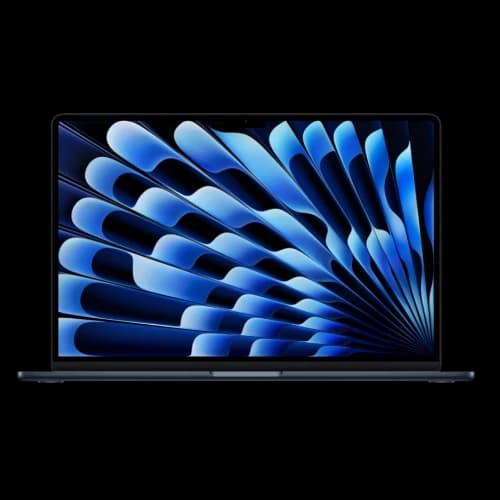
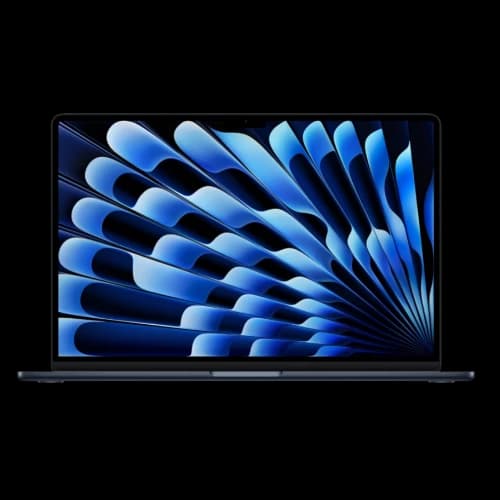
MacBook Air M5 vs M4 technical comparison
| Specs | |||
|---|---|---|---|
| Chip | Apple M5 (10-core CPU, 8-core GPU) | Apple M5 (10-core CPU, 10-core GPU) | Apple M4 (10-core CPU, 8-core GPU) |
| Storage | 512GB (Base) | 512GB (Base) | 256GB (Base) |
| Memory | 16GB (Standard) | 16GB (Standard) | 16GB (Standard) |
| Wireless | Wi-Fi 7 | Wi-Fi 7 | Wi-Fi 6E |
| Display | 13.6" Liquid Retina | 15.3" Liquid Retina | 13.6" Liquid Retina |
| AI | Up to 4x Faster LLM Prompts | Up to 4x Faster LLM Prompts | Standard Speed |
Where you'll actually feel the M5:
Apple Intelligence. Both M4 and M5 fully support Apple Intelligence — Writing Tools, Clean Up in Photos, Priority Notifications, Image Playground, and on-screen awareness features all work on either chip. The M5's 16-core Neural Engine handles these tasks more efficiently, and the difference is most noticeable when multiple Apple Intelligence features are active simultaneously or when using compute-intensive tasks like image generation. For single-feature day-to-day use, both chips feel comparable.
On-device AI and LLM work. If you run local language models — LM Studio, Ollama, MLX-based tools, or any workflow that processes AI tasks on the device — the up to 4x faster prompt processing (time-to-first-token) is the most meaningful daily improvement the M5 offers over the M4. Independent community benchmarks show 19–29% gains in token generation speed, while the largest improvements appear in the prefill/prompt-processing phase where Neural Accelerators contribute most.
Video rendering and export. Video editors working in Final Cut Pro or DaVinci Resolve will see the GPU improvements translate into faster exports. The gain is real but not dramatic — expect a meaningful time reduction on render-heavy projects rather than a complete workflow transformation.
Gaming. For Mac-compatible games and GPU-bound creative apps, the M5 gives the Air more headroom than the M4. Independent testing shows the M5 Air's GPU is roughly 31% faster than the M4 Air's. Native macOS titles like Neverness to Everness run more smoothly and at higher settings — though the fanless Air still isn't a gaming laptop, and sustained loads will throttle.
Memory pressure recovery. At 16GB RAM, both chips handle typical business workloads without swap. The M5's faster SSD reads mean that when memory pressure does occur and the system uses SSD as virtual memory, recovery is quicker and less noticeable.
For web browsing, email, office apps, Slack, Zoom, and light creative work, most users will not feel a practical difference between the M4 and M5. The gains are real but narrow — they matter most for GPU-heavy, AI, and sustained workloads.
Should You Upgrade from MacBook Air M4 to M5?
Most M4 owners should skip the M5 — for everyday workloads the performance is identical, and the upgrade math rarely pencils out.
For M4 Owners: The Upgrade Math Doesn't Work
Check Apple Trade In for current estimates on your specific M4 model — values vary by configuration and condition. After trade-in credit, you'll still pay several hundred dollars out of pocket for GPU gains that won't register during a typical workday of Slack, Chrome, and email. For most M4 owners, the right move is waiting for the next generation.
Upgrade if — and only if — one of these applies:
1. You run on-device AI models regularly. If your workflow includes LM Studio, Ollama, or any tool executing LLMs locally on the machine, the up to 4x faster prompt processing justifies the upgrade. This is a specialized use case today, but it's growing fast — particularly for professionals who process sensitive client data that can't leave the device.
2. You're consistently hitting the walls of 256GB storage. If your drive is routinely near capacity and you're managing storage as a daily friction point or paying for cloud workarounds, upgrading to an M5 starts at 512GB. That said, check current M4 pricing on configured 512GB models before assuming the M5 is the only path — you may find the storage upgrade is available closer to M4 pricing.
3. You use the Air for regular video production or gaming. The ~31% GPU improvement and faster memory bandwidth make a noticeable difference for anyone using the MacBook Air as a production machine rather than a general productivity device.
Skip the upgrade if:
- Your primary workloads are web, email, Slack, Zoom, and office productivity
- You bought the M4 in 2025 — you're within the normal 3–4 year Mac replacement cycle
- You're not hitting any performance ceiling on the M4 today
- You're not running local AI models
The M4 you already own handles typical business workloads identically to the M5. The performance difference shows up in benchmarks and specialized tasks, not in everyday use.
Should MacBook Air M2 or M3 Owners Upgrade to the M5?
M2 and M3 owners are the strongest M5 upgrade candidates — the generational gap is wide enough to register in daily use, not just benchmarks.
MacBook Air M2 owners (2022 → 2026): Four years of chip development separates the M2 from the M5. GPU performance, Neural Engine speed, SSD throughput, and wireless connectivity have all improved substantially across two full generations. If your M2 Air is showing its age — slower on video exports, limited in newer AI tools, or simply feeling less responsive under load — the M5 is a compelling update. The storage situation alone justifies it for many M2 owners: the M2 shipped with 256GB as the base, while the M5 starts at 512GB.
MacBook Air M3 owners (2023 → 2026): The case is more nuanced. The M3 was a solid chip that added hardware ray tracing and raised the M2's thermal ceiling. Three years in, M3 owners running on-device AI workloads, regular video production, or gaming will feel the M5 improvement meaningfully. Pure productivity users running web, email, and office apps will notice less. If your M3 isn't limiting you in real work today, waiting another cycle is a reasonable call.
Trade-in context for M2/M3 owners: Check Apple Trade In for current estimates on your specific model — M2 and M3 MacBook Airs in good condition typically retain useful trade-in value, especially higher-storage configurations. Subtract your trade-in credit from $1,099 and the net cost of the M5 upgrade is often more manageable than the sticker price suggests.
Who Should Buy the MacBook Air M5 as a New Purchase?
New buyers should choose the MacBook Air M5 — 512GB base storage and Wi-Fi 7 make it a stronger baseline than the M4, and June 2026 street pricing ($899–$950) has made the decision even easier.
The M5 lists at $1,099, but with frequent discounts bringing it to $899–$950, the real-world gap between the M5 and M4 has nearly disappeared. Both machines come with 16GB of unified memory as standard. The M5 adds 512GB of storage instead of 256GB, plus Wi-Fi 7 — improvements that would have cost $200+ as M4 upgrades. At current street prices, the M5 offers more for the same money.
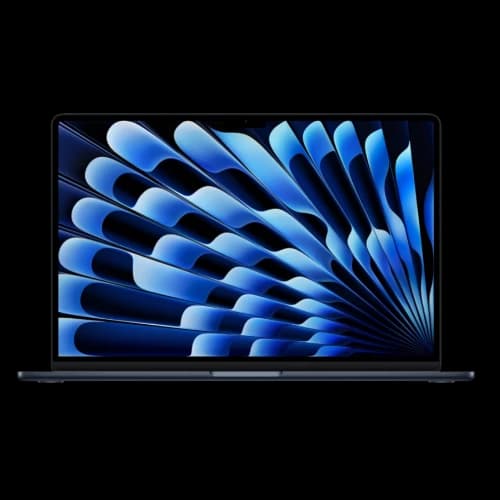
MacBook Air M5 (13-inch)
Apple's 2026 ultraportable with M5 chip, 512GB base storage, Wi-Fi 7, and up to 18 hours battery life. Frequently discounted to $899–$950.
- 512GB base storage (doubled from M4)
- Wi-Fi 7 via Apple N1 chip
- Up to 4x faster LLM prompt processing vs M4
- Same fanless design, 2.7 lbs
*Price at time of publishing
Configuration Guidance for New M5 Air Buyers
- Start here: MacBook Air M5 13-inch, 16GB RAM, 512GB storage — $1,099. Covers typical professional workloads for 3–4 years.
- Upgrade to 24GB RAM if you run multiple virtual machines, process large datasets, edit high-resolution video regularly, or plan to use local AI models with large context windows. Skip 32GB unless you have a specific demanding workload. (For more detail on how RAM and specs translate to real productivity, see our business computer specs guide.)
- Consider the 15-inch ($1,299) if you work primarily at a desk — the larger display and 10-core GPU (standard on all 15-inch configurations) are worth the $200 premium for desk-primary users.
- Skip storage upgrades beyond 512GB unless your work genuinely demands it — cloud storage handles overflow economically and 512GB covers most professional workloads without daily management.
The M4 is only worth considering if you find it meaningfully cheaper than the M5's current street price. With the M5 regularly available at $899–$950 and the M4 at $949–$999 new (or from ~$759 Apple-refurbished), the M4's value proposition has narrowed considerably. It delivers identical performance for typical workflows, but you're getting 256GB storage and Wi-Fi 6E instead of 512GB and Wi-Fi 7.
MacBook Air M5 vs MacBook Neo: Which Should You Buy?
The MacBook Air M5 ($1,099) and MacBook Neo ($599) are not competing products — they serve fundamentally different buyers at a $500 price gap.
Apple introduced both machines in the same week — the MacBook Air M5 at $1,099 and the MacBook Neo at $599 — but they address different audience segments.
The MacBook Neo runs on the A18 Pro — the Apple Silicon chip from iPhone 16 Pro — with a maximum of 8GB of unified memory. At $599, it opens macOS to buyers who couldn't previously justify the entry price, or who need a reliable machine for light daily workflows. The A18 Pro and 8GB RAM ceiling make it well-suited for web, email, and productivity, but that constraint matters if you're planning to run local AI models, work with large files, or multitask heavily across demanding apps.
The MacBook Air M5 is a professional ultraportable designed for sustained performance across demanding workloads, strong on-device AI capability, and multi-year primary use.
| MacBook Air M5 | MacBook Neo | |
|---|---|---|
| Starting price | $1,099 | $599 |
| Chip | Apple M5 | Apple A18 Pro |
| RAM | 16GB–32GB unified | 8GB max |
| Storage (base) | 512GB | 256GB |
| Wi-Fi | Wi-Fi 7 | Wi-Fi 6E |
| AI performance | Full M5 Neural Engine | Limited by 8GB RAM cap |
| Battery life | Up to 18 hours | See Apple specs |
| Target use | Professional, AI-capable | Light use, ecosystem entry |
| Best for | Business, development, video | Web, email, basic productivity |
Choose the MacBook Neo if:
- Budget is the primary constraint and $500 matters in the decision
- Your workflows are light — web, documents, email, video calls
- You're introducing someone to macOS for the first time
- You don't need meaningful AI processing power on the device
Choose the MacBook Air M5 if:
- You're buying a primary work machine and need it to remain capable for 3–4 years
- Your workloads include any combination of video work, AI tools, development, or sustained multitasking
- Wi-Fi 7 is relevant to your current or planned infrastructure
- You want the full MacBook Air build quality and maximum battery life
The $500 gap reflects a real category difference, not a quality spectrum. Both are well-designed machines for the buyers they're built for.
When to Buy a MacBook Pro Instead
The MacBook Air M5 is the right machine for most buyers — but not all buyers. If any of the following describe your workload, the MacBook Pro is worth the premium.
Choose the MacBook Pro over the Air if:
- You do sustained video editing or 3D rendering. The Air's fanless design throttles under prolonged heavy load. The Pro's active cooling system maintains peak performance across long export and render sessions.
- You need ProMotion (120Hz). The Air is locked at 60Hz. If you're sensitive to display smoothness — particularly for motion design, animation work, or extended reading — the Pro's adaptive refresh rate is a meaningful upgrade.
- You need more ports. The Air has two Thunderbolt 4 ports, MagSafe, and a headphone jack. The Pro adds HDMI, an SD card slot, and a third Thunderbolt port — relevant for photographers, videographers, and users with complex desk setups.
- You regularly connect multiple high-resolution external displays beyond what the Air supports, or need to drive a single display at higher than 6K resolution.
- You need maximum sustained performance under load. Compiling large codebases, training ML models, or running CI pipelines locally all benefit from the Pro's thermal headroom.
- You plan to run large local AI models (30B+ parameters). The Pro configurations with 36GB or 48GB unified memory provide the headroom that the Air's 16–24GB ceiling cannot match.
For the majority of business users — email, web, documents, video calls, light development, and creative work — the Air M5 covers the workload without compromise. The Pro is a specialized tool for sustained, demanding workflows. For a broader view of laptop options across platforms and budgets, see our best business laptops guide.
MacBook Air Price Comparison — June 2026
The MacBook Air M5 lists at $1,099 but has been widely discounted. Here is how the current lineup stacks up at retail as of June 2026.
| Model | List Price | Street Price (June 2026) | Base Storage | Wi-Fi |
|---|---|---|---|---|
| MacBook Air M5 (13") | $1,099 | ~$899–$950 | 512GB | Wi-Fi 7 |
| MacBook Air M5 (15") | $1,299 | ~$1,099–$1,150 | 512GB | Wi-Fi 7 |
| MacBook Air M4 (13") | $999 | ~$949–$999 (new) / ~$759 (refurb) | 256GB | Wi-Fi 6E |
| MacBook Neo (13") | $599 | $599 | 256GB | Wi-Fi 6E |
At current street prices, the M5 and M4 are often within $0–$50 of each other new. That eliminates the M4's main advantage (price) and makes the M5 the default recommendation for new buyers — you get double the storage and Wi-Fi 7 at roughly the same cost. The M4 only becomes compelling again as an Apple-refurbished unit around $759, where the $150+ savings may justify the trade-offs for budget-constrained buyers.
The Bottom Line: Which Mac Should You Buy in 2026?
Buy the M5 if you're purchasing new. Keep the M4 if you own one. There's no reason to upgrade from M4 to M5 for typical business use.
You own an M4 MacBook Air: Keep it. There's no perceptible improvement for typical business workflows, and the trade-in math doesn't hold up. Revisit when your M4 starts showing its age in real workloads — likely 2–3 years from now.
You're buying your first Mac or replacing an M3 or older model: The M5 Air is the stronger option at current pricing. Starting storage of 512GB removes a common pain point from the M4 era, Wi-Fi 7 is forward-looking, and the M5 chip should remain capable for 3–4 years of professional use.
You run local AI models or LLMs regularly: The M5 is a meaningful upgrade from M4 — up to 4x faster prompt processing compounds daily across AI-heavy workflows.
Budget is the primary constraint: With the M5 now regularly discounted to $899–$950, the M4 only makes sense at a significant discount or as an Apple-refurbished unit (from ~$759). At equal or near-equal pricing, there's no reason to pick the M4 over the M5.
You need a Mac for light use: The MacBook Neo at $599 is a separate product entirely. If light workloads and macOS ecosystem access are the goal, it deserves serious consideration alongside the M5 Air.
Long-Term Reliability Data
For buyers who want real-world durability data on the MacBook Air chassis before committing: our MacBook Air M4 long-term review covers 11 months of daily professional IT consulting use, including measured battery health data (92% capacity after 11 months). The M5 uses the same enclosure — that durability profile transfers directly.
Ready to choose your next Mac?
Buying the M5 Air for a Small Business Fleet
If you're purchasing MacBook Airs for a team rather than a single user, a few considerations shift.
Configuration baseline: The 16GB/512GB M5 Air at $1,099 (or current street price) is the sensible fleet standard. It covers typical knowledge-worker workflows for 3–4 years without storage pressure or memory-related slowdowns.
When 24GB RAM is worth the upgrade: Users running multiple virtual machines, large datasets, development environments with heavy Docker use, or local AI models benefit from the 24GB configuration. For email/web/office workers, 16GB is sufficient — don't over-spec the fleet.
Deployment and management: Use Apple Business Manager for zero-touch deployment and MDM enrollment. This lets you configure Wi-Fi, apps, security policies, and updates across the fleet without touching each device manually.
AppleCare considerations: For fleet deployments, AppleCare+ for Business provides centralized support and hardware coverage. Weigh the per-device cost against your typical repair frequency and replacement budget. The Air's fanless design has fewer mechanical failure points than the Pro.
External display and dock planning: The M5 Air supports up to two external displays (with the lid closed). For desk setups, budget for a USB-C/Thunderbolt dock per workstation — this provides power delivery, display output, and peripheral connectivity through a single cable. See our Apple M4 Mac Office Setup Guide (peripherals carry forward to M5).
Refresh planning: At current pricing, a 3–4 year refresh cycle aligns well with Apple Silicon performance curves and macOS support timelines. Storage matters more than small CPU generational gains for most office users — the M5's 512GB base makes this less of a concern than earlier Air generations.
How We Evaluated This
We compared Apple's published specifications, June 2026 retail pricing from Amazon, Best Buy, B&H, and Apple's refurbished store, independent benchmark coverage from Six Colors, Engadget, and MacRumors, and our own long-term M4 Air business-use experience (11 months of daily IT consulting work). Price data was last verified on June 19, 2026.
Related Resources
- MacBook Neo vs. MacBook Air M5: Full Comparison 2026 — Dedicated side-by-side between Apple's two entry-level Mac laptops, with detailed specs, trade-offs, and a clear buyer verdict.
- Which MacBook Should You Buy in 2026? Neo vs. Air vs. Pro — Not sure which Mac tier you need? Our full three-way comparison covers the MacBook Neo, Air M5, and Pro 14 with five buyer profiles to help you decide before committing to the Air.
- MacBook Air M4 Long-Term Review: 11 Months of Daily Use — Battery health measurements, real-world performance under sustained professional use, and whether the M4 is still worth buying after the M5 launch.
- MacBook Air M4 Business Value Assessment (March 2026) — Current M4 pricing at clearance, configuration guidance, and value analysis for business buyers deciding between M4 and M5.
- Apple M4 Mac Office Setup Guide — How to configure a Mac-based office for a small business, including recommended docks, displays, and peripherals that carry forward to the M5.
- Apple Business Manager for Small Business — How to deploy and manage MacBooks across a team using Apple's MDM framework — relevant whether you're buying M4 or M5.
Frequently Asked Questions
Related Articles
More from Business Hardware
Windows on Arm in 2026: Is the Snapdragon X2 Surface Ready to Be Your Main Work Machine?
We tested Windows on Arm against the software small businesses actually run. Here's what's native, what's emulated, what breaks — and when to choose Intel instead.
13 min read
MacBook Air M4 (16GB) Review: Business Laptop Value Assessment for March 2026
Professional review of the MacBook Air M4 at clearance pricing. Real-world performance insights, M5 announcement analysis, configuration guidance, and business value assessment for March 2026.
14 min read
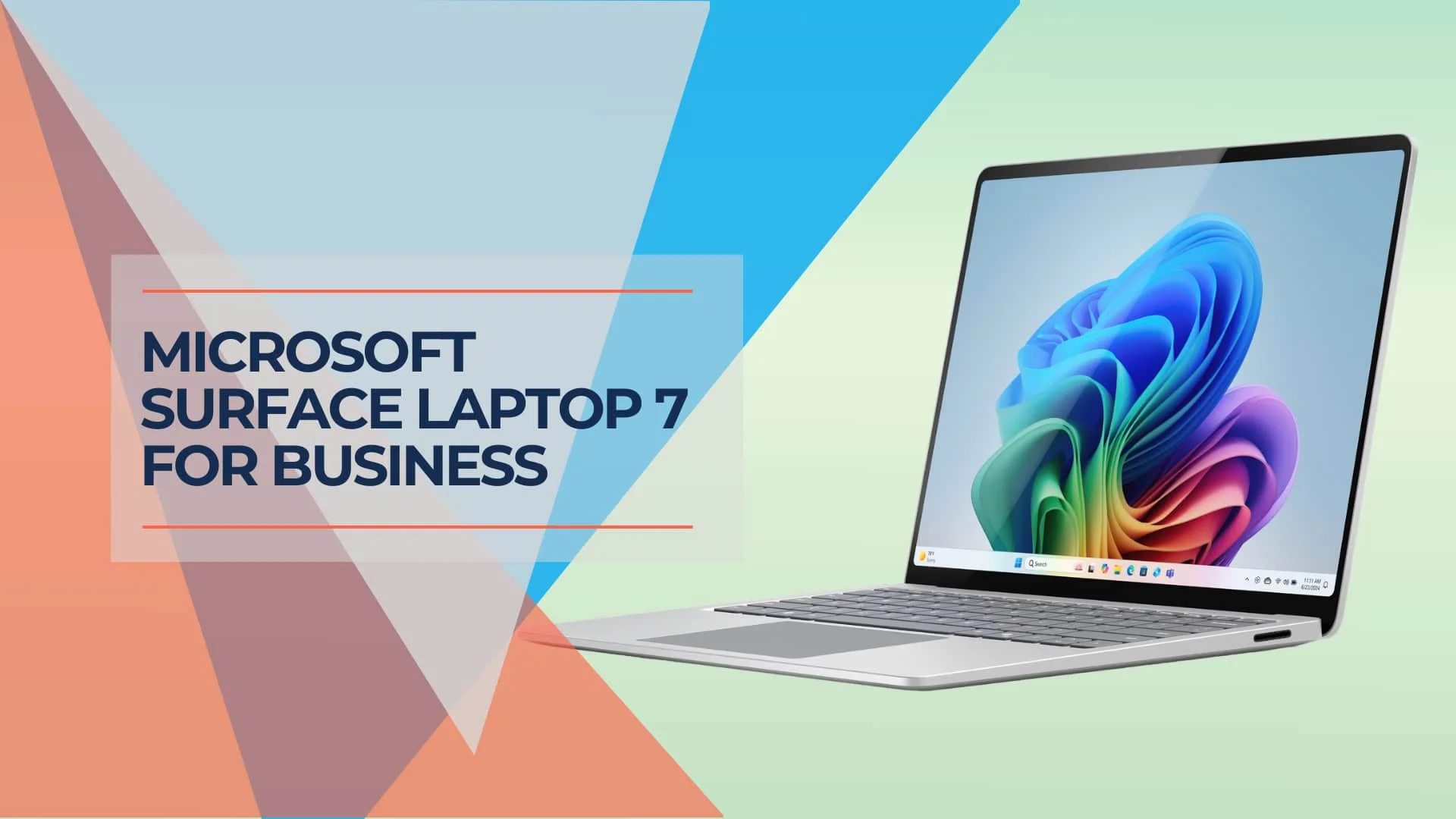
Surface Laptop 7 Review 2026: Is It Still Worth Buying?
18-month long-term review of the Surface Laptop 7 with Snapdragon X Elite. Real-world battery life, app compatibility in 2026, vs MacBook Air M4 comparison, and current pricing guidance.
13 min read