

Paperless Office Reality Check: Why Some Businesses Print Everything and Others Don't
After 25 years in IT, I've seen offices with 1.2 printers per person and others with one shared home printer. Here's why — and how to figure out where your business should land.

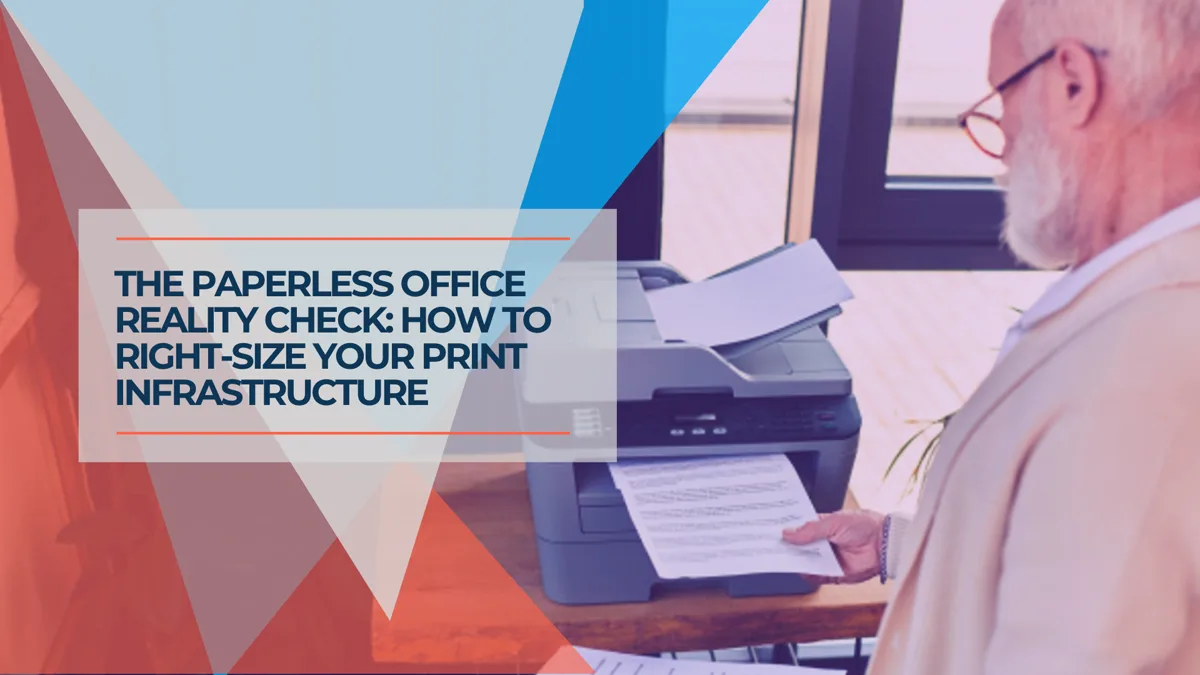
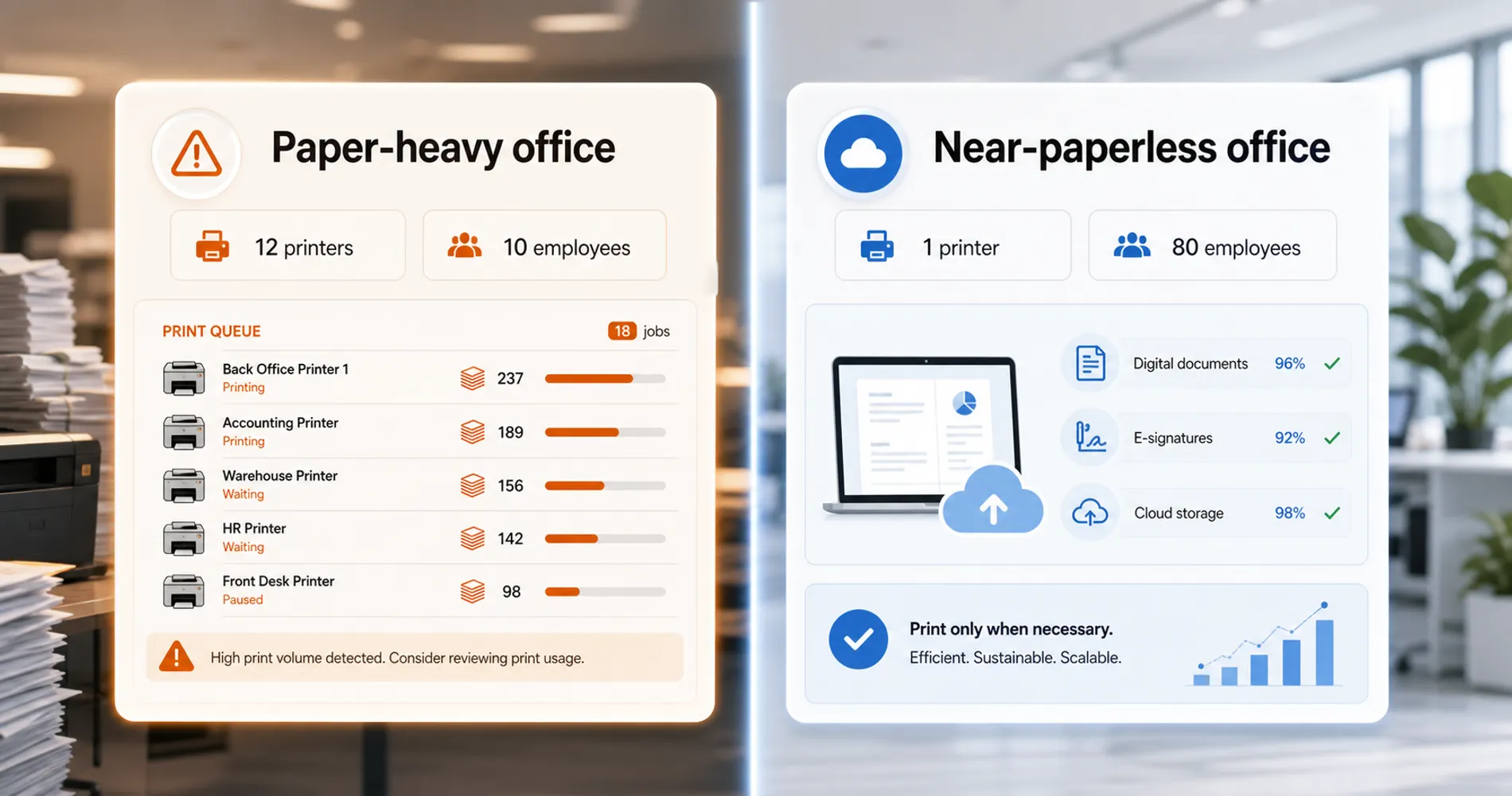
After 25 years in IT, two clients define the extremes I see constantly. A South Florida retail store with 10 salespeople runs 12 printers — 1.2 per employee — because every quote, service agreement, and set of job-site directions travels on paper. A software startup with 80 people owns a single home printer that gets used twice a month. Both companies are profitable and well-run. The difference isn't competence — it's workflow design, industry regulation, generational IT habits, and who made the original infrastructure decisions.
This article explains why businesses end up at such different points on the printing spectrum, what both extremes actually cost, and how to right-size your setup based on how your office actually works.
Key takeaways:
- Paper-heavy offices are driven by regulation, client expectations, and legacy IT decisions — not irrationality
- Near-paperless offices succeed when they're cloud-native, distributed, and producing digital-first work products
- Business laser printing costs $0.01–$0.03/page (B&W) and $0.08–$0.20/page (color); maintenance contracts add $100–$1,000+/month
- A reasonable printer-to-employee ratio ranges from 1:3 (regulated industries) to 1:40 (engineering/software)
- The goal is intentional printing — not zero printing
Why Are Office Printing Habits So Different Across Businesses?
Paper-heavy and near-paperless offices are both stable operating modes — and the gap between them is far wider than most people expect.
That retail store's 12 printers aren't random. Every salesperson has a desktop unit for instant quote generation. The back office runs two multifunction devices for contracts and purchase orders. The warehouse has a label printer and a full-page unit for packing slips. It's a system designed around the assumption that paper is how work gets done.
The startup at 0.0125 printers per employee operates on the opposite assumption — information moves through screens, not pages.
Most businesses I encounter cluster toward one end or the other. They rarely land in the middle, and the people running them usually don't know why they ended up where they did.
Why Do Some Businesses Still Rely on Paper Workflows?
Regulated industries, legacy IT systems, and client expectations are the primary reasons businesses maintain paper-heavy workflows today. These drivers are consistent across the paper-heavy offices I've worked with over 25 years — and none of them are irrational.
Regulated industries demand physical audit trails. Construction companies keep printed permits on job sites because inspectors expect them. Healthcare practices print intake forms because HIPAA training taught the staff that paper has a chain of custody that a shared Google Doc doesn't. Legal offices print contracts because they've been burned by a "version conflict" in a shared drive that caused a real dispute. The regulatory pressure isn't always current — sometimes it's the memory of a past rule that nobody has verified still applies — but it creates durable printing habits.
Trust and accountability culture runs on physical signatures. When a sales manager at that retail store needs a customer to acknowledge a service agreement, printing it and getting a signature is the ritual that makes the commitment feel real. This isn't about the law — Florida legally recognizes electronic signatures — it's about organizational culture. The printed signature is a moment of accountability that an email confirmation doesn't replicate for them.
Legacy IT decisions create inertia. Someone set up a printer for every department in 2005 and nobody has questioned it since. The maintenance contract auto-renews every year. The toner orders are on autopilot with the office supply vendor. Removing a printer is harder than leaving it — removing it means someone has to make a decision, and decisions have political costs in any organization.
Client-facing workflows set the standard. If your clients expect printed documents — and in South Florida, many older clients in real estate, construction, and professional services still do — then you print. The office adapts to its client base, not to what's technically optimal.
The Regulation Factor
Industries like healthcare, legal, and construction may have genuine document retention requirements that make some paper workflows non-negotiable — not just habit. Before assuming your team "should" go paperless, verify which specific regulations actually require physical documents versus which workflows are carried over from an older interpretation of the rules.
The question for paper-heavy offices isn't whether the original reasons were valid — they were. It's whether they still apply today.
What Makes a Near-Paperless Office Work?
Cloud-native tools, digital-first work products, and distributed teams are the primary enablers of low-print offices. The explanation usually starts with a single fact: when the company was founded.
Cloud-native from day one. Companies founded after 2015 that built their operations on Google Workspace or Microsoft 365 never established paper as a default workflow. Their onboarding documents are DocuSign links. Their internal memos live in Teams or Slack. Their contracts live in SharePoint with version history. Paper was never part of the setup, so removing it isn't a project — it was never there to remove.
Engineering and knowledge-work cultures don't produce printable outputs. Code doesn't print. Design files don't print. Jira tickets, pull requests, and Figma prototypes live on screens. When the core work product is digital, the surrounding administrative workflows naturally follow. Printing a meeting agenda for a team that collaborates in OneNote or Notion would feel like bringing a fax machine to a video call.
Distributed and remote-first teams make central printing irrelevant. When 40% of your team isn't in the office on any given day, a printer isn't infrastructure — it's a curiosity. The software startup with 80 people and one printer? About half their team works remotely three days a week. Centralizing information on paper only works when everyone is physically present to receive it.
Cost and environmental awareness drive deliberate choices. The average US office worker uses approximately 10,000 sheets of paper per year. For a 50-person team, that's 500,000 sheets annually — roughly 60 trees worth of paper, plus the associated toner cartridge waste, energy consumption, and shredding costs. When someone actually tallies the full cost, the number is often surprising enough to prompt a policy change.
Mobile scanning and AI document processing have eliminated the last excuses for "convenience printing." In 2026, built-in document scanning in Apple Notes, OneDrive, and Adobe Scan produces OCR-ready PDFs directly from a phone camera. For low-volume capture (receipts, single contracts, business cards), smartphone scanning is sufficient. Dedicated desktop scanners ($165–$800) remain necessary for batch processing — anything over 10–15 pages per session where consistency, duplex scanning, and automatic document feeders matter. Modern scanners now feed into Intelligent Document Processing (IDP) workflows that automatically extract, classify, and route data from scanned PDFs — making the jump from paper to searchable digital records far more seamless than it was even three years ago. Our ScanSnap vs Brother scanner comparison covers how to choose one for a small office.
True Costs of Office Printing vs. Paperless Systems
Printing incurs ongoing toner and maintenance costs, while paperless systems require upfront scanner investments and recurring software fees. Both operational models carry distinct financial footprints that businesses consistently underestimate.
What paper-heavy offices underestimate:
- Toner adds up faster than people track. Business-class laser toner runs $0.01–$0.03 per page for black-and-white. Color pushes that to $0.08–$0.20 per page. An office printing 5,000 color pages a month is spending $400–$1,000 monthly on toner alone — before paper, maintenance, or the machines themselves.
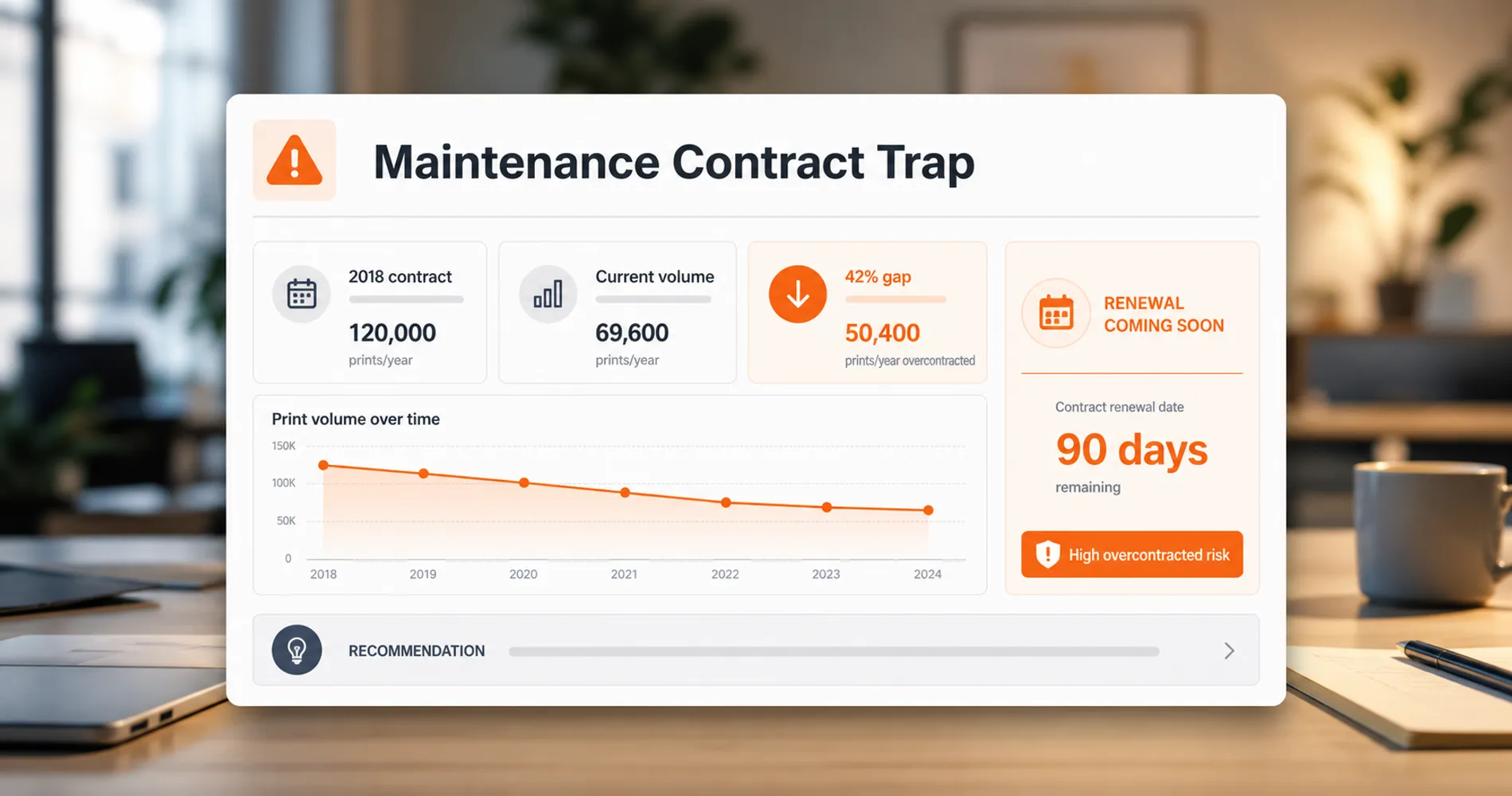
- Maintenance contracts are often sized for yesterday's volume. Managed print service agreements for small businesses typically run $100–$1,000+ per month, with per-page rates of $0.01–$0.03 for black-and-white and $0.05–$0.12 for color. But many businesses are paying for contracts negotiated when print volume was 30–40% higher. The contract auto-renewed, and nobody renegotiated.
- Time cost is invisible but real. Someone walks to the printer. Waits for the job. Clears a jam. Walks back. Realizes page 3 didn't print. Walks back again. Across a 10-person office, this easily burns 30–60 minutes of collective productivity per day.
- Storage and shredding are a permanent overhead. Every printed document needs to go somewhere — a filing cabinet, a storage unit, a shredding bin. Filing cabinets occupy floor space. Offsite storage adds monthly fees. Shredding services for sensitive documents run $50–$150 per pickup.
The Maintenance Contract Trap
Many businesses are paying for printer maintenance contracts sized for their 2018 print volume, not their current usage. If your team's printing has declined — and it almost certainly has since 2020 — request a print volume report from your maintenance provider and compare it to what you're actually paying for. The gap is often 30–50%.
What near-paperless offices underestimate:
- Scanner hardware isn't free. If you're ingesting legacy paper documents, you need a reliable document scanner — and the good ones (fast duplex scanning, reliable feeders, solid OCR) run $400–$800 for a desktop unit.
- Document management systems have real cost. If you outgrow a shared folder structure, platforms like DocuWare run $25–$100 per user per month for cloud plans. Adobe Acrobat Pro for Teams runs $23.99 per seat per month (billed annually; month-to-month jumps to $35.99). These aren't unreasonable — but they're not zero.
- Compliance friction is a real operational risk. When a regulator, a lawyer, or a client asks for a document that exists only as a Google Doc or a file in someone's personal OneDrive, the retrieval process can cost hours and credibility. Document governance — knowing what you have, where it lives, and who can access it — matters more in a digital environment than a physical one.
Security Risks: Paper vs. Digital Documents
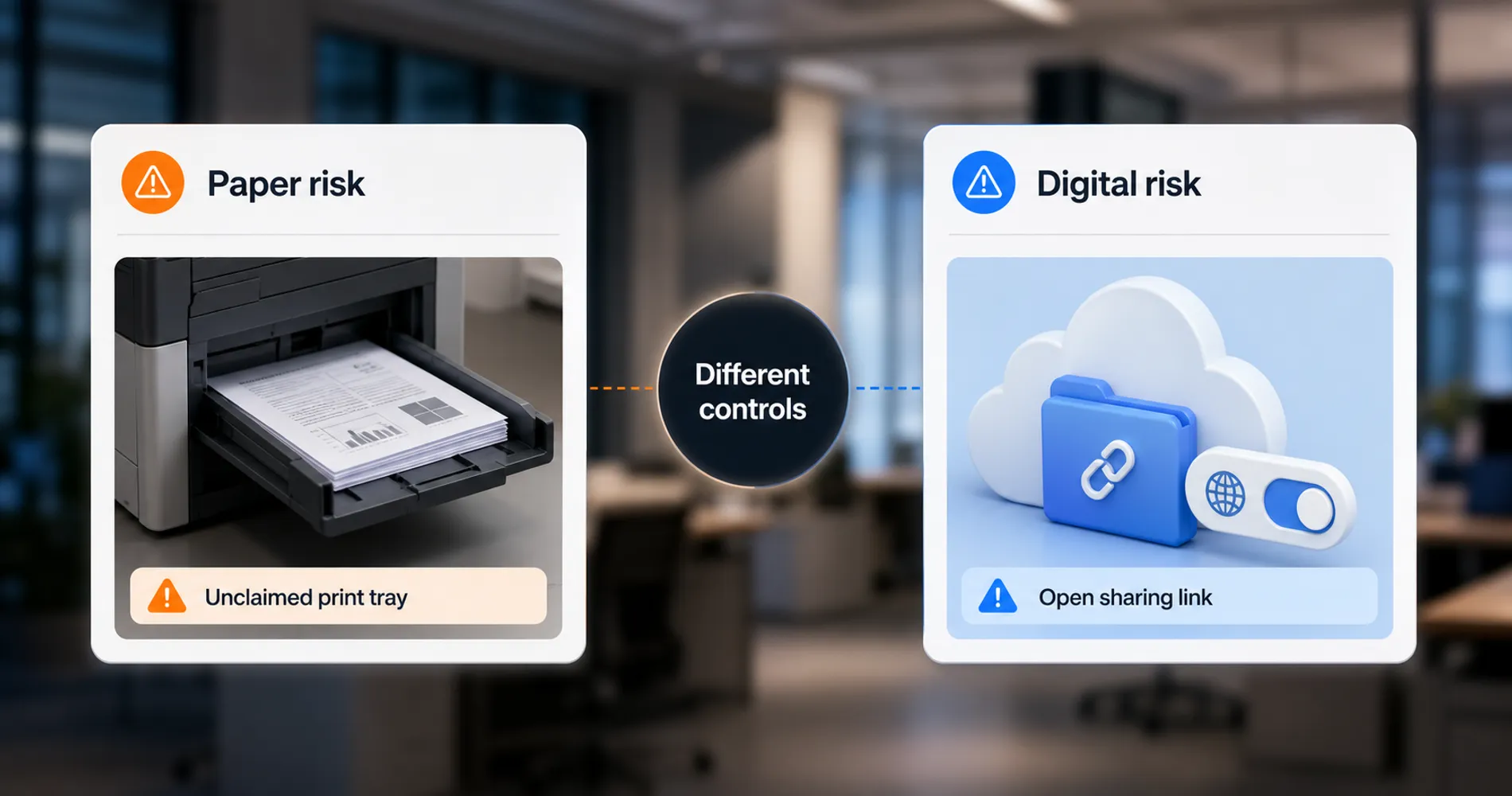
As an IT firm, we see both sides of this clearly. Neither paper nor digital is inherently more secure — they have different vulnerability profiles.
Paper security risks:
- Documents left unclaimed in shared printer trays (the most common and easily exploited vulnerability in office environments)
- No audit trail for who accessed or copied a physical document
- Improper disposal — documents discarded in regular recycling instead of cross-cut shredding
- Physical theft from unlocked filing cabinets, especially overnight or during office moves
Digital document security risks:
- Ransomware encryption of cloud storage or local file servers
- Cloud misconfigurations exposing shared folders to unauthorized users
- Lack of access controls on collaborative documents (the "anyone with the link" problem)
- Home printing of sensitive documents without secure disposal (56% of organizations experienced at least one data breach related to their print environment in 2025, per the Quocirca Print Security Landscape Report)
The mitigation for paper-heavy offices is pull printing (requiring badge or PIN authentication at the device before pages release) and strict shred protocols. For digital-first offices, it's access controls, encryption, and retention policies that auto-delete documents past their useful life.
Paper-heavy offices almost always overspend. Near-paperless offices occasionally face a crisis that paper would have prevented. The right answer isn't at either extreme — it's knowing which costs and risks you're willing to accept.
When Paper Still Makes Sense in 2026
I resist the "paperless is always better" narrative because I've seen too many contexts where paper genuinely earns its place. Here's where I still recommend printing — or at least maintaining the capability to print:
When the client explicitly expects it. In parts of South Florida's real estate, construction, and professional services sectors, older clients expect printed documents at meetings. You can have a conversation about going digital, but losing a client relationship over a printing principle isn't a good trade.
When the regulatory environment requires physical documentation. While Florida law recognizes electronic signatures for most real estate transactions (including Remote Online Notarization), some title companies, closing agents, and county recording offices still prefer or require wet signatures by practice. New Florida legislation effective July 2026 adds watermark requirements for electronic notarizations — the rules are evolving, not settled. Until your specific compliance context is unambiguous, maintaining print capability for regulated documents is prudent.
When the team executes faster with physical artifacts. Construction crews work faster with printed floor plans they can mark up on-site. Medical offices run smoother with printed patient schedules posted at the nursing station. Some workflows are genuinely faster on paper — not because the people are outdated, but because the task is spatial, physical, or shared across people who aren't all looking at the same screen.
The Honest Take
The goal isn't zero printers. The goal is intentional printing — where every page exists because it serves a real purpose, not because nobody questioned the habit. An office with two printers used deliberately is better-run than an office with twelve printers used by inertia.
How Many Printers Does an Office Need?
Most general offices need one printer per 8 to 12 employees, while highly regulated industries require one printer per 3 to 4 employees. Finding the right ratio prevents both bottlenecks and bloated lease costs.
Step 1: Audit your actual print volume. Most modern printers track page counts internally. On HP devices, print a Configuration Page (usually from Settings > Reports). On Brother devices, check the Page Counter in the Machine Info menu. On Canon, print a User Data List. Compare what each device has printed over the last 12 months against what it could print. If a device has produced fewer than 200 pages in a year, you don't need it.
Step 2: Benchmark your printer-to-employee ratio. Here's what I see working across different office types:
| Office type | Reasonable ratio | Notes |
|---|---|---|
| Legal, construction, healthcare | 1 printer per 3–4 employees | High regulatory printing, client-facing documents |
| General office (accounting, insurance, admin) | 1 printer per 8–12 employees | Mixed digital and paper workflows |
| Engineering, software, creative | 1 printer per 20–40 employees | Occasional printing only |
| Fully remote or hybrid (>50% remote) | 1 shared device per office floor | For the rare physical document |
Step 3: Consolidate to fewer, better devices. If you're running five single-function printers, one multifunction device (print, scan, copy, fax) often replaces all of them. Modern business MFPs for a 10–50 person office run $2,000–$8,000 to purchase or $125–$250/month to lease with service included. That's less than maintaining five separate machines with five separate maintenance relationships. For specific device recommendations, see our guide to the best business printers.
Step 4: Address the software layer. If you're going more digital, you need somewhere for documents to live:
- Minimal approach: A shared folder structure in Google Drive, SharePoint, or Dropbox that your team already pays for. Consistent naming conventions. A good desktop scanner. This gets most small businesses 80% of the way there.
- Structured approach: A document management system like DocuWare (starting around $25–$100/user/month for cloud) or Adobe Acrobat Pro ($23.99/seat/month for teams, billed annually) that handles routing, electronic signatures, version control, and retention policies.
Most businesses don't need the structured approach on day one. Start with the scanner and the shared folder. Graduate to document management software when the volume or the compliance requirements demand it.
Step 5: Build the infrastructure to support digital workflows. Going paperless only works if your network can handle the load — cloud document access, scanner traffic, and collaboration tools all depend on reliable connectivity. If you're planning a new office setup or rethinking your network alongside your print infrastructure, our Miami office network planning guide covers the infrastructure side. For larger teams planning office IT from scratch, the network and document workflow decisions should happen together.
Should I Print This? A Quick Decision Framework
Before hitting print, run through these five questions. The interactive tool below walks you through them one at a time — or keep reading for the full list.
Print Decision Framework
Should You Print This Document?
Answer five yes/no questions to find out. Based on 25 years of office IT observations.
Question 1 of 5
Does this document require a wet signature by law or regulation?
Think: permits, certain real estate closings, regulated filings — not just any signed document. Florida law recognizes e-signatures for most transactions, so verify the requirement is current.
For reference, here is the same framework as a written checklist — useful to post near your office printer or share with your team:
- Does this document require a wet signature by law or regulation? Yes → Print. No → Next question.
- Is this for an in-person client meeting where the client expects paper? Yes → Print. No → Next question.
- Is this a spatial document (floor plan, wiring diagram, checklist) used by someone away from a screen? Yes → Print. No → Next question.
- Is this for internal review, reference, or record-keeping only? Yes → Keep digital. Use a shared folder with consistent naming.
- Am I printing this out of habit rather than necessity? If you can't articulate why paper is better than a screen for this specific document, don't print it.
Most offices that implement this framework reduce print volume by 30–50% within the first quarter without changing any hardware or software.
Need Help Evaluating Your Print Infrastructure?
If your office is running more printers than it needs — or fewer than it should — we can help. iFeelTech provides hardware audits for South Florida businesses that include print volume analysis, device consolidation planning, and network readiness assessment for digital workflows. Get in touch to schedule a review.
Related Resources
- Best Business Printers for 2026 — If you've decided to consolidate, this guide covers the specific devices worth buying for security, reliability, and total cost of ownership.
- Miami Office Network Planning Guide — Digital document workflows require reliable network infrastructure. This guide covers the connectivity side of modern office setup.
- 30-Person Office Network Project Plan — For mid-size offices building or renovating, this pairs network planning with the document workflow decisions covered here.
Frequently Asked Questions
Related Articles
More from Business Hardware
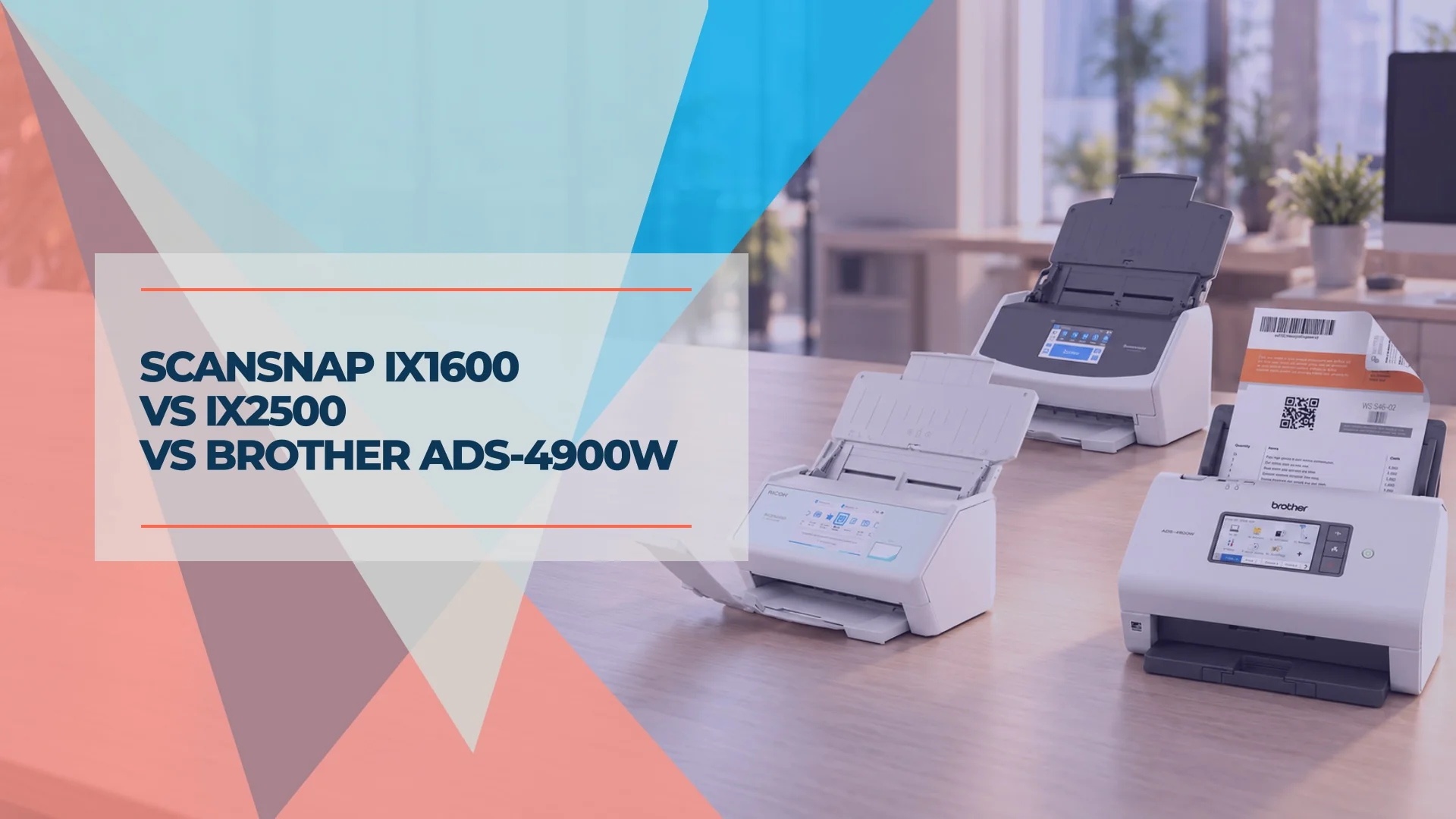
ScanSnap iX1600 vs iX2500 vs Brother ADS-4900W: Which Document Scanner Fits Your Office?
ScanSnap iX1600, iX2500 or Brother ADS-4900W? Compare scan-to-NAS, searchable PDFs, Ethernet, software compatibility and verified US prices for your office.
11 min read
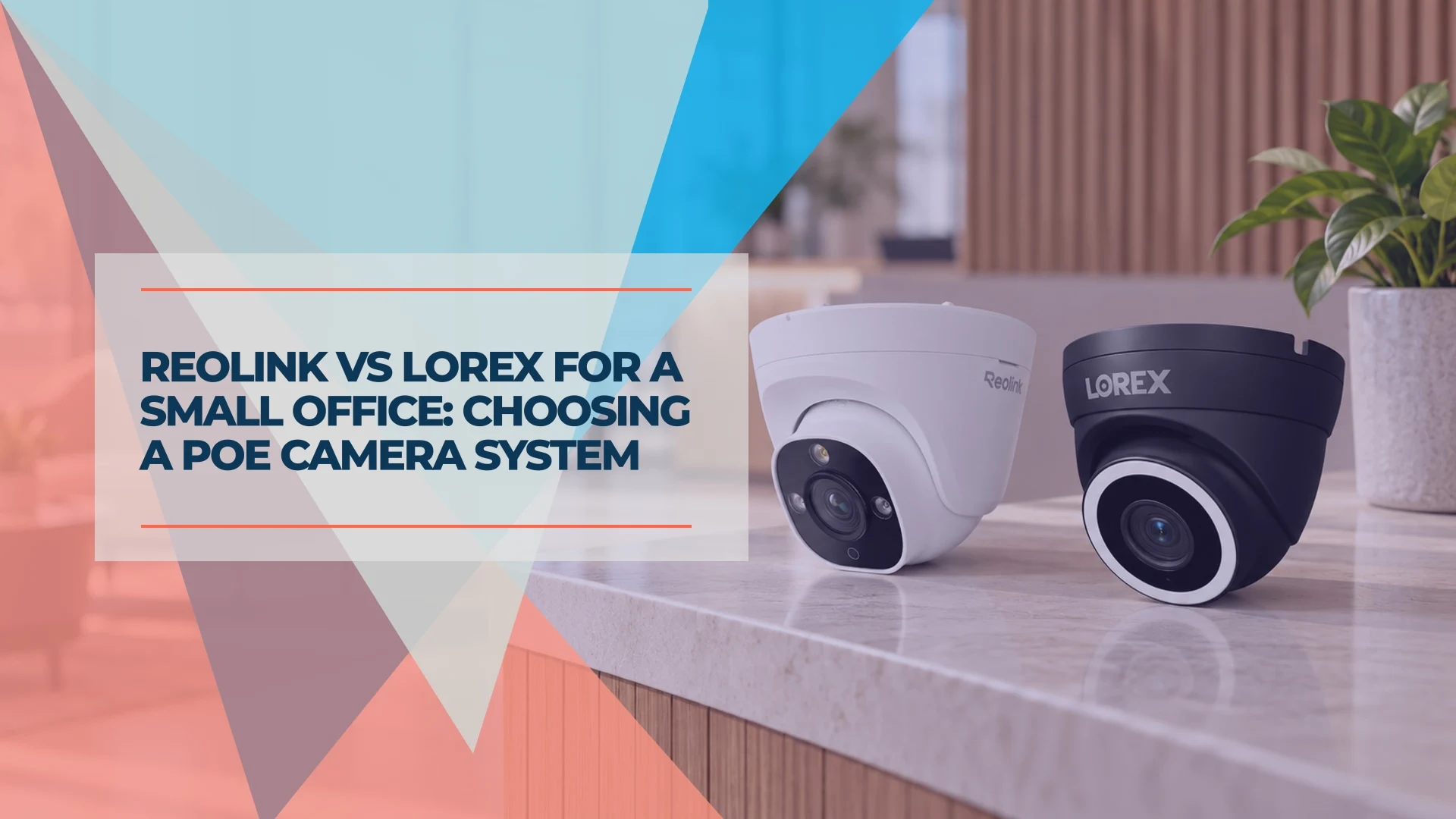
Reolink vs Lorex for a Small Office: Choosing a PoE Camera System
Compare current Reolink and Lorex PoE camera systems for an office: recording, app workflow, storage, compatibility and business purchasing checks.
12 min read
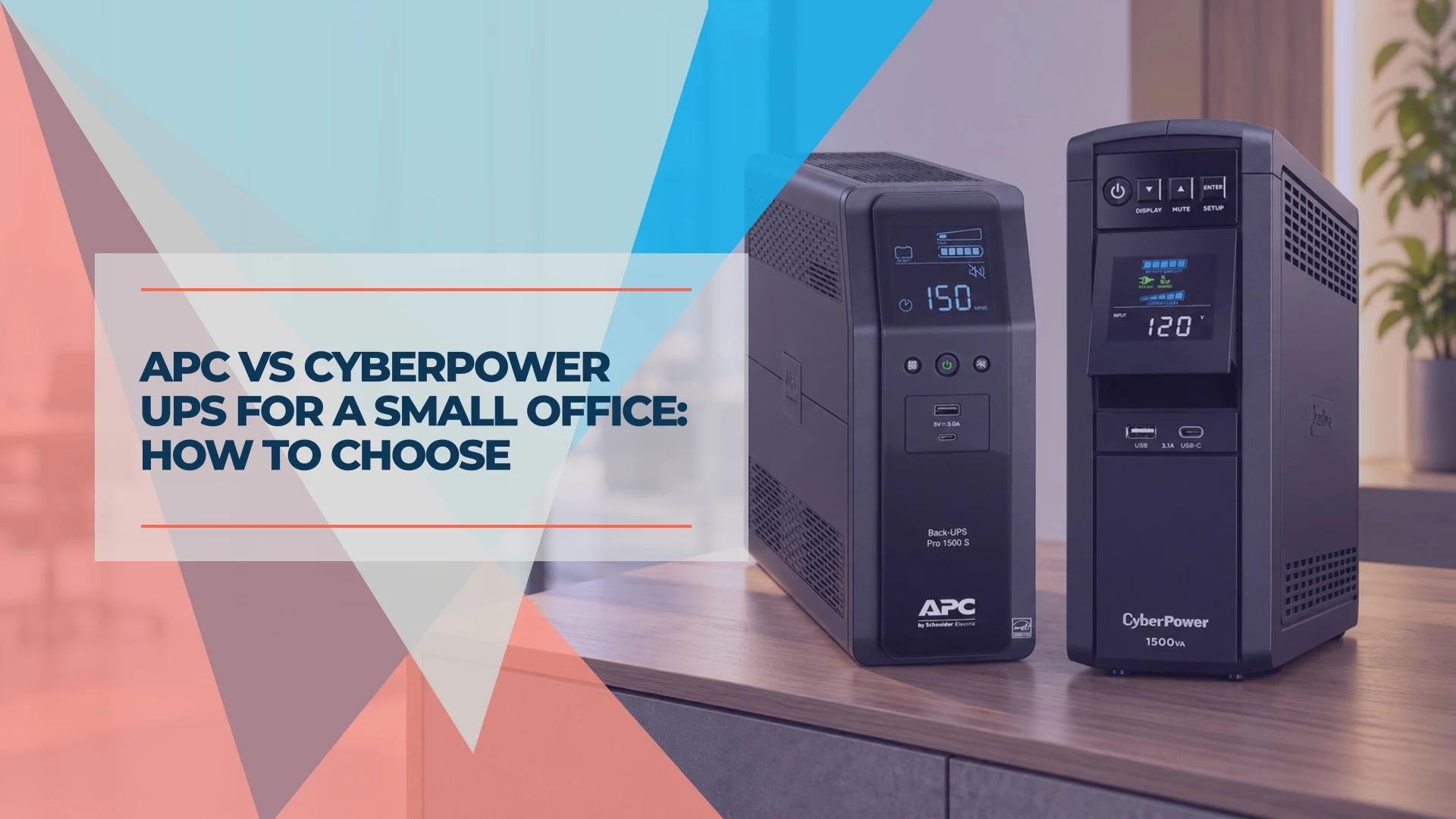
APC vs CyberPower UPS for a Small Office: How to Choose
APC or CyberPower for your office? Compare suitable UPS models by load, battery-backed outlets, runtime, replacement batteries and monitoring.
9 min read