Logitech Rally Bar vs. Yealink A50: A Technical Comparison for Medium Rooms
Motorized PTZ vs. Multi-Lens AI: This guide breaks down the architectural differences between these two conference room systems to help you decide which hardware fits your room shape and IT management style.

Quick Verdict
Logitech Rally Bar: Best for longer rooms (15ft+) where optical zoom matters. Proven hardware with 4+ years of software updates. The reliable choice for IT teams who value ecosystem stability.
Yealink MeetingBar A50: Best for medium-to-large rooms where fast AI tracking and instant speaker switching matter more than mechanical precision. Newer hardware with cutting-edge processing power.
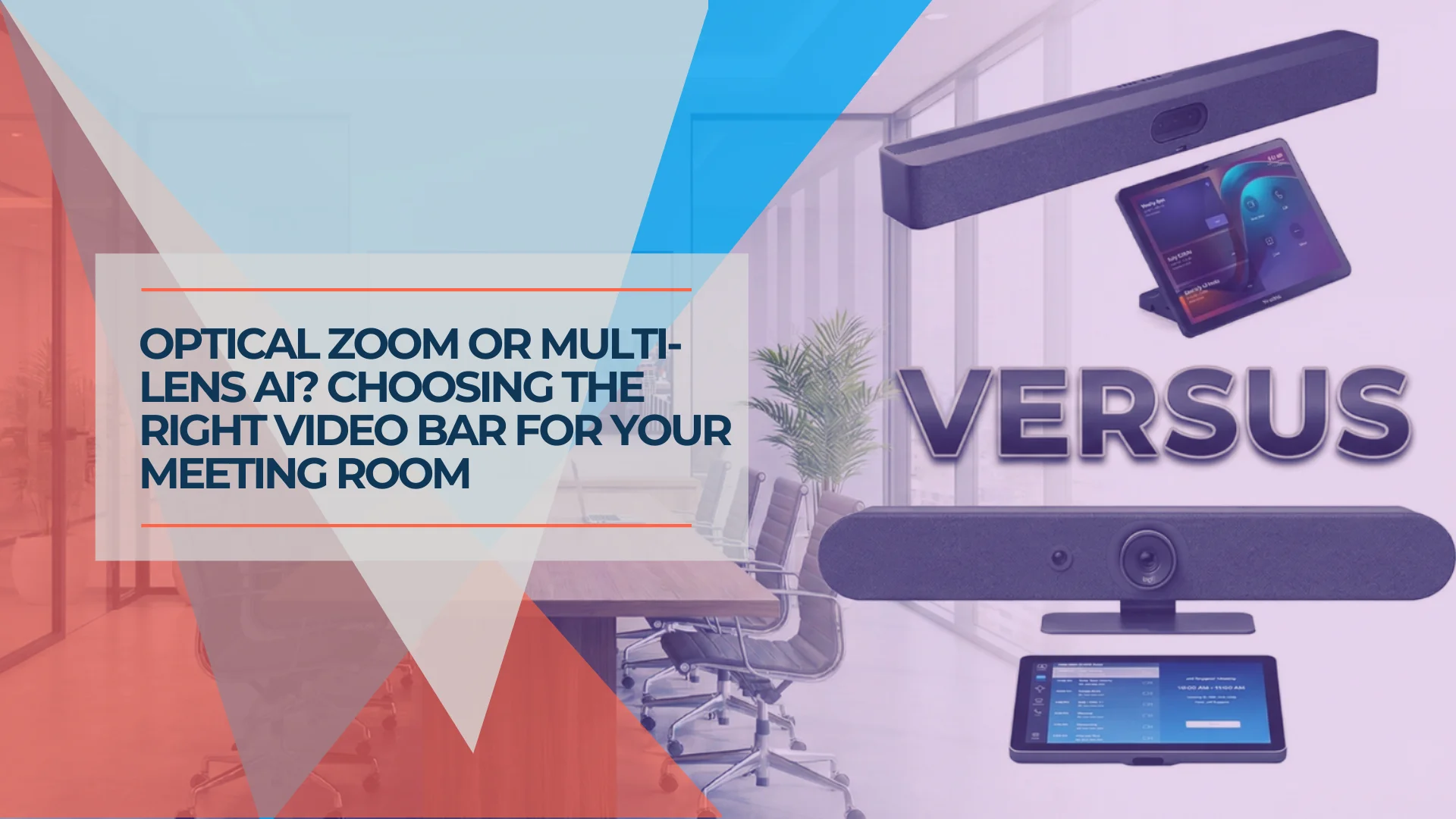
Choosing between the Logitech Rally Bar and Yealink MeetingBar A50 isn't just about comparing megapixels—it's about understanding two fundamentally different approaches to room coverage: Motorized PTZ vs. Multi-Lens AI.
This guide breaks down the architectural differences to help you decide which hardware fits your room shape and IT management style.
Market Context: Established Platform vs. New Contender
The Logitech Rally Bar has been on the market since 2021, but it's not the same device that launched four years ago. Thanks to continuous CollabOS firmware updates, it now runs on Android 12 with features like RightSight 2, Grid View, and AI noise suppression that didn't exist at launch.
The Yealink MeetingBar A50, released mid-2025, brings newer hardware: a Qualcomm 8550 processor, Android 13, and a triple-camera system that takes a fundamentally different approach to room capture.
The key question: which camera architecture fits your meeting room needs?
Camera Architecture: The Critical Difference
The technical distinction between these systems comes down to how they capture and frame participants.
Logitech Rally Bar: The Optical PTZ Approach
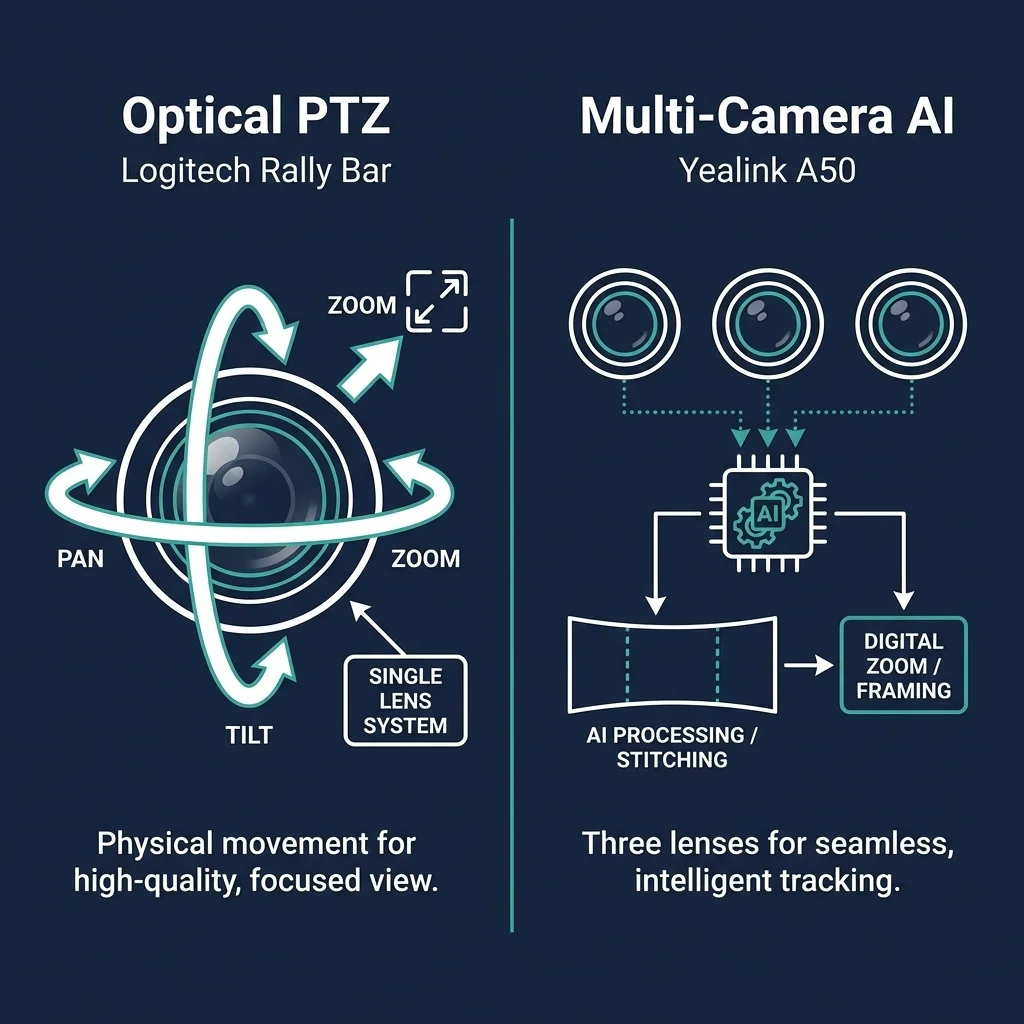
The Rally Bar utilizes a single 4K sensor with motorized pan-tilt-zoom (PTZ). This allows for lossless optical zoom, ensuring that a participant at the end of a 20-foot table is captured in full resolution without digital cropping. For a detailed breakdown of the Rally Bar's lens specs and AI features, see our Logitech Rally Bar Review.
| Spec | Rally Bar |
|---|---|
| Camera Type | Single 4K sensor with motorized PTZ |
| Zoom | 15x total (5x optical + 3x digital) |
| Pan/Tilt | Motorized ±25° / ±15° |
| Field of View | 90° diagonal |
| AI Component | Dedicated AI Viewfinder (second sensor) |
Why optical zoom matters: When the lens moves, you're capturing the CEO at the end of a 20-foot table with full 4K resolution. There's no cropping, no pixel interpolation, no quality loss.
The Lossless Advantage
Optical zoom = lossless zoom. At 10ft, 15ft, or 20ft, the Rally Bar delivers the same image sharpness because the lens is physically moving closer to the subject. Budget competitors using digital-only zoom lose resolution the further they zoom—faces become soft, details vanish.
The tradeoff? Mechanical parts introduce latency. When someone walks into the room, the Rally Bar takes a moment to pan. When the conversation shifts, the camera needs time to reposition. It's not slow—but it's not instantaneous.
Logitech Rally Bar Unboxing and Setup
Yealink MeetingBar A50: The Multi-Lens AI Approach
The A50 uses three fixed 50MP lenses. Instead of mechanically moving a lens, the system uses AI to instantly cut between wide and telephoto views. This eliminates mechanical latency but relies on digital processing for framing.
| Spec | A50 |
|---|---|
| Camera Type | Triple 50MP fixed-lens system |
| Wide Lens | 98° horizontal × 81° vertical FOV |
| Telephoto Lenses | 2x at 41.6° × 31.8° each |
| Zoom | 8x digital |
| AI Processing | Qualcomm 8550 with AI engine |
How IntelliFocus works: The A50 doesn't move. Instead, its AI constantly monitors all three cameras and intelligently stitches, crops, and switches between views to follow speakers and frame participants.
Think of it like a smartphone camera array: raw megapixels plus computational photography.
Multi-Lens Trade-off
Because the A50 switches between physical lenses rather than smoothly panning, you may notice a subtle "jump" or slight color shift when the system decides to cut from the wide-angle view to a telephoto lens. It's not jarring—but it's noticeable if you're watching for it. Mechanical PTZ systems offer smoother transitions.
The upside? No mechanical lag. When someone new speaks, the A50 can switch focus almost instantly. For dynamic brainstorming sessions where people move constantly, this responsiveness matters.
Yealink MeetingBar A50 Unboxing and Setup
The Verdict: Use Case Determines the Winner
| Room Type | Winner | Why |
|---|---|---|
| Long boardroom (15ft+ table) | Rally Bar | Optical zoom captures faces clearly at distance |
| Medium-to-large meeting room | Either | Both designed for this size |
| Dynamic brainstorm room | A50 | Instant AI switching beats mechanical response time |
| Client-facing/executive room | Rally Bar | Smoother transitions look more polished |
Audio Expansion: Operational Considerations
Both bars have excellent built-in microphones. The difference emerges when your room is too large for the bar's built-in array.
Yealink: Wireless Flexibility
Yealink's VCM36-W wireless mics eliminate table clutter, offering a clean aesthetic:
| Spec | VCM36-W Wireless Mic |
|---|---|
| Range | 360° pickup, 20ft (6m) radius |
| Battery | 24 hours talk time, 14 days standby |
| Charging | Wireless charging cradle included |
| Connectivity | WiFi 802.11n/ac with WPA2/AES128 |
The Pro: No cables on your conference table. Clean aesthetics, easy placement, flexible repositioning.
The Con: Battery management.
Operational Consideration
Wireless mics require a charging discipline that wired systems don't. If the mic isn't docked overnight, your morning meeting may have no audio pickup from the table. For organizations without dedicated AV management, this is worth considering.
Logitech: Wired Reliability
Logitech's Rally Mic Pods connect via proprietary cable (Cat6-style) to a Mic Pod Hub:
| Spec | Rally Mic Pod System |
|---|---|
| Coverage | Optimized for 6-8ft radius per pod |
| Power | PoE via Mic Pod Hub (never runs out) |
| Connectivity | Daisy-chain up to 4 pods |
| Control | Mute button with LED indicators |
The Pro: Never runs out of battery. Never needs charging. Walk in, start meeting.
The Con: Cables. You need to route proprietary cables under the table or through furniture.
Cable Management Requires Planning
Hiding Rally Bar cables behind a mounted 75" display requires planning. For clean installations, read our Business Network Wiring Installation Guide for proper cable routing techniques, or contact us for professional installation in Miami.
The Verdict: Culture Determines the Winner
| Organization Type | Winner | Why |
|---|---|---|
| Managed AV environment | Either | Dedicated staff handles charging/maintenance |
| Self-service meeting rooms | Rally Bar | No charging management required |
| Design-conscious firms | A50 | Clean tables matter |
| Hybrid/remote-heavy | Rally Bar | Reliability is the priority |
The Controller: Tap IP vs. CTP25
Both companies offer touchscreen controllers for one-touch meeting join. The philosophy differs.
Logitech Tap IP
| Spec | Tap IP |
|---|---|
| Display | 10.1" capacitive (1280×800) |
| Connection | PoE (802.3af, under 15W) |
| HDMI Ingest | ❌ No (wireless sharing only) |
| Management | Logitech Sync cloud platform |
| Price | ~$735–$749 |
The philosophy: Simplicity. One Ethernet cable provides power and network. The interface is clean, almost Apple-like in its restraint. No USB ports cluttering the design.
For proper PoE implementation, your network infrastructure matters. We recommend using a reliable PoE+ switch like the UniFi Switch Pro 24 PoE to ensure stable power delivery to all conference room endpoints. For detailed requirements, see our Power over Ethernet Guide.
Yealink CTP25
| Spec | CTP25 |
|---|---|
| Display | 10.1" IPS (1280×800), anti-glare |
| Connection | PoE + WiFi 6 + Bluetooth 5.0 |
| USB-C Ports | 2x (4K content sharing, 45W power delivery) |
| BYOD Mode | ✅ Full support via USB-C |
| OS | Android 13 |
| Price | ~$400–$500 (bundled) |
The philosophy: Versatility. The CTP25 functions as a multifunctional hub—USB-C ports for wired content sharing and laptop charging, WiFi for flexibility, Bluetooth for pairing.
The Verdict: Use Case Determines the Winner
| Use Case | Winner | Why |
|---|---|---|
| Simple Teams/Zoom rooms | Tap IP | Clean interface, minimal clutter |
| BYOD-heavy environments | CTP25 | USB-C ports for guest laptops |
| Wired content sharing required | CTP25 | Direct USB-C/HDMI capability |
| Logitech ecosystem users | Tap IP | Seamless Sync management |
Updates & Longevity: Long-Term Support vs. Hardware Agility
This is where institutional buyers should pay attention.
Logitech CollabOS: Long-Term Support Model
The Rally Bar launched in 2021. In 2024, it received a major update: Android 12, RightSight 2, Grid View, People Recognition.
What this means: Logitech delivers continuous software improvement to existing hardware. The Rally Bar you purchase today includes features that didn't exist in 2021—RightSight 2, Grid View, People Recognition—all delivered through firmware updates.
Platform partners (Microsoft, Zoom) have committed to three additional years of support for Android 12-based devices. Your Rally Bar investment is future-proofed through 2028+.
Yealink: Hardware Agility Model
The A50 runs Android 13 with a Qualcomm 8550 processor—more modern silicon than the Rally Bar. But Yealink's update philosophy tends toward faster hardware iteration rather than long-term software investment.
The trade-off: Yealink may release an "A60" within 18 months, potentially making the A50 feel outdated sooner. This isn't a criticism—it's a business model. Organizations prioritizing a 5-year ROI often favor Logitech's continuous software lifecycle, while those needing maximum processing power for emerging AI features today may prefer Yealink's newer chipset.
The Verdict: IT Philosophy Determines the Winner
| IT Philosophy | Winner | Why |
|---|---|---|
| "Buy once, update via software" | Rally Bar | Proven 4+ year lifespan |
| "Latest hardware every 2-3 years" | A50 | More powerful today |
| "Standardize across locations" | Rally Bar | Logitech Sync fleet management |
| "Best specs at purchase" | A50 | Newer processor, higher resolution sensors |
Pricing Comparison
| Configuration | Logitech | Yealink |
|---|---|---|
| Video Bar Only | ~$3,299 (Rally Bar) | ~$2,999 (A50) |
| Bar + Controller Bundle | ~$4,899–$5,150 (Rally Bar + Tap IP) | ~$3,299–$3,699 (A50 + CTP25) |
| Expansion Mics (per unit) | ~$149 (Rally Mic Pod) + $199 (Hub) | ~$300 (VCM36-W wireless) |
Budget Consideration
The Yealink bundle is typically $500–$800 cheaper for equivalent configurations. For organizations deploying 10+ rooms, this adds up. However, factor in long-term software update certainty and ecosystem management costs.
Buying Decision Framework
After testing both systems in client deployments across Miami, here's our recommendation:
Which System Is Right for You?
Buy the Logitech Rally Bar if:
- Your conference table is longer than 12ft and you need optical zoom
- You value proven reliability over cutting-edge specs
- Your IT team doesn't want to manage battery charging schedules
- You're standardizing equipment across multiple locations
- You want a device that will receive software updates for 5+ years
Buy the Yealink MeetingBar A50 if:
- You have medium-to-large meeting rooms (Yealink's target market)
- You want faster AI tracking with no mechanical lag
- Wireless expansion mics fit your aesthetic and operational model
- You prefer the latest silicon and are comfortable with faster hardware cycles
- Budget is a primary constraint (typically $500-800 less per room)
What About Poly?
Some IT teams ask about the Poly Studio X52 as a third option. It remains a solid choice—particularly for organizations already running Poly endpoints and familiar with their management console.
Since HP completed its acquisition of Poly in 2023, the product line has been integrated into HP's enterprise collaboration portfolio. HP continues to invest in the platform with software updates and Teams/Zoom certifications. For organizations with existing HP/Poly infrastructure, this integration provides procurement and support advantages through a single vendor relationship.
That said, for new deployments without existing Poly infrastructure, we typically recommend choosing between Logitech (ecosystem maturity) or Yealink (latest hardware) based on the criteria outlined above.
Security Considerations: MDEP and Enterprise Compliance
For enterprise buyers evaluating these systems in 2026, security certifications matter.
Microsoft Device Ecosystem Platform (MDEP)
The Yealink A50 runs Android 13 with support for Microsoft Device Ecosystem Platform (MDEP), which provides hardware-backed security features including secure boot, verified firmware updates, and enterprise-grade device attestation. This is increasingly important for organizations with strict compliance requirements.
Both systems meet Microsoft Teams Rooms and Zoom Rooms certification requirements, but MDEP support gives the A50 an edge for security-conscious IT teams prioritizing zero-trust architectures.
Final Verdict
The Logitech Rally Bar offers proven reliability with a track record of continuous software improvement. It may not have the newest specs on paper, but its optical zoom and ecosystem maturity make it a dependable choice for long-term deployments.
The Yealink MeetingBar A50 brings newer hardware and faster AI processing. It's well-suited for organizations comfortable with faster hardware refresh cycles who want the latest technology today.
Both are excellent systems. The right choice depends on your room dimensions, IT management philosophy, and budget constraints.
Ready to Upgrade Your Conference Room?
Whether you choose Logitech or Yealink, a professional installation ensures optimal camera placement, proper cabling, and seamless platform configuration. We handle conference room deployments for organizations across South Florida.
Compare this article with our deep-dive on the Logitech Rally Bar Review for detailed setup instructions and CollabOS feature analysis. If you're still deciding between video bar options, the best conference room equipment guide for small business covers four products across the full SMB budget range.
Affiliate Disclosure: This article contains affiliate links. If you make a purchase through these links, we may earn a small commission at no extra cost to you. As an Amazon Associate, iFeelTech earns from qualifying purchases.
Related Articles
More from Business Hardware
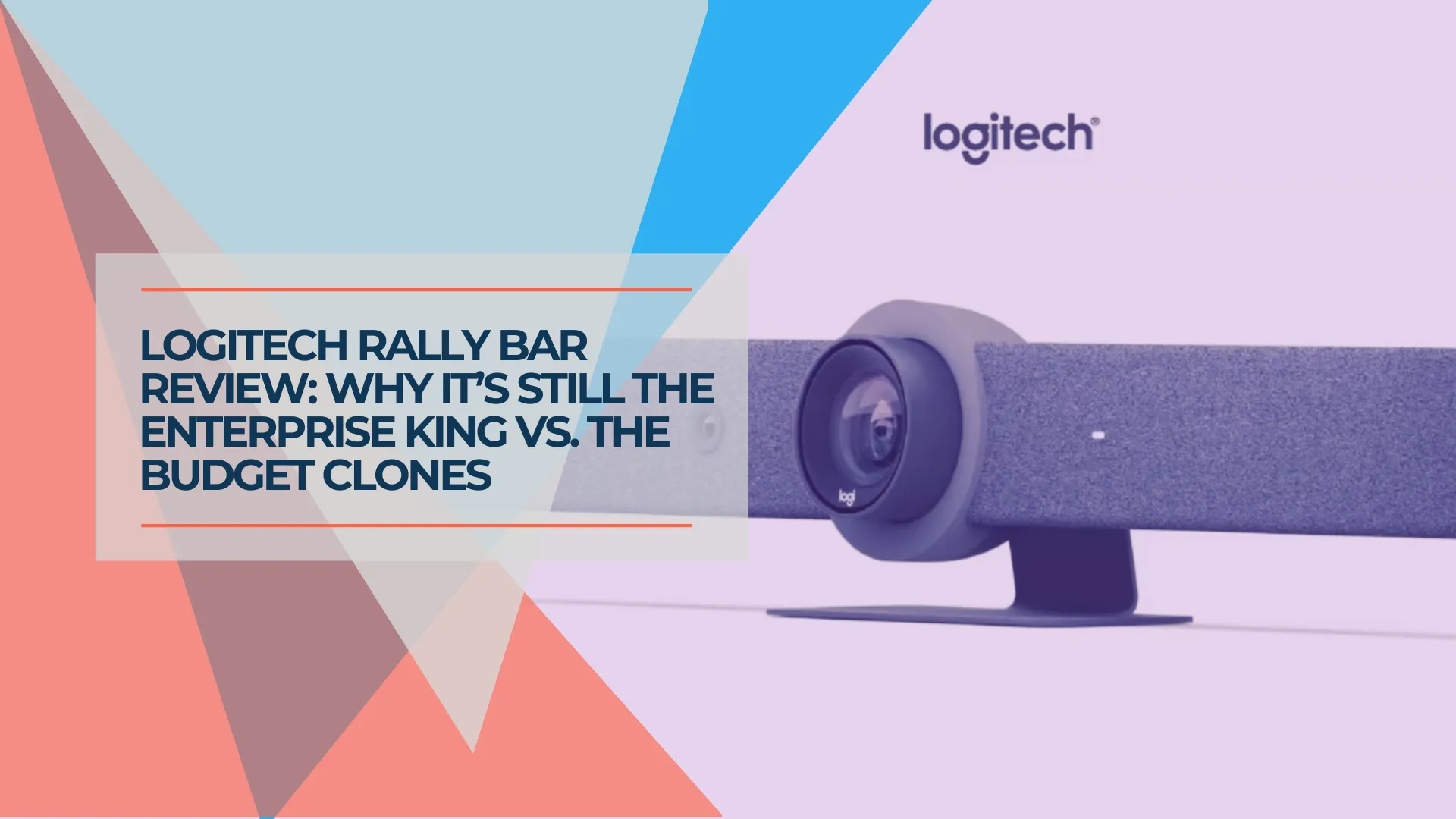
The Logitech Rally Bar Review: A Complete Setup and Buying Guide
Is the Logitech Rally Bar still worth buying? We test the CollabOS 2.0 updates, Tap IP setup, and explain why this proven hardware continues to outperform budget competitors.
12 min read
Best Conference Room Equipment for Small Business
Logitech Rally Bar, Poly Studio X52, Jabra PanaCast 50, and Yealink MeetingBoard Pro reviewed for SMB rooms. Real specs, pricing, and room-fit guidance.
27 min read
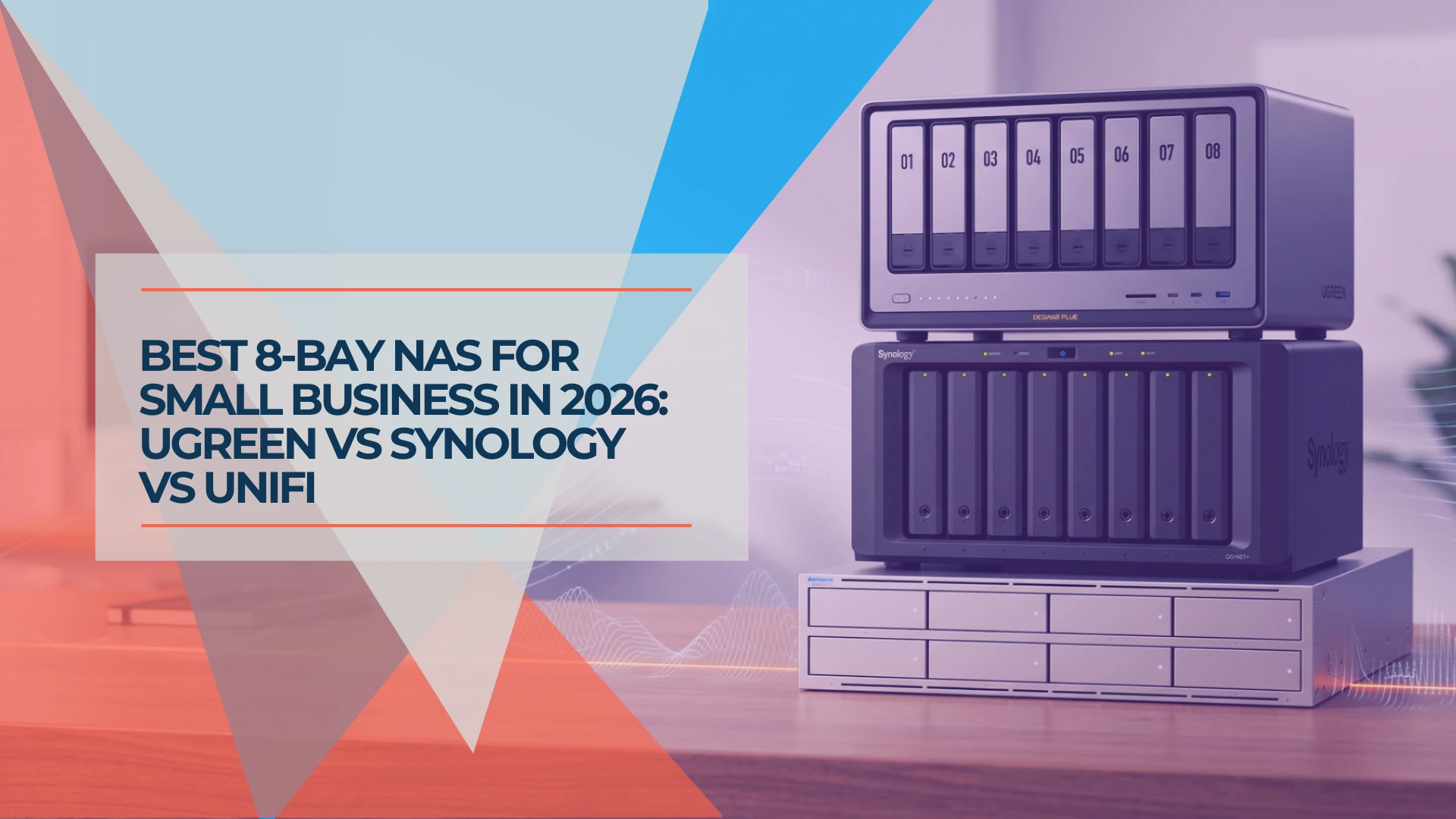
Best 8-Bay NAS for Small Business in 2026: UGREEN vs Synology vs UniFi
Compare UGREEN DXP8800 Plus, Synology DS1825+ and UniFi UNAS Pro 8 by usable capacity, 10GbE, backup software, expansion and complete cost.
19 min read