
UniFi NAS vs Synology in 2026: Features, Pricing, Backup, and Which to Buy
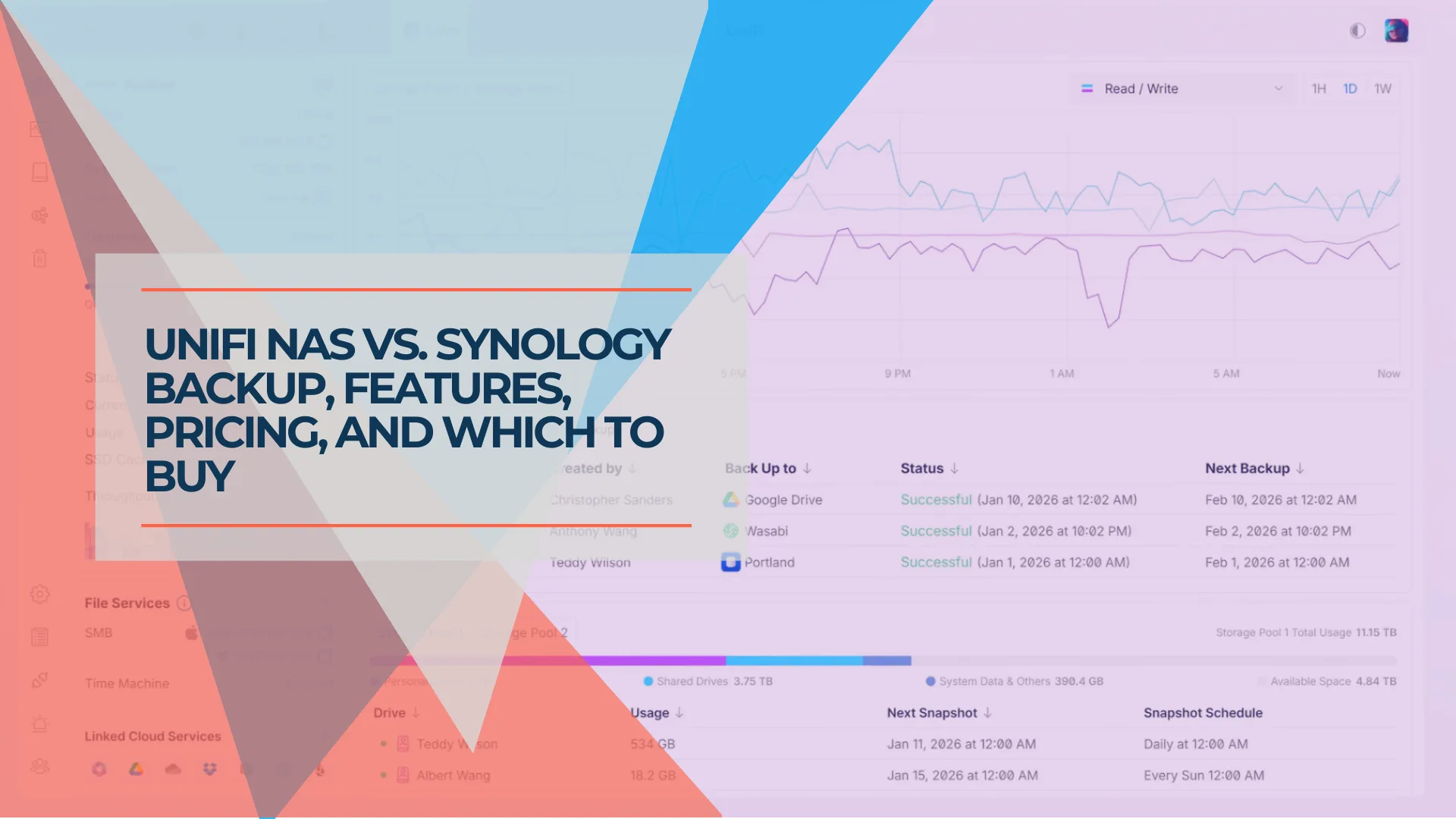
UniFi NAS vs Synology in 2026: Microsoft 365 backup, snapshots, remote access, applications, and hardware costs compared using vendor documentation. Updated for UniFi Drive 4.4 and Synology DSM 7.4.1.

UniFi NAS vs Synology: The Short Answer
Two questions decide most small-office choices: do you already run UniFi networking, and do you need more than file sharing and OneDrive backup?
A UniFi UNAS suits an office that runs UniFi gear, mainly needs file sharing, snapshots, Time Machine, and OneDrive for Business backup, and wants storage managed alongside its network. Synology suits an office that needs SharePoint or Exchange backup, backup software for workstations and servers, containers or virtual machines, immutable snapshots, or desktop file sync, and offices that are not built around UniFi. If a Synology already does these jobs well, there is little reason to replace it.
This is a documentation-based comparison. We compared vendor documentation, release notes, specifications, and one external test (BackupAssist, a backup-software vendor), and we did not run matched hands-on tests on both platforms.
October 2026 Review Details
- UniFi Drive: 4.4.9 (official). Drive 4.4.17 was a release candidate with a gradual rollout as of September 30, 2026.
- Synology DSM: 7.4.1 (released July 23, 2026; see Synology's DSM release notes).
- Checked: features, release notes, and specifications on October 1, 2026.
- UniFi prices: Ubiquiti Store totals on October 1, 2026, including the current surcharge. Synology prices: not verified; see the note under the hardware table.
- Limits: where a feature was not tested directly, it is identified as vendor-documented. "Not documented" means we did not find it in vendor documentation, not that it is impossible.
Affiliate Disclosure: This article contains affiliate links. If you make a purchase through these links, we may earn a small commission at no extra cost to you. As an Amazon Associate, iFeelTech earns from qualifying purchases.
Prefer to watch? Our five-minute explainer walks through the workloads that favor UniFi NAS or Synology. The detailed feature comparison and dated specifications follow below.
UniFi NAS vs Synology: Which Fits Your Small Business?
How Do UniFi Drive and Synology DSM Compare?
| Capability | UniFi Drive 4.4.9 | Synology DSM 7.4.1 |
|---|---|---|
| Microsoft 365: OneDrive | Supported for licensed internal users; guests and unlicensed accounts excluded (Ubiquiti) | Supported (Synology) |
| Microsoft 365: SharePoint, Exchange | Not currently supported | Supported |
| Microsoft 365: Teams | Not currently supported | Supported Teams data (posts and member/guest permission settings); one-to-one chats and private-channel settings excluded (spec) |
| End-user restore portal | Not documented; restores appear to be administered centrally | Recovery Portal for administrators and end users |
| Workstation, server, and VM backup software | Not documented | Active Backup for Business, license-free (Synology) |
| Snapshots | Scheduled snapshots; hidden from share users; manual, admin-reversible lock | Scheduled snapshots; immutable snapshots on supported models |
| WORM shared folders | Not documented | WriteOnce (Enterprise and Compliance modes), a separate feature from snapshots |
| Backup destinations (NAS data out) | Another UNAS, SMB/CIFS server, Google Drive, OneDrive, Dropbox, Amazon S3, Backblaze B2, Wasabi (Ubiquiti) | Hyper Backup: remote Synology NAS, rsync servers, Synology C2, Dropbox, Google Drive, Microsoft Azure, S3 and S3-compatible storage, local folders, external devices (Synology) |
| Data backed up into the NAS | Microsoft 365 OneDrive; rsync sources (daemon mode) | Active Backup suite: Microsoft 365, Google Workspace, Windows, VMware, Hyper-V |
| Encryption | File encryption listed on UNAS spec sheets; encryption for Microsoft 365 backup tasks (4.4.9) | Encrypted shared folders; client-side encryption in Hyper Backup |
| File-level integrity repair | Not documented; RAID 5/6 scrubbing (Drive 4.2) | Btrfs file self-healing on supported RAID types and checksum-enabled shared folders (KB) |
| Containers and virtual machines | No hosting documented | Container Manager and Virtual Machine Manager on compatible models |
| iSCSI | Not documented on UNAS models (Ubiquiti's separate Enterprise NAS supports it) | iSCSI target on compatible models |
| Remote mounted SMB | On the LAN, or over a VPN (one-click VPN needs a UniFi gateway) | Not through QuickConnect; needs a VPN or another network path (KB) |
| Remote web and app access | Site Manager (administrators) and the UniFi Endpoint app; local web by IP needs a LAN or private network connection (Ubiquiti) | QuickConnect for File Station, Synology Drive, Photos, and mobile apps |
| Desktop file sync | Not documented | Synology Drive Client |
| Time Machine | Supported (Ubiquiti) | Supported (Synology) |
| iOS photo backup | Supported via UniFi Endpoint | Synology Photos |
| Android photo backup | Not confirmed available; Ubiquiti staff said in September 2026 there is no guaranteed ETA (release discussion) | Synology Photos |
| Core software licensing | License-free (Ubiquiti) | Active Backup tools are license-free (Synology) |
Last verified October 1, 2026. Feature availability depends on model, firmware, and app versions, so validate during deployment.
Which Platform Fits Your Situation?
| Your situation | Better fit | Why |
|---|---|---|
| Already run UniFi; need file sharing and OneDrive backup | UniFi UNAS | One ecosystem; Site Manager can group your consoles |
| Need SharePoint, Exchange, or broader Microsoft 365 backup | Synology | Wider coverage today |
| Need workstation, server, or VM backup software | Synology | Active Backup for Business |
| Need containers, VMs, or iSCSI | Synology | Application platform on compatible models |
| Need immutable snapshots or WORM folders | Synology | Documented on supported models |
| Already have a Synology that works | Keep it | Replacing it adds migration risk for little gain |
| Want both | Use one as primary and the other as a backup target | Plan replication, permissions, and offsite protection |
| Starting fresh with no ecosystem | Synology for broad needs; UniFi if you plan to build on UniFi networking | Synology covers more workloads today. UniFi's advantage is ecosystem fit, which matters mainly if you adopt UniFi networking. For other brands, compare the top three NAS platforms |
What Do Four-Bay and Eight-Bay Setups Cost?
Choose capacity, rack space, and network speed before choosing a model. For model-by-model detail, see our UNAS Pro 4 vs Pro 8 vs UNAS 4 comparison, the complete UNAS buyer's guide, and our UNAS Pro 4 review. Compare like with like:
| Model | Price | Bays | Network | Form |
|---|---|---|---|---|
| UNAS 4 | $408 ($379 before surcharge) | 4 | 1×2.5GbE | Desktop |
| UNAS Pro 4 | $538 ($499 before surcharge) | 4 | 2×10G SFP+ (10G only), 1×GbE | 1U rack |
| Synology DS925+ | Not verified; check retailer | 4 | 2×2.5GbE | Desktop |
| UNAS Pro | $538 ($499 before surcharge) | 7 | 1×10G SFP+, 1×GbE | 2U rack |
| UNAS Pro 8 | $862 ($799 before surcharge) | 8 | 2×10G SFP+, 1×10GbE RJ45 | 2U rack |
| Synology DS1825+ | Not verified; check retailer | 8 | 2×2.5GbE; PCIe slot for optional 10/25GbE card | Desktop |
UniFi prices are Ubiquiti Store totals including the surcharge of roughly 7.5% to 7.9% on NAS lines from July 1, 2026, checked October 1, 2026 on the store pages for the UNAS 4, UNAS Pro 4, UNAS Pro, and UNAS Pro 8. All prices are diskless, before drives, NVMe devices, network cards, taxes, and shipping. Specifications: Ubiquiti UNAS Pro 4, UNAS Pro 8, UNAS Pro, and UNAS 4; Synology DS925+ and DS1825+.
Synology prices. Current reseller price not verified; check the linked retailer for the exact diskless model, seller, and availability.
What Belongs in Your Total Cost?
- Drives and usable capacity. The same drives cost the same on either platform. Usable space depends on the RAID level: UNAS Pro 4 specifications list RAID 5, 6, and 10, and Synology offers RAID options plus Synology Hybrid RAID.
- Networking. UNAS Pro SFP+ ports are 10G only, so they need SFP+ switch ports or direct-attach cables or transceivers. The DS925+ uses ordinary 2.5GbE ports. The DS1825+ needs an optional PCIe card for 10GbE or 25GbE.
- Power protection and offsite storage. A UPS, plus a second copy in another location or in cloud storage.
- Support. Ubiquiti sells UI Care as an add-on. The DS925+ lists a 3-year warranty.
How Should You Size It?
Plan for growth, retained backup versions, and concurrent users, not just today's data. Rack mounting suits the UNAS Pro models (1U for the Pro 4, 2U for the Pro and Pro 8). The UNAS 4, DS925+, and DS1825+ are desktop units. The M.2 slots on UNAS models support SSD cache (up to 4 TiB on the Pro 4 per Ubiquiti's specification), not general-purpose storage. Synology M.2 slots can be used for cache or storage pools, and pools require Synology-verified SSDs on the DS925+.
Which Drives Can You Use?
Both platforms accept standard drives under different rules. In 2025 Synology required Synology-validated drives on several new Plus, Value, and J-series models, then relaxed that in DSM 7.3 (October 2025) for models including the DS725+, DS425+, DS925+, DS1525+, and DS1825+. Some features still depend on Synology drives: the DS925+ page notes that M.2 storage pools require Synology-verified SSDs, and DSM 7.4 HDD deduplication requires Synology HDDs. UniFi does not require Ubiquiti-branded drives, and its store page has a "3rd-Party Qualified HDD/SSD" tab that we did not review. Confirm compatibility for your exact model and drives before buying.
How Does File Integrity Differ?
BackupAssist's UniFi test unit used Btrfs on mdadm in RAID 1, and Synology also uses Btrfs, so the filesystem name alone does not separate them. The difference is documented behavior. Synology documents file self-healing for shared folders on a Btrfs volume with RAID 1, 5, 6, 10, F1, or SHR with more than one drive, when the data-checksum option was ticked at shared-folder creation. It is unavailable during a repair or consistency check, on a degraded volume, and for iSCSI LUNs. For UniFi, we found documentation of RAID 5/6 scrubbing (Drive 4.2) but not of checksum-based file repair.
ECC memory is a separate protection. It guards against memory errors, not disk corruption. The DS925+ has ECC memory but no PCIe slot. The DS1825+ has ECC memory and a PCIe slot. Ubiquiti's UNAS specifications list memory capacity but not ECC.
Are There Reliability Reports for Desktop UNAS Models?
NAS Compares reported in August 2026 that the desktop UNAS models use an internal USB-attached Realtek network controller. Ubiquiti's UniFi OS NAS 5.0.17 release notes list "[UNAS2/UNAS4] Improved network stability." That does not show every reported problem is fixed: owner comments on the same release page, including one referencing UniFi OS 5.1.25, describe continued link drops on some UNAS 2 units. Not every unit is affected, and we have not reproduced the issue. If you are considering a desktop UNAS, check recent owner reports. The rack-mount UNAS Pro models have dedicated 10G ports and are not part of this report.
How Do Backup Coverage and Recovery Differ?
Microsoft 365
UniFi Drive creates a local, versioned copy of OneDrive for Business data for licensed internal users in a Microsoft Entra ID tenant. Drive 4.4.9 added encryption support for these backup tasks. The limits are specific:
- Guest users and unlicensed accounts are not backed up, and each user must have signed in to OneDrive at least once.
- Microsoft 365 security groups are not restored, so permissions that depend on them must be reassigned manually (Ubiquiti help article).
- SharePoint, Exchange, and Teams are not currently supported, and Ubiquiti has not published a firm date.
- Personal Microsoft accounts are not supported.
- We could not confirm from Ubiquiti documentation whether more than one tenant can be connected.
Synology Active Backup for Microsoft 365 covers OneDrive, SharePoint, Exchange, and supported Teams data at no license cost and with no account limit beyond your storage. Its specification covers Teams posts and member and guest permission settings, and excludes one-to-one chats and private-channel settings. Neither product is an offline or air-gapped copy. See our Synology Active Backup guide for details.
Backup Destination or Backup Software?
A NAS can be a place to store backups, or it can run the software that manages them. UniFi Drive can back up NAS data to another UNAS, an SMB server, or supported cloud destinations. It can also back up Microsoft 365 OneDrive data and pull data from compatible rsync sources (it requires rsync daemon mode, so sources that only offer rsync over SSH may not work). Third-party backup software can usually write to an SMB or NFS share. We found no UniFi-documented suite for managing workstation, server, or virtual-machine backups. Synology's license-free Active Backup for Business covers Windows, VMware, and Hyper-V workloads, and its Microsoft 365 and Google Workspace tools run on the same NAS.
Snapshots, Immutability, and WORM Folders
Three different protections are often blended together:
- UniFi snapshots. In an external July 2026 test by BackupAssist, a backup-software vendor, on the entry-level UNAS 2 (see its test methodology), snapshots were hidden from SMB users and could not be deleted with file-share credentials. That helps if ransomware runs on a staff computer. UniFi's snapshot lock is manual, applied per snapshot, and an administrator can reverse it, so it does not protect against a compromised administrator account. Neither Drive 4.4.9 nor the 4.4.17 release candidate lists changes to snapshot locking as of October 1, 2026, but the test used an earlier release, so verify behavior on your own unit.
- Synology immutable snapshots. On supported models and Btrfs volumes, you set a protection period, and Synology says the snapshot cannot be removed by any means. This protects snapshots from malicious or accidental deletion. It does not protect against hardware failure or physical loss, and it does not by itself make a folder compliant.
- Synology WriteOnce. A separate shared-folder feature. Per Synology's documentation, locked files cannot be deleted by administrators in either mode, and Compliance mode additionally prevents administrators from deleting the shared folder, volume, or storage pool. Availability depends on the model.
Enabling snapshots does not establish compliant records retention. If a legal, insurance, or regulatory rule governs retention, work out which feature the rule requires and test it. Whichever platform you choose, keep a copy somewhere else.
What Happens When You Need to Restore?
Test one restore before relying on either product. Ask who performs it, which permissions survive, and what happens if the NAS itself fails. On UniFi, restores appear to be administered centrally, and security-group permissions are not restored. Synology's Recovery Portal lets administrators and end users restore, and its specification states that selected Teams posts and members are restored with their permissions. If the NAS fails, its backups may become unavailable. Recovery depends on the failure and the options available, so keep a separate, tested backup copy. UniFi can back up to another UNAS, an SMB server, or a cloud service, and Synology offers Hyper Backup and Snapshot Replication. Follow the 3-2-1 rule on either platform: three copies, two media types, one offsite.
How Do Everyday Access and Administration Differ?
Management
A UNAS runs its own console, and Ubiquiti's Site Manager can group or merge consoles so storage can be managed alongside the rest of the network. SMB credentials and user assignments may still be needed separately. Synology uses DSM, which works well in offices that mix vendors. Ubiquiti's ecosystem is far broader in switches, access points, cameras, and door access, while Synology has expanded into surveillance and Wi-Fi routers.
Remote Access
Remote access covers two different tasks:
- Remote mounted SMB. A UNAS can be mounted over SMB on Windows and macOS (NFS on Linux) on the local network or over a VPN. Ubiquiti's one-click VPN requires a supported UniFi gateway. Synology's QuickConnect does not support mapping a network drive or SMB access, so remote SMB needs a VPN or another network path.
- Remote web and app access. UniFi offers file access for administrators through Site Manager and the UniFi Endpoint app. Local web access by IP needs a LAN or a private network connection such as a VPN, so it is not itself a remote-access service. Synology's QuickConnect works with File Station, Synology Drive, Synology Photos, and mobile apps without port forwarding, though performance varies by network.
Desktop Sync, Photos, and Applications
Synology Drive Client syncs folders to desktops, and Synology Office, Calendar, and Chat are available in the same ecosystem. We found no documented UniFi desktop sync client; UniFi's documented methods are web access, Endpoint, and SMB or NFS mounts.
UniFi Endpoint backs up iPhone photos to your own NAS without a subscription. Android photo backup is not confirmed available: in September 2026 Ubiquiti staff said there is no guaranteed ETA while working with Google. Synology Photos covers iOS and Android, with face and object recognition on supported models.
UniFi Drive does not document container, virtual machine, or third-party app hosting, so Plex and similar software are outside its scope. Synology's Package Center, Container Manager, and Virtual Machine Manager cover those jobs on compatible models. Ubiquiti's separate Enterprise NAS (ENAS, launched June 2026) is a larger, different class of product and is outside this comparison.
What Should You Plan Before Migrating?
Moving between platforms touches more than files. Plan for:
- Files and permissions. Inventory shares, users, groups, and access rules, and rebuild them deliberately.
- Applications and data organization. Files, including photos and videos, can be copied. Synology applications, container workloads, and application-specific databases or organization require separate migration planning, because UniFi does not host applications.
- Version history and snapshots. Copying files does not carry snapshot or backup history, so keep the old system until retention needs are met.
- Method and downtime. Copy over SMB, or use rsync, which UniFi Drive has supported since 4.2 (it requires rsync daemon mode, so sources that only offer rsync over SSH may not work).
- Validation and rollback. Compare file counts and spot-check permissions, run a restore test, and keep the old system untouched until you are confident.
The Bottom Line
UniFi Drive is a credible storage and backup option for offices already running UniFi, and it is narrower than Synology DSM in Microsoft 365 coverage, backup software, application hosting, and file sync. The right choice depends on your workload and existing infrastructure, not on which brand has more features. If you are unsure, test a restore and a migration plan before you buy.
Need help choosing between UniFi NAS and Synology for your business? Contact iFeelTech for an assessment, or see our IT consulting services. We evaluate and deploy business storage platforms across South Florida.
Frequently Asked Questions
Related Articles
More from UniFi Networks
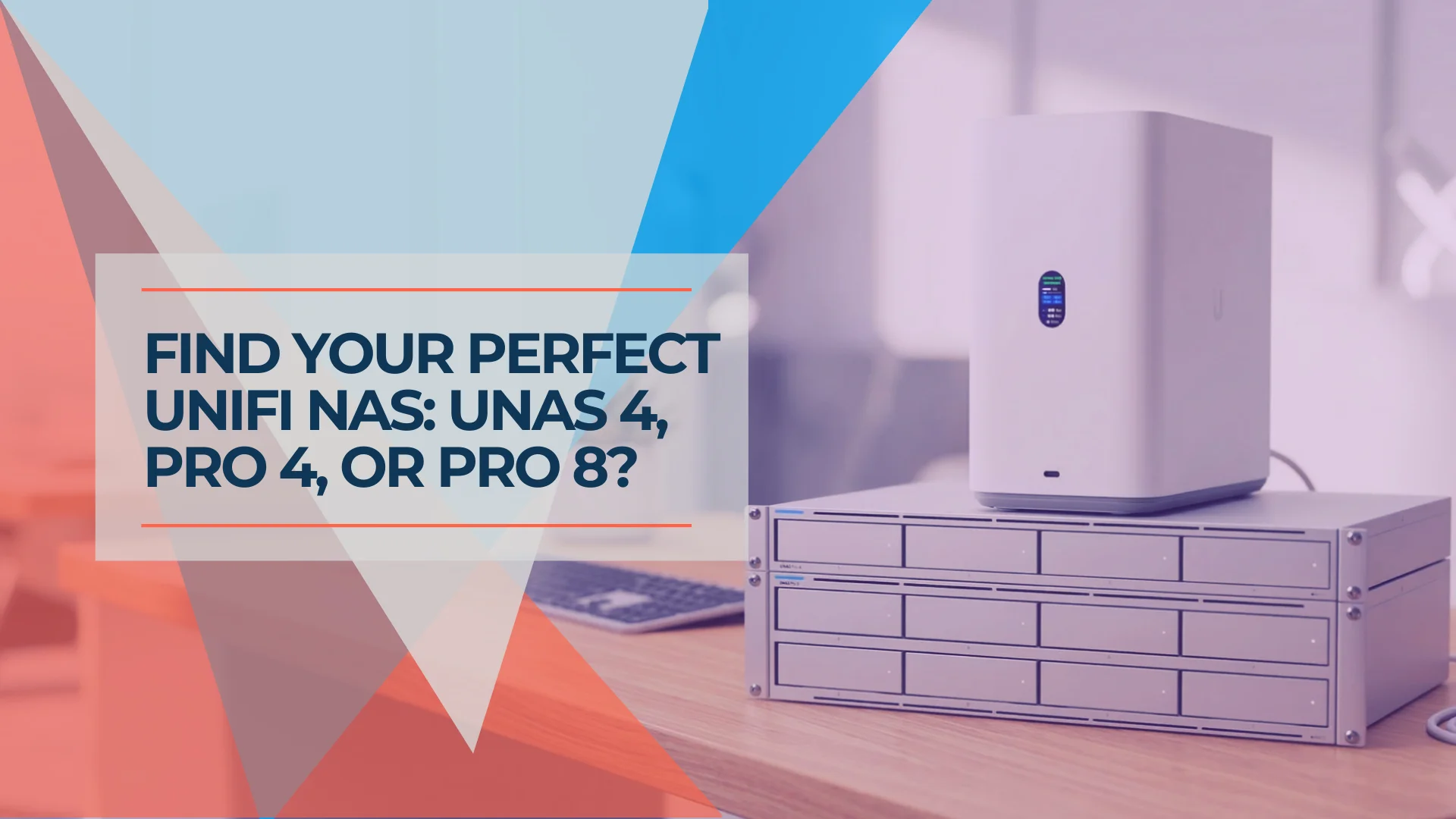
UNAS Pro 4 vs Pro 8 vs UNAS 4: Which UniFi NAS Should You Buy?
UNAS Pro 4 vs Pro 8 vs UNAS 4 compared by use case — home lab, small business, Protect archival, and content creation. Verified specs and real pricing.
25 min read
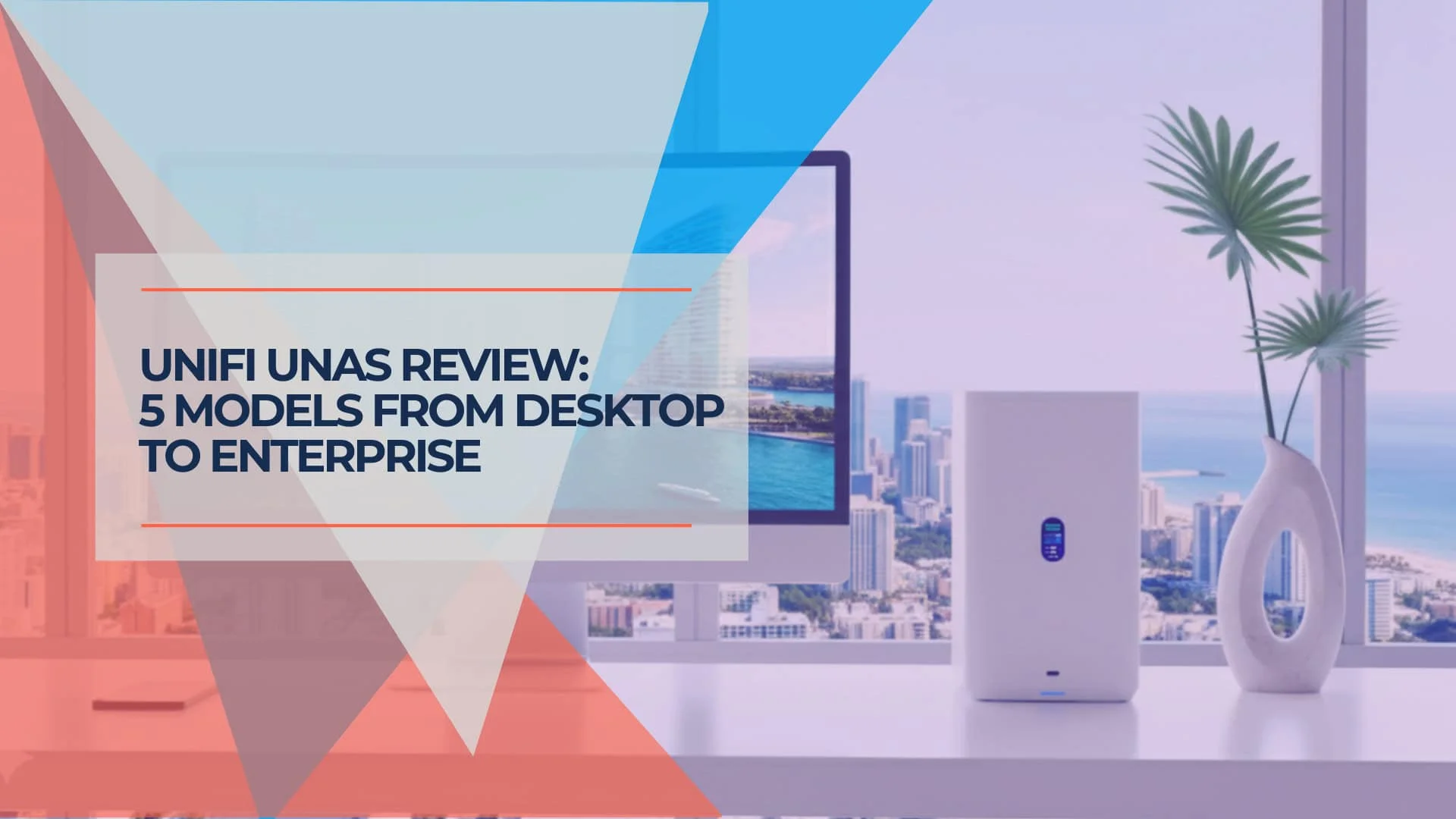
UniFi NAS Buyer's Guide 2026: The Best UNAS for Small Business
Compare every UniFi NAS model — UNAS 2, UNAS 4, UNAS Pro 4, UNAS Pro, and UNAS Pro 8 — with specs, bays, networking, and real-world performance data for SMB and MSP buyers. Check the Ubiquiti Store for current pricing.
22 min read

We Ran 538 Ubiquiti Devices for 4 Years. Here's What Actually Failed.
Real fleet data: 538 UniFi devices tracked over 4 years. 0.74% replacement rate, 99.99% core uptime, and five incident post-mortems from commercial sites.
15 min read