
Do You Need EDR or Is Antivirus Enough?
A practical guide for SMB owners comparing EDR vs antivirus. Learn when to upgrade from traditional AV to endpoint detection and response—and why your cyber insurance might require it.

Most small businesses rely on traditional signature-based antivirus designed for a simpler threat landscape.
This guide answers the core questions: What's the real difference between antivirus and EDR? Does your business need to upgrade? And which solution makes sense for your budget and team size?
Affiliate Disclosure: This article contains affiliate links. If you make a purchase through these links, we may earn a small commission at no extra cost to you. As an Amazon Associate, iFeelTech earns from qualifying purchases.
Quick Answer: EDR vs Antivirus at a Glance
| Feature | Traditional Antivirus | EDR (Endpoint Detection & Response) |
|---|---|---|
| Detection Method | Signature-based (blocks known threats) | Behavioral analysis (detects suspicious actions) |
| Fileless Malware | ❌ Cannot detect | ✅ Detects and blocks |
| Zero-Day Attacks | ❌ Misses until signature released | ✅ Catches by behavior |
| Automated Response | ❌ Block only | ✅ Isolate, remediate, rollback |
| Cyber Insurance | ⚠️ Increasingly rejected | ✅ Meets 2026 requirements |
| Cost (per user/month) | $2–3 | $4–9 |
Bottom line: Antivirus blocks known threats at the door. EDR watches what happens inside and can stop an attack in progress—even from threats it's never seen before.
Prefer to watch? This seven-minute video walks through the difference between antivirus and EDR and how to decide whether your business needs it. The written guide follows below.
EDR vs Antivirus: Does Your Business Need EDR?
What Is the Difference Between Antivirus and EDR?
Antivirus relies on signature-based detection to block known threats at the point of entry. EDR (Endpoint Detection and Response) uses behavioral analysis to detect and stop active threats inside the network.
Think of the difference this way:
- Antivirus is a lock on the front door that checks visitors against a "Do Not Enter" list.
- EDR is a security camera system inside the building that watches for suspicious behavior—like someone encrypting files at 3 AM—and automatically responds.
In 2026, traditional antivirus cannot stop fileless malware or zero-day ransomware because these attacks do not use "files" that match a known signature database. They operate in memory, abuse legitimate tools like PowerShell, and never trigger a signature scan.
How Traditional Antivirus Falls Short
Legacy antivirus vendors identify known threats, create a digital "fingerprint" for each one, and push updates to your software. When a file enters your system, antivirus checks it against the database.
The problem: attackers now use tools that slightly modify malware with each attack—just enough to avoid matching any known signature. They also increasingly use fileless attacks that run entirely in memory, never touching the disk where antivirus can scan them.
How EDR Changes the Game
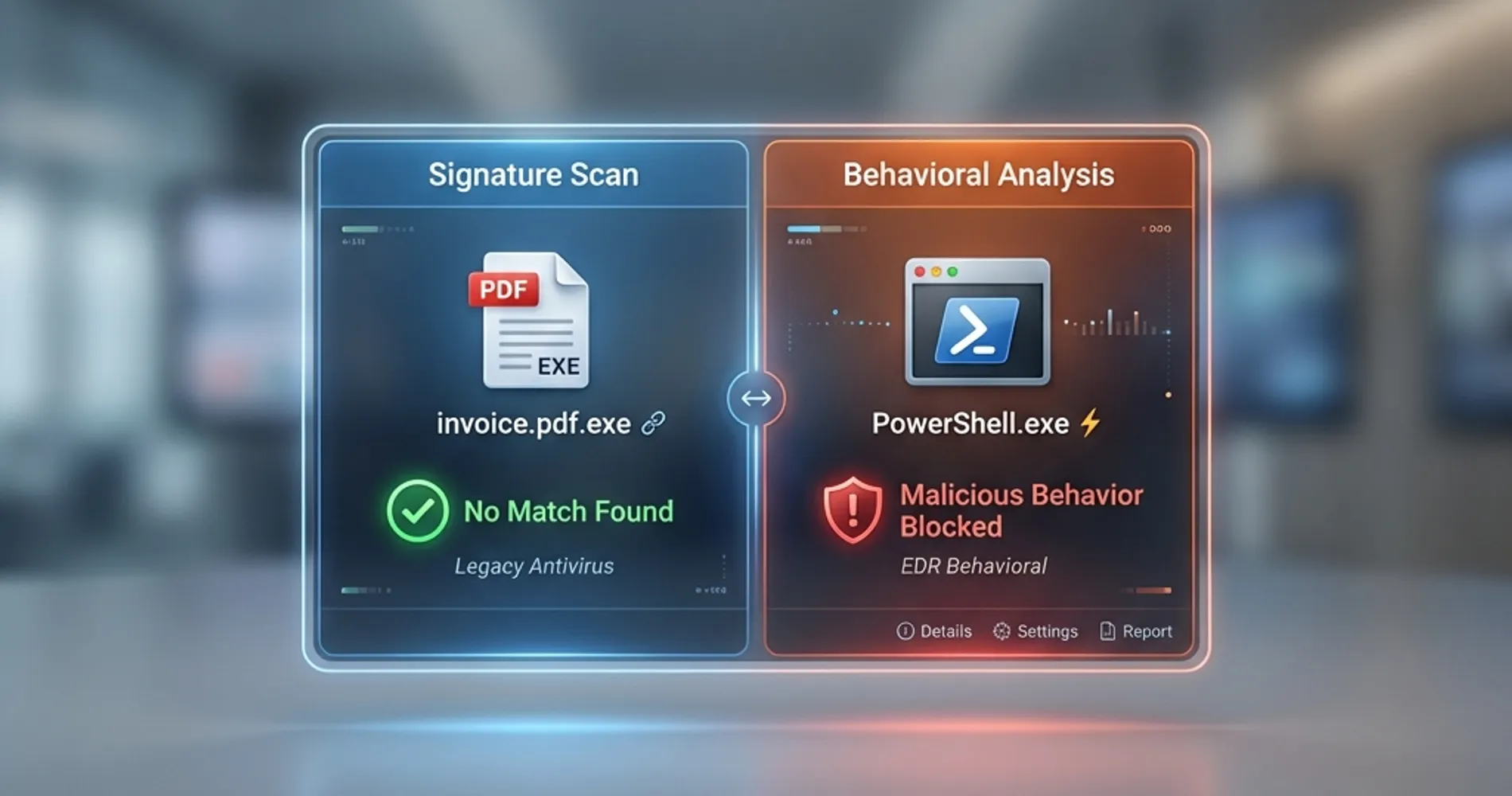
Instead of asking "does this file match something bad?", EDR asks "is this behavior suspicious?"
| Scenario | Antivirus Response | EDR Response |
|---|---|---|
| PowerShell runs an encrypted script at 3 AM | ✅ Allowed (no signature match) | ⚠️ Flagged and isolated |
| Word document spawns a command prompt | ✅ Allowed | ⚠️ Blocked and logged |
| Known ransomware variant | ⚠️ Blocked | ⚠️ Blocked |
| New ransomware variant | ✅ Allowed (no signature yet) | ⚠️ Detected by behavior |
| Legitimate admin using remote tools | ✅ Allowed | ✅ Allowed (normal baseline) |
EDR learns what "normal" looks like on your network. When something deviates—even if it's technically using legitimate tools—it flags, isolates, or remediates automatically.
Do Cyber Insurance Policies Require EDR in 2026?
Yes. Most major cyber insurance providers now mandate EDR deployment and properly configured MFA (multi-factor authentication) as non-negotiable conditions for coverage.
Carriers are no longer asking if you have security; they are asking for proof. If you file a claim for a ransomware incident and forensic analysis reveals you were only running basic antivirus, your claim may be denied under "failure to maintain adequate security" clauses.
Insurance Requirements in 2026
To maintain coverage, insurers typically require:
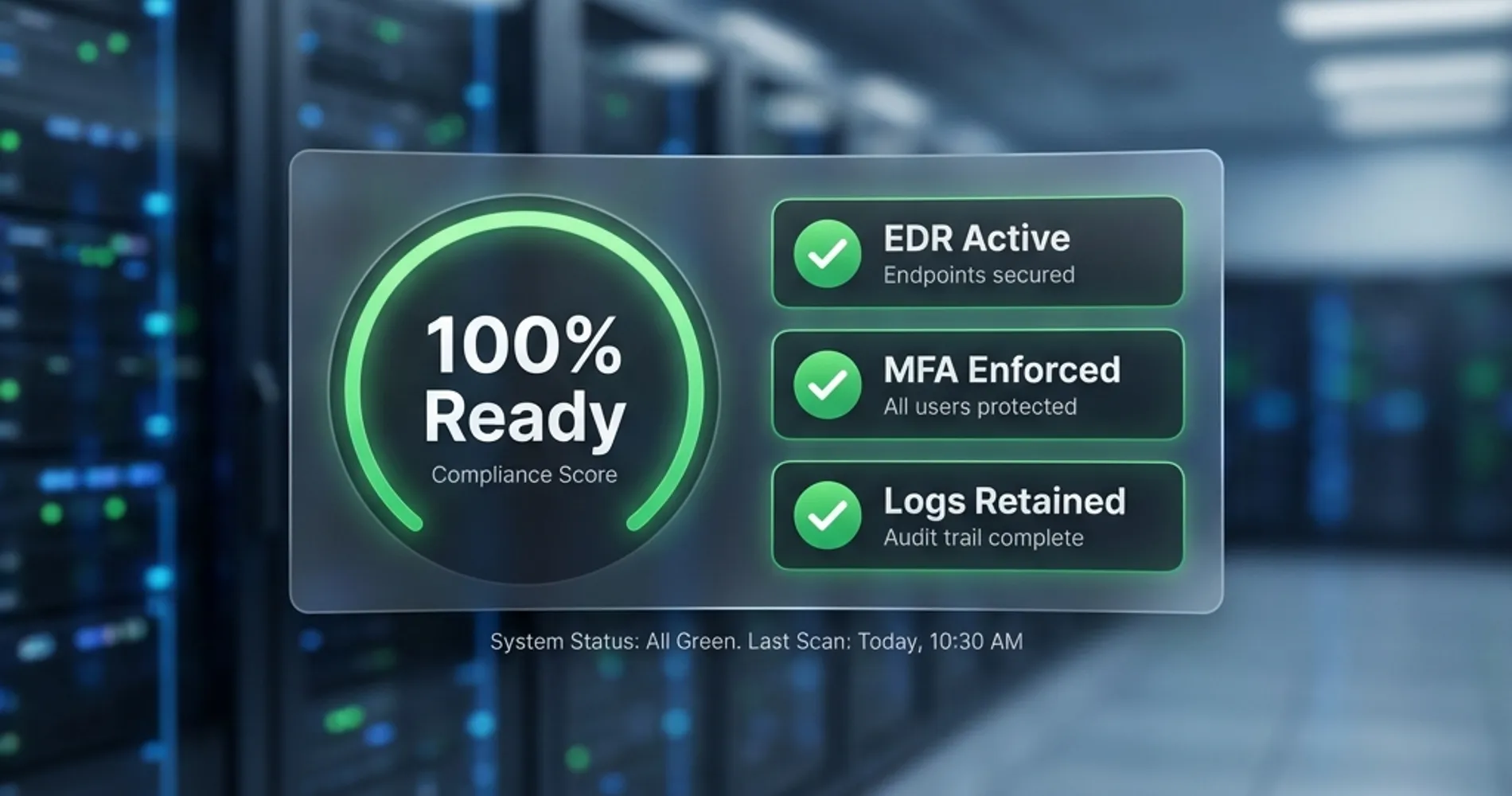
- EDR active on all endpoints (servers, laptops, remote workstations)
- MFA on all critical accounts (ideally phishing-resistant FIDO2/hardware keys, but at minimum app-based—SMS is no longer sufficient)
- Dashboard proof showing 100% coverage during renewal audits
This shift happened fast. Ask your insurance provider directly what endpoint protection they mandate—get the specific tools and configurations in writing before your next renewal.
Does Your Business Need EDR? A Decision Framework
Not every business needs to upgrade immediately. But if you check two or more of these boxes, EDR is no longer optional.
Your EDR Readiness Checklist
-
Remote or hybrid workforce? — The traditional network perimeter is gone. When employees connect from home networks, coffee shops, and airports, you've lost the ability to filter threats at a single entry point. EDR monitors each endpoint individually.
-
Sensitive client data? — If you handle PII (personally identifiable information), financial records, legal documents, or healthcare data, the stakes of a breach extend beyond your own business. You're also liable for your clients' exposed data.
-
Compliance requirements? — HIPAA, PCI-DSS, SOC 2, and similar frameworks increasingly expect—or explicitly require—advanced endpoint protection beyond basic antivirus.
-
No dedicated security monitoring? — This one is counterintuitive. If you don't have IT staff watching logs daily, you need EDR more, not less. Modern EDR solutions offer automated threat response and remediation. Without EDR, attacks can run undetected for weeks.
-
Can you actually monitor the alerts? — EDR tools generate security alerts that someone needs to review and act on. If you ignore the alerts ("PowerShell script blocked"), you're just as vulnerable as before. If you have absolutely no one to watch the dashboard, you need MDR (Managed Detection and Response), not just EDR software.
-
Mobile workforce with company devices? — EDR isn't just for laptops and servers anymore. With SMS phishing ("smishing") attacks surging, mobile EDR for iOS and Android devices is now a critical gap for businesses with field teams. Both ThreatDown and Defender for Business include mobile protection agents.
Zero boxes checked: Standard antivirus may be sufficient.
One box checked: Consider your risk tolerance and insurance requirements.
Two or more: EDR becomes a practical necessity rather than a nice-to-have.
What Is the Best EDR Solution for Small Businesses?
The best EDR solution depends on your available IT resources. Malwarebytes ThreatDown is best for automated simplicity, while Microsoft Defender for Business offers the best value for existing Microsoft 365 users.
Path A: Automated Simplicity (Malwarebytes ThreatDown)
Best for: Businesses without a dedicated security team who need strong protection that runs automatically with minimal configuration.
For businesses in this category, we recommend ThreatDown (formerly Malwarebytes for Business).
Why ThreatDown stands out:
- 7-Day Ransomware Rollback — This proprietary feature allows a non-technical owner to reverse ransomware damage with a few clicks, without complex backup restoration. If ransomware encrypts your files, ThreatDown can restore them to their pre-attack state.
- Truly "out of the box" — Minimal configuration required. Deploy it, and it works.
- Cross-platform support — Works on Windows, macOS, iOS, and Android.
- Cloud-based management — No on-premise server required.
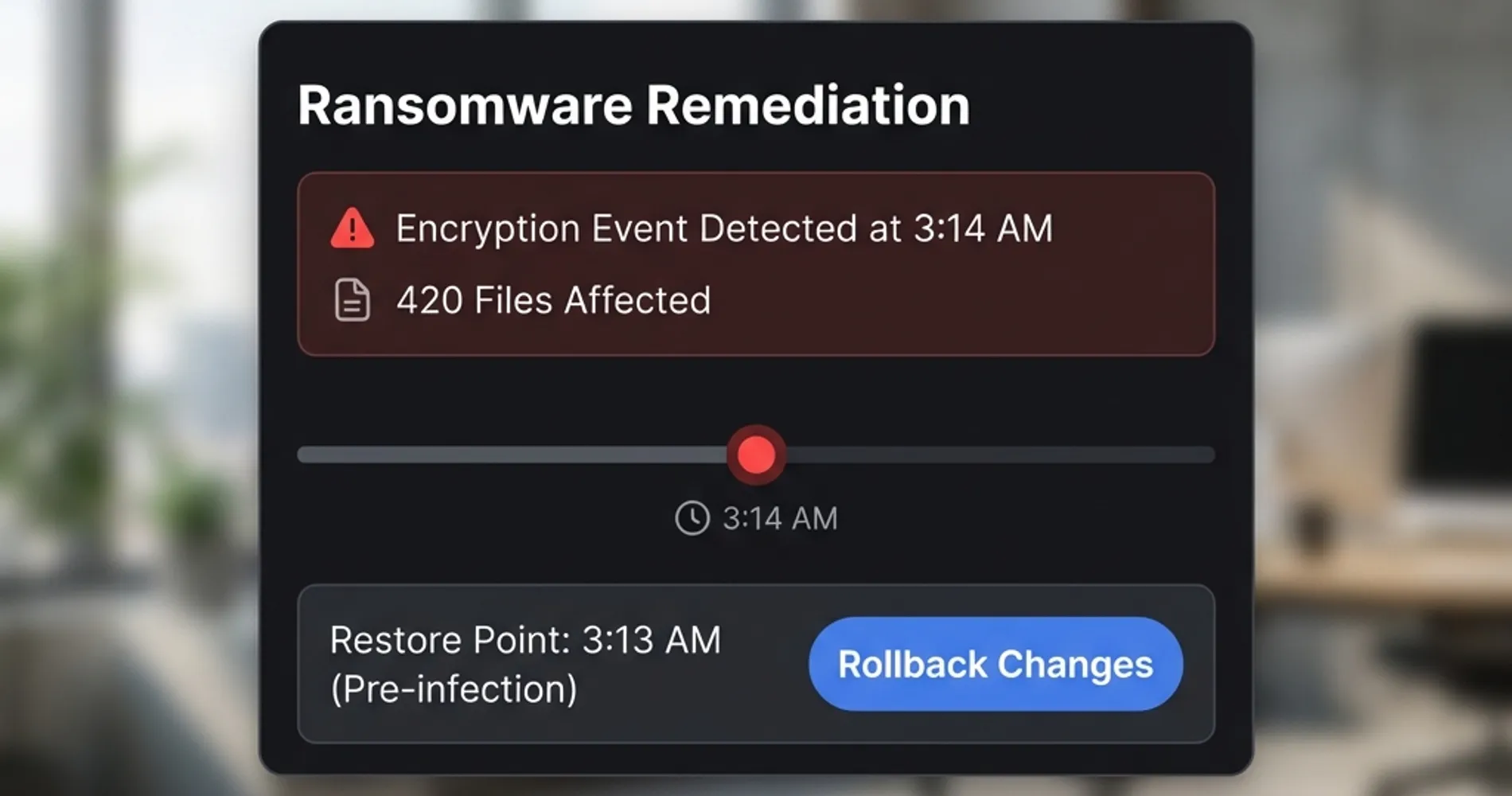
Pricing: ThreatDown Advanced runs approximately $6.50/user/month ($79/year).
Important note for businesses with zero IT staff: While ThreatDown offers excellent automated remediation, EDR tools still generate alerts and dashboards that someone needs to review. If you have absolutely no one to monitor security events, consider ThreatDown Elite (their MDR tier) or partner with a Managed Service Provider (MSP). MDR services provide 24/7 monitoring and response by security professionals.
Compare features in our Malwarebytes ThreatDown vs Microsoft Defender analysis.
Path B: Best Value for Microsoft Shops (Defender for Business)
Best for: Businesses already paying for Microsoft 365 Business Premium who want enterprise-grade EDR without additional licensing costs.
If you subscribe to Microsoft 365 Business Premium, you already own a world-class EDR: Microsoft Defender for Business.
The reality about Defender in 2026:
- Automatic Attack Disruption — Defender does possess powerful automated remediation, often outperforming competitors in independent lab tests. It can automatically isolate compromised devices and terminate malicious processes.
- Cross-platform support — Protects Windows, macOS, iOS, and Android devices from a single dashboard.
- Native integration — Seamlessly works with Entra ID (Azure AD), Intune, and the rest of the Microsoft security stack.
- Included in your subscription — No additional per-seat cost if you're on Business Premium.
The catch: Defender requires proper configuration. Unlike ThreatDown's out-of-the-box readiness, Defender works best when managed by an IT partner who can tune its automated investigation policies and ensure all Attack Surface Reduction rules are enabled.
Pricing: Included in Microsoft 365 Business Premium. As a standalone product, Defender for Business is approximately $3.00/user/month—making it the most budget-friendly EDR option for cost-conscious firms.
Path C: Compliance and Control (Bitdefender GravityZone)
Best for: SMBs with 20–50+ employees and IT staff who need granular policies, detailed audit logs, and flexibility for mixed environments.
Bitdefender GravityZone is the industry standard for businesses that need customization without enterprise-level complexity.
Why compliance-focused organizations choose it:
- Export-ready audit logs — SOC 2, HIPAA, and PCI-DSS report templates built in.
- Granular policy control — Set different protection levels for different user groups.
- Cross-platform support — Manages Windows, macOS, and Linux endpoints.
- On-prem or cloud deployment — Choose based on your infrastructure.
- Full-disk encryption management — Centrally manage BitLocker across all endpoints.
Pricing: GravityZone Business Security runs approximately $5–7/user/month depending on tier.
How Much Does EDR Actually Cost?
EDR costs more than traditional antivirus—but the pricing landscape has changed significantly. Here's the current reality:
| Solution Type | Cost Per User/Month | Example Products |
|---|---|---|
| Basic Antivirus | $2–3 | Norton Small Business, Avast Business |
| Budget EDR | $3.00 | Microsoft Defender for Business (standalone) |
| Mid-Range EDR | $5–7 | Malwarebytes ThreatDown, Bitdefender GravityZone |
| Premium EDR | $8–9 | CrowdStrike Falcon Pro, SentinelOne |
| MDR (Managed Service) | $12–20+ | Huntress, Arctic Wolf, Malwarebytes Elite |
For a 20-person company, upgrading from basic antivirus ($50/month) to mid-range EDR ($120/month) adds roughly $840/year to your security budget.
The Real ROI Calculation
Consider what a ransomware incident actually costs:
- Average SMB downtime: $8,000–25,000 per hour (varies by industry)
- Median ransomware payment for SMBs: $115,000+ (average across all businesses exceeds $1M)
- Recovery time without current backups: 2–4 weeks
- Cyber insurance claim denial: Possible if using only basic AV
One afternoon of downtime costs more than a decade of EDR licensing.
If Budget Is Tight: A Tiered Approach
Start with a prioritized deployment:
-
Priority 1: Deploy EDR to high-value targets first—Finance, HR, C-Suite, IT admins. These accounts have access to the most sensitive data and are the most common attack targets.
-
Priority 2: Consider Microsoft Defender for Business as your "budget EDR" layer for remaining users. At $3.75/user, it provides real EDR capability at near-antivirus pricing.
-
Priority 3: Upgrade remaining endpoints to full EDR as budget allows.
This tiered approach is a pragmatic solution when you're working with real-world budget constraints.
The MFA Connection: EDR Alone Isn't Enough
One critical point: EDR detects and stops attackers who are already inside your network. But the more effective strategy is preventing them from logging in at all.
Multi-factor authentication (MFA) is now as critical as EDR—and insurance providers know it. Most 2026 cyber insurance policies require both EDR deployment and phishing-resistant MFA on:
- All email accounts
- VPN and remote access
- Admin and privileged accounts
- Cloud platform dashboards (Microsoft 365, Google Workspace)
If you're evaluating EDR, evaluate your MFA posture at the same time. The strongest endpoint protection means nothing if an attacker can simply log in with stolen credentials.
The same logic applies one layer down: EDR monitors for attacks in progress, but automatic updates close the known vulnerabilities those attacks exploit to get in. Verify that baseline is configured on every device before layering detection tools on top.
The Bottom Line
Traditional antivirus was built for a threat landscape that no longer exists. It still catches commodity malware and known threats—but it cannot stop the sophisticated attacks that cause the most severe business disruption in 2026.
The decision framework is straightforward:
- If you have remote workers, handle client data, face compliance requirements, or need to maintain cyber insurance → you need EDR.
- If you're already paying for Microsoft 365 Business Premium → you already have EDR (Defender for Business). Make sure it's properly configured.
- If you want automated protection with minimal IT overhead → Malwarebytes ThreatDown is the simplest path.
- If you need compliance documentation and granular control → Bitdefender GravityZone delivers.
Next Steps
- Check your cyber insurance policy for specific endpoint protection requirements
- Audit your current MFA coverage alongside endpoint protection
- Start a free trial to see what your current antivirus is missing
Related Resources
- Best Cybersecurity Software for Small Business 2026 — Our complete roundup of security tools for SMBs
- Small Business Security Compliance Guide — Navigate HIPAA, PCI-DSS, and SOC 2 requirements
- Malwarebytes vs Microsoft Defender for Business — Detailed feature comparison
- CrowdStrike vs SentinelOne vs Bitdefender — Ready to choose your EDR? Compare the top three platforms side by side
Related Articles
More from Cybersecurity
Best EDR for Small Business in 2026: CrowdStrike vs SentinelOne vs Bitdefender
We compare CrowdStrike Falcon, SentinelOne Singularity, and Bitdefender GravityZone for SMBs — covering pricing for real fleet sizes, tier reality, detection capabilities, management overhead, and which platform fits teams without a dedicated SOC.
22 min read
Malwarebytes vs Windows Defender for Remote Teams: What Actually Works in 2026
Deployed both across 50+ small business clients. Here's what IT admins actually use for remote teams — Windows Security, Malwarebytes Teams, or Defender Business — and why the answer depends on your M365 situation.
20 min read
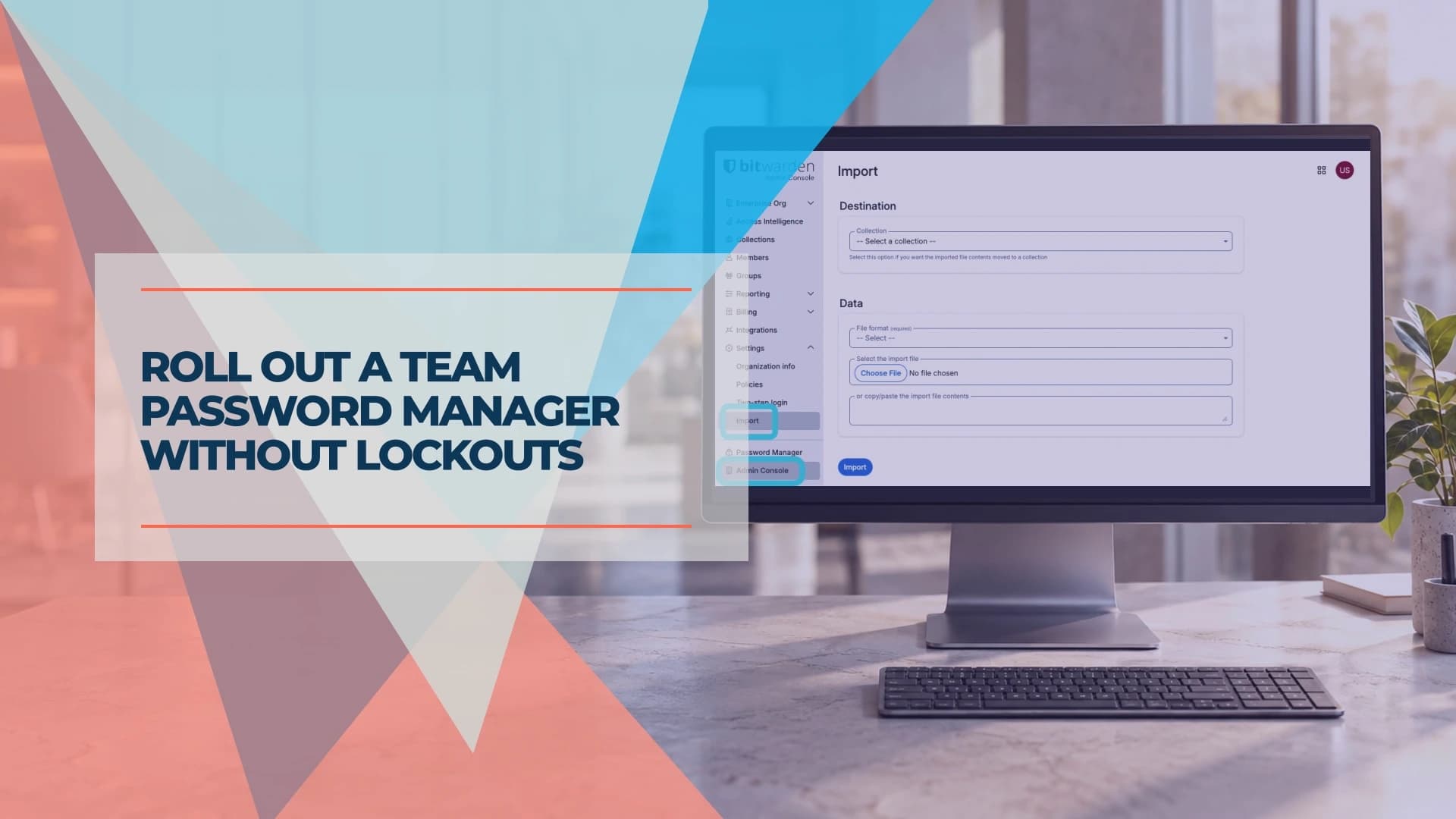
Roll Out a Team Password Manager Without Lockouts
Roll out a small-business password manager safely. Choose the right plan, test recovery, migrate shared vaults and remove access when employees leave.
13 min read