
My Experience with Microsoft Windows in 2025 (and What to Expect Going Into 2026)
Windows 11 Pro assessment from IT frontlines: account requirements, update reliability, feature bloat, and when to consider alternatives.

Key Takeaway
Windows 11 Pro has become noticeably more complicated for IT professionals in 2025. Forced Microsoft Account requirements, frequent update issues, and unwanted feature additions create real friction in business environments. This isn't dramatic pessimism—it's what we're seeing across hundreds of managed devices. We'll cover the specific problems, when Linux makes sense as an alternative, and practical guidance for businesses planning their 2026 technology refresh.
Why Windows Feels Different in 2025
We manage IT infrastructure for small and mid-sized businesses across Miami. That means deploying, imaging, patching, and supporting hundreds of Windows machines. Over the past 18 months, client conversations have shifted.
It's not a catastrophic failure. It's friction. Updates that break printing. Settings that revert after patches. Features nobody requested are appearing in the Start Menu. IT administrators are spending more time troubleshooting Windows itself rather than supporting actual business applications.
Windows 11 launched in late 2021 with stricter hardware requirements and a redesigned interface. By 2023, most businesses had either upgraded or decided to stay on Windows 10 until the October 2025 end-of-support deadline. Now, in late 2025, that deadline has passed, and businesses are confronting what Windows 11 Pro actually delivers in daily use.
Windows 10 End of Support
Windows 10 reached the end of support on October 14, 2025. Security updates are no longer available unless you purchase Extended Security Updates. If you're still running Windows 10 in a business environment, migration planning is urgent. We've covered this in detail in our Windows 10 End of Support Migration Guide.
The operating system works. Applications run. But the experience has changed in ways that create real problems for IT workflows.
The Forced Microsoft Account Problem
Windows 11 Pro prompts users to set up a Microsoft Account during initial installation, though a local account option still exists—it's just buried in the workflow. During setup, if you select "Set up for work or school" and then choose "Domain join instead," you can create a local account without actually joining a domain.
This workaround functions, but it's not intuitive. Previous Windows versions presented local account creation as a clear, straightforward option. Now it requires navigating through business-oriented prompts that don't accurately describe what you're doing. For IT professionals deploying multiple machines, this adds unnecessary complexity to what should be a simple process.
Windows 11 Home edition has no official local account option—users must create a Microsoft Account or sign in with one during setup. The Pro edition technically maintains local account capability, but Microsoft's design choices make it clear which direction they prefer users to take.
Why this matters for business environments: We deploy machines using standardized images. When the default path requires Microsoft Account authentication and internet connectivity, it complicates workflows that previously worked offline. Local accounts provide predictable setups that don't tie device configuration to cloud identities—useful for imaging, testing, and environments where cloud integration isn't appropriate.
This isn't about avoiding cloud services. Most of our clients use Microsoft 365 or Google Workspace for productivity. But device setup should be separate from user authentication. Windows 11 Pro preserves that separation—barely—while making it increasingly difficult to access.
IT departments prefer starting with local accounts, then joining devices to Azure AD or domain controllers as needed. The "Domain join instead" workaround provides this functionality, but the multi-step process and misleading prompts create friction that didn't exist in Windows 10.
If you're evaluating Windows 11 Pro against the Enterprise edition for your business, our comparison guide covers the key differences, including which administrative controls remain available in each edition.
Updates That Break More Than They Fix
Cumulative updates in 2025 have been particularly unreliable. We track this across our client base because patch management is a core part of IT security. Windows updates should improve stability and security. Instead, we're seeing regular reports of:
- Printing failures after KB updates
- Taskbar and Start Menu crashes
- Remote Desktop Protocol connection problems
- Search indexing breaking
- Outlook preview pane issues in the New Outlook
Microsoft typically releases patches to fix problems caused by its own patches. That's not new. What's different in 2025 is the frequency and the scope of breakage. Updates that should be routine—security patches and cumulative updates—pose a real risk of disrupting business operations.
This creates a dilemma for IT administrators. Deploy patches quickly to maintain security, or delay patches to avoid breakage? Many MSPs now maintain test environments specifically to validate Windows updates before deploying to production. That adds time and cost to what should be a straightforward security process.
We've written extensively about patch management strategies using tools like Action1 because this is now a significant concern for businesses trying to maintain security without sacrificing stability.
Too Much "Extra" in a Professional Operating System
Windows 11 Pro ships with Copilot integration, Teams, OneDrive sync prompts, and Microsoft Edge promotional content. These aren't necessarily bad features, but they're not appropriate defaults for business environments where IT teams need clean, predictable configurations.
Examples we see regularly:
Start Menu ads: Promotional content for Microsoft 365, OneDrive, or Game Pass appears in the Start Menu even on Pro editions. This feels unprofessional on business machines.
Copilot notifications: The AI assistant appears in the taskbar and occasionally shows notifications even when disabled through Group Policy or registry settings. Some of our clients don't want AI features on devices handling sensitive data.
Edge browser persistence: Setting Chrome or Firefox as the default browser triggers prompts encouraging users to reconsider. Opening PDF files or HTML emails defaults to Edge even after changing system defaults.
Background services: Each major update adds new services and scheduled tasks. Some relate to telemetry, others to feature updates or Microsoft Account syncing. Disabling these requires ongoing maintenance because updates can re-enable them.
None of this breaks Windows. But it creates friction. IT administrators spend time removing, disabling, or hiding features that shouldn't be there in the first place on Pro editions marketed to businesses.
For businesses using Google Workspace who want to prevent OneDrive from interfering, we've documented the specific configuration steps to keep workstations clean and free of Microsoft cloud service conflicts.
Is Linux Becoming a Real Alternative?
We're seeing increased interest in Linux for business environments. Not wholesale migration—that's still rare—but strategic adoption for specific use cases.
The 2025 Linux landscape is substantially improved compared to even three years ago:
What Works Well in 2025
Ubuntu 24.04 LTS: Long-term support release with excellent hardware compatibility and firm security defaults. This is what we recommend for businesses testing Linux.
Linux Mint 22: Built on Ubuntu 24.04 but with a more traditional desktop interface. Non-technical users adapt to this quickly because it resembles Windows in layout and behavior.
Zorin OS: Specifically designed to ease Windows-to-Linux transitions. The interface can mimic Windows 11, Windows 10, or macOS, depending on user preference.
Driver support has improved significantly. NVIDIA released open-source GPU drivers. AMD and Intel graphics work reliably. WiFi, Bluetooth, and printer support are largely solved problems. Dell and Lenovo now ship Linux-certified business laptops with guaranteed compatibility.
Daily computing tasks—web browsing, email, document editing, video calls, programming—work without friction on Linux in 2025. LibreOffice handles most Microsoft Office files. Google Workspace and Microsoft 365 web apps run in any browser. Zoom, Slack, and Teams have native Linux clients.
Where Linux Still Has Limitations
Software compatibility remains the primary barrier:
- Adobe Creative Suite: Photoshop, Illustrator, and Premiere Pro don't run on Linux. Alternatives exist (GIMP, Inkscape, DaVinci Resolve), but they're not drop-in replacements.
- QuickBooks Desktop: The desktop version requires Windows. QuickBooks Online works fine, but some businesses need the desktop features.
- Industry-specific software: Construction estimating, medical practice management, legal case management—many vertical applications are Windows-only.
- Active Directory integration: Linux can join AD domains, but the experience isn't as seamless as Windows.
Gaming compatibility has improved dramatically through Valve's Proton technology, but that's not relevant for most business use cases.
When Linux Makes Sense for Businesses
We're Recommending Linux Evaluation For
- Development environments: Linux is the native platform for most modern web and software development. Developers often prefer it regardless of Windows issues.
- Office productivity workstations: If your workflow is primarily browser-based, email, documents, and spreadsheets, Linux handles this without compromise.
- Older hardware: Machines that struggle with Windows 11's requirements often run Linux perfectly. This extends device lifecycles.
- Privacy-conscious environments: Linux eliminates telemetry concerns that some businesses have with modern Windows.
- Server infrastructure: Most businesses already run Linux servers. The reliability and security are proven.
What I Tell My SMB Clients
The answer depends on your specific business needs. Here's the framework we use:
Stick with Windows If You
- Use Microsoft 365 with desktop apps (Outlook, Excel, PowerPoint)
- Rely on Windows-exclusive software (QuickBooks Desktop, Adobe Creative Suite, AutoCAD)
- Need Active Directory or Azure AD for centralized management
- Have existing investments in Windows-based infrastructure
- Require Intune or Group Policy for device management
Consider Linux For
- Development teams are already comfortable with command-line tools
- Browser-based workflows (Google Workspace, SaaS applications)
- Specific-use machines (kiosks, point-of-sale, dedicated workstations)
- Organizations prioritizing data privacy and reduced telemetry
- Extending the life of older hardware that can't meet Windows 11 requirements
Most businesses will continue using Windows for the majority of their fleet. But testing Linux on a few non-critical machines makes sense. If it works for your use case, you've reduced licensing costs and eliminated many of the friction points we've discussed.
For businesses planning device refreshes in 2026, we recommend evaluating both paths. Buy machines with strong Linux hardware support (Dell Latitude, Lenovo ThinkPad, HP EliteBook business lines all work well). Test your critical applications. See if the workflow matches your needs.
What Microsoft Should Fix Going Into 2026
These are reasonable requests based on what IT professionals actually need:
- Separate Pro from Home: Pro editions should ship without consumer features, ads, and promotional content. Give us a clean baseline.
- Optional cloud integration: Allow local accounts without workarounds. Join devices to cloud services when appropriate, not by default.
- Improve update quality assurance: Cumulative updates should not regularly break core functionality, such as printing or networking.
- Communicate changes clearly: When significant features or behaviors change, document them properly in advance.
- Provide a minimal installation option: Let IT administrators choose a base install without bundled apps and services.
- Respect IT configurations: Stop re-enabling services and settings that administrators deliberately disabled.
Windows is still a sound operating system. It runs millions of businesses successfully. But the trajectory over the past few years has added complexity where simplicity is needed.
Planning Your 2026 Technology Strategy
With Windows 10 support ended, businesses need clear migration plans. Here's what we're recommending to clients:
Evaluate Your Device Fleet
Hardware older than 5-7 years is unlikely to run Windows 11 reliably. You're facing device replacement regardless of operating system choice. Plan your network infrastructure refresh around predictable device lifecycles.
For new Windows 11 machines, business-class laptops from Dell, Lenovo, and HP provide better compatibility and support than consumer models. We recently published our best business laptops for Fall 2025, focusing on machines that balance performance, reliability, and value for SMB deployments.
Recommended Business Laptops for Windows 11
If you're ready to purchase new Windows 11 devices, these consistently perform well in business environments:
- Small business (5-15 employees): The Lenovo ThinkPad E14 Gen 6 offers solid performance and durability at a reasonable price for budget-conscious companies.
- Mobile professionals: The Lenovo ThinkPad X1 Carbon Gen 13 offers premium build quality and excellent battery life for executives and field teams.
- Power users and technical staff: Dell Latitude 5440 delivers enterprise-grade performance with strong Linux compatibility if you're testing dual-platform deployments.
Standardize Your Software Stack
Document which applications your business actually needs. Many organizations carry legacy software that's no longer used. Retiring those dependencies gives you greater flexibility in choosing an operating system.
Web-based alternatives often match or exceed desktop software capabilities in 2025. Consider whether SaaS versions of your critical tools might work better than installed applications.
Windows 11 Licensing Considerations
For businesses migrating from Windows 10, clean installations often provide better stability than in-place upgrades. If you need Windows 11 Pro licenses for new or existing machines, retail licenses are available that work for both fresh installations and upgrades from Windows 10.
Test Before Committing
Whether you're migrating to Windows 11 or testing Linux, deploy pilot machines first. Have actual users work with the new environment for 30-60 days before making large-scale purchases.
This identifies compatibility problems, workflow changes, and training needs before they affect your entire organization.
Maintain Security Fundamentals
The choice of operating system doesn't eliminate security requirements. You still need:
- Regular patch management (whether Windows updates or Linux package updates)
- Endpoint protection (antivirus, anti-malware, EDR solutions)
- Data backup systems independent of your operating system
- Network security (firewall, VPN, intrusion detection)
- User training on phishing and social engineering
We maintain detailed guides on small business cybersecurity fundamentals because these apply regardless of which operating system you choose.
Essential Security Software for Windows 11
For businesses staying on Windows 11, consider these endpoint protection options:
- Malwarebytes for Teams provides strong anti-malware protection and centralized management for small businesses.
- ESET Small Business Security provides lightweight endpoint protection that doesn't affect system performance on older Windows 11 machines.
Backup Strategy for Operating System Transitions
Whether upgrading to Windows 11 or testing Linux, protect your data first. Cloud backup solutions maintain accessibility regardless of changes to operating systems.
For businesses needing affordable, cross-platform backup, iDrive for Business offers unlimited backup for multiple devices at competitive pricing. Our detailed review covers the features most relevant to SMBs managing OS migrations.
Consider Professional IT Support
Whether you're running Windows, Linux, or a mixed environment, professional IT management ensures systems remain secure, up to date, and properly configured. This matters more to most businesses than operating system selection.
If you're in the Miami area and need help evaluating your technology strategy, we're available for consultation. We can also point you to other reputable IT providers in Miami if we're not the right fit for your specific needs.
Schedule a Technology Planning ConsultationFrequently Asked Questions
Should I stay on Windows 10 past the October 2025 deadline?
No. Running unsupported operating systems creates serious security risks. You won't receive security patches for newly discovered vulnerabilities. Microsoft offers Extended Security Updates for a fee, but migrating to Windows 11 or an alternative operating system is the better long-term solution.
Can I still use local accounts on Windows 11 Pro?
Actually, you can still set up a local account by choosing the Work or School option and selecting Domain Joined when configuring a new computer. While the default setup strongly pushes you toward creating a Microsoft Account, carefully following this path lets you bypass it and create a local account instead. The key is to pay close attention during the initial setup process, as the default experience is designed to guide users toward creating a Microsoft Account.
Is Linux difficult to maintain for small businesses?
Not necessarily. Modern Linux distributions, such as Ubuntu LTS, receive automatic security updates similar to those in Windows. Many businesses find Linux easier to maintain because there are fewer unexpected feature changes. However, you need IT staff or an MSP comfortable with Linux administration. If your current IT support only knows Windows, that's a training or staffing consideration.
Will Windows 11 get better with future updates?
Possibly, but the core design decisions—cloud-first identity, integrated services, and feature additions—appear intentional rather than temporary. Microsoft is moving toward cloud-connected, service-based computing. That trajectory is unlikely to reverse. Businesses need to decide whether that direction aligns with their needs or whether alternatives make more sense.
What about Windows 11 Enterprise or Education editions?
Enterprise editions provide more control through Group Policy and configuration tools. Many of the issues we've discussed can be managed or disabled in Enterprise environments. However, Enterprise licensing is typically only cost-effective for larger organizations. Small and mid-sized businesses usually work with Pro editions, where these controls are more limited.
Final Thoughts
Windows 11 in 2025 is functional but frustrating for IT professionals. The forced Microsoft Account requirement, unreliable updates, and feature bloat create real problems for business deployments. These aren't insurmountable issues, but they represent a departure from the predictable, administrator-friendly approach that made Windows the default business operating system.
Linux has evolved into a legitimate alternative for specific use cases. It's not appropriate for every business, but it's worth evaluating—particularly for organizations frustrated with Windows complexity or looking to extend the life of older hardware.
The reality for most businesses heading into 2026: you'll probably continue using Windows for the majority of your infrastructure while being more selective about where you deploy it. Test alternatives. Maintain flexibility. Choose tools based on actual needs rather than assumptions about what operating systems can or can't do.
We're here to help Miami-area businesses navigate these decisions with practical technology planning that prioritizes business needs over vendor preferences. If you're planning device refreshes, migration strategies, or just want honest guidance about your technology direction, we're available for consultation.
Affiliate Disclosure: This article contains affiliate links. If you make a purchase through these links, we may earn a small commission at no extra cost to you.
Related Articles
More from IT Guides
Windows 11 Pro vs Enterprise: Complete Business Guide 2026
Windows 11 Pro costs $199 MSRP (street price ~$150-160) vs Enterprise at $84-144/year. AI data protection, July 2026 price hikes, and post-Win10 EOL guidance for businesses.
22 min read
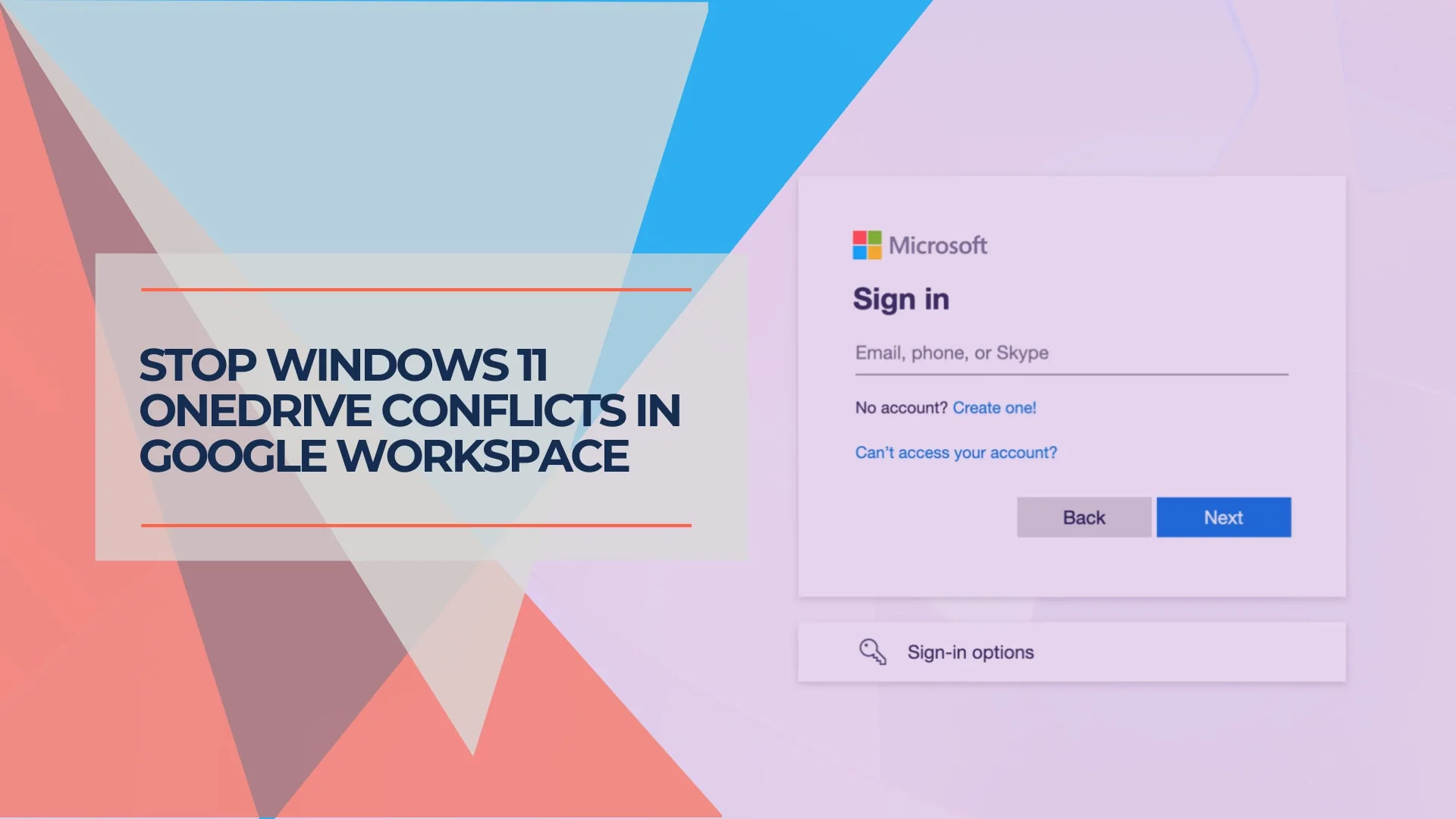
Managing Windows 11 with Google Workspace: Preventing Unwanted Microsoft Service Integration
Windows 11 automatically enables OneDrive and Edge, conflicting with Google Workspace. Learn practical solutions to control your business environment.
14 min read
Windows 11 25H2 Update: New NPU Requirements & ESU Pricing (Jan 2026)
Windows 11 25H2 rolled out Jan 13, 2026 with NPU battery fixes. Check compatibility, ESU pricing ($30/year), and Intel Panther Lake requirements.
15 min read